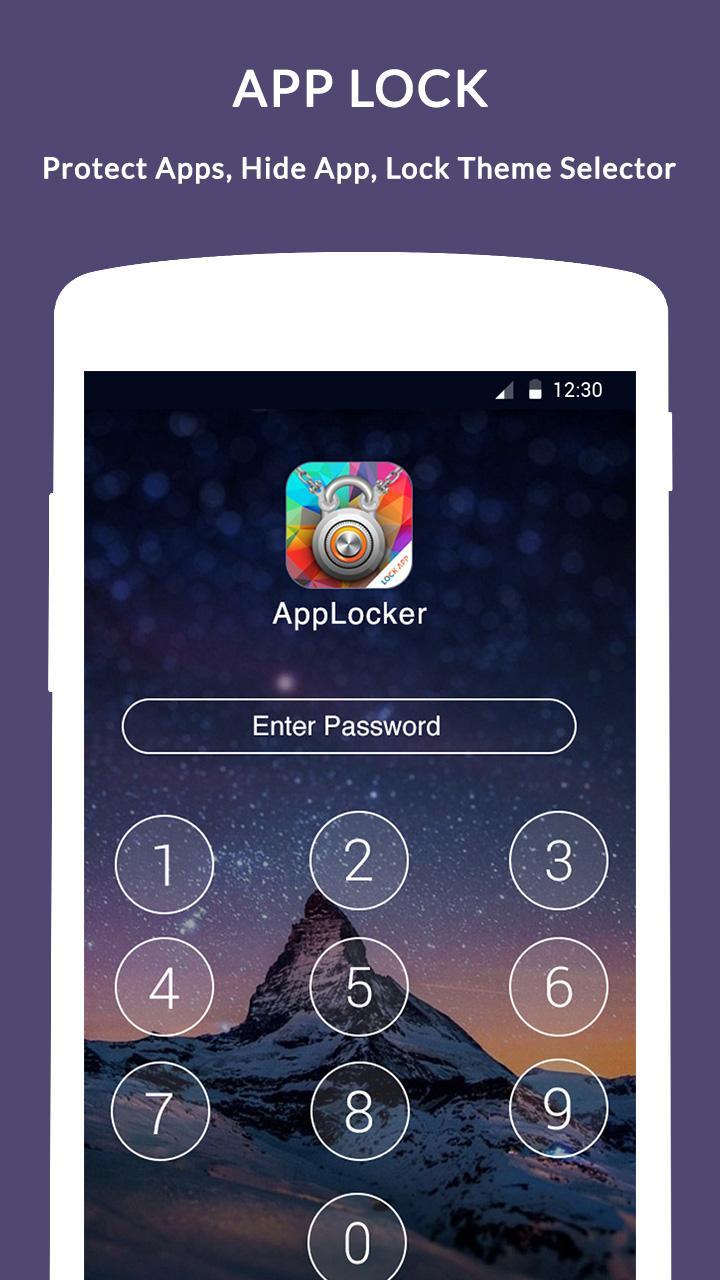
App Locker can lock your private apps like Messaging Apps, Contacts, Social Apps, Settings, Calling Apps and any app you choose.
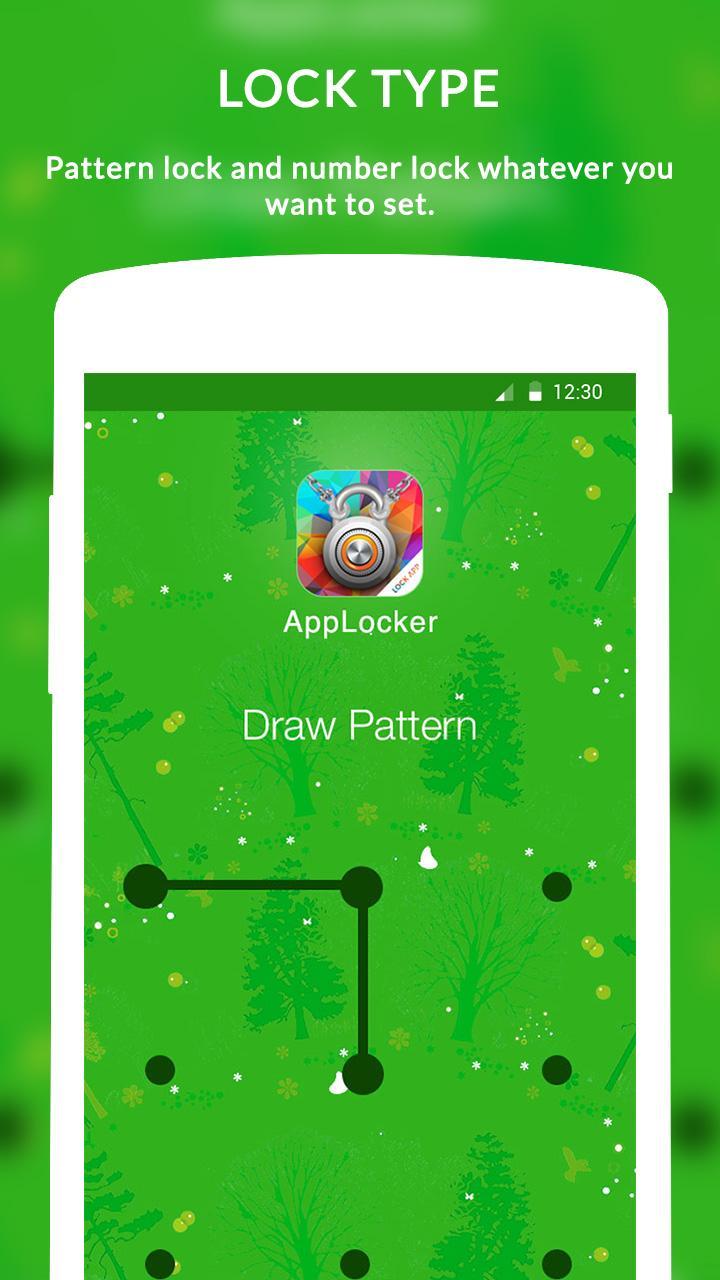
► LOCK TYPE
Pattern lock and number lock whatever you want to set.
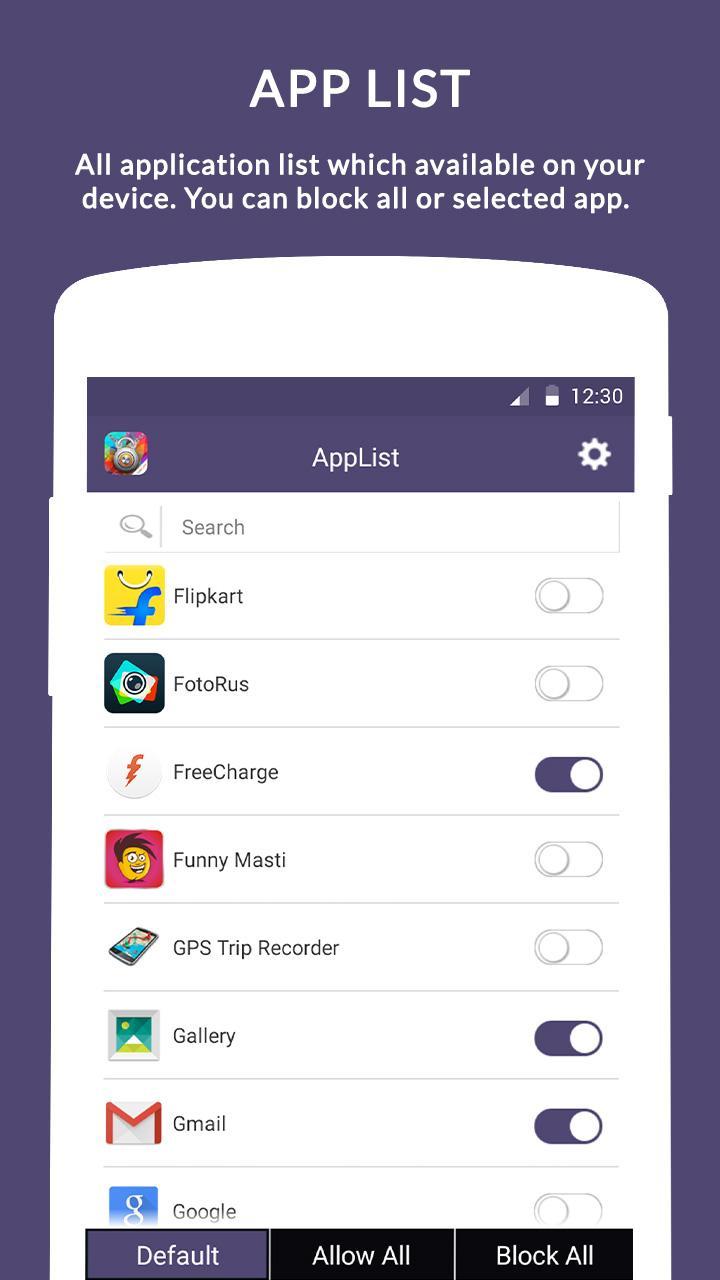
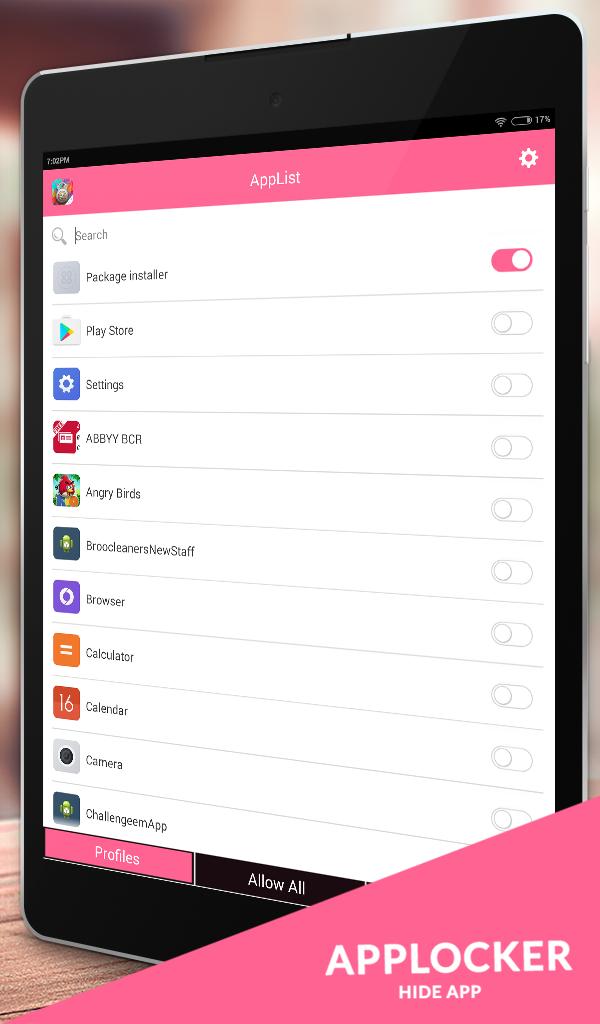
► APP LIST
All application list which available on your device. You can block all or selected app.
► SETTING
Set your own settings, lock type, themes, relock policy and relock timeout.
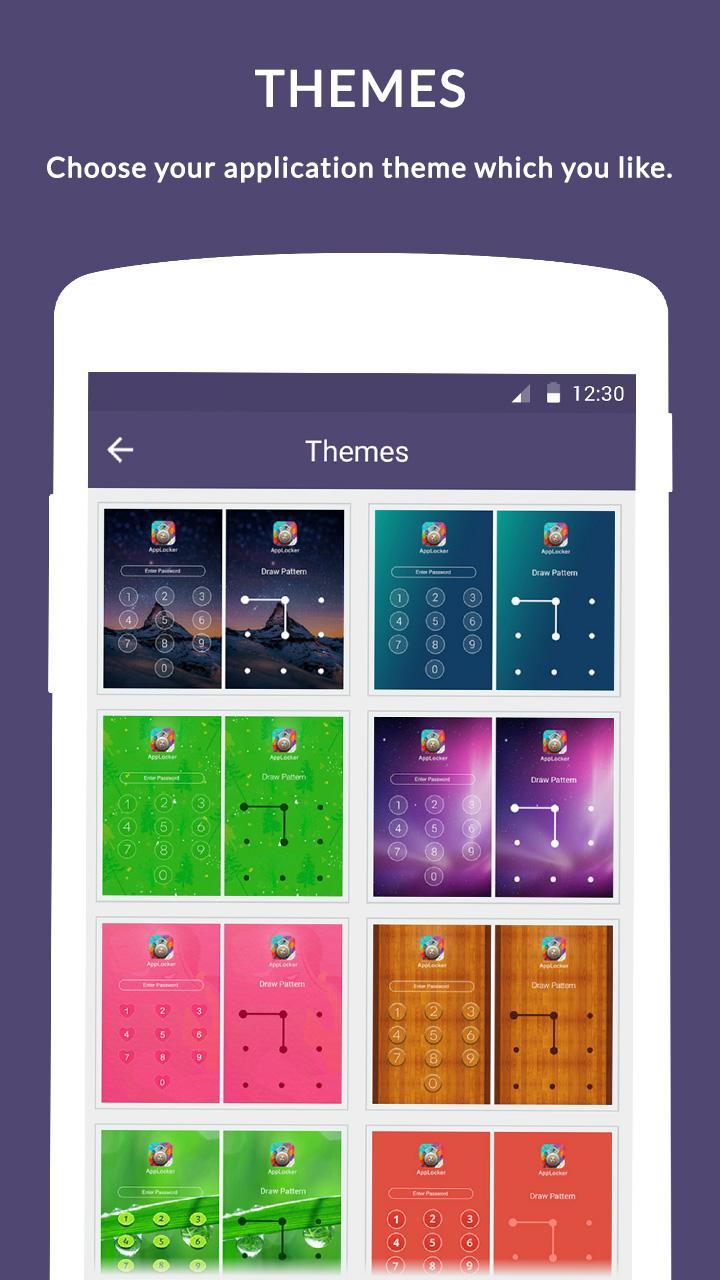
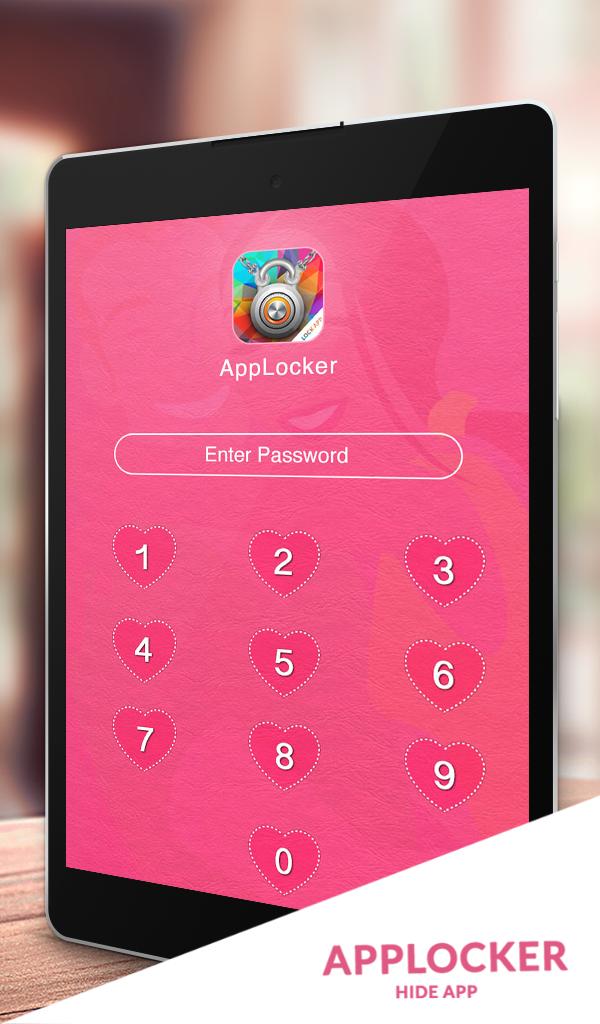
► THEMES
Choose your application theme which you like.
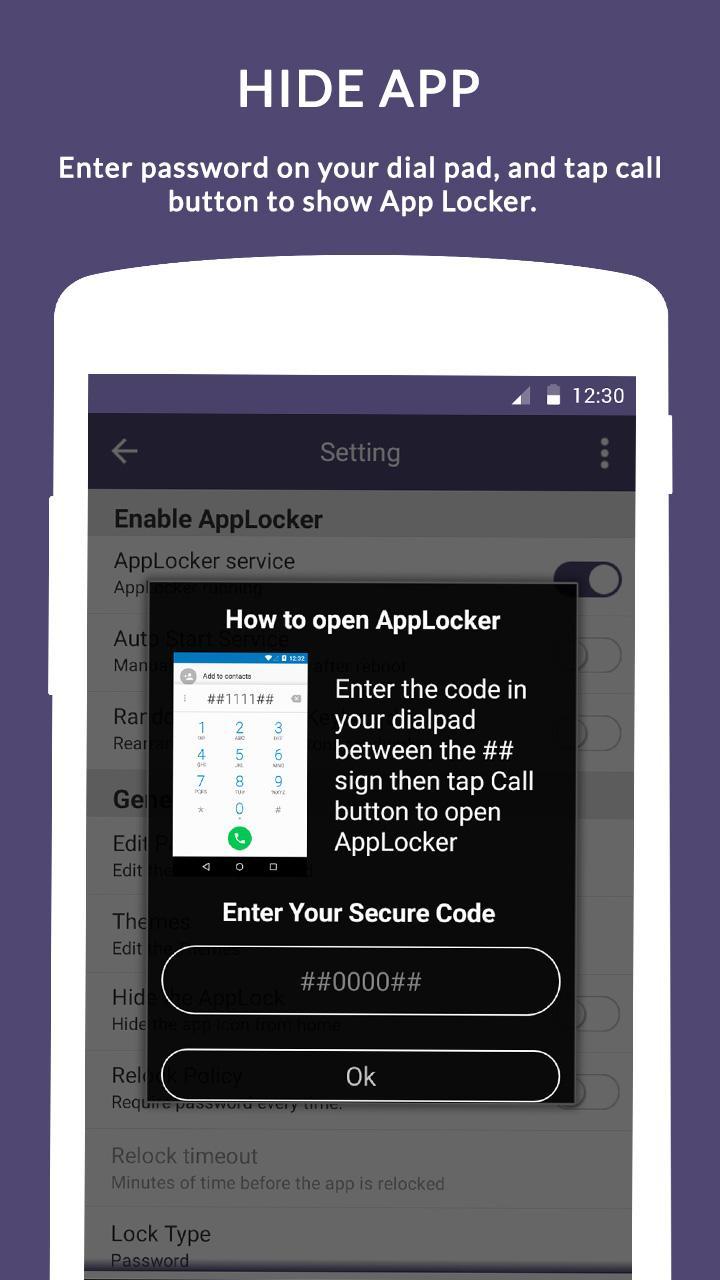
► HIDE APP
Enter password on your dial pad, and tap call button to show App Locker.
► All Features:
=============
- Protects any apps using password or pattern
- Themes
- Random keyboard
- Change password
- Lock type like pattern or password
► FAQ:
=======
1) I hide App Icon then how to open App now?
- Open your Dial pad
- Enter ## YOUR PASSWORD ## in your dial pad, and tap call button to open App.
- For Example: your password is 1589 then dial ##1589## from your dial pad, it will open your App.
2) Android Lollipop plus (Android 5.0+) devices need permission for background service. How to give that permission?
- Go to Setting > Security > Apps with usage access > Turn on App Locker
- That's it.
3) How to remove notification of application from status bar?
- Open our Application > Go to settings > Open Menu > Select Hide Notification.
- It will navigate you to App info
- Now Uncheck Show notifications > Press OK.
- You're done.
Feel free to send your feedback here! creativeappstudio2015@gmail.com
App Locker will Secure Apps.
Latest Version
1.4.1Uploaded by
Brain Fachetti
Requires Android
Android 4.0+
Category
Free Tools AppContent Rating
Everyone
Report
Flag as inappropriateLast updated on Dec 28, 2016
➢ Performance improved.
➢ Bug fixed.


APKPure - A multi-platform app store primarily focused on Android, providing extensive app-related content. Discover the app you want easier, faster, and safer, with quick and efficient downloads and installations.