
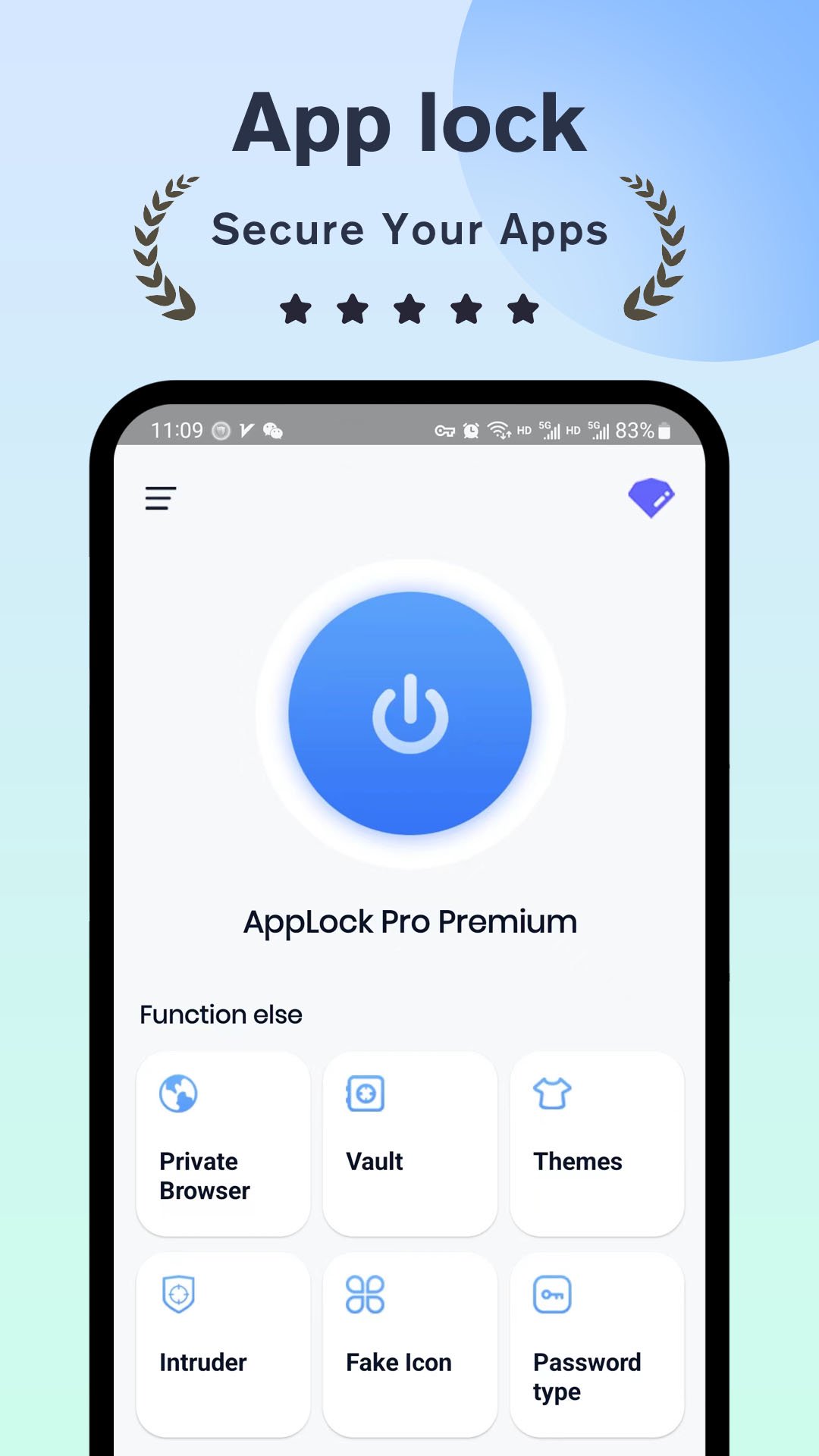
AppLock Pro Premium is one of the most popular app lockers, allowing you to easily lock apps or photos. 🔒📱
Choose a locking method to secure your desired applications. AppLock is the best way to prevent unauthorized access to your locked apps.
Your privacy is important to us. Use this app lock to ensure the security of your applications! 🙈🔒
Features:
★ App Lock
Lock your private apps (social media, settings, messaging, communication apps, etc.) using a password, fingerprint (if supported by your device), pattern lock, or PIN. 🔒🔐👤
★ Spy Camera
When someone attempts to open your locked apps, AppLock captures a selfie 🤳 using the front camera and saves it to the gallery.
★ Fake Error Message
You can set up additional security measures. If activated, an error message will be displayed when someone tries to open the locked app. ⚠️🚫
★ Spy Alarm?
If the password is entered incorrectly five times, a spy alarm will sound. 🚨🔒
★ Customization
You can customize themes and background styles. Choose an image from the gallery as your background. 🎨
★ Other Advanced Features
System status, new app alerts, lock recent apps menu.
AppLock is optimized for battery and memory usage. Additionally, you can use AppLock at an affordable price without ads. ⚙️🔋💡
Lock Types:
★ Fingerprint Lock (if supported by your device)
Lock the apps with fingerprint authentication. It works if your device supports fingerprint scanning!
★ Pattern Lock
Create a pattern by connecting dots. 🔢🔒🔍
★ PIN Lock
Create a 4-8 digit numeric password. 🔢🔒📝
▶ Frequently Asked Questions
★ How to prevent AppLock from being uninstalled?
First, you should lock all critical apps. Second, activate the "Hide Icon" option in the preferences tab. 🚫📲
★ Why does AppLock require permissions?
AppLock includes advanced features that require necessary permissions to enable them. For example, the "Photos/Media/Files" permission is required to select a background image. 📷📂🔐
★ What if I forget the password?
You can set a new password using a secret answer. ❓🔒🔑
★ How to hide pictures and videos?
If you lock the Gallery app, intruders will not be able to see your photos and videos.
Please note that the translation provided is an optimized version of the original text and may not be an exact word-for-word translation.
Latest Version
1.0.1Uploaded by
Kristóf Zsebő
Requires Android
Android 5.1+
Category
Free Tools AppContent Rating
Everyone
Report
Flag as inappropriateLast updated on Nov 22, 2023
Minor bug fixes and improvements. Install or update to the newest version to check it out!




APKPure - A multi-platform app store primarily focused on Android, providing extensive app-related content. Discover the app you want easier, faster, and safer, with quick and efficient downloads and installations.











