Appetize helps fans handle purchases and extras at participating venues, so you spend less time in lines and more time watching. The app focuses on a secure, reusable profile for quick payment at supported stands and with roaming vendors. Availability depends on the venue and event, and options can change by location. Install the Appetize APK on a compatible device before you go, then open it at a supported venue to see what is offered.
Order food and drinks to your seat
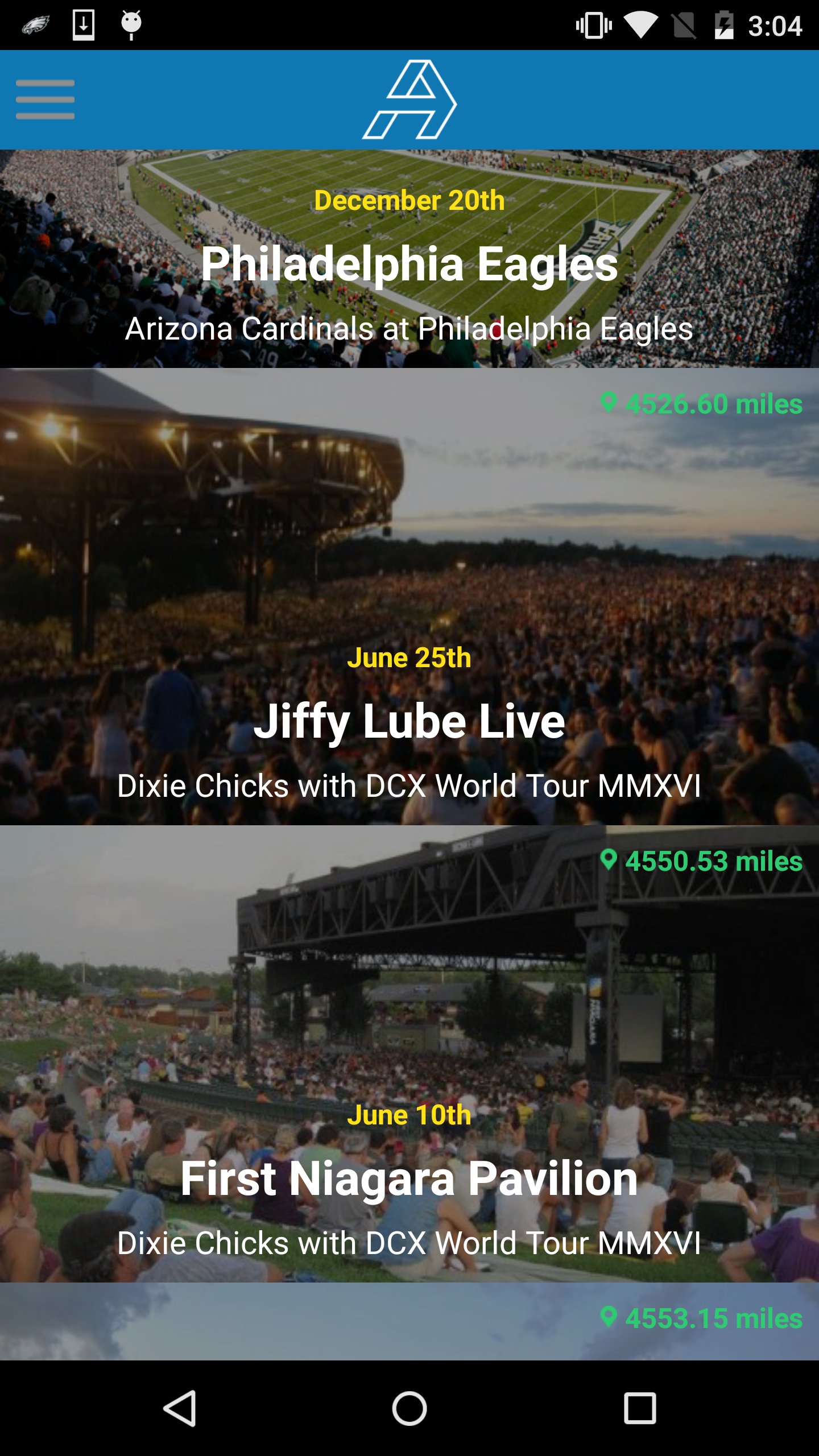
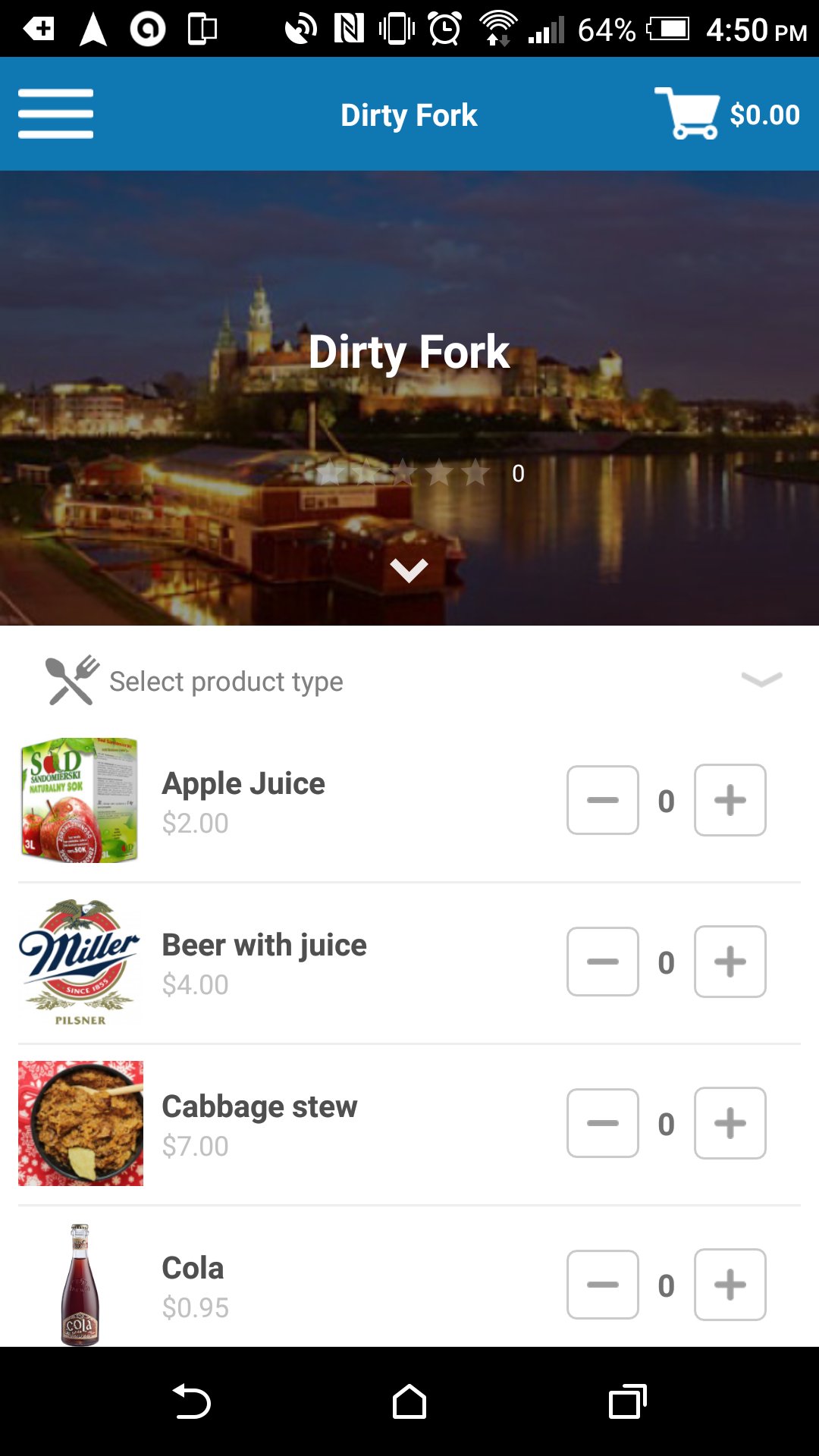
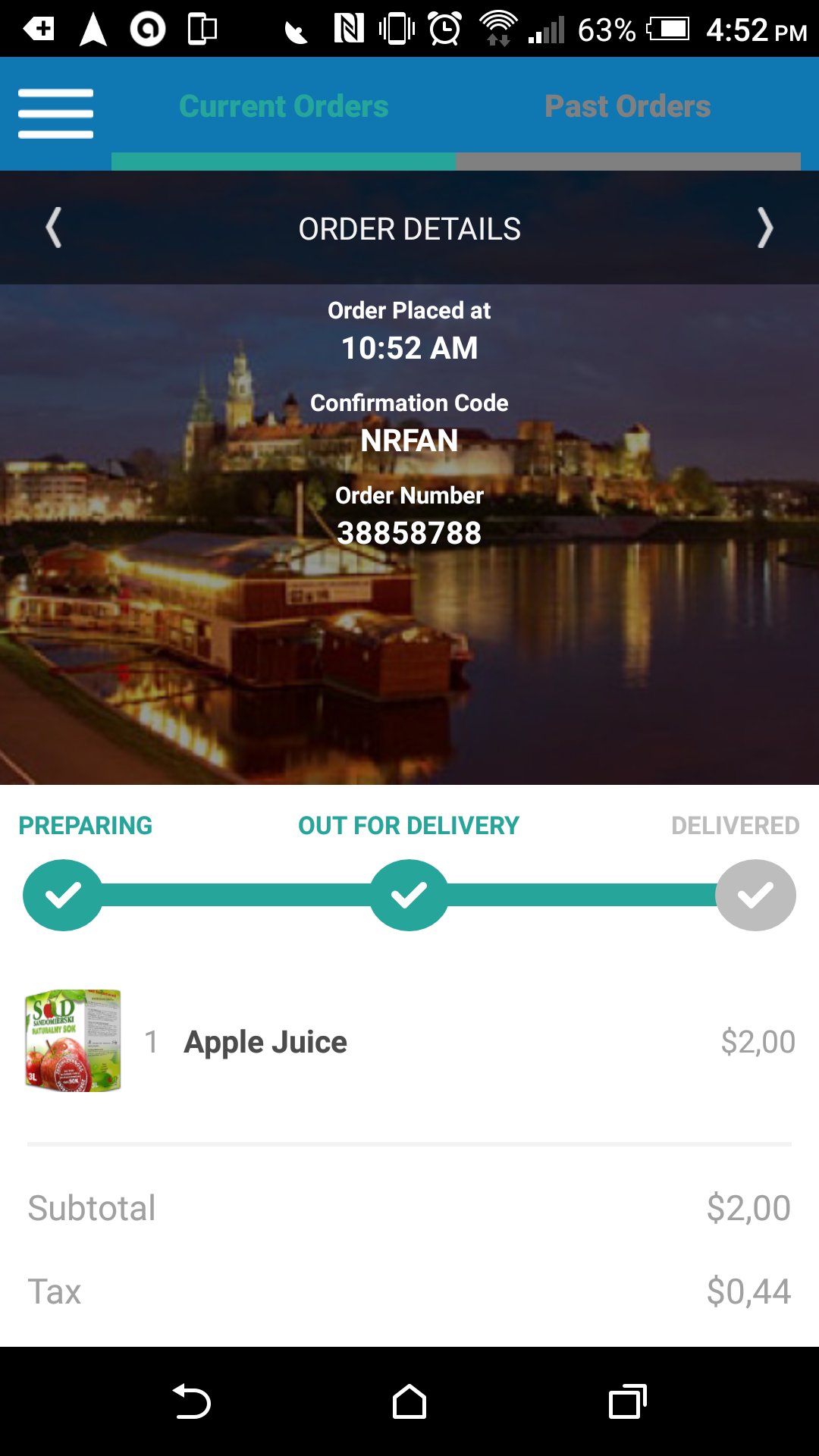
At supported venues, you can browse menus and send orders to your section. Orders are delivered to your seat when available. This reduces time away from your seat and helps you keep up with the event.
Exclusive merchandise and VIP upgrades
Find limited merchandise and upgrade options offered by the venue. Examples can include premium areas or backstage passes when available. Options vary by event and inventory.
Secure profile with Bluetooth payment
Available at many major venues
Appetize partners with arenas and festivals across the US. It is used at places like Madison Square Garden, Wells Fargo Center, Bonnaroo, and Governors Ball. Features only work at participating locations. For best results, keep the Appetize latest version installed when attending supported events.
Set up your profile in advance and check if your venue participates. To prepare for quick payment and ordering on site, download Appetize and sign in before you arrive.
Latest Version
6.1Uploaded by
Brett Powell
Requires Android
Android 4.0.3+
Category
Free Sports AppContent Rating
Everyone
Report
Flag as inappropriateLast updated on Nov 16, 2016
- Brand new interface
- Brand new full support for college campuses
- Support for campus cards
- Dorm delivery support
- Support for multiple payments
- Bug fixes
- Performance improvements





APKPure - A multi-platform app store primarily focused on Android, providing extensive app-related content. Discover the app you want easier, faster, and safer, with quick and efficient downloads and installations.