

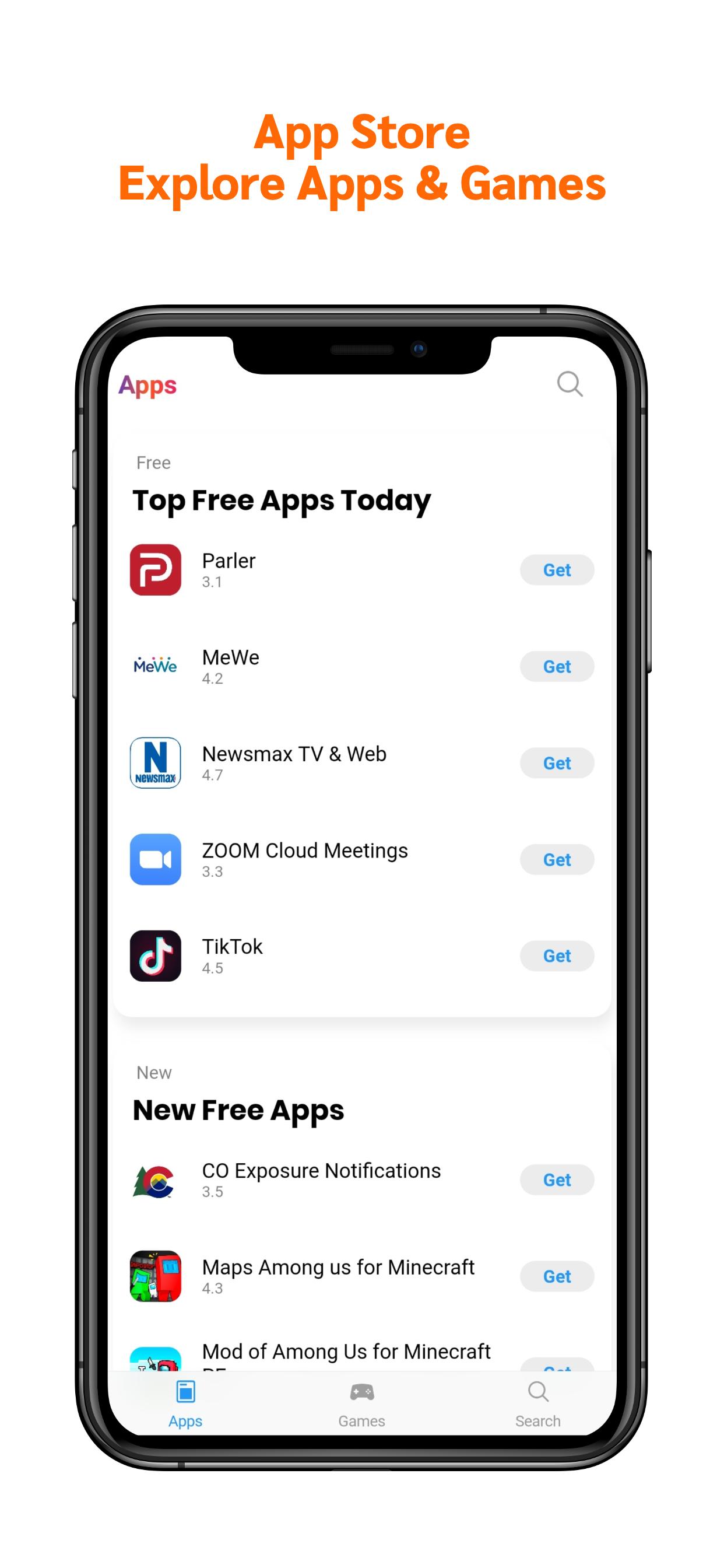
App Store: iOS Style is Apple's official destination for finding and getting apps for iPhone, iPad, and Mac. It combines expert editorial curation with privacy and security safeguards so you can explore with confidence. You can read daily stories, browse collections, and see app highlights that match your interests. Moreover, product pages include videos, rankings, and reviews to help you decide. The experience also supports secure payments with Face ID or Touch ID and clear subscription terms. Therefore, you can manage purchases and subscriptions with ease.
Editorial discovery
App Store showcases Today stories, themed collections, and interviews that surface noteworthy apps. This guidance helps you find quality choices faster. Moreover, personalized suggestions continue to refine what you see over time.
Powerful search
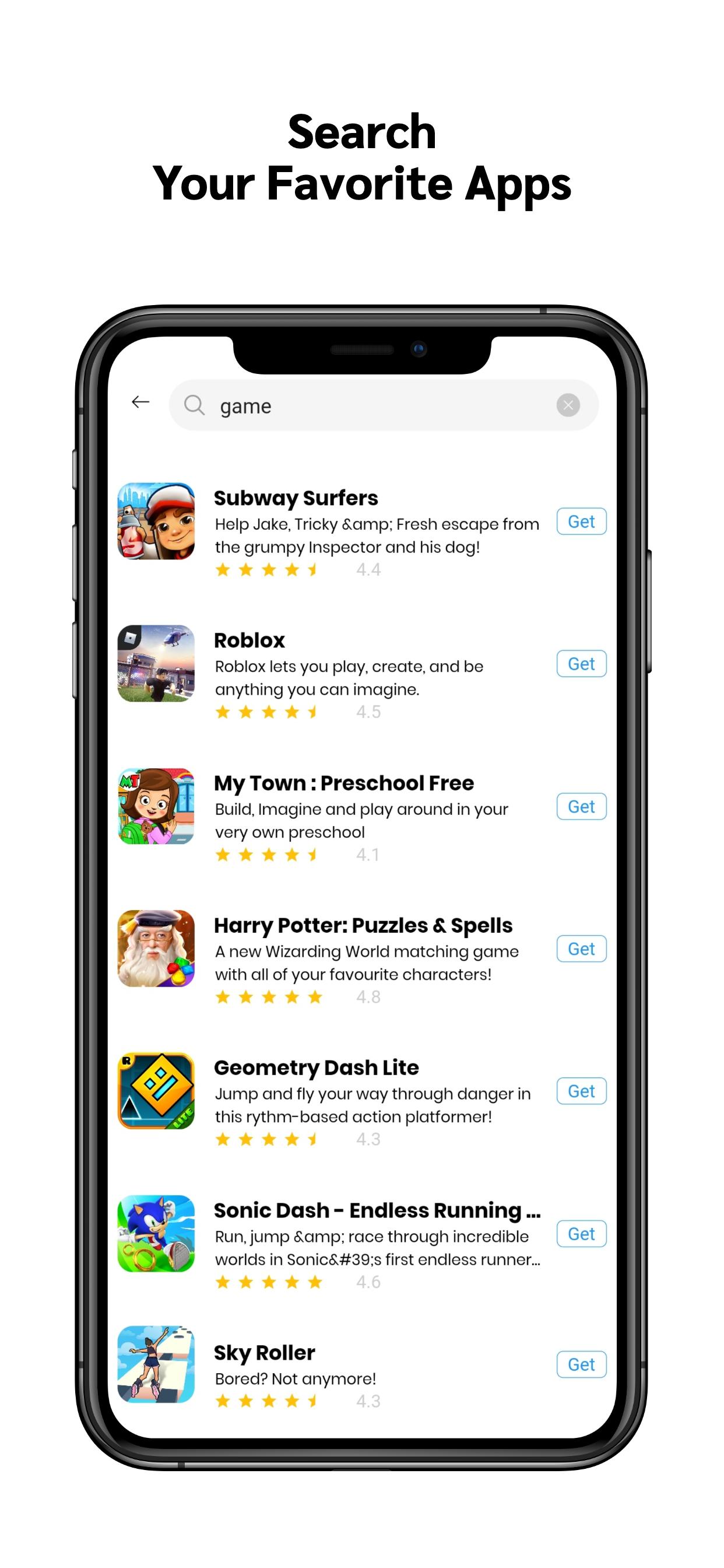
Natural language queries with helpful suggestions and inline video previews are supported. You can scan results quickly and open refined lists to narrow choices. In addition, editorial tips appear to guide your next tap.
Trust and safety
There's human review with strict guidelines and automated malware checks before apps appear. In App Store, you can see clear age ratings and moderated charts that reduce spam and fraud.
Privacy controls
App Store respects user permissions for sensitive data. Apps must request access, and system-level protections prevent cross-app tracking without consent. Moreover, privacy labels and rules set clear expectations before you install.
Seamless downloads and purchases
App Store supports universal app distribution across Apple devices with secure payments using 2FA and Face ID or Touch ID. You always see transparent pricing and subscription terms. In addition, receipts and simple subscription management keep everything clear.
Rich product pages and events
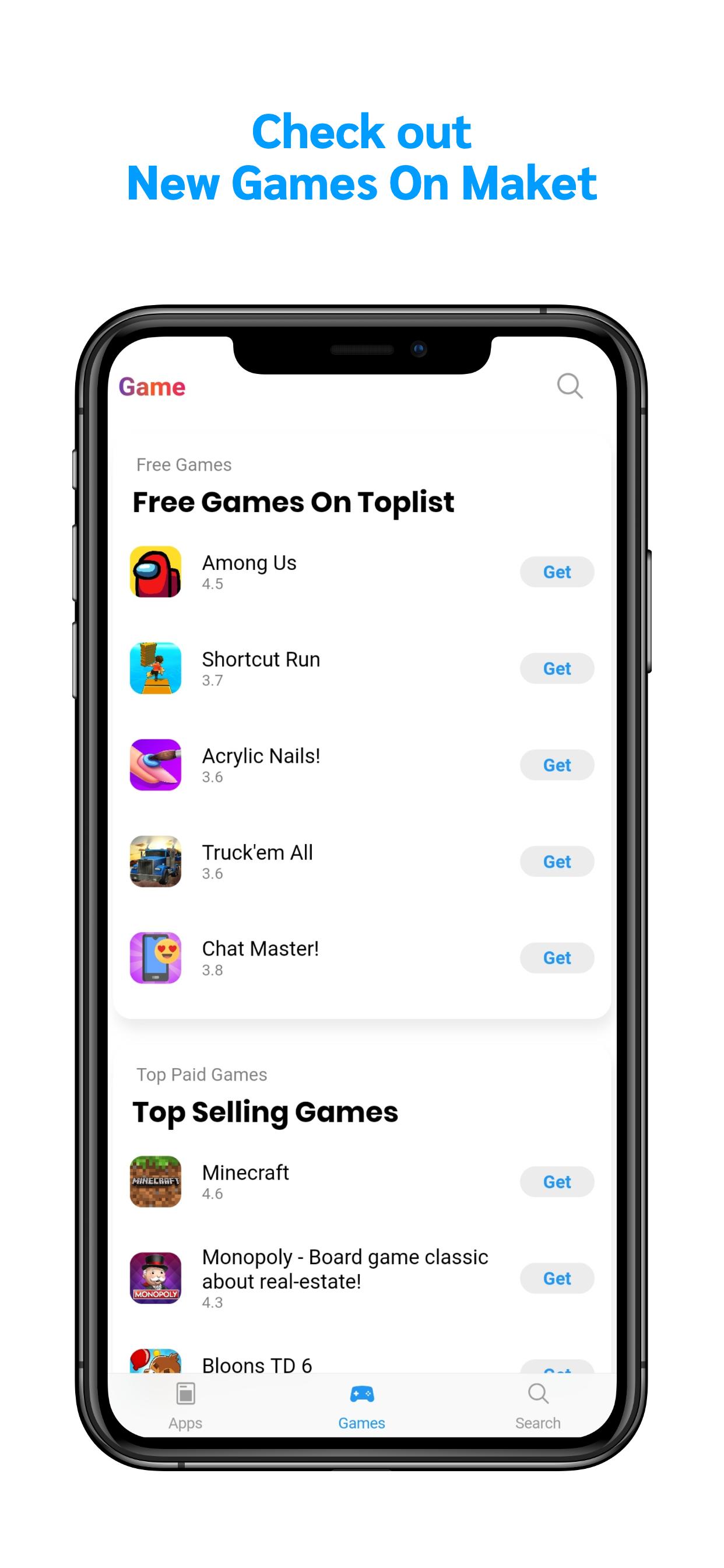
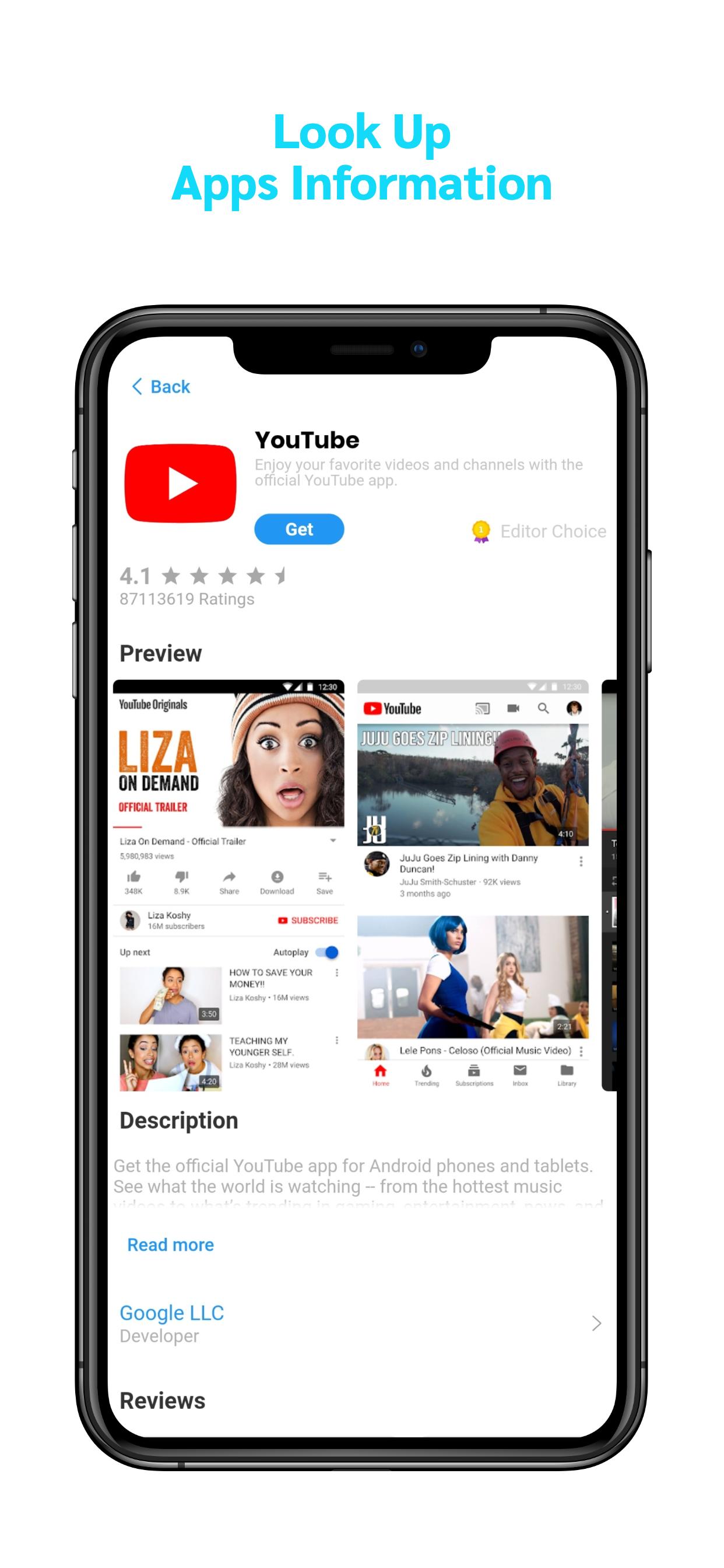
The product pages in App Store include videos, screenshots, rankings, and reviews so you can evaluate quickly. You can also discover in-app events such as premieres, competitions, and livestreams from the Today, Games, and Apps tabs. Therefore, you stay updated without extra searching.
App Store is exclusive to Apple devices and is not available as an APK for Android phones. The official App Store cannot be installed on non-Apple devices.
App Store operates across 175 storefronts in more than 40 languages. This reach helps you discover local and global content that fits your region and language. Moreover, charts and editorial picks reflect regional trends, which makes discovery more relevant.
App Store hosts nearly two million apps that serve a wide range of needs. A global editorial team of more than 120 editors curates stories and collections you see every day. Moreover, the review process is active at scale, with over 130 thousand apps reviewed each week.
App Store enforces privacy and security standards that remove risky submissions. In 2024, more than 1.9 million submissions were rejected for privacy or fraud concerns. Therefore, the storefront reduces exposure to harmful behavior before it reaches you.
Distribution and payments are also built for global use. App Store facilitates billions of app distributions daily and supports more than 200 payment methods in 45 currencies. In addition, you receive receipts and can track purchases with transparent records.
This quick guide covers the core steps from discovery to purchase. It helps new users explore confidently and manage downloads with clear actions.
Open App Store on your iPhone, iPad, or Mac and check the Today tab to read stories and see featured apps.
Tap the Search tab and enter a natural phrase, then review suggestions and scroll results with video previews when available.
After you find an app, open its product page to watch videos, read the description, and check rankings and reviews.
Review privacy information and permissions, then scroll to see in app purchase details and subscription terms.
Then tap Get or the price, authenticate with Face ID, Touch ID, or your password, and wait for the download to finish.
Open the app from your Home Screen or Launchpad, and manage subscriptions later from your account settings if needed.
How do I search effectively in App Store?
Use the Search tab and type a natural phrase, then scan suggestions and open results that include videos and editorial tips. App Store refines suggestions as you type, which helps you find the right app faster.
How do I download an app from App Store?
Open the product page, review details and privacy information, then tap Get or the price and authenticate with Face ID, Touch ID, or your password. App Store will add the app to your device and send a receipt for purchases.
Where can I find the App Store on my iPhone?
App Store is preinstalled on iPhone and iPad, and it is available on Mac. If you cannot find it, search your device for “App Store” or check restrictions in Settings.
Latest Version
1.0.17Uploaded by
Mariam Hâmeðø
Requires Android
Android 4.1+
Category
Free Productivity AppContent Rating
Everyone
Report
Flag as inappropriateLast updated on Dec 28, 2020
Minor bug fixes and improvements. Install or update to the newest version to check it out!


APKPure - A multi-platform app store primarily focused on Android, providing extensive app-related content. Discover the app you want easier, faster, and safer, with quick and efficient downloads and installations.