Scan Date:Jan 16, 2026
Show More
App Locker: Phone Lock – Secure Your Apps with Ease!
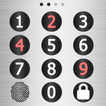
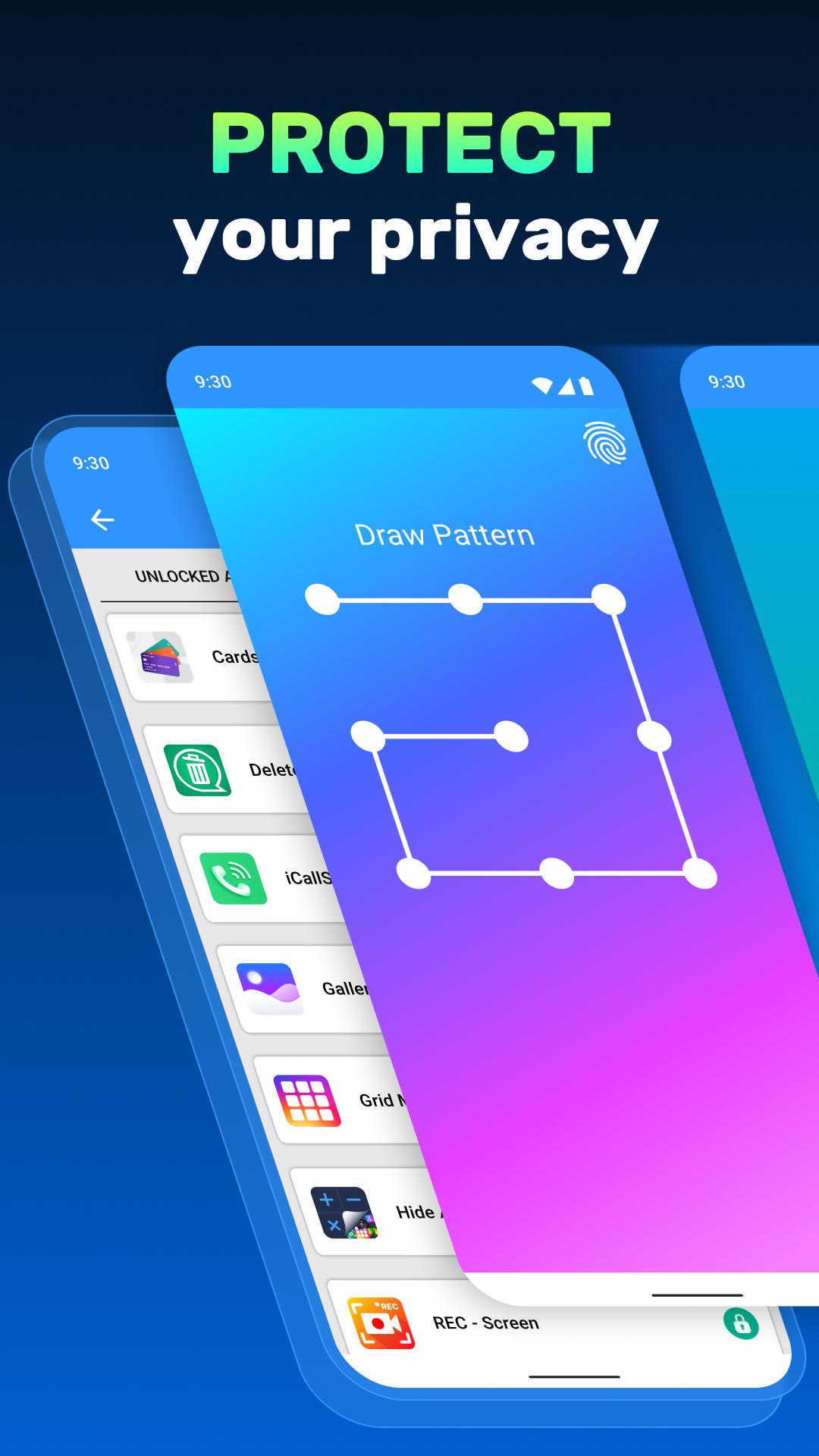
Keep your apps, photos, and private data safe with App Locker: Phone Lock. This powerful tool allows you to secure apps, folders, and galleries with various methods like pin, pattern, or fingerprint. Whether securing sensitive apps or protecting your private photos, the Folder Locker App: Pattern Lock ensures your data is guarded against unwanted access. With the Photo Locker Password App, you can safeguard everything with one touch.
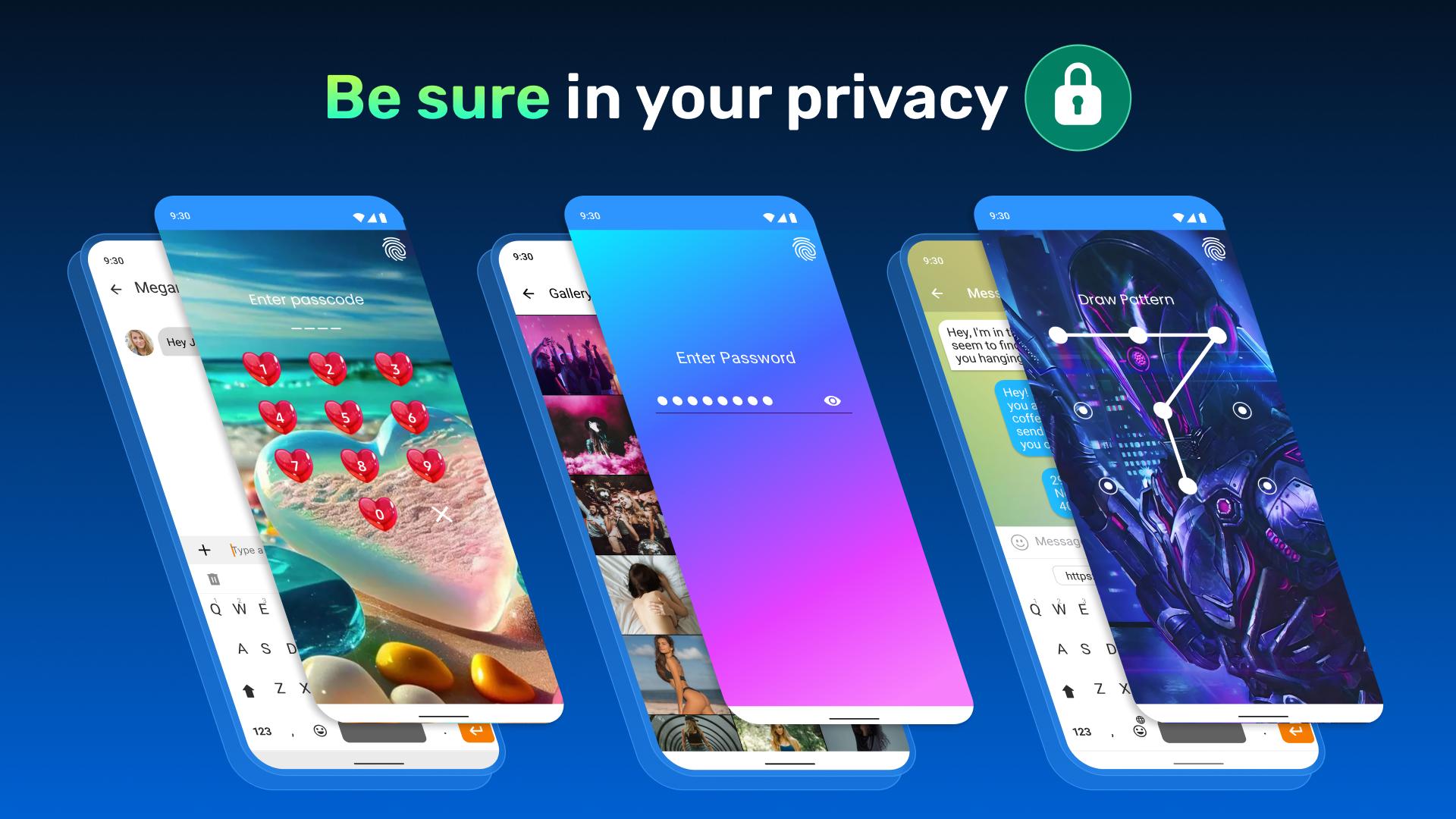
Your privacy is our priority! Lock apps with password protection and enjoy peace of mind, knowing that the App Password Locker and Fingerprint features will keep your data secure.
📄 App Locker Key Features:📄
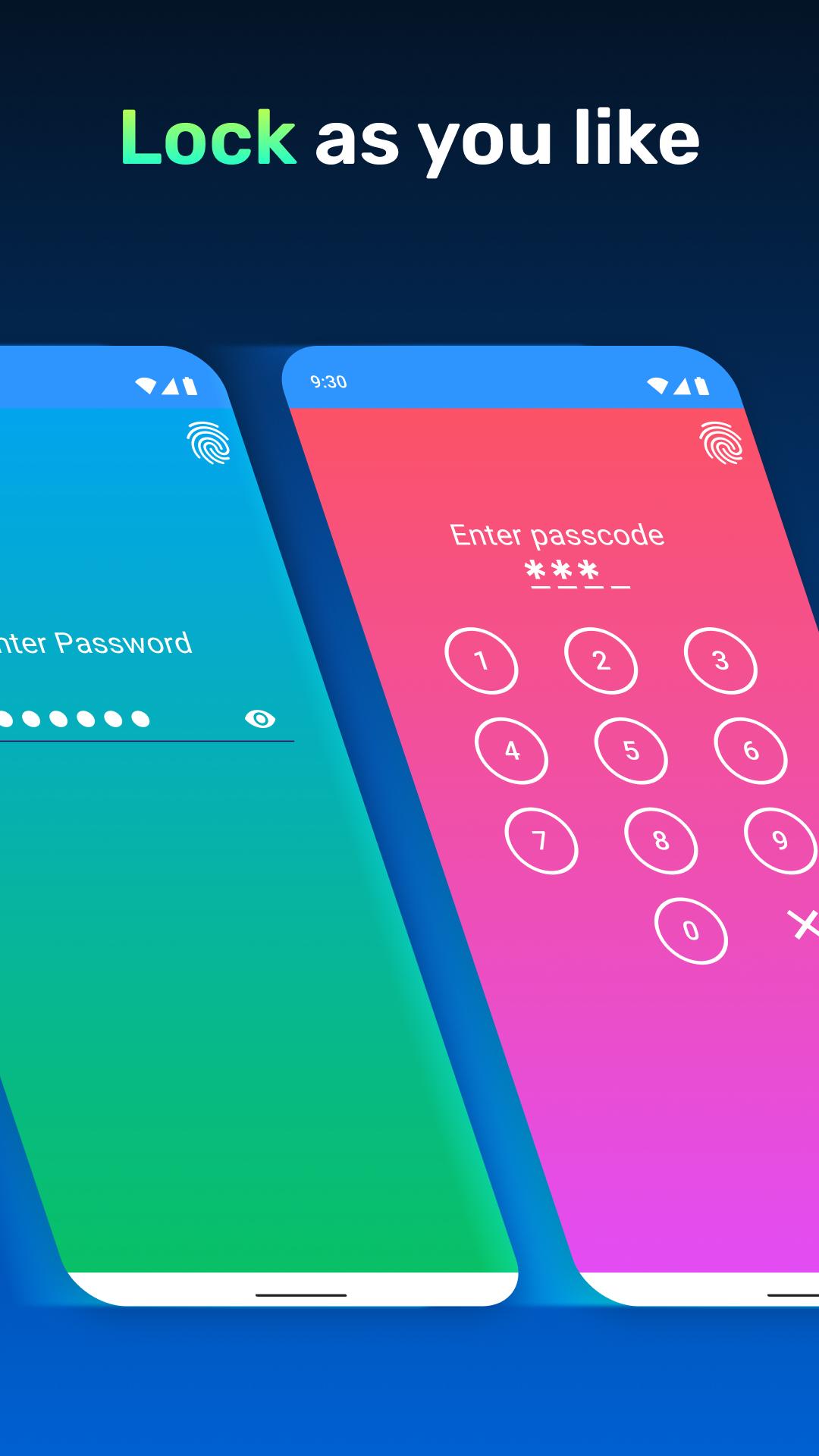
🔒 App Locker: Phone Lock – Secure apps and secure your phone with a pin, pattern, or password;
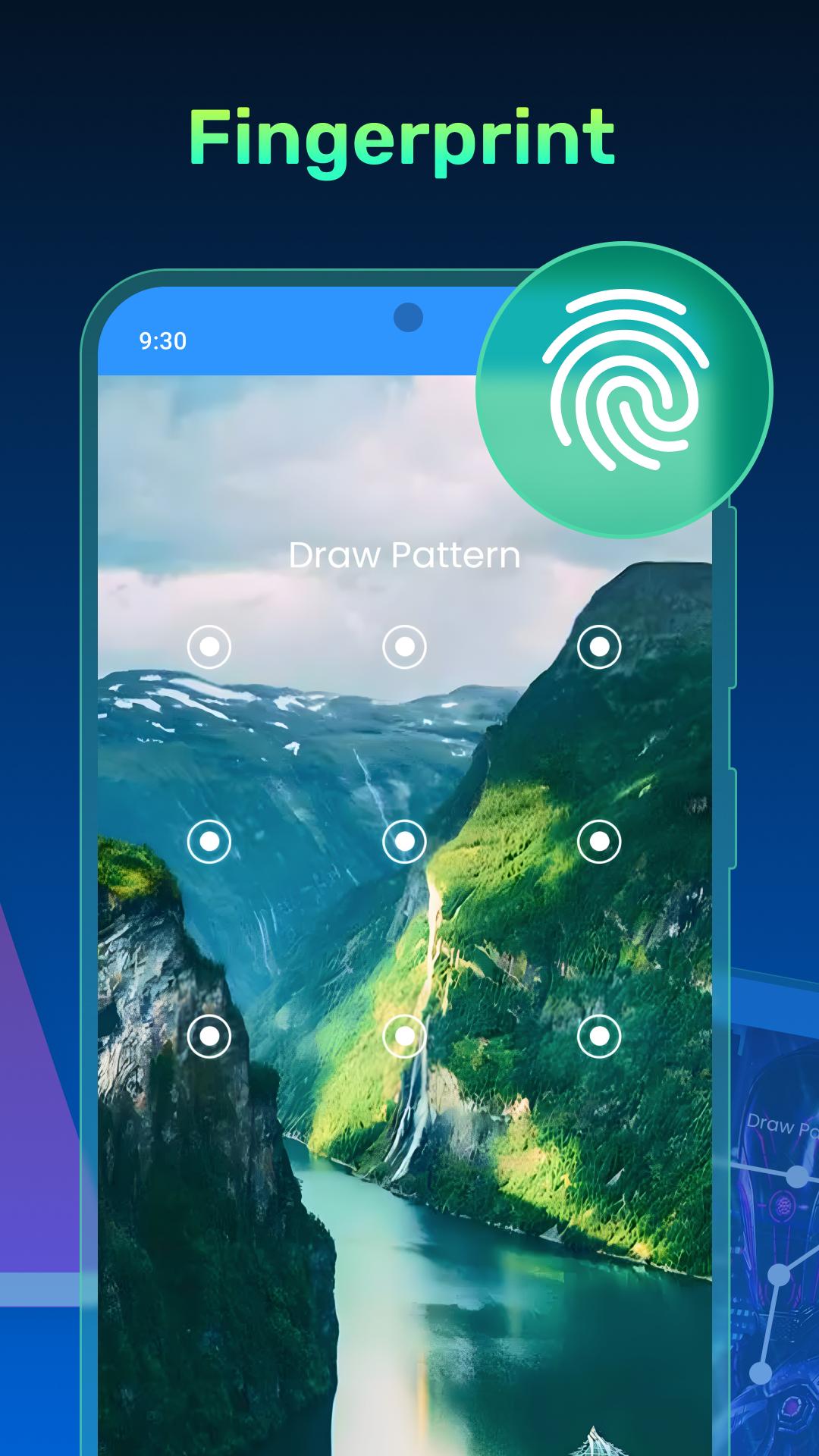
🔒 Folder Locker App: Pattern Lock – Secure specific folders and apps with an easy-to-use pattern;
🔒 Photo Locker Password App – Protect your photos with secure password protection;
🔒 Gallery Lock Password Tool – Secure your photo gallery to protect your private moments;
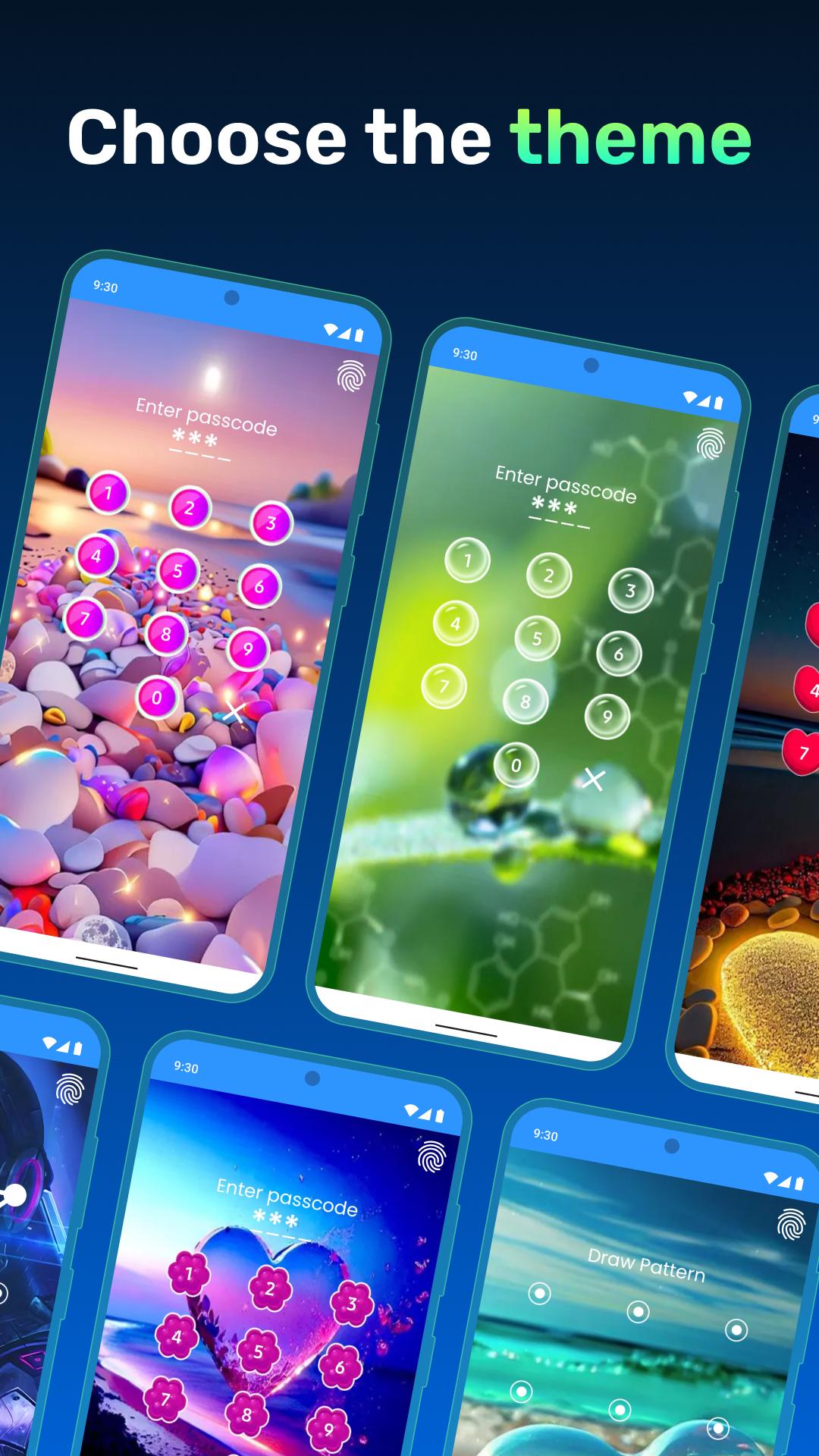
🔒 Applocker: Pink Lock – Stylish options to match your phone’s aesthetic;
🔒 Lock Apps With Password – Secure your apps using a secure password or pin;
🔒 App Password Locker and Fingerprint – Use your fingerprint for faster and more secure app security.
Pin, Pattern, or Fingerprint – Choose Your Locking Style:
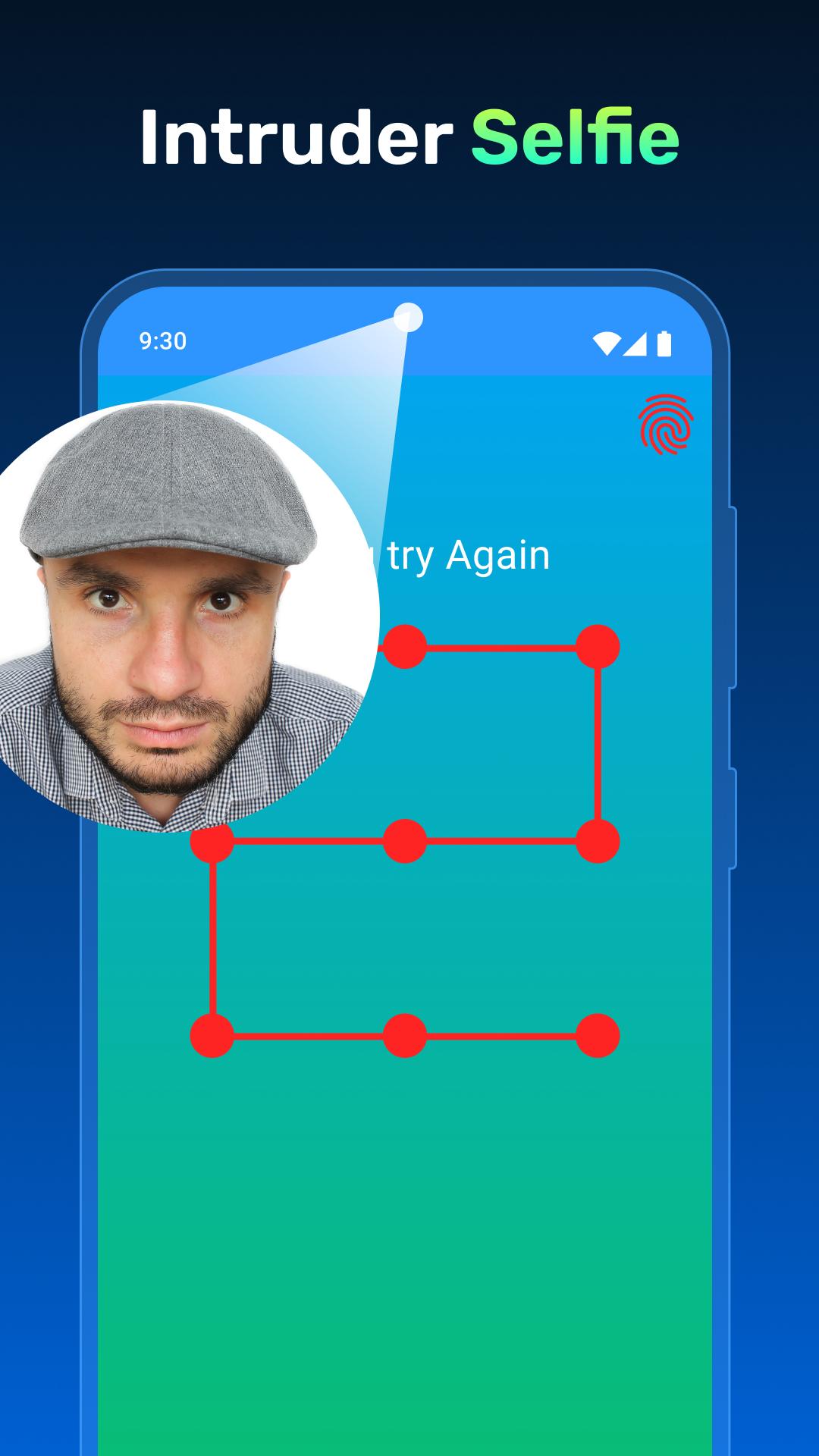
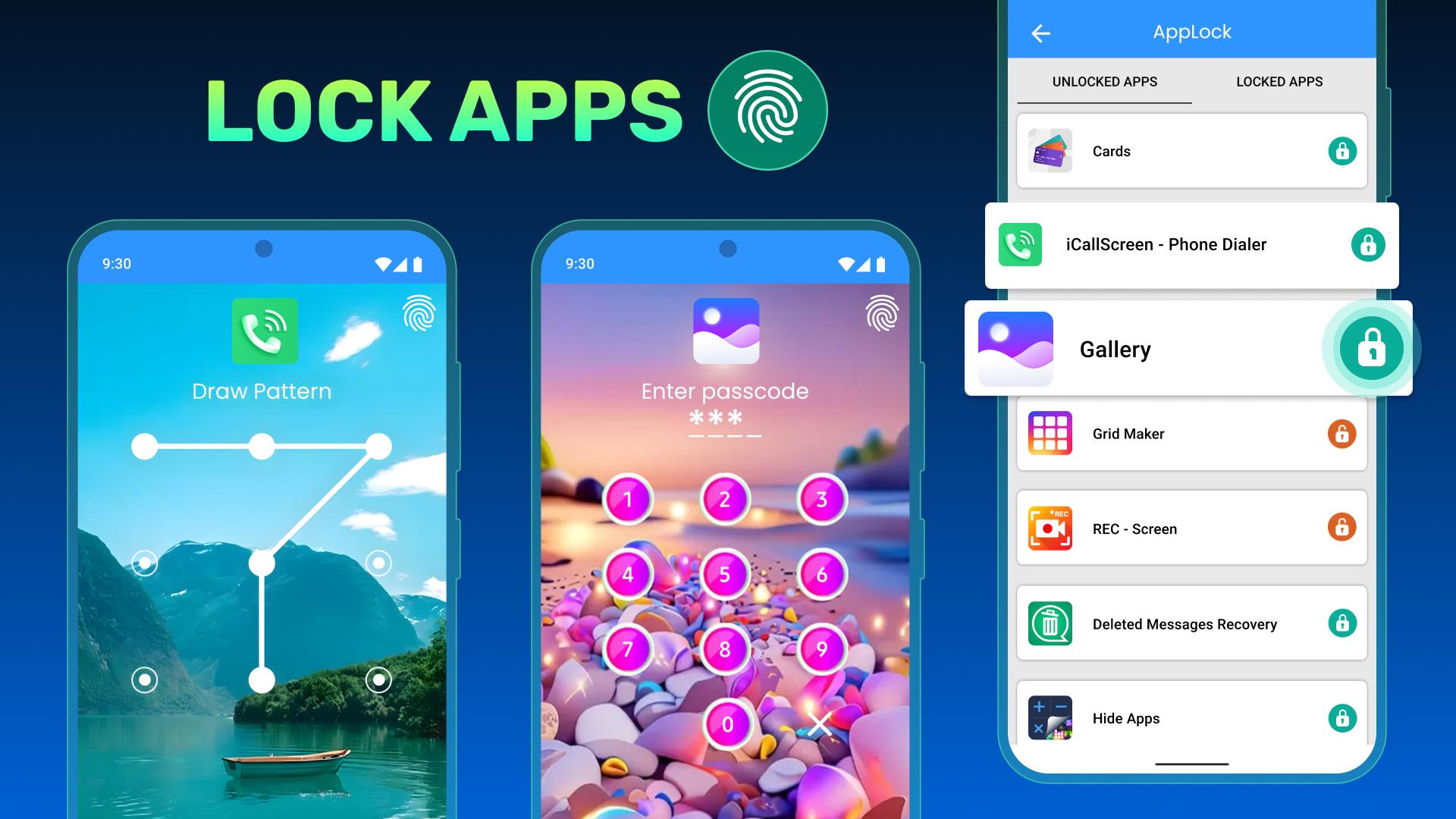
The App Locker: Phone Lock offers various methods to fit your needs. Applocker: Pink Lock protection, or opt for the Folder Locker App: Pattern Lock if you prefer drawing a pattern. With the Photo Locker Password App, you can quickly secure your gallery and private photos with a strong password, ensuring your data remains hidden from prying eyes.
Lock System Apps with One Touch:
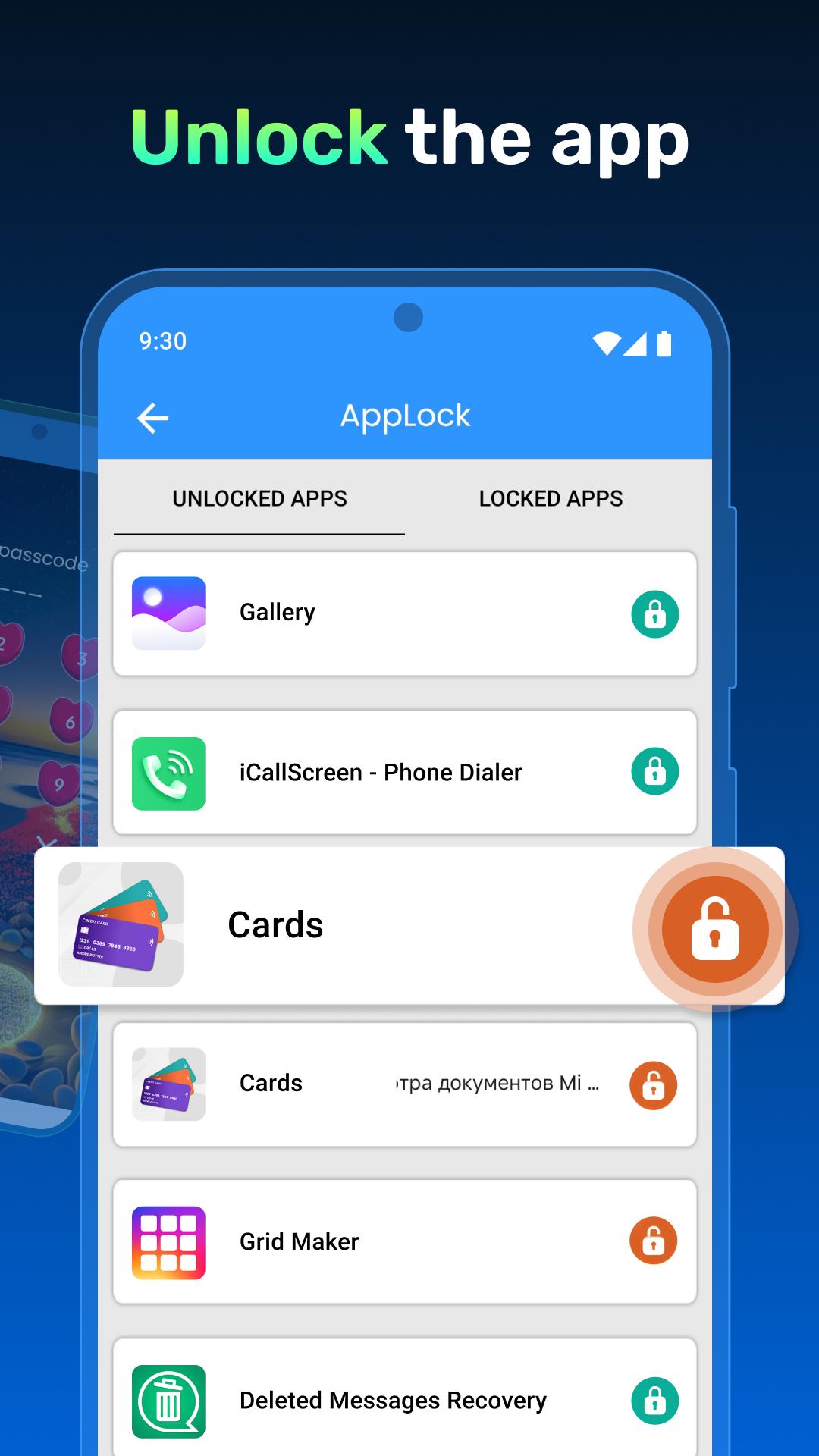
The Gallery Lock Password Tool lets you lock system apps like your gallery, contacts, and settings. Use the Folder Locker App: Pattern Lock to secure folders containing sensitive data, and protect all your essential apps with the App Locker: Phone Lock.
Lock Social Media and Messaging Apps:
Quickly secure apps like messaging and social media platforms. The App Locker: Phone Lock helps you lock apps with password, pin, or pattern protection, keeping your chats and private messages secure. Whether for privacy or security, the Folder Locker App: Pattern Lock protects your favorite social media and communication apps.
Advanced Features for Maximum Security:
With advanced features like the App Password Locker and Fingerprint, the Photo Locker Password App, and the Gallery Lock Password Tool, you have complete control over your data. Use multiple methods to ensure your phone remains secure no matter what.
Get and Secure Your Data Today!
Whether you're looking for the Folder Locker App: Pattern Lock or need to lock apps with password protection, this app has you covered. Enjoy peace of mind with Applocker: Pink Lock capabilities and a suite of features designed to keep your apps and data safe. Protect your phone with the App Locker: Phone Lock and experience the ultimate security today!
Latest Version
2.1.1Uploaded by
Teca Andrade
Requires Android
Android 5.0+
Category
Free Personalization AppContent Rating
Everyone
Security Report
Report
Flag as inappropriateLast updated on Sep 22, 2024
* New Features Added
* Improved app response
* Minor bugs & issues fixed


APKPure - A multi-platform app store primarily focused on Android, providing extensive app-related content. Discover the app you want easier, faster, and safer, with quick and efficient downloads and installations.