App locker: App lock fingerprint & pattern locks apps, protects all information.Protect your personal data and lock all apps quickly with just one click.
Main features of App lock:
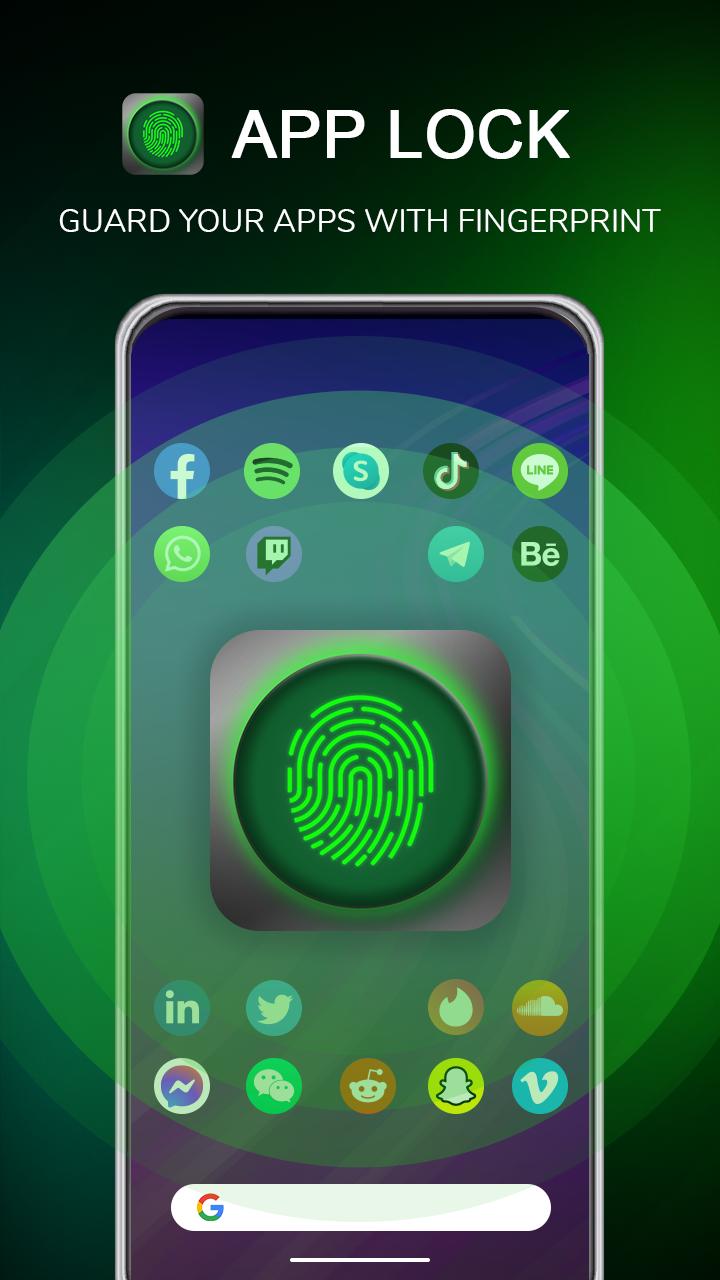
🌟 Lock app: App lock fingerprint will secure all your information by locking your apps.
🌟 You can lock system apps: Contacts, Messages, Gallery,... or any apps on your phone if you have the need.
🌟 Hide photos and videos:
This Feature will help App lock password hide private photos and videos.
🌟 Hidden photos/videos will not be displayed in the device's gallery, only in the Applock app. That means only you can view them by entering the correct password or fingerprint. From now on, your secret photos/videos will be completely safe.
Note: To use the Vault feature, Applock needs access to all files (MANAGE_EXTERNAL_STORAGE), and this is the only way to use this feature.
🌟 App lock can also take or record new videos right in the app. Photos/videos after taking will be saved in the hidden photo album of the Applock application. You can experience this useful Hidden Camera feature.
🌟 Intruder selfie:
Capture photos of those who enter the wrong password. When enabling this feature, App lock will activate the device's camera and automatically take a photo if someone enters the wrong password. You can review these intrusion photos within this feature. Turn on this feature to enhance phone security.
🌟 Provide an excellent experience:
Lock all apps on Android phones with fingerprint, PIN, and pattern. Especially, with fingerprint security features, unlocking will be extremely convenient and quick. (However, Applock only supports fingerprints on Android versions 6.0 and above. Additionally, to use fingerprints, your Android device needs to have hardware for fingerprint sensors, and make sure this sensor is still functional. App lock password will not unlock with fingerprint if your device is running on Android version below 6.0 or does not have a fingerprint sensor or the device's fingerprint sensor is damaged.).
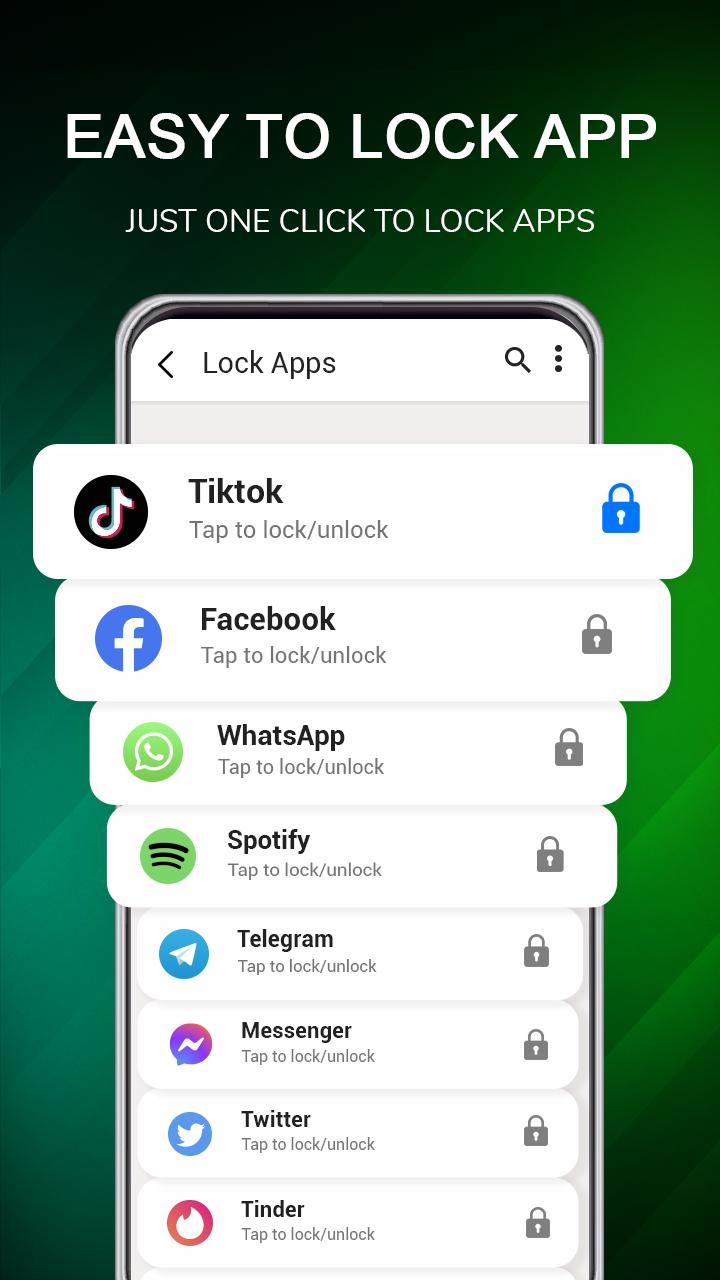
- The app's security system will operate or pause when you click the lock icon on the home screen. In other words, with one click, you will add an additional security layer to the app.
- Easily find apps that need a lock.
- Track locked apps statistics.
- Easily and securely change passwords.
- Don't worry if you forget your password, you can recover it by answering the security question in the Vault feature.
- The app's interface is intuitively designed and easy to use.
Download Applock - App lock fingerprint now to have a fantastic app locking experience.
Applock fingerprint app is currently under development and improvement, so we greatly appreciate your feedback and suggestions via email: editroappofficial@gmail.com.
Latest Version
1.8Uploaded by
Damian CH
Requires Android
Android 7.0+
Category
Free Productivity AppContent Rating
Everyone
Report
Flag as inappropriateLast updated on Aug 28, 2023
Minor bug fixes and improvements. Install or update to the newest version to check it out!




APKPure - A multi-platform app store primarily focused on Android, providing extensive app-related content. Discover the app you want easier, faster, and safer, with quick and efficient downloads and installations.