Scan Date:Feb 12, 2026
Show More


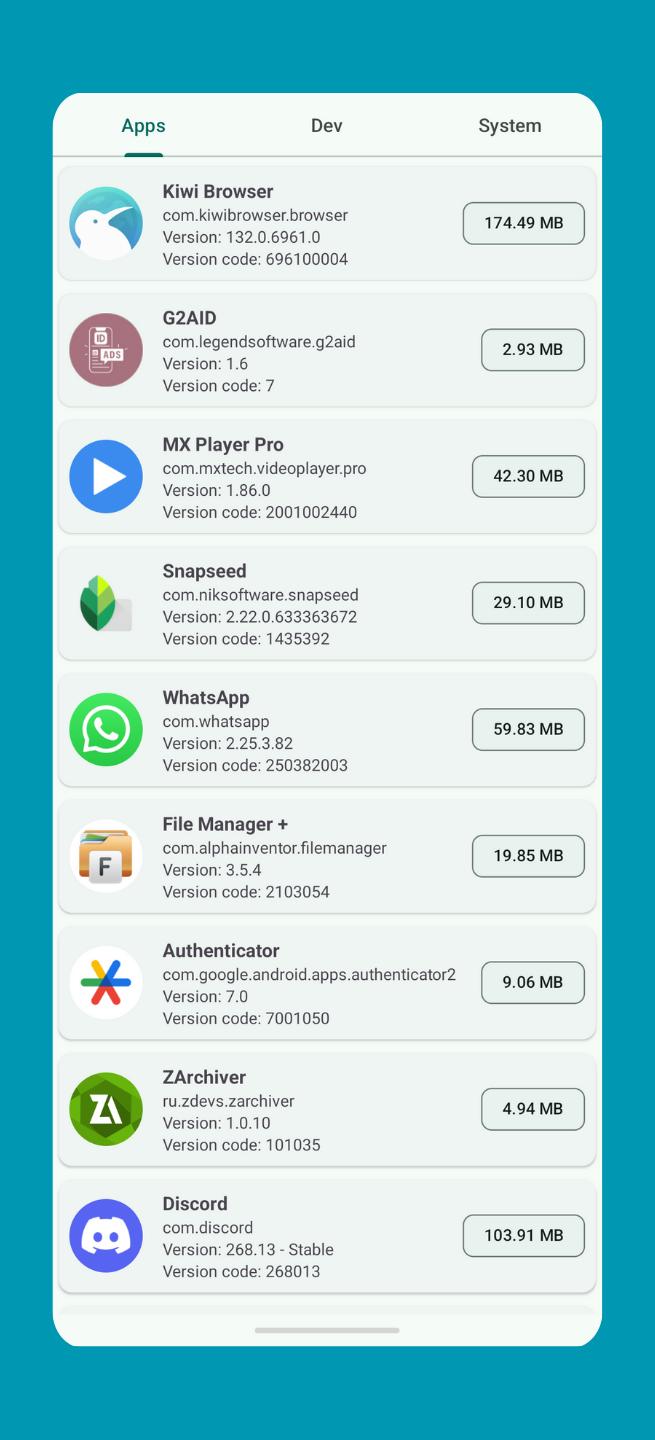
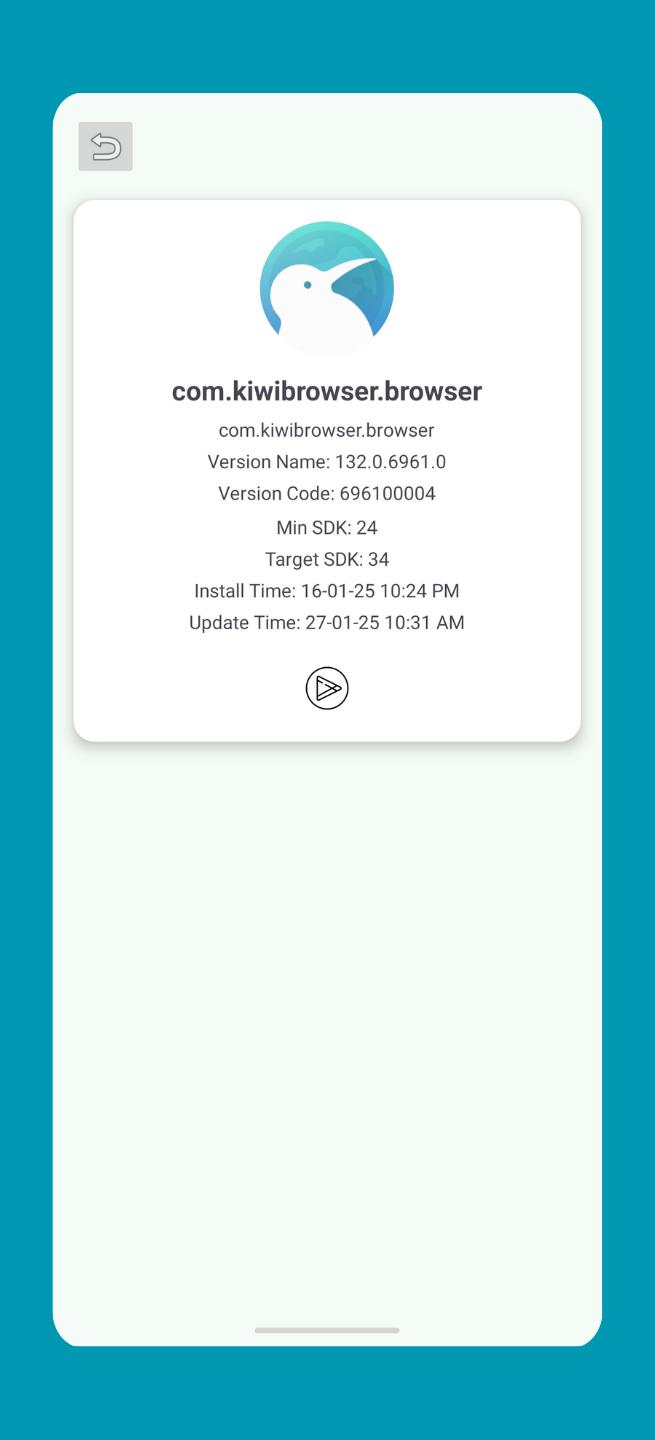
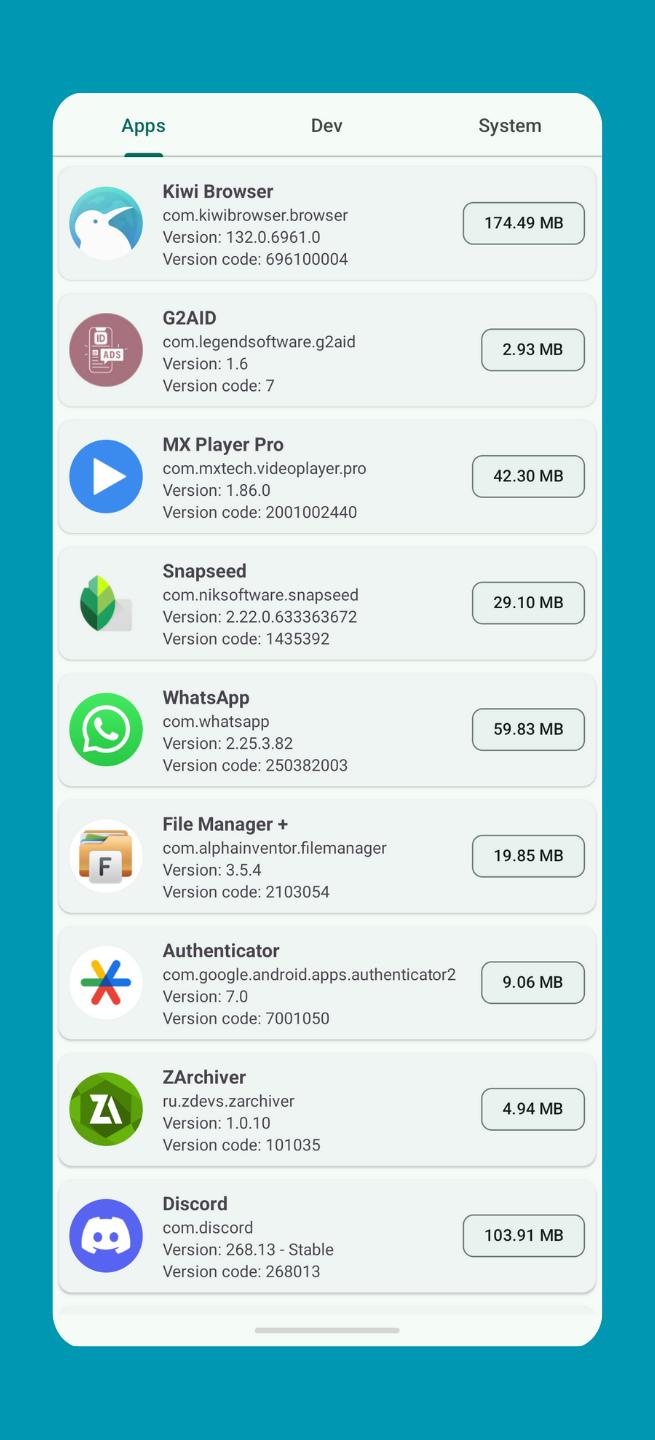
App Debug helps when you need to understand how an installed app is built or why it behaves unexpectedly. It provides developers and advanced users a clear view of structure and configuration, which supports quick checks during testing or review. Moreover, it gathers technical details in one place so you can compare builds or document findings with less effort. App Debug APK suits users who prefer a direct package for inspection on devices used in development or troubleshooting.
Component and permission overview
Manifest viewer and export
When a deeper review is needed, App Debug opens an installed app’s manifest for quick reading. You can export the file for further analysis, include it in documentation, or store it with your build notes to track changes over time.
Issue diagnosis support
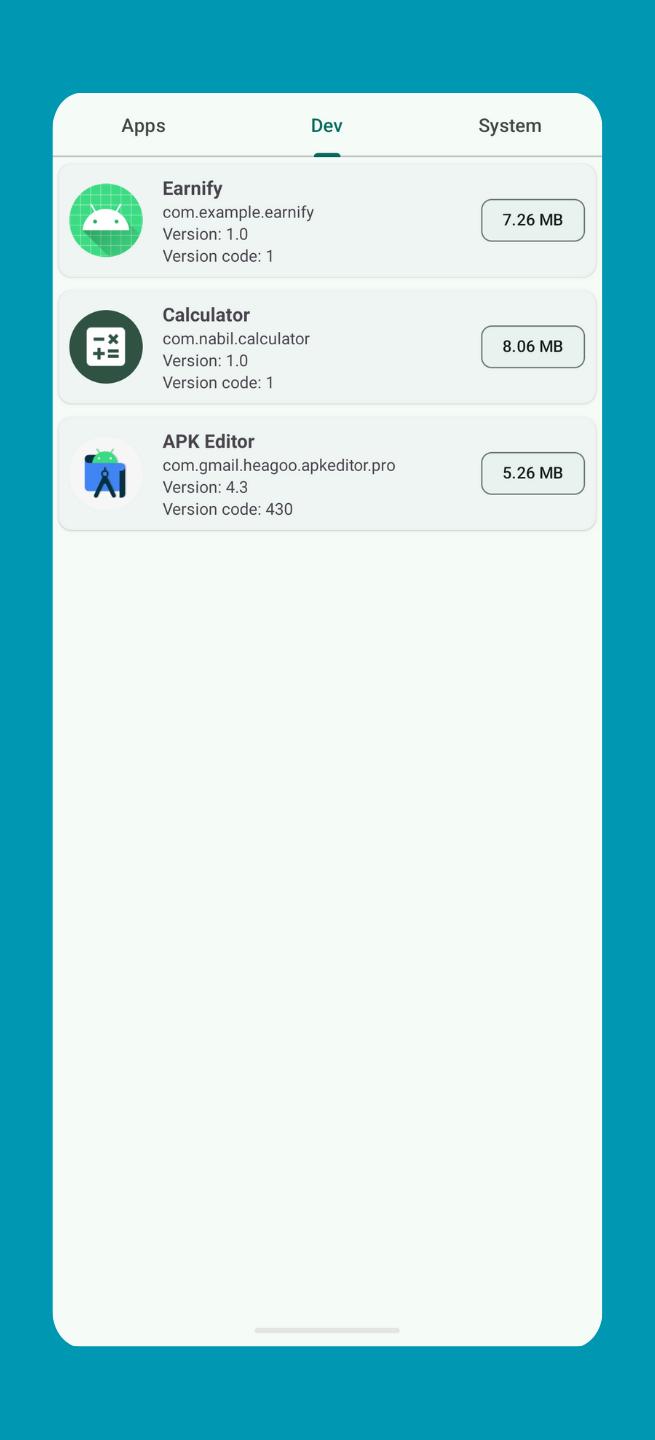
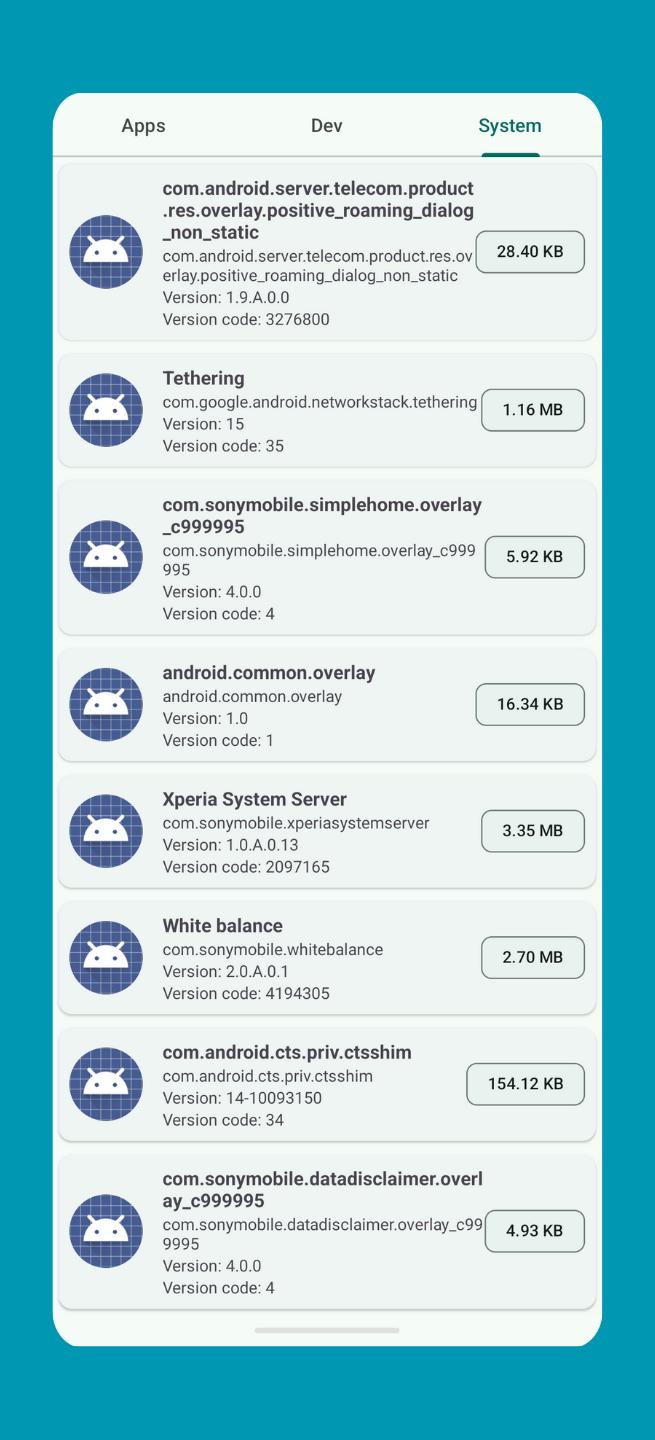
You can use the gathered information to investigate unexpected behavior, confirm component declarations, and plan performance checks. The App Debug latest version lists installed app components and configuration data for inspection, helping you keep reviews consistent across devices and teams.
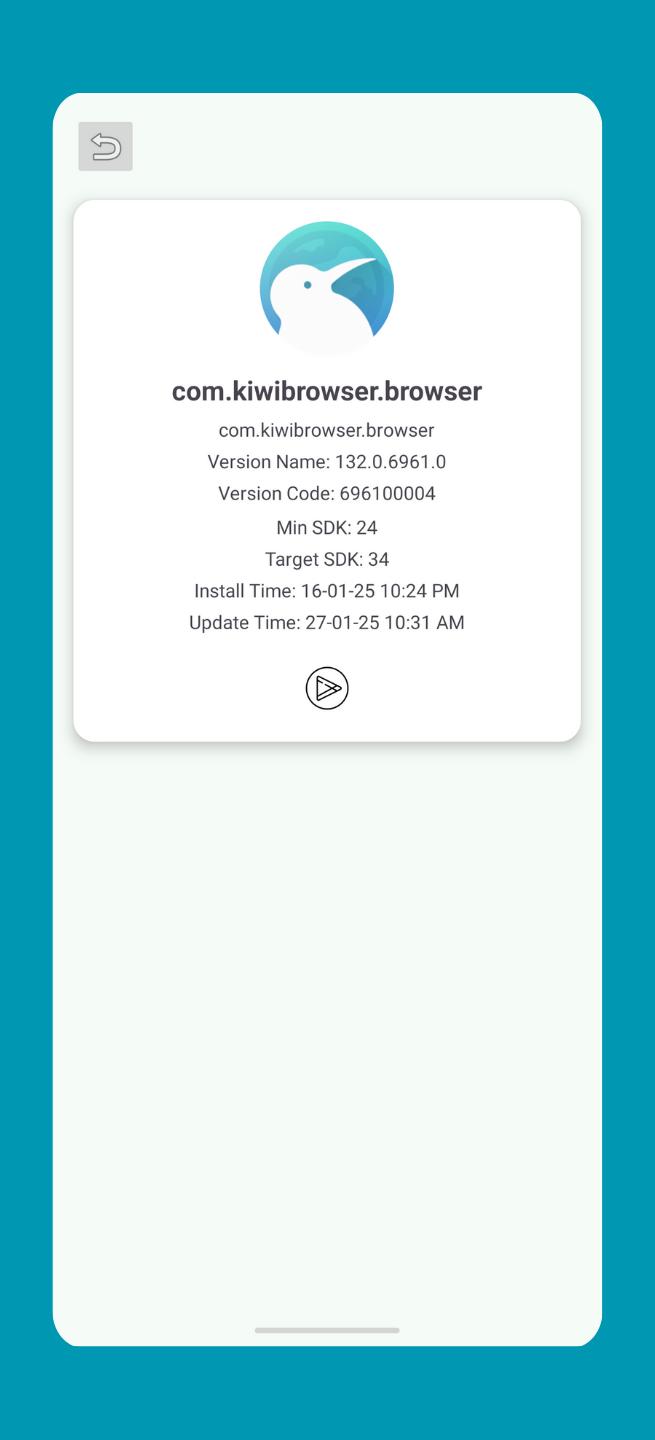
App Debug gives a clear snapshot of how an app is organized and what it declares, making technical reviews straightforward. Use it to view components, read manifests, and export files for analysis. To begin, download App Debug and open any installed app entry to see its key details in one place.
Latest Version
2.1.0Uploaded by
Taka Daha
Requires Android
Android 8.0+
Category
Free Tools AppContent Rating
Everyone
Security Report
Report
Flag as inappropriateLast updated on Jul 13, 2025
- Performance Optimizations
- Feature Enhancements
- Minor bug fix and improve




APKPure - A multi-platform app store primarily focused on Android, providing extensive app-related content. Discover the app you want easier, faster, and safer, with quick and efficient downloads and installations.