Scan Date:May 14, 2026
Show More


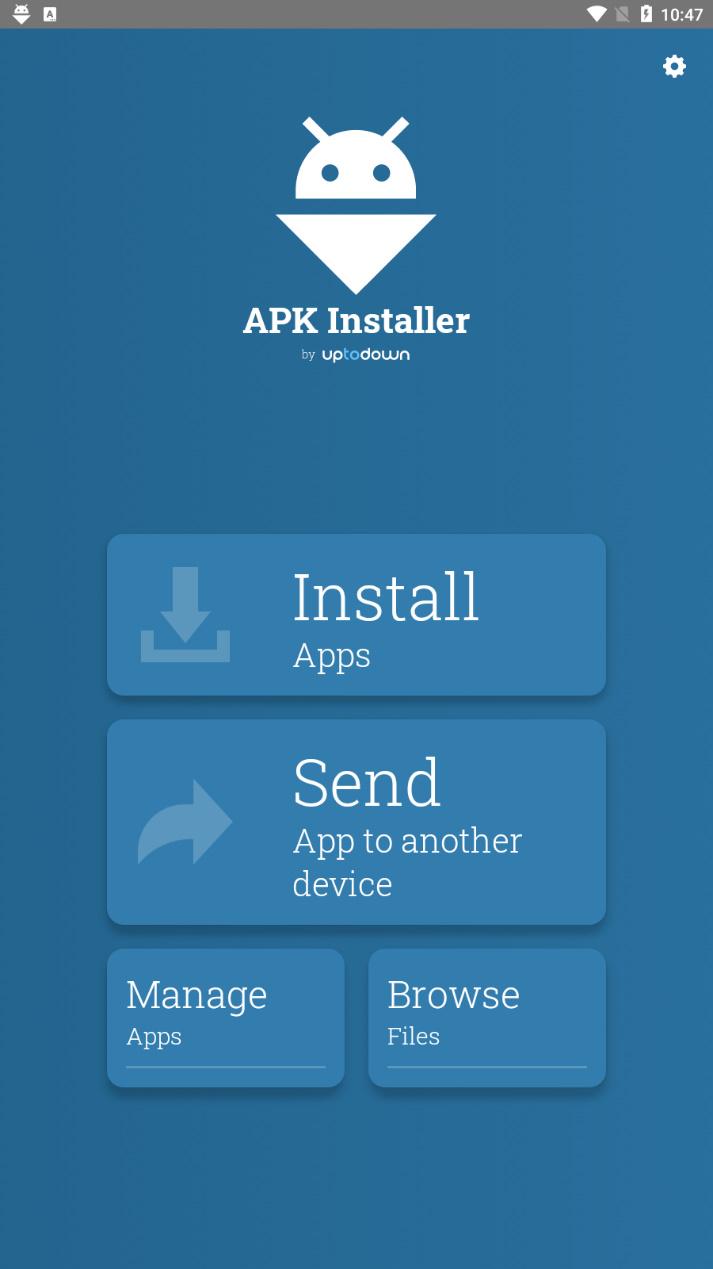
APK Installer by Uptodown helps when the default installer cannot handle extra files or split packages. It suits users who sideload apps, keep private copies, or move apps between devices. The tool focuses on simple actions, so you pick a file and let the app manage the rest. It also supports backups to keep your own copies in one place. Besides that, it avoids manual folder work when extra data is required. If this fits your needs, getting the APK Installer by Uptodown APK is a practical option.
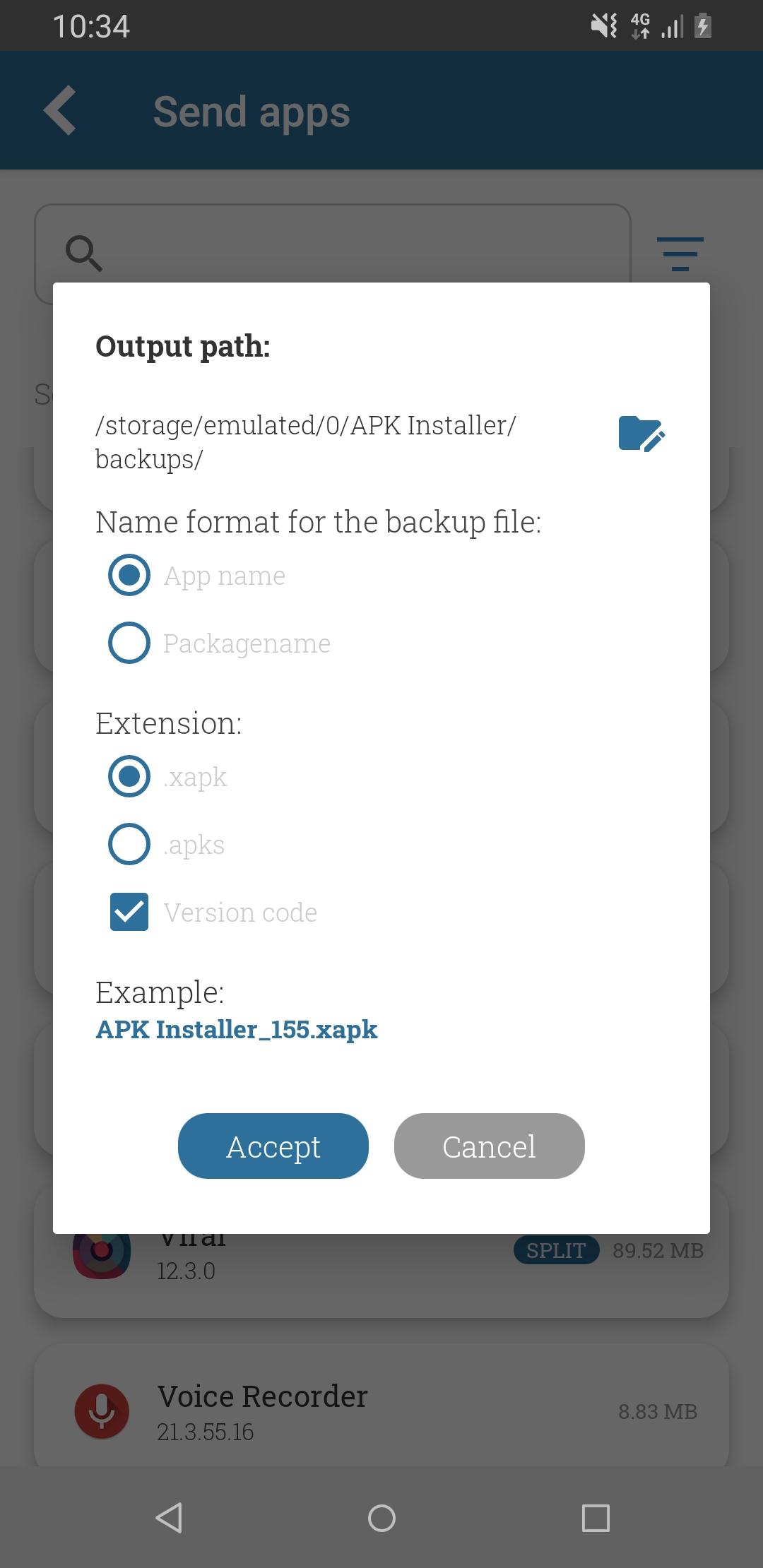
Automatic backups of installed apps
APK Installer by Uptodown finds installed apps and creates backup copies without extra steps. When an app uses split APKs or OBB data, the tool packs everything into a single XAPK for easier storage and later use.
One tap installation for APK and XAPK
You can install packages stored on your device regardless of format. Select an APK or XAPK and the app handles split APKs and any included data automatically, so you avoid manual copying or unpacking.
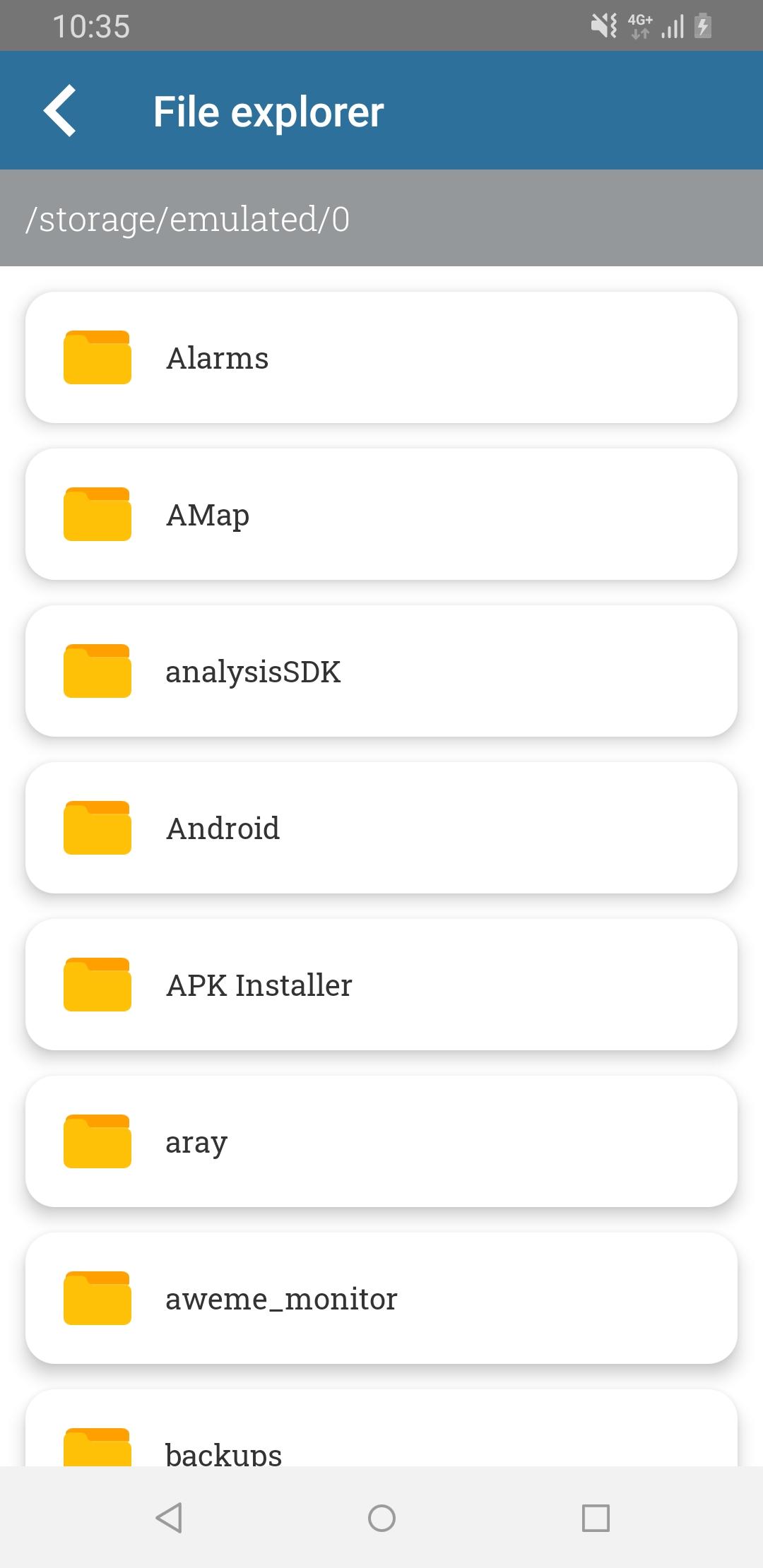
Integrated file browser
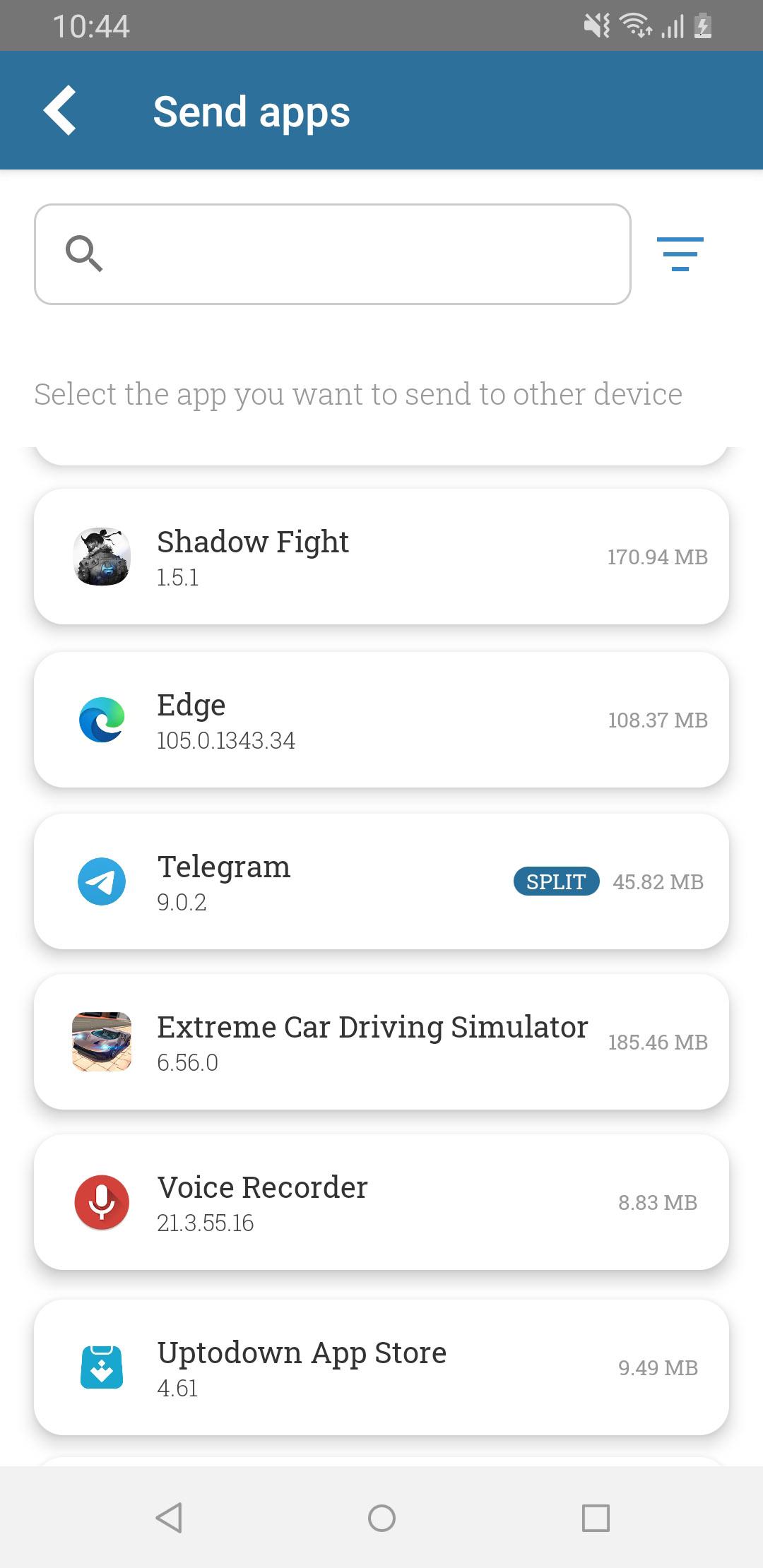
Send apps to nearby devices
When needed, share backed up apps with other devices on the same network. This helps move your private copies between phones without cables or separate tools.
This app focuses on reliable installations and straightforward backups, even for packages with split APKs or OBB data. It reduces manual steps and keeps your private copies in one place. For best compatibility and improvements, download APK Installer by Uptodown latest version when available.
Latest Version
0.2.44Uploaded by
Sadık Gökçe
Requires Android
Category
Free Tools AppContent Rating
Everyone
Security Report
Report
Flag as inappropriateLast updated on May 14, 2026
Bug fixes




APKPure - A multi-platform app store primarily focused on Android, providing extensive app-related content. Discover the app you want easier, faster, and safer, with quick and efficient downloads and installations.