

APK Editor Pro helps when you need to adjust an app for language, design, or testing needs. After installing the APK Editor Pro APK, you can open packages on your device and make changes that fit your goal. It supports quick edits as well as deeper modifications, so you can start simple and move to advanced work when ready. Most tasks do not require root, which keeps setup straightforward for many users. Results depend on your skills and choices, and the help page includes examples to learn from.
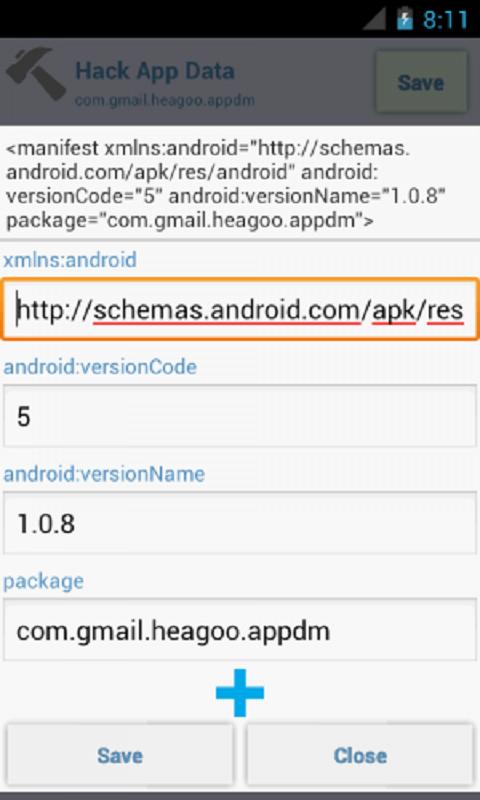
Resource and manifest editing
Two editing modes
Choose Full Edit to rebuild files from an APK for extensive changes. Use Simple Edit to replace specific files inside an APK for faster results. The first option is more complex and suited to broad updates, while the second works well for targeted tweaks.
Smali and patch options in Pro
When deeper control is required, the pro tools add code level editing and automated patches. The dynamic smali patch requires root. If root is not available, reinstalling the modified app can apply your changes.
Work with installed or saved apps
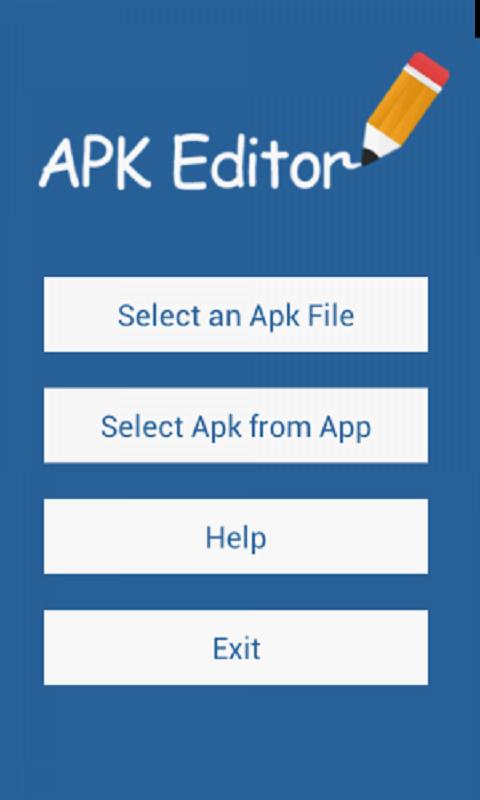
You can edit any APK saved on your device. If the package file is not at hand, extract it from an installed app and continue your workflow in the editor.
APK Editor Pro provides tools for quick replacements and full rebuilds. Most features work without root, and the help page offers examples for guidance. Install the APK Editor Pro latest version to begin editing APK files on your Android device.
Latest Version
1.1Uploaded by
周清華
Requires Android
Android 4.4+
Category
Free Tools AppContent Rating
Everyone
Report
Flag as inappropriateLast updated on Oct 19, 2020
Extract all apk files






APKPure - A multi-platform app store primarily focused on Android, providing extensive app-related content. Discover the app you want easier, faster, and safer, with quick and efficient downloads and installations.