
Our website uses necessary cookies to enable basic functions and optional cookies to help us to enhance your user experience. Learn more about our cookie policy by clicking "Learn More".
Accept All Only Necessary Cookies
Apex Launcher Classic icon

Apex Launcher Classic


Android Does Team
3.4.5
  • 8.0
    8 Reviews
  • Mar 25, 2021
    Update date
  • Everyone
  • Android 4.4+
    Android OS

About Apex Launcher Classic

Bernadine Wisoky avatar
Reviewed byBernadine WisokyContent Editor

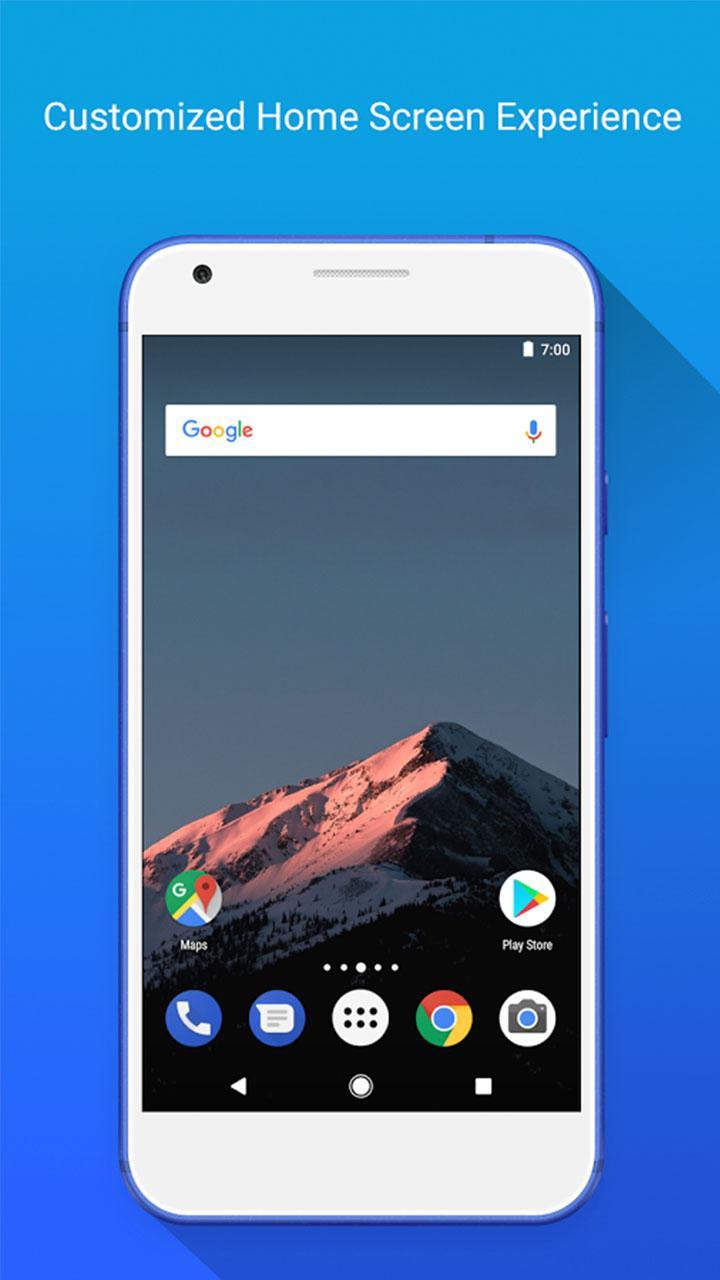
Apex Launcher Classic is a personalization app that lets you customize a fast, clean home screen on Android.

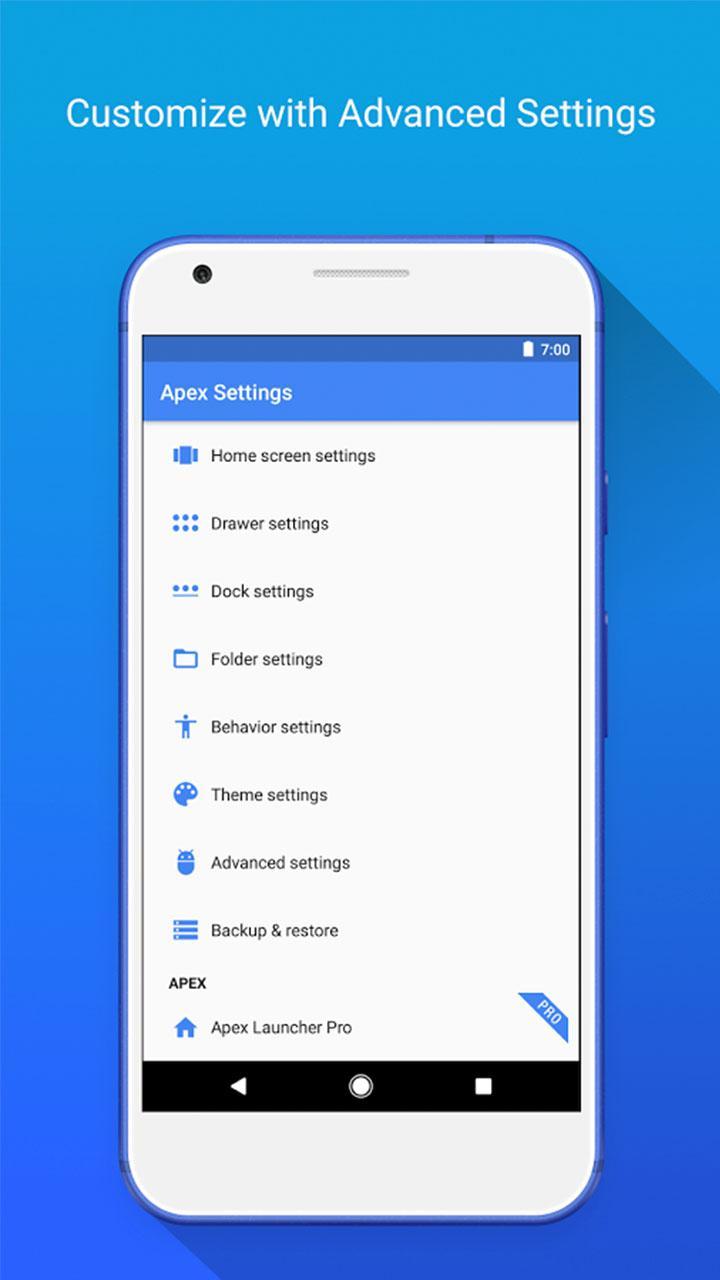
Apex Launcher Classic suits users who want a familiar launcher that stays quick and easy to manage day to day. It replaces the default home experience with simple controls that help you organize pages and keep apps reachable. Settings are grouped clearly, so you can make layout choices without digging through complex menus. Animations remain light for smooth swipes on phones and tablets. Installing the Apex Launcher Classic APK updates only your launcher, while your existing apps and data remain in place.


Apex Launcher Classic Features

Flexible home screen and drawer layouts

Apex Launcher Classic gives you control over how many items fit on each screen.

  • Set grid size for pages and the app drawer.
  • Use infinite and elastic scrolling across pages and the drawer.
  • Apply transition effects such as tablet or cube.

Dock and navigation control

Once the layout is set, navigation can be tuned to your preference.

  • Enable a scrollable dock with up to 10 icons per page and up to 5 pages.
  • Show or hide elements like the status bar or dock.
  • Keep swipes responsive with smooth scrolling.

App and folder organization

Keeping apps tidy is straightforward.

  • Sort drawer apps by title, install date, or most used.
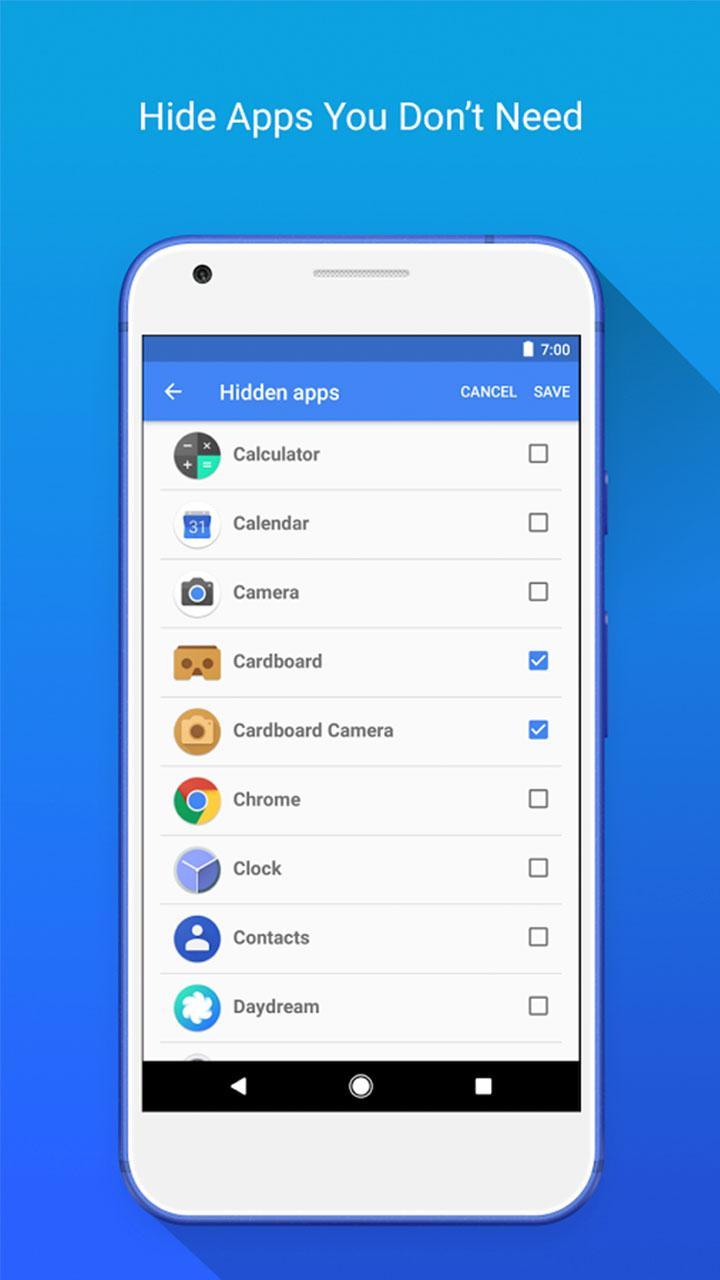
  • Hide apps from the drawer when needed.
  • Create folders, choose preview styles, and customize icons and labels.
  • Lock the desktop to prevent accidental changes.

Themes, gestures, and backups

For quick access and consistent setup, tools are available beyond layout.

  • Use gestures like pinch, swipe up or down, and double tap for quick actions.
  • Apply icon packs and skins through the theme engine.
  • Back up and restore your launcher settings and layout. Optimized for both phones and tablets.


Set up your home screen with Apex Launcher Classic

Apex Launcher Classic focuses on clear controls, reliable performance, and practical customization for everyday use. Set your grid, arrange the dock, and save a backup before experimenting. When ready, download Apex Launcher Classic to replace the stock launcher and fine tune your home screen without changing your installed apps.

Show More

Additional APP Information

Latest Version

3.4.5

Uploaded by

Blend Qais

Requires Android

Android 4.4+

Content Rating

Everyone

What's New in the Latest Version 3.4.5

Last updated on Mar 25, 2021

Minor bug fixes and improvements. Install or update to the newest version to check it out!
Show More

Apex Launcher Classic Screenshots

Apex Launcher Classic posterApex Launcher Classic screenshot 1Apex Launcher Classic screenshot 2Apex Launcher Classic screenshot 3Apex Launcher Classic screenshot 4Apex Launcher Classic screenshot 5Apex Launcher Classic screenshot 6Apex Launcher Classic screenshot 7

Related Tags

Popular Articles In Last 24 Hours

Subscribe to APKPure
Be the first to get access to the early release, news, and guides of the best Android games and apps.
No thanks
Sign Up
Subscribed Successfully!
You're now subscribed to APKPure.