Scan Date:Feb 14, 2026
Show More

Another Note Widget is a simple note-taking widget for your Home screen, perfect for short daily notes.
Choose from Various Designs
Personalize your notes with 6 different designs: Sticky note, Plain Papers, Notebook Papers, Blackboard, and more.
40+ Themes
Various pins and more then 40 themes (Christmas, Halloween, Valentine's Day, holidays, food, animals, sports, etc.) to decorate your notes.
Text and Drawing
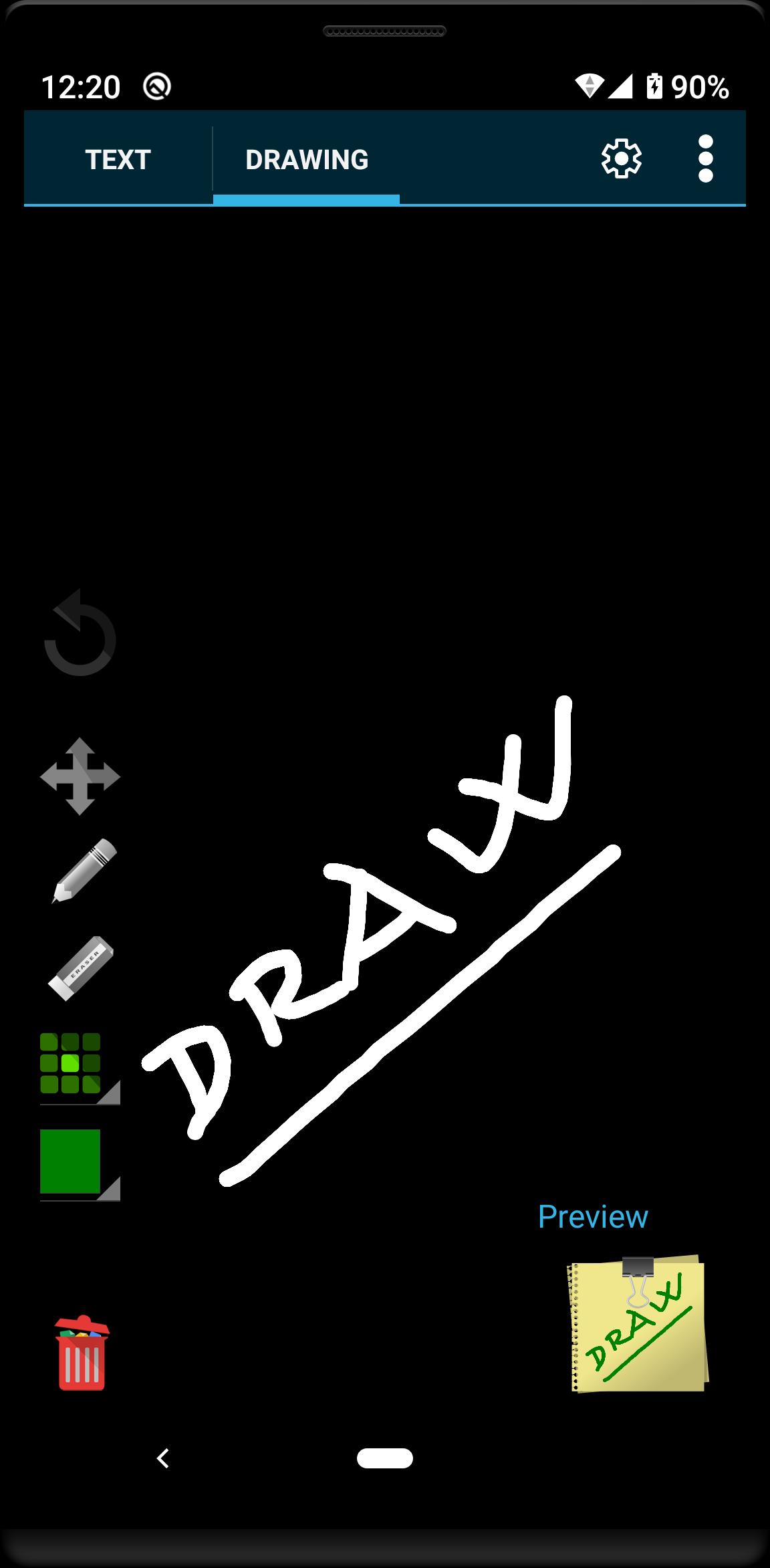
Your notes can contain simple text enriched with emojis or hand-drawn sketches.
Multiple Handwritten Fonts
Enhance the visual appeal of your notes by selecting from a variety of handwritten fonts.
Customize with Colors
Make your notes stand out with custom paper, pen, and highlighter colors.
Share Your Creativity
Showcase your designs by sharing your notes on social media platforms like Facebook, X, and more. Share your thoughts with the world.
Privacy
All your notes are stored locally on your device, ensuring your privacy.
Ads-Free Option
Upgrade to the Ads-Free version with a one-time payment and enjoy an uninterrupted note-taking experience without any ads.
Latest Version
3.12.8Uploaded by
Ngọc Ka
Requires Android
Android 6.0+
Category
Free Productivity AppContent Rating
Everyone
Security Report
Report
Flag as inappropriateLast updated on Feb 14, 2026
🎉 Finally! Undo for Text Input 😊
✨ New styles: Gold, Vault, Chinese Zodiac - Horse.
🛠️ Bug fixes and other improvements. (Fixes "data loss after page change with LOCK ON" bug)
💡 If a note widget suddenly becomes smaller, change the "Image Quality" setting to "Very Good" or "Good."
1. Tap a note on the Home screen.
2. Tap the Settings icon.
3. Change the "Image Quality" setting to [VERY GOOD] or [GOOD].




APKPure - A multi-platform app store primarily focused on Android, providing extensive app-related content. Discover the app you want easier, faster, and safer, with quick and efficient downloads and installations.