Scan Date:Apr 14, 2026
Show More


Annelids: Online battle suits quick sessions where you want responsive combat and clear visuals. It fits players who enjoy competitive matches, small teams, or solo practice without heavy system demands. The flow is straightforward and rewards smart movement and timing, so you can jump in and play without long setup. As matches evolve, the terrain reshapes and routes change, which keeps decisions fresh from round to round. For simple installation, Annelids APK provides a direct way to get the game onto your phone.
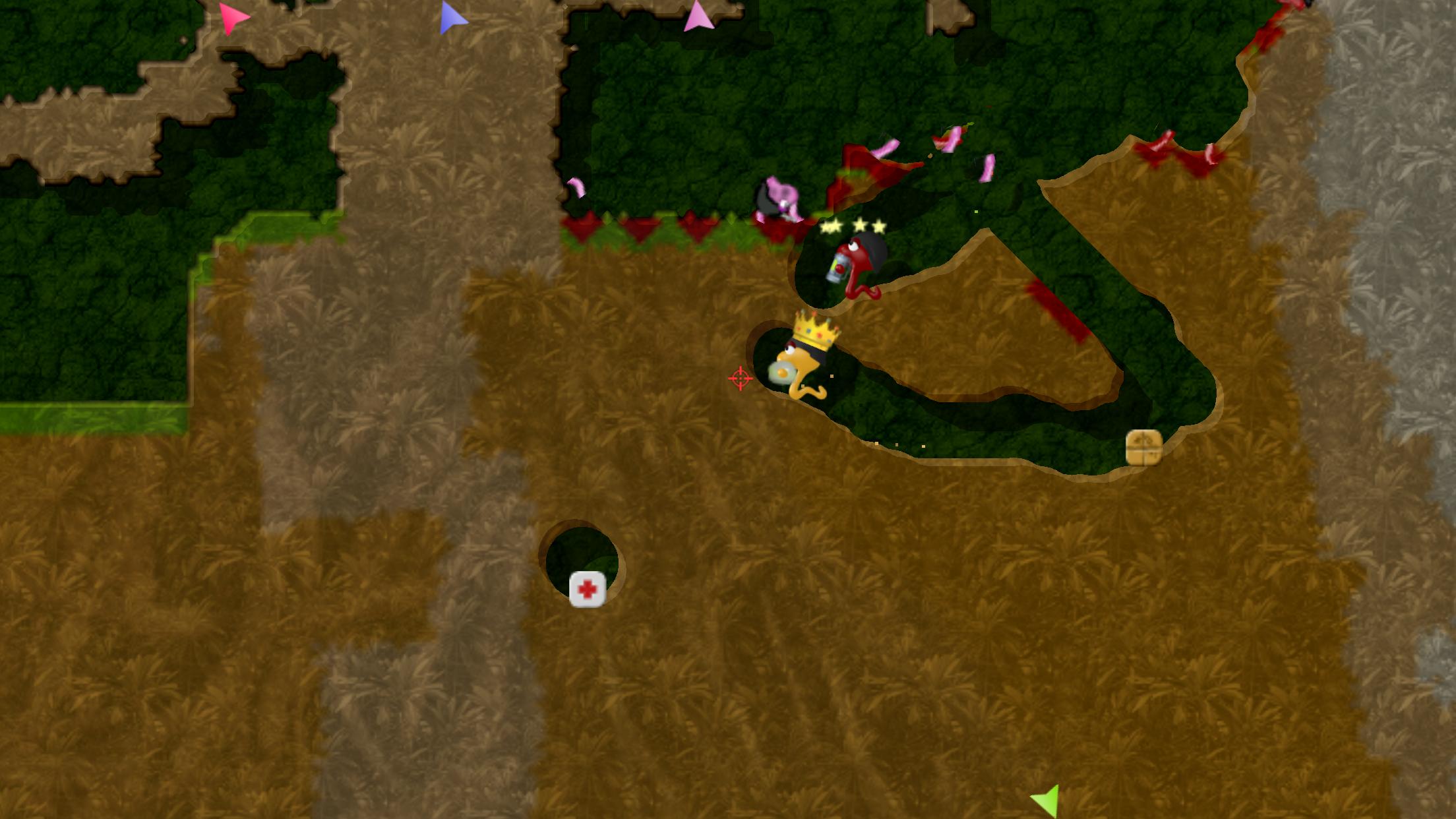
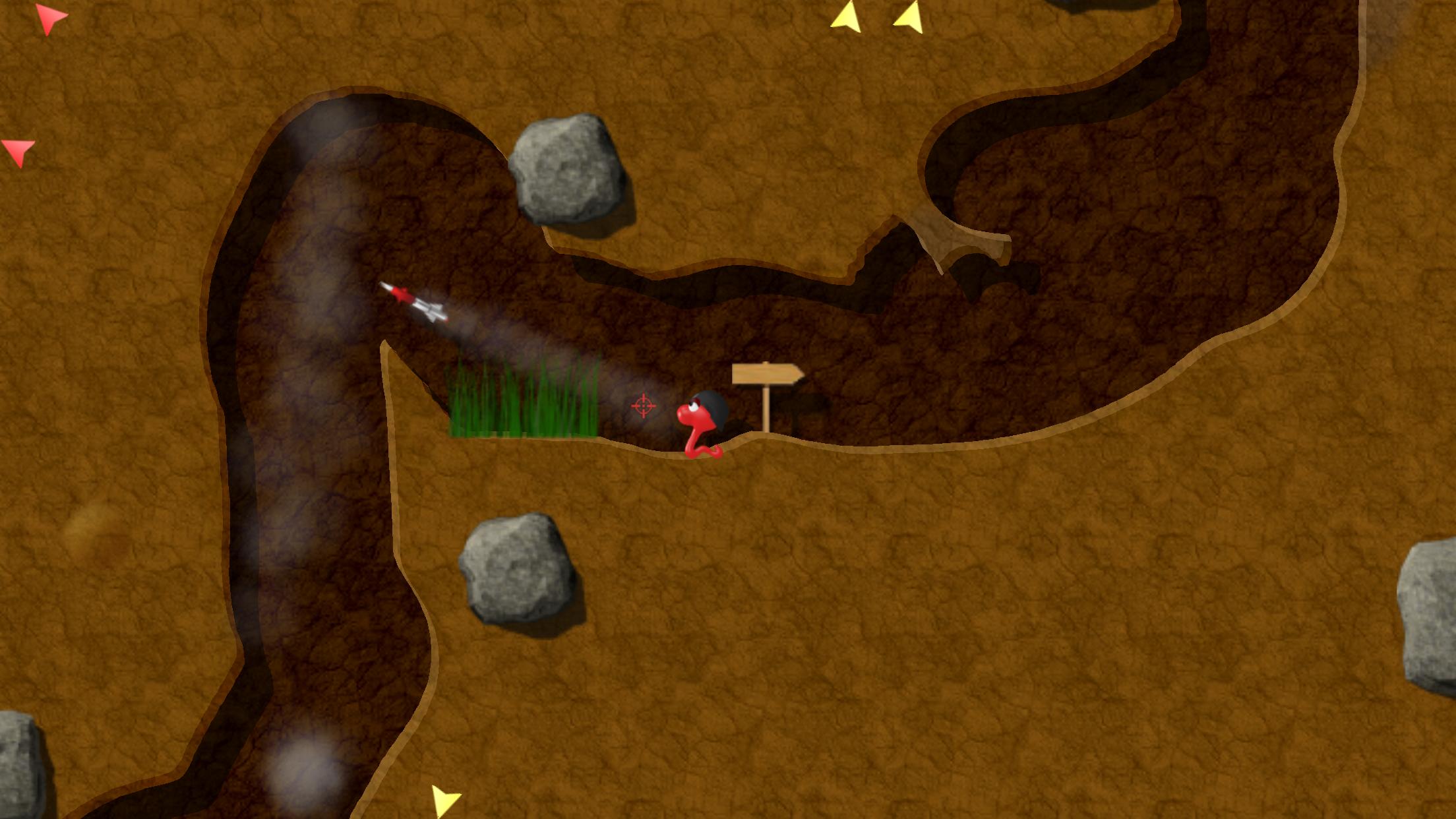
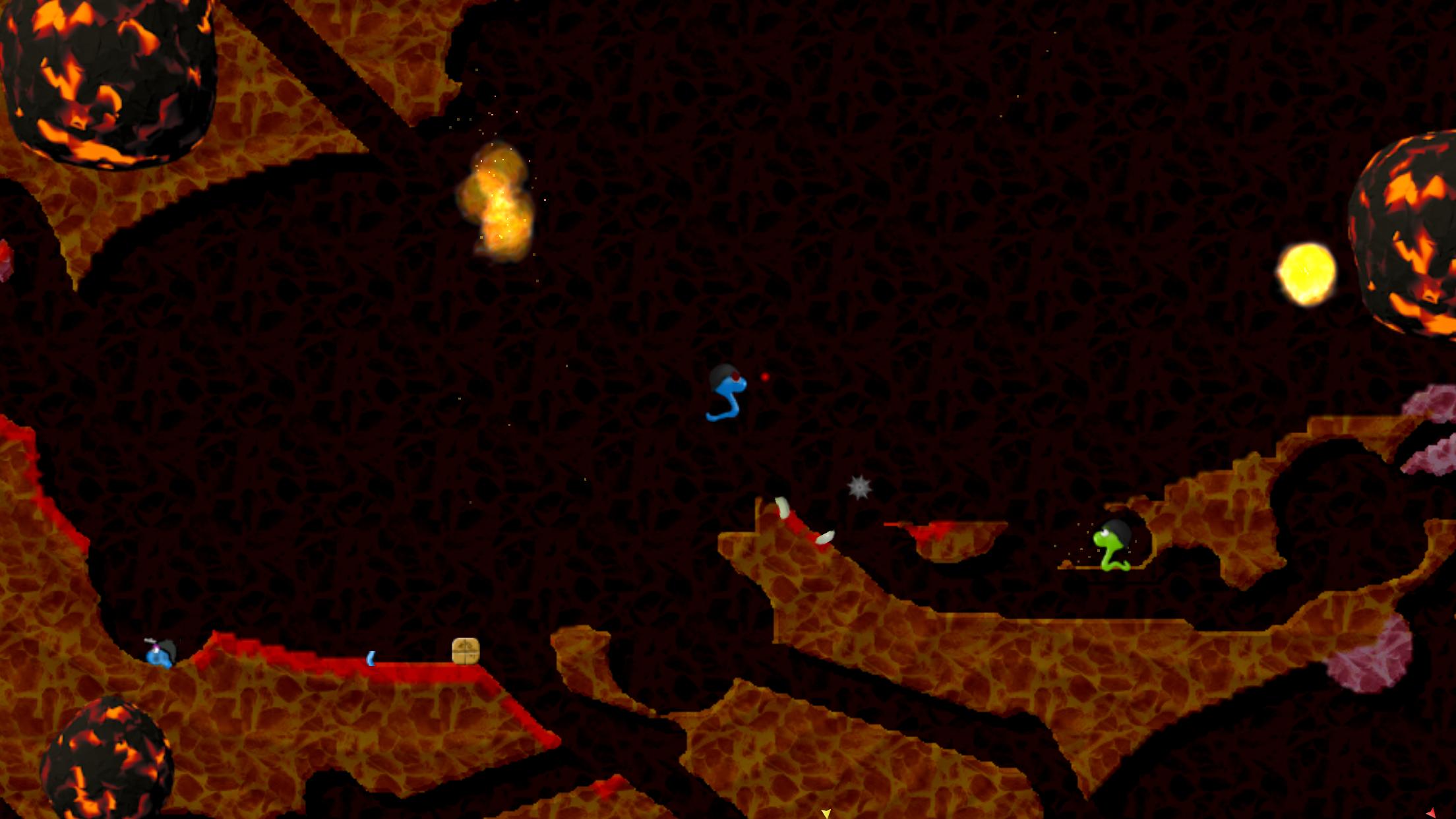
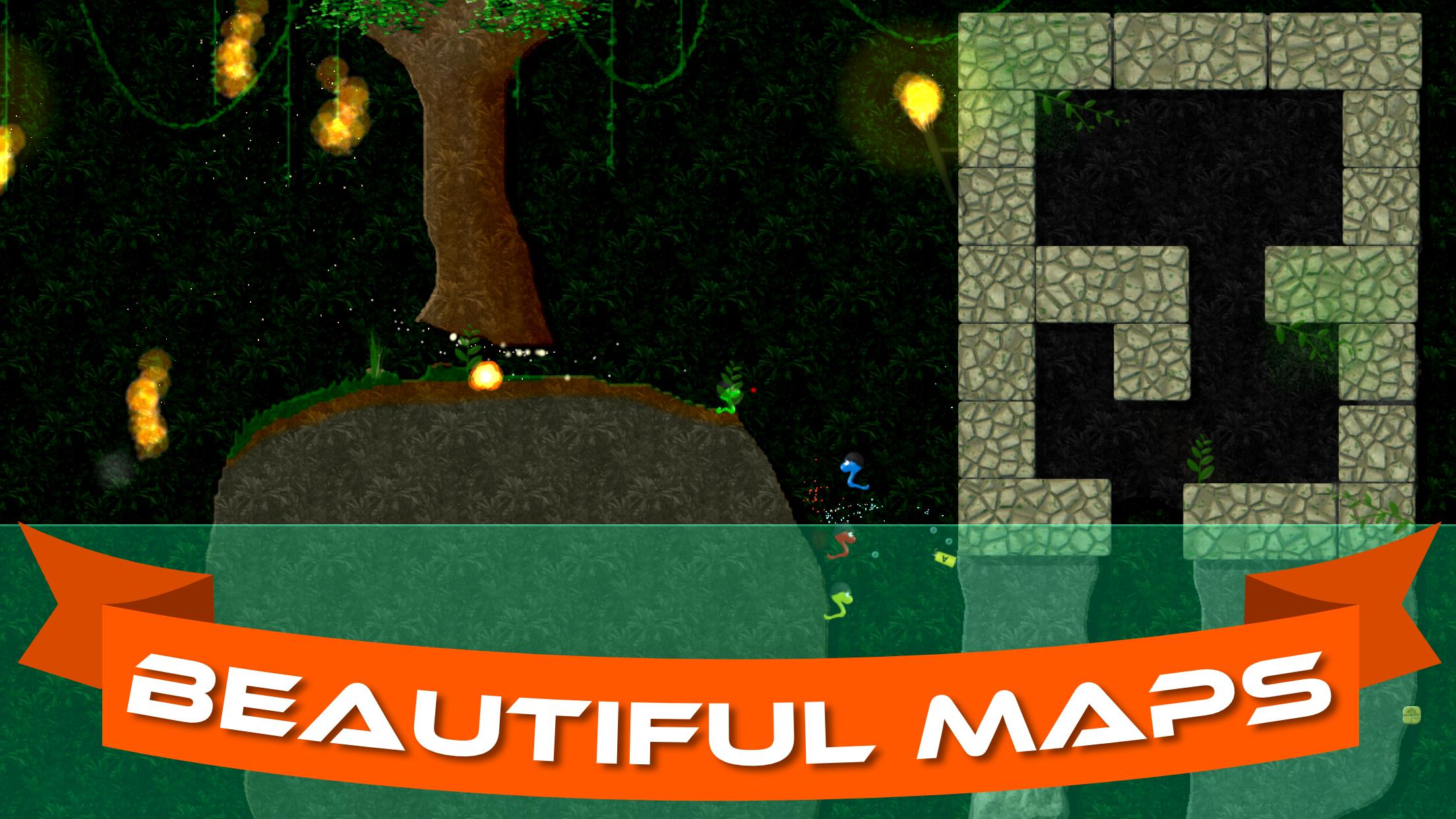
You shape the battlefield by digging tunnels and collapsing terrain. New passages let you flank, retreat, or block lines of fire as you go. The 2D view stays readable while the map shifts, so you track worms and projectiles clearly during busy fights.
Mode variety for different goalsEach Annelids game mode adjusts your goals and pacing. Deathmatch and Team Deathmatch emphasize eliminations, while Capture the Flag and Conquest focus on coordinated movement and territory control. King of the Hill adds timed occupation, which encourages steady pressure rather than constant chasing.
Flexible multiplayer optionsAnnelids supports real time online play and local Bluetooth sessions. You can host or join matches for up to six players, with both versus and cooperative choices available. Local Bluetooth works well for nearby groups and does not rely on mobile data, which is useful when connection quality varies.
Offline single-player missionsSolo players can run offline matches against AI across 68 missions on 17 handcrafted maps. The AI offers solid resistance, so practicing routes and timing feels worthwhile. This mode also helps new players learn objectives before joining group sessions.
Arsenal, progression, and control supportAnnelids includes 33 unique weapons plus 9 secret ones, which create varied loadouts for different modes. As you progress, you unlock new worms and upgrade defenses, bringing light resource management into match flow. The game supports MOGA and other Bluetooth gamepads for those who prefer physical controls. Procedurally generated maps appear in some rotations, which reduces repetition and keeps routes unpredictable.
Online matchmaking benefits from a steady connection, while Bluetooth sessions suit players in the same room. Groups can prepare by finishing an Annelids APK download ahead of time on each phone to avoid delays. Up to six players can join one room, so small teams can rotate roles and keep rounds moving. If internet access is limited, local Bluetooth helps maintain consistent play.
MOGA and many Bluetooth gamepads are supported once paired with your phone. Pair the controller in Android settings first, then enable input inside the game options. Aim sensitivity can be adjusted to match stick movement or touch controls, and starting with a lower value often improves accuracy. For stability across devices, make sure you install the Annelids latest version before connecting a controller.
The visuals are clean and lightweight, which helps on a wide range of phones. The installation footprint is modest compared to many action titles, useful if storage space is tight. For long sessions, closing background apps can help maintain steady performance. If you regularly switch devices, keeping the build updated reduces compatibility issues.
This quick guide outlines the basic flow for setting up a match on Android. After you download Annelids app, use these steps to host a local Bluetooth game or jump into an online lobby. The process is short and follows the same structure across modes.
Annelids focuses on clear visuals, destructible maps, and flexible solo or group play. To begin, download Annelids and choose the mode that fits your session plan.
For official resources and support, use the following link.
Latest Version
1.121.5Uploaded by
Ko Min
Requires Android
Android 9.0+
Category
Free Action GameContent Rating
Teen · Violence, Blood
Security Report
Report
Flag as inappropriateLast updated on Apr 14, 2026
- Bug fixes and improvements





APKPure - A multi-platform app store primarily focused on Android, providing extensive app-related content. Discover the app you want easier, faster, and safer, with quick and efficient downloads and installations.