

Anitaku suits users who want a straightforward way to keep up with ongoing episodes and explore long-running series without a complicated setup. It brings shows and movies together in a clean layout, so browsing is quick and familiar. New content appears frequently, and discovery tools help you move from one title to the next with minimal effort. With simple navigation and consistent updates, you can stay in sync with what you enjoy. If you plan to download Anitaku, this overview explains what to expect.
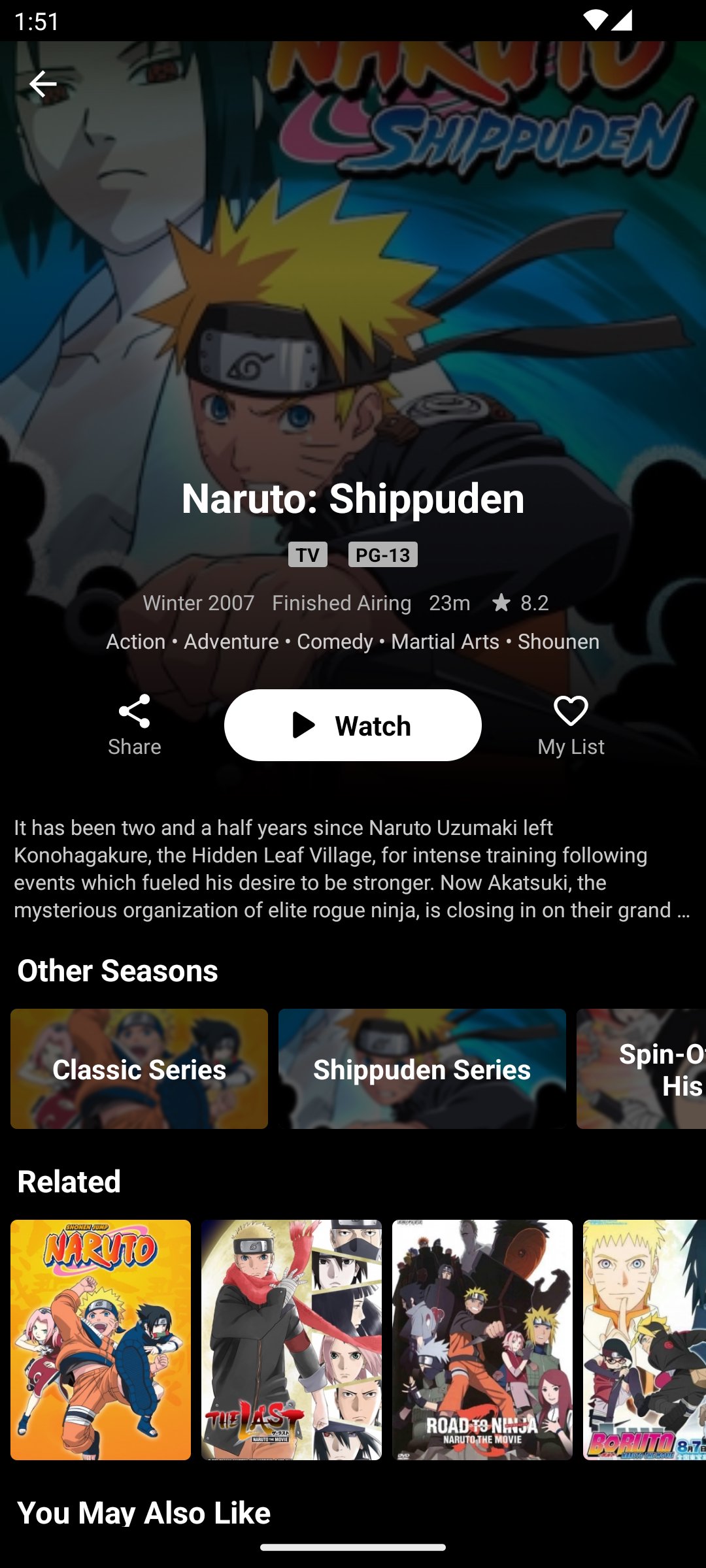
Anitaku supports English subbed and English dubbed viewing for many titles, so you can choose the style that fits your preference. HD playback aims to keep episodes clear and readable, while adaptive streaming adjusts to your connection for steadier performance. When a series provides both versions, Anitaku makes them easy to find on the show page.
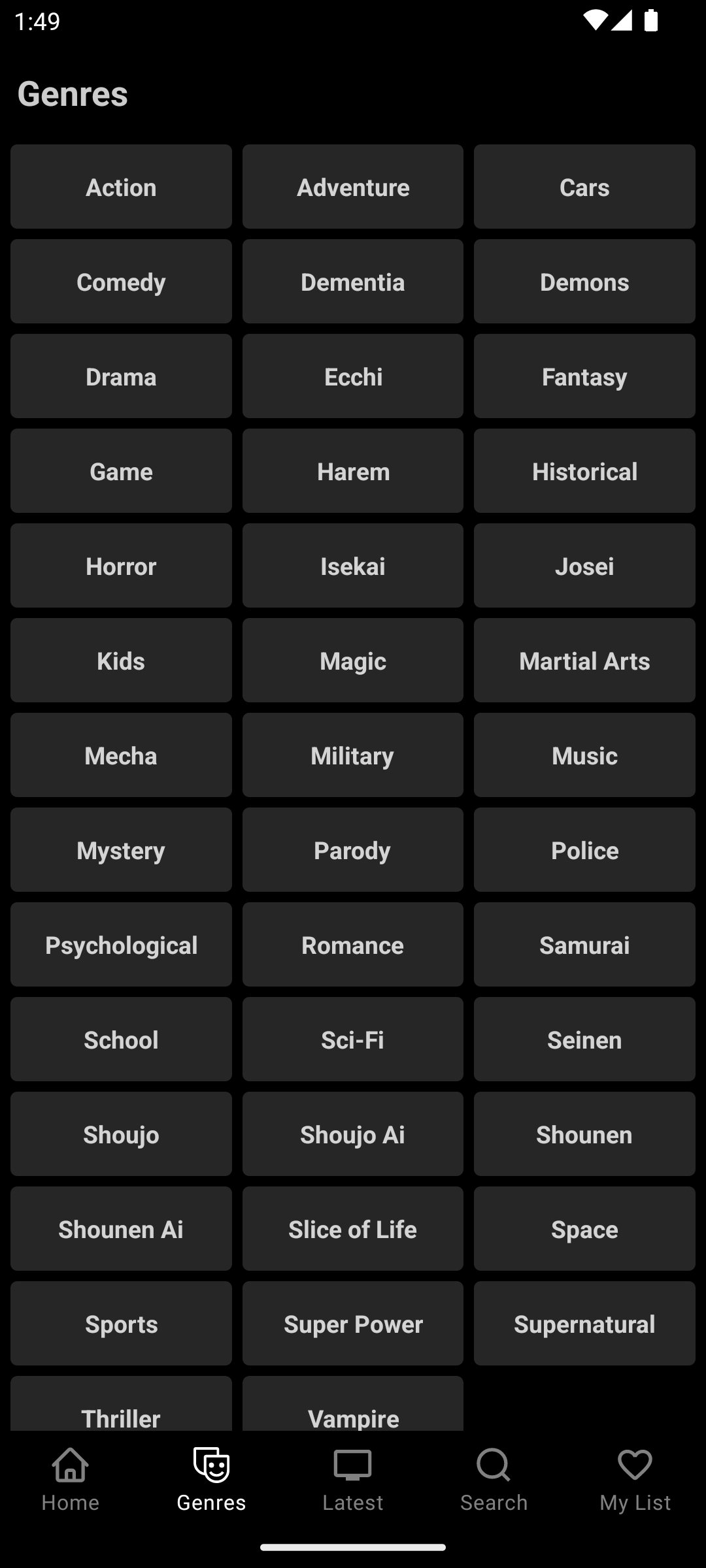
Extensive catalog across genresAnitaku covers thousands of series and movies spanning action, adventure, romance, sci fi, isekai, slice of life, and more. This breadth helps users explore older classics and current releases in one place. As you browse, sections and lists present a wide range of options without overwhelming the screen, making selection simple.
Smart discovery toolsAnitaku offers a strong search function with helpful filters to narrow results quickly. You can sort and filter by genre, status, type, popularity, and rating, or scan an A to Z list to find titles alphabetically. Order options such as Latest Update, Popular, and Rating help you focus on what is new, trending, or well reviewed, and the app keeps these views updated regularly.
Schedule and bookmarksAnitaku includes a release schedule for ongoing shows, so you can see when the next episode is expected. You can also save favorites with the Bookmark feature to build a personal watch list. This makes it easier to jump back into a series and follow its progress from week to week.
Regular updates and offline downloadsAnitaku adds new episodes frequently to keep up with broadcast and streaming timelines. For titles that permit downloads, you can save episodes and watch offline on your own time. This gives users a practical way to continue viewing when a stable connection is not available, subject to availability for each show.
Anitaku typically highlights fresh content through a Latest Release view, which helps you see what just arrived without digging through menus. Popular lists are often grouped by time frames such as weekly, monthly, or all time, so you can spot what other users are watching right now. These sections make discovery faster and reduce the steps needed to locate current or trending series.
English subbed and dubbed options vary by title, and some shows offer only one version at certain times. Download functions appear only when available for a specific series or episode, so not all content supports offline viewing. Release schedules reflect planned updates for ongoing shows and may change if a title’s timing shifts.
To start, open Anitaku and follow the prompts on screen. This guide explains the basic flow for finding and watching episodes. For best results, use the Anitaku latest version before following these steps.
Anitaku focuses on clear browsing, reliable HD playback, and English sub or dub access for many titles. If you want a simple hub for watching and tracking episodes, try the Anitaku APK to begin.
Latest Version
1.0.3Uploaded by
Amany Kamal
Requires Android
Android 7.0+
Category
Free Entertainment AppContent Rating
Everyone
Report
Flag as inappropriateLast updated on Oct 18, 2024
Unlock the ultimate anime experience with Anitaku! Stream your favorite series and movies in stunning HD. Enjoy personalized recommendations and offline viewing. Join Anitaku today and dive into anime bliss!





APKPure - A multi-platform app store primarily focused on Android, providing extensive app-related content. Discover the app you want easier, faster, and safer, with quick and efficient downloads and installations.











