NOTE:
if you see message "Your devices are not compatible", use Play Store on WEB browser from PC / Laptop instead of app on phone.
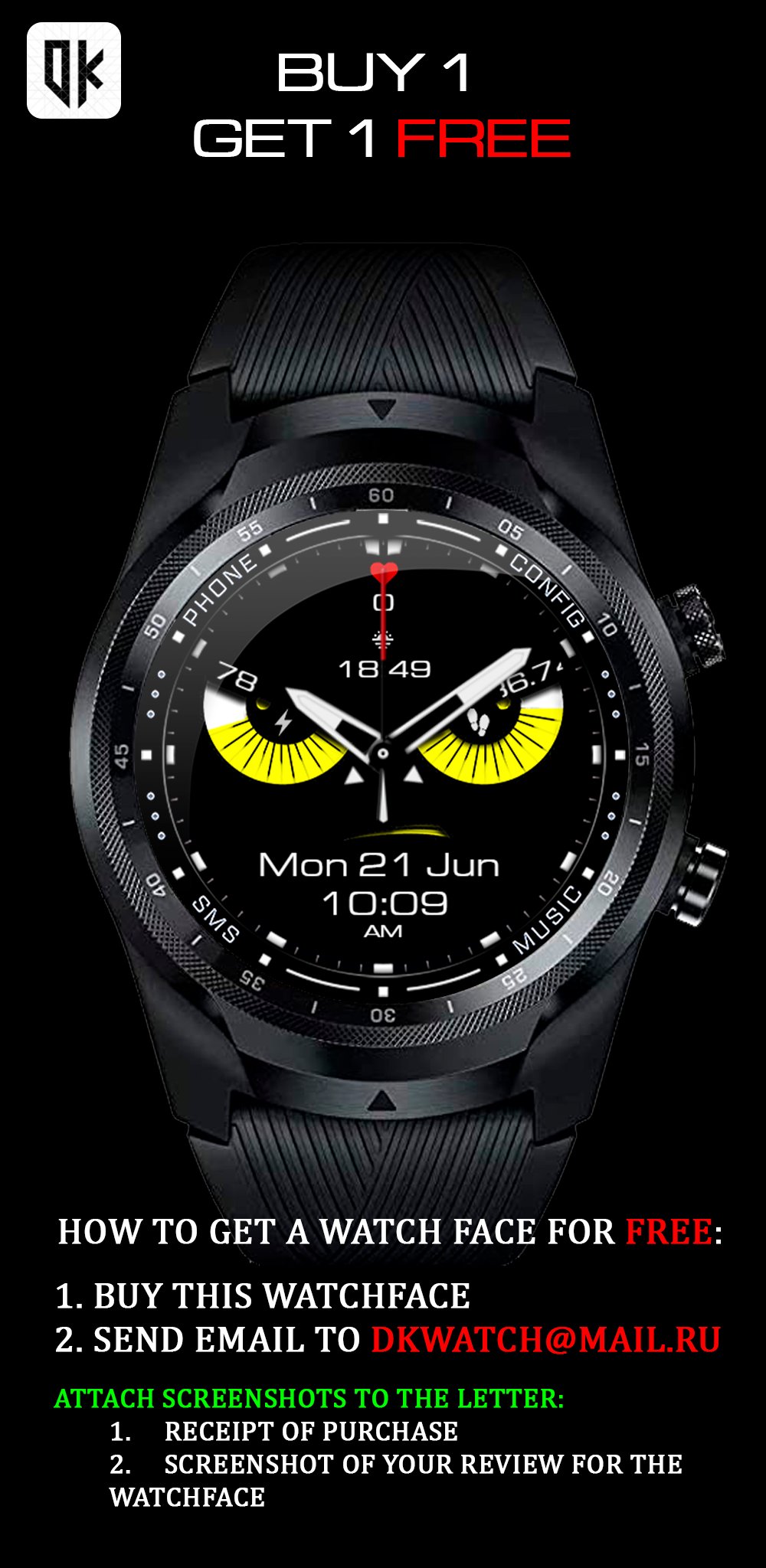
BUY 1 GET 1 FREE:
HOW TO GET A WATCHFACE FOR FREE
1. Buy this watchface
2. Send email to dkwatch@mail.ru
Attach screenshots to the letter:
1. Receipt of purchase
2. Screenshot your review
Heart rate:
Press the heart icon and wait 15 seconds to update your heart rate data.
When measuring, you will see the heart rate animation.
Make sure the screen is turned on and the watch is properly worn on your wrist when taking your heart rate.
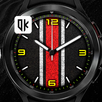
It contains 7 Preset App shortcuts, Health data, Date, changeable colors and more..
All permissions must be given to display sensor data.
Featured:
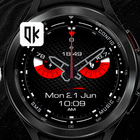
- Hybrid Watchface
- 12/24h format (automatic)
- Date
- Battery percent
- Steps percent
- x10 Backgrounds
- x10 Colors
- x5 Hands (4 hands + 1 hands off)
- AOD mode with ON/OFF info settings
Сustom application zone (recomended)
- Sunrise and sunset
- Weather
The custom application zones are selected from the watch face settings.
All permissions must be given to display sensor data.
You can uninstall the application after installation
Please NOTE:
Make sure you have enabled all permissions from settings -> applications.
This watch face was developed with Samsung's new "Watch Face Studio" tool for devices based on the new Wear Os Google / One UI Samsung operating system like Samsung Galaxy Watch 4.
Being new software, there may be some functionality issues initially.
For watch with WearOS
Latest Version
Varies with deviceRequires Android
Category
Personalization AppContent Rating
Everyone
Report
Flag as inappropriateLast updated on Sep 13, 2022
Minor bug fixes and improvements. Install or update to the newest version to check it out!




APKPure - A multi-platform app store primarily focused on Android, providing extensive app-related content. Discover the app you want easier, faster, and safer, with quick and efficient downloads and installations.