Scan Date:May 17, 2026
Show More

Muviz Edge suits users who want subtle music visuals and a clean standby screen without changing their phone’s launcher. It runs alongside your favorite music apps and places animated lighting around the screen edges. At the same time, it offers a large set of standby screens for when your display is idle. With Muviz Edge APK, you can tailor how and when visuals appear so your phone stays distraction free during games or videos.
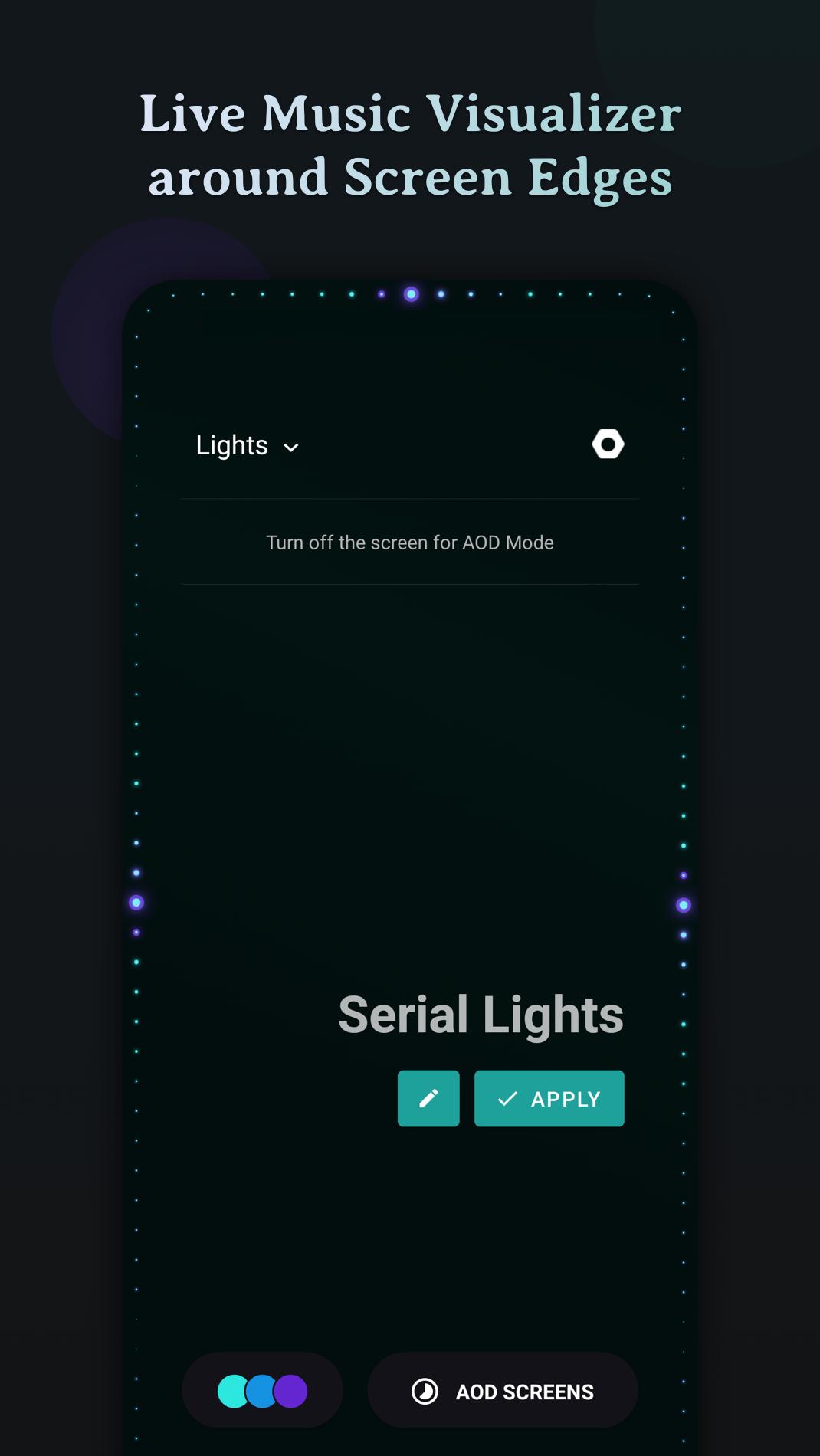
Muviz Edge listens for what is playing and animates lights along the screen edges in real time. It supports major music apps whether you stream tracks or play files stored on your device. You can choose the music sources that should trigger effects and limit visuals to specific apps for a tidy setup.
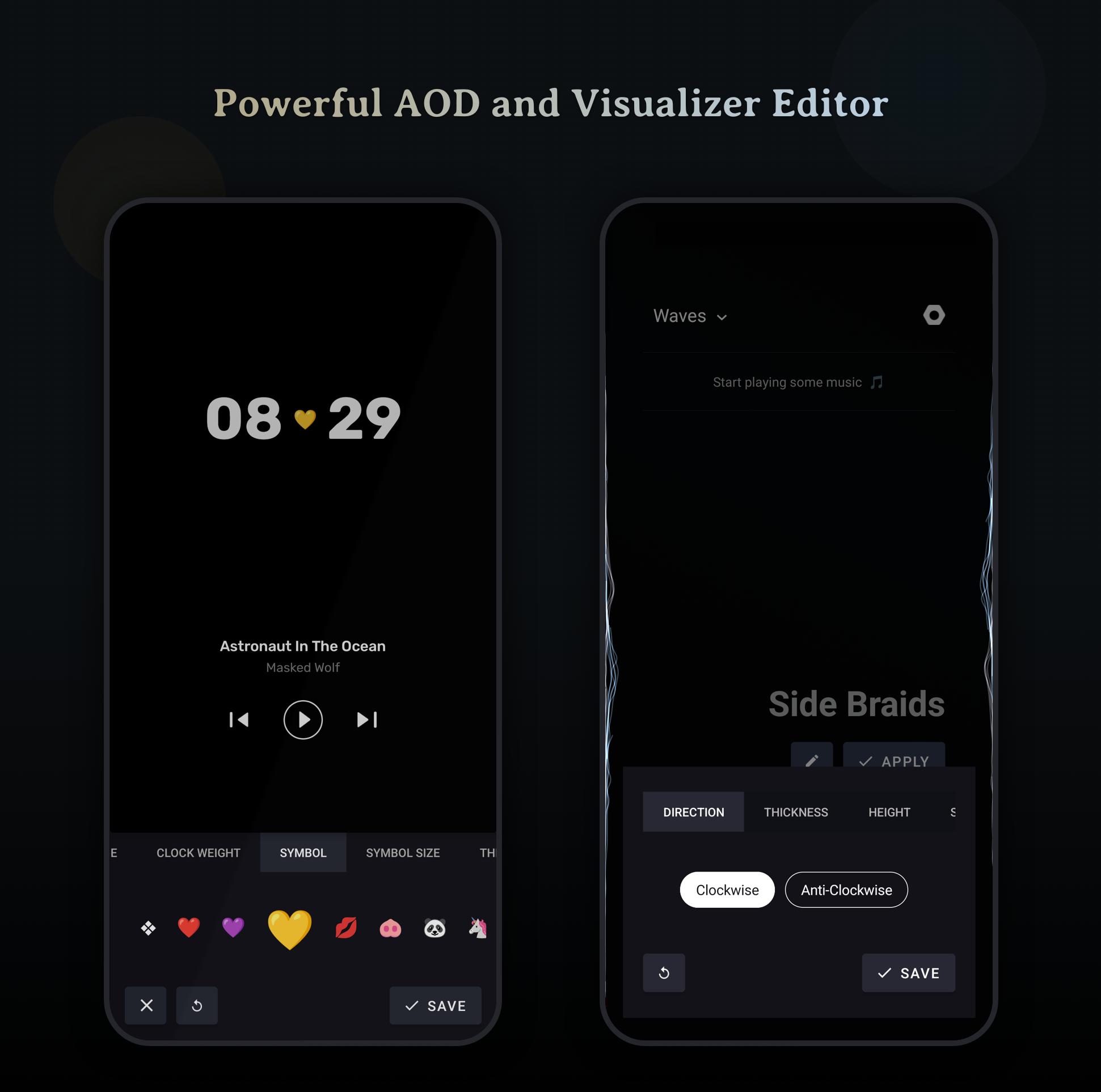
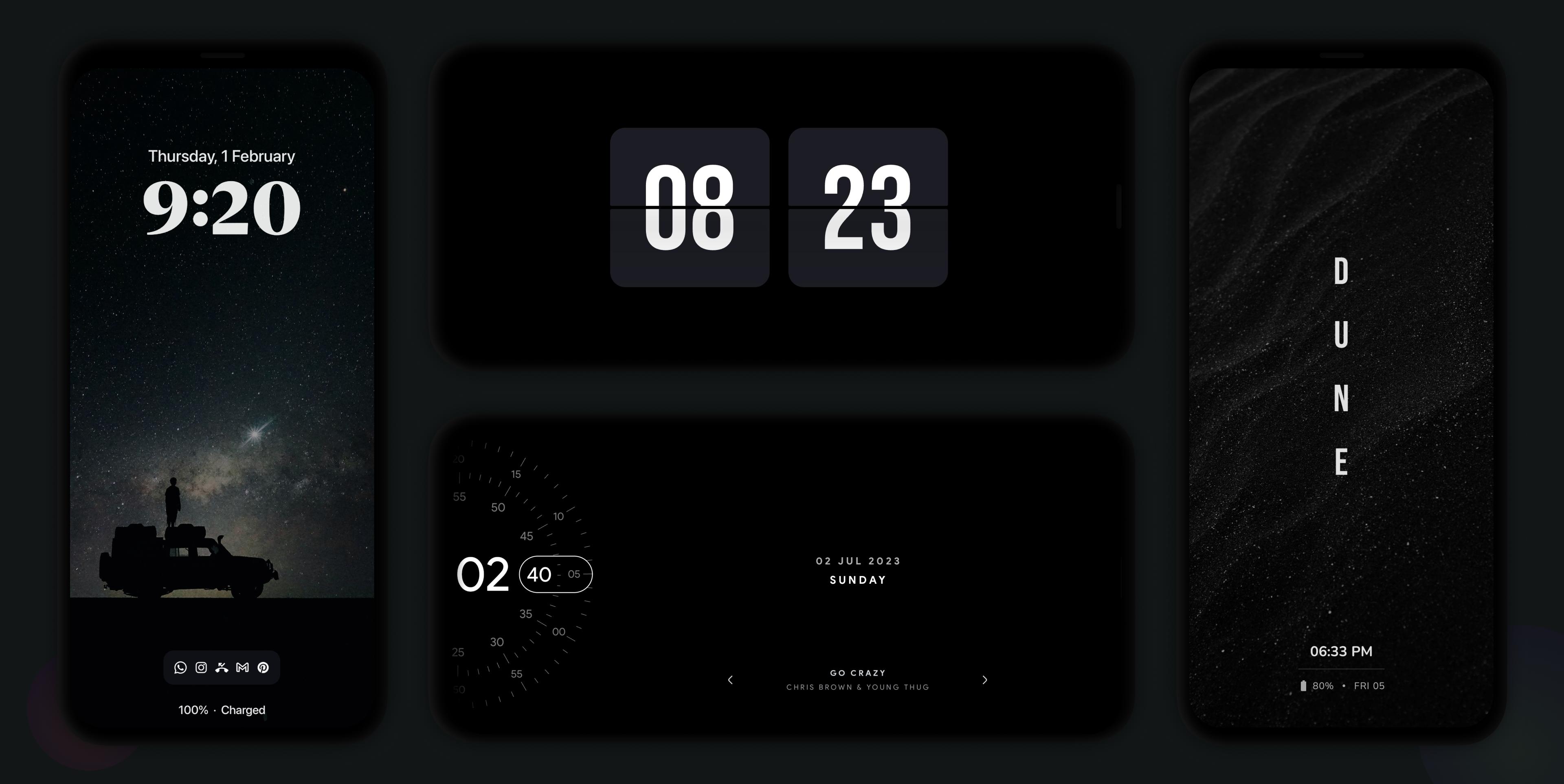
Always On Display screensavers you can use aloneYou can enable AOD screensavers even if the visualizer is off. The library includes styles inspired by HyperOS, iOS-style layouts, Android 14 looks, Pixel designs, and Nothing (1) and (2) aesthetics. You also get a star field with moon phase plus flip, retro, and text clocks. An inbuilt editor lets you adjust AOD layouts and set your own backgrounds for a consistent look.
Responsive edge designs and editor toolsDesign packs are built to fit modern phones with curved corners and edge to edge screens. Layouts adapt to your device’s shape so visuals sit neatly along the border. You can use the editor to refine elements and preview changes before applying them, which helps you match visuals to your wallpaper and icons.
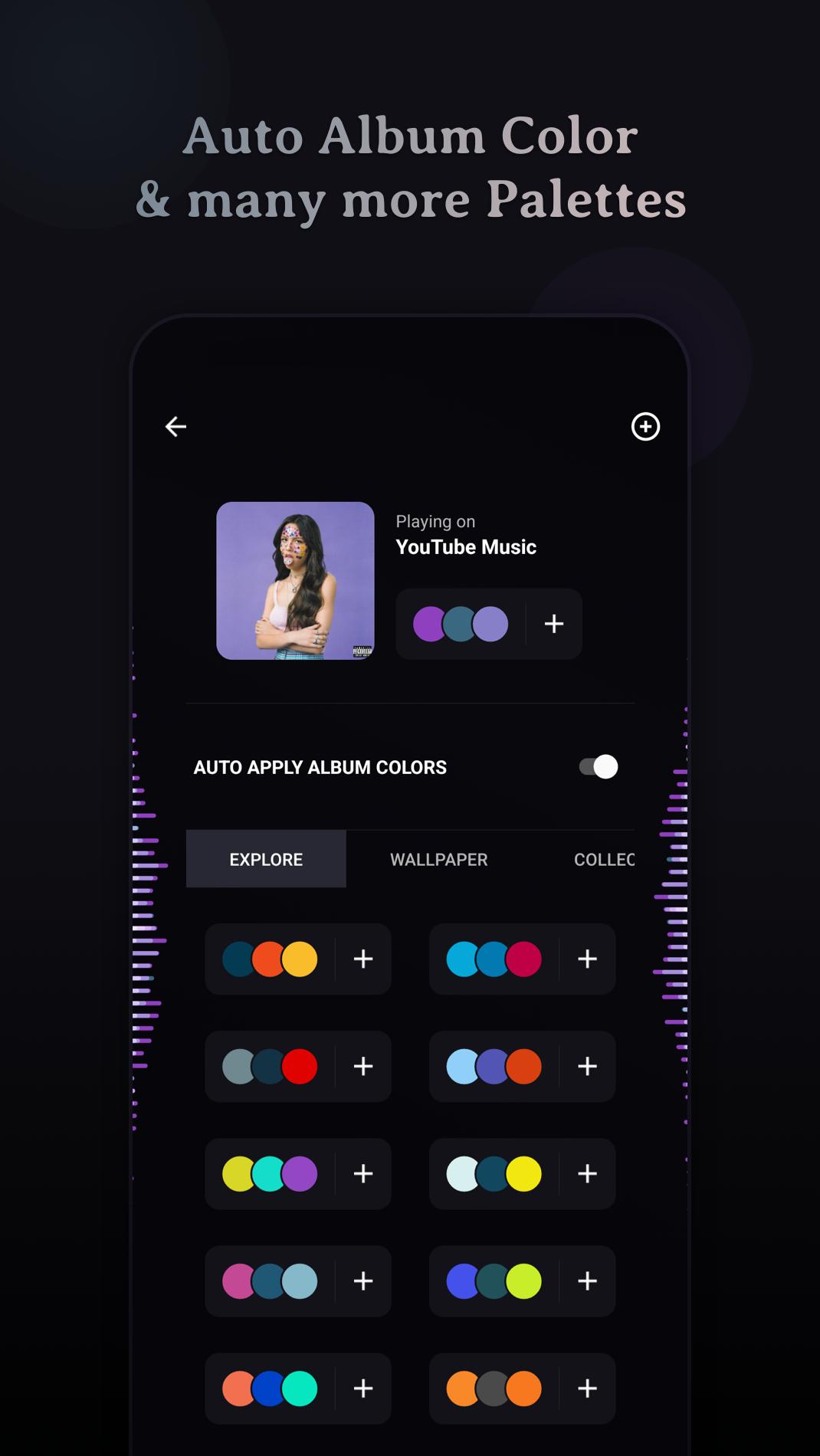
Rich color controls for music and standbyMuviz Edge offers multiple ways to manage color. You can pick from stock palettes, automatically extract colors from album art while music plays, or build custom palettes from scratch. Saved collections make it easy to switch themes for different moods or playlists without rebuilding your setup.
Smart display controls for daily useTo keep visuals practical, you can hide effects during full screen games or videos. It is also possible to dim the background, keep the screen on while music is playing, or limit where effects show up. These options help you keep battery impact predictable and avoid interruptions when you need focus.
AMOLED-friendly burn-in protectionThe app includes improved pixel shifting to reduce the chance of static elements staying in one spot for too long. This approach is designed for AMOLED displays and helps lower burn-in risk during extended AOD use. You can let the app handle movement automatically for consistent protection.
Muviz Edge includes a free tier with ads and in-app purchases. An optional all-access pass is available if you want to unlock the full set of designs and controls. This setup lets you try key functions first, then decide if you want everything in one package.
According to the developer’s stated policy, the app does not collect personally identifiable information such as your precise location, address, or phone number. Core features focus on visuals and on-device customization. You can manage permissions inside Android settings at any time if you wish to adjust access.
Getting started is quick, whether you want edge lights for music or an idle screen. For the best experience, install the Muviz Edge latest version and follow the prompts. The app guides you through the first setup the moment you open it.
Muviz Edge adds edge lights for music and standby screens you can customize to match your phone. If you want a simple way to tune visuals around your display and during idle time, download Muviz Edge to begin.
For official help and developer information, use the links below.
Latest Version
2.1.2.0Uploaded by
ปลื้ม ซอมบี้
Requires Android
Android 9.0+
Category
Free Personalization AppContent Rating
Everyone
Security Report
Report
Flag as inappropriateLast updated on May 17, 2026
- New Pixel Lockscreen AOD ✨
- Bug Fixes & Improvements.




APKPure - A multi-platform app store primarily focused on Android, providing extensive app-related content. Discover the app you want easier, faster, and safer, with quick and efficient downloads and installations.