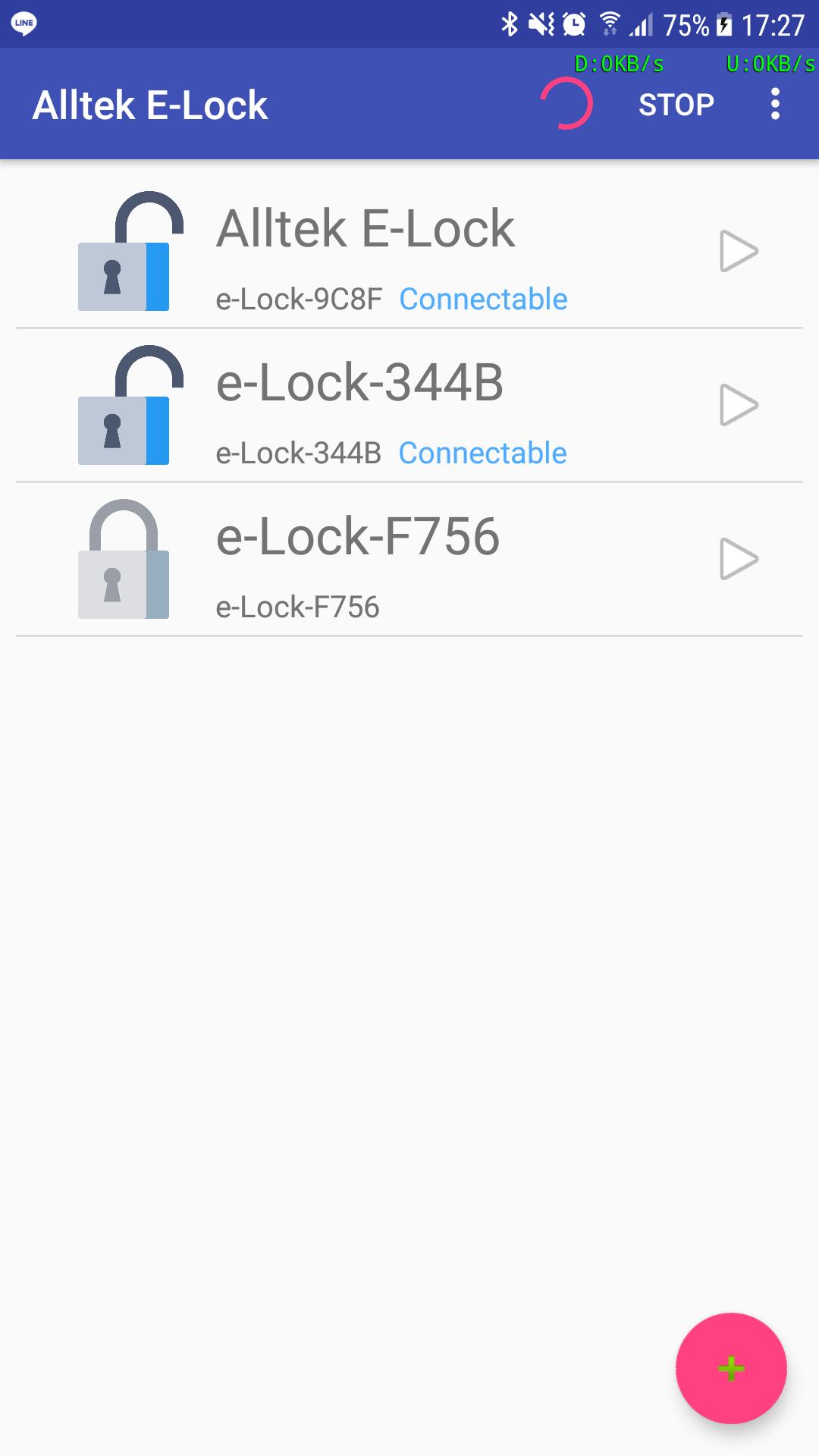
Alltek E-Lock App can control the Lock with Alltek E-Lock platform via Bluetooth LE.
The app support below function:
1.) Control the E-Lock to unlock or lock via Bluetooth LE.
2.) Authentication by key-in password or fingerprint.
3.) Configure the E-Lock authentication password.
4.) Configure the E-Lock display name.
5.) OTA Firmware Upgrade function (with E-Lock Passcode )
6.) Show log data
7.) Read E-Lock device version data
8.) Scan device list can display E-Lock status
Latest Version
1.1.2Uploaded by
Daniel Femi
Requires Android
Android 5.0+
Category
Free Tools AppContent Rating
Everyone
Report
Flag as inappropriateLast updated on Aug 18, 2018
Version Name 1.1.2
* Debug change password function.
* Add function: long click E-Lock item row can delete E-Lock device




APKPure - A multi-platform app store primarily focused on Android, providing extensive app-related content. Discover the app you want easier, faster, and safer, with quick and efficient downloads and installations.