
AirDrop APK addresses situations where you need to move files between your phone and a computer without a cable. The app provides a wireless transfer service and a simple web interface so you can browse your device from a desktop. Additionally, AirDrop offers media feeds for videos, music, wallpapers, and GIFs, which can be viewed inside the app. It also includes a built in media player to manage and play your own content, making everyday file handling more straightforward.
Wireless file management on your computer
Flexible sharing options
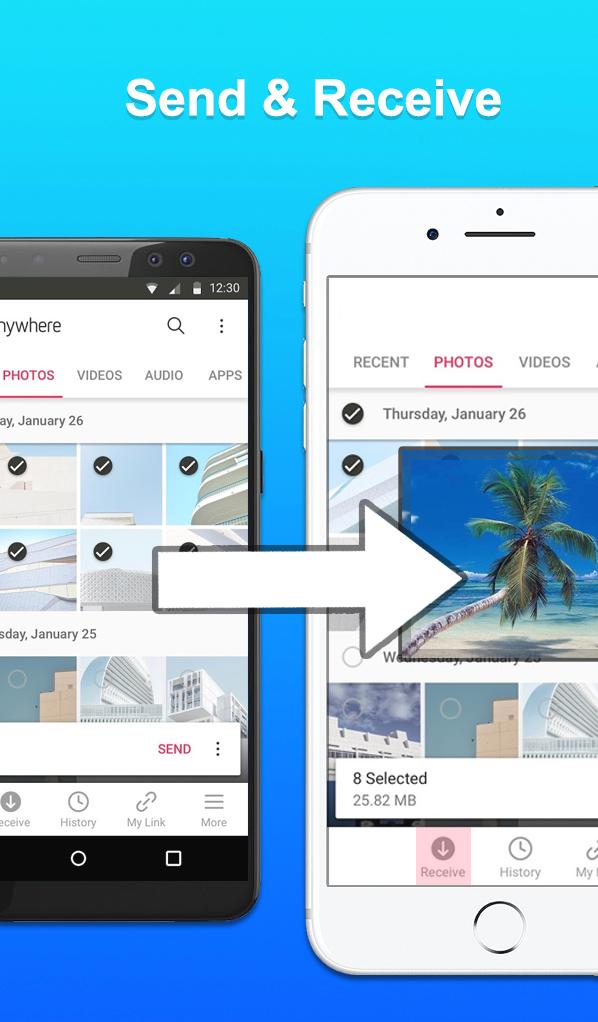
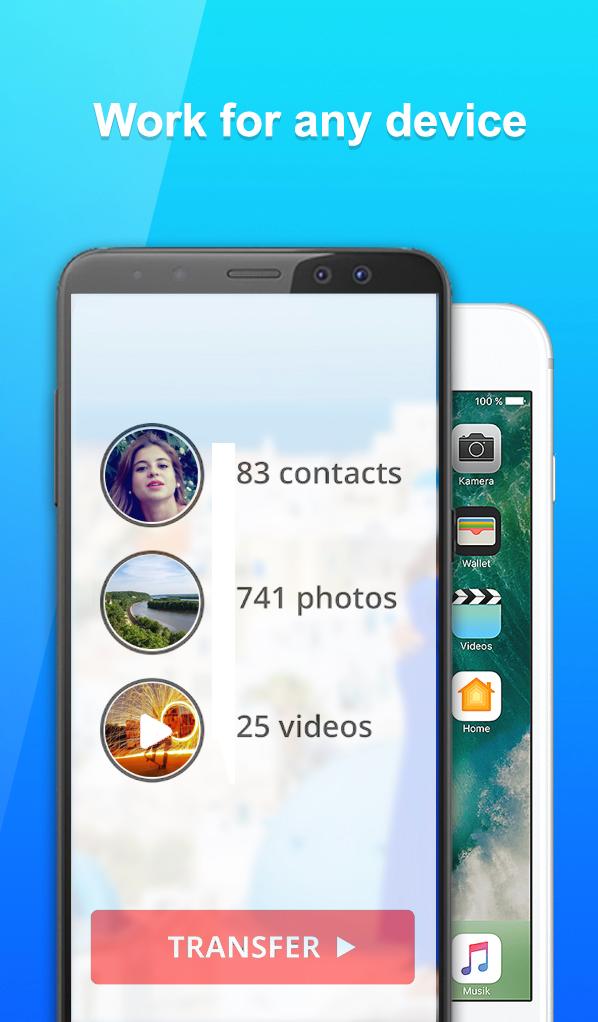
After setting up the service, you can share content in several ways. Use the built in file browser to share any file stored on your device. You can send a single file or select multiple items for one transfer. Contacts sharing is supported, giving you a quick way to move address entries between devices.
Web interface and cross device support
For desktop use and cross device situations, AirDrop includes a web interface for sending to a computer. You do not need Bluetooth turned on during transfer. The app also provides an NFC alternative for sharing with iOS devices, which helps when pairing methods differ between platforms.
Media player and online feeds
Beyond transfer, AirDrop adds a media player that helps you manage and enjoy your own videos and music. Inside the app you can browse online feeds for movies, videos, music, wallpapers, and GIFs to explore and view.
AirDrop focuses on wireless file transfer and straightforward sharing across phone and computer. To begin, download AirDrop and follow the in app steps to start the service, then use the web interface for browsing and management. The built in player and feeds support everyday media viewing.
Latest Version
2.4Uploaded by
Mustapha El-bachyr
Requires Android
Android 4.0.3+
Category
Free Productivity AppContent Rating
Everyone
Report
Flag as inappropriateLast updated on May 14, 2019
Minor bug fixes and improvements. Install or update to the newest version to check it out!


APKPure - A multi-platform app store primarily focused on Android, providing extensive app-related content. Discover the app you want easier, faster, and safer, with quick and efficient downloads and installations.