Package Name:com.sand.aircast
SHA-256:42dc1cec12520981e37e184fef9f108b75a789c02a318a4651794ddc21689314
Show More
AirDroid Cast allows you to share your screen to a larger display, and even lets you take control of your device on PC. A perfect tool for both individual and business users to enhance productivity during remote meetings, remote casting and more.
What can you do with AirDroid Cast?
Remote Meeting
When you are on a business trip or working from home, AirDroid Cast can help bridge the communication gap in a remote meeting. By scanning the QR code or entering the Cast Code, the meeting attendees can easily share their screens with the meeting host. Each attendee can directly draw and show his/her idea, using the two-way audio feature to make the communication more effective.
Online Presentation
You can nail in-house meetings, training, or product demonstration with AirDroid Cast. It enables you to share your screen to the computer whether the devices are under the same local area network. AirDroid Cast also supports AirPlay, allowing you to share iOS device screens to Windows or Mac computers.
Online Teaching
As an instructor, you can turn your Android or iOS device into a handy whiteboard by using AirDroid Cast. You can type down key points or draw the formula right onto your device. In addition, you can get your students' feedback right away using the two-way audio feature.
Game-streaming
Share your screen on PC by connecting with cable or WiFi. In this way, your fans can enjoy watching the live game streams. And, AirDroid Cast supports up to 5 devices casting at the same time, your friends can join you and show their skills with you.
Features:
Control Android and iOS Device on Computer
No matter you are in the office or at home, You can use AirDroid Cast to view and control your surroundings mobile device on a computer.
Multi-screens on One Computer
AirDroid Cast supports to cast a maximum of 5 devices onto a computer simultaneously.
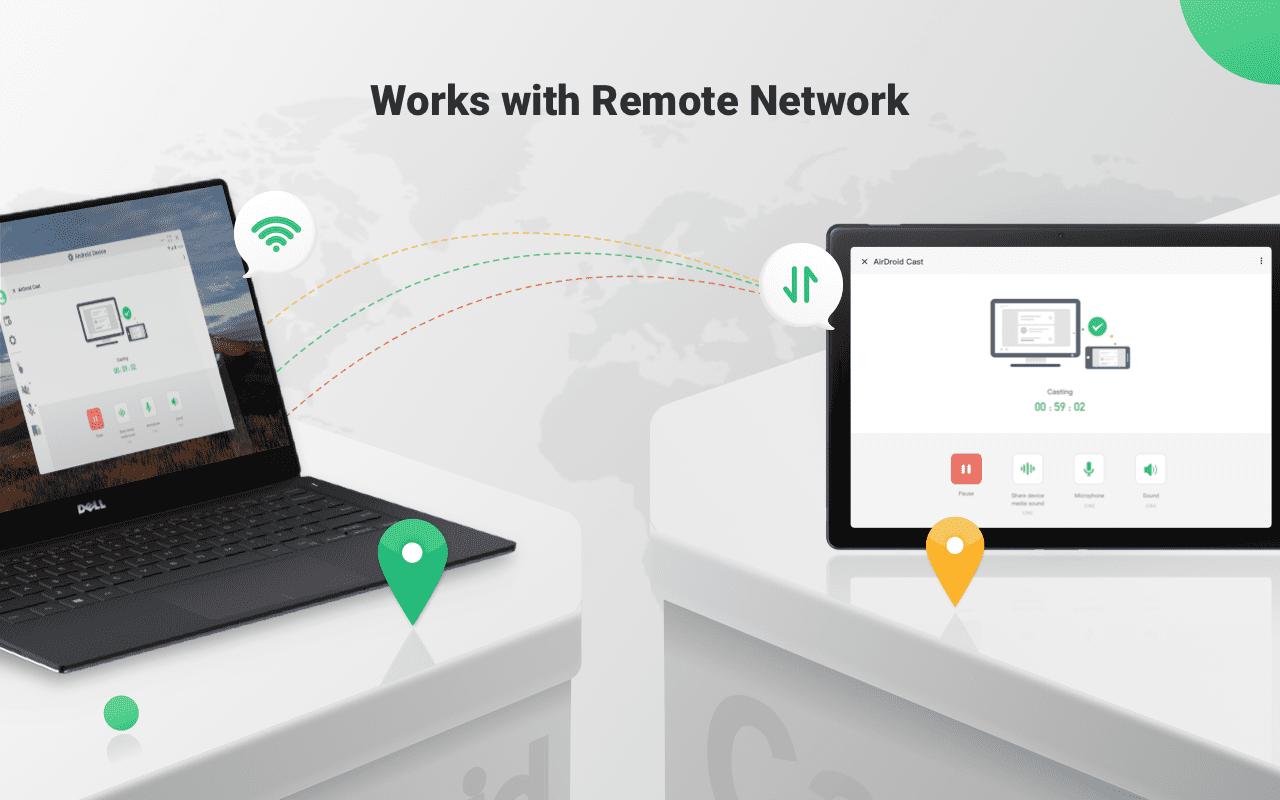
Works with Remote Network
All features of AirDroid Cast are available under the local area network. As a Premium user, network type will not be limited; AirDroid Cast works even under the remote network.
Two-way Audio
During a remote meeting,the attendees can directly talk and discuss using two-way audio. Greatly enhance the communication efficiency.
Latest Version
1.1.8.1Uploaded by
Nay Min Phyu
Requires Android
Android 7.0+
Category
Free Tools AppContent Rating
Everyone
Security Report
Check Now
Report
Flag as inappropriateLast updated on May 17, 2026
Bug fixes and finetunes that improve stability and user experience.




APKPure - A multi-platform app store primarily focused on Android, providing extensive app-related content. Discover the app you want easier, faster, and safer, with quick and efficient downloads and installations.