Scan Date:Jul 12, 2025
Show More
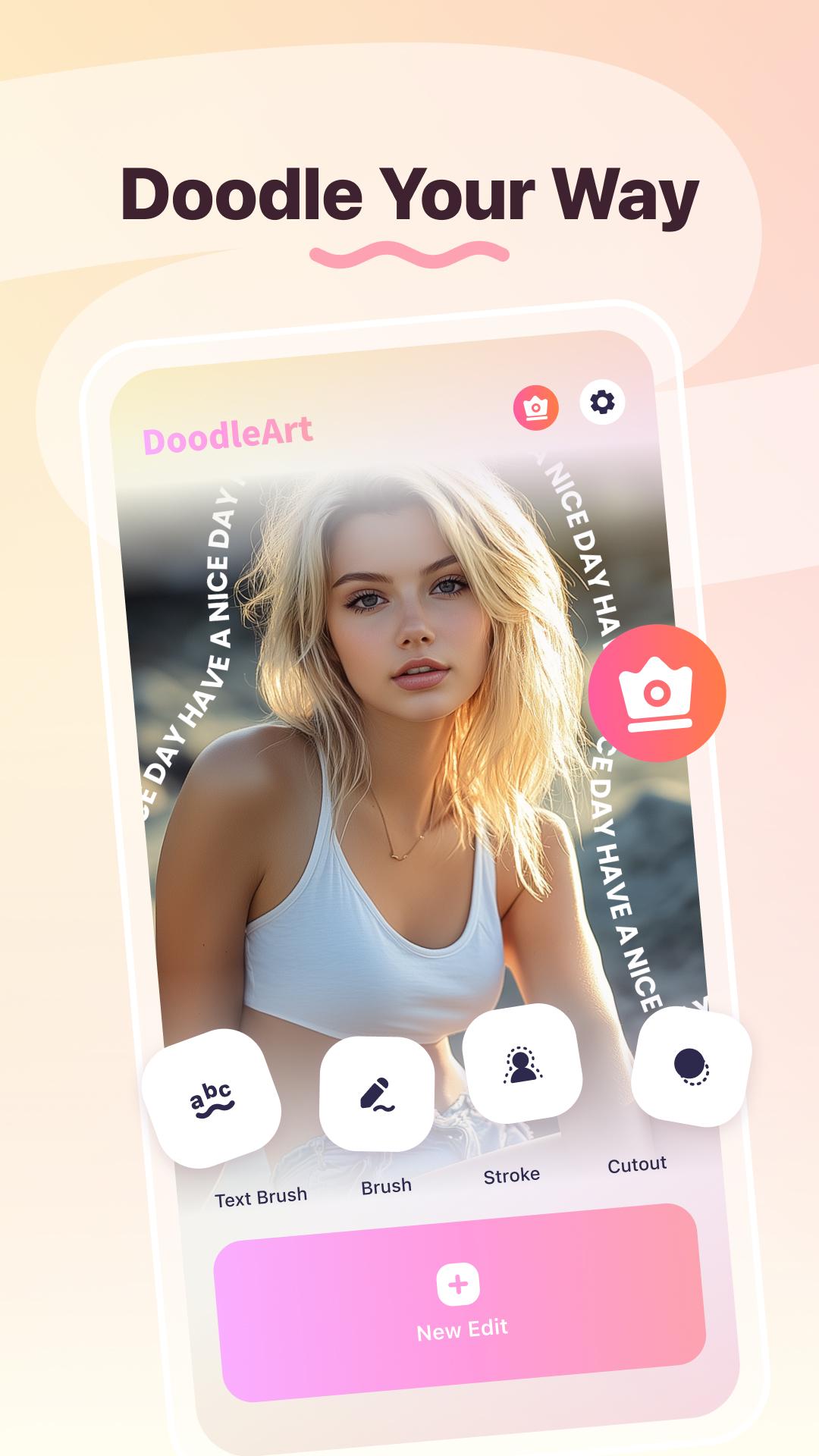
Unleash your creativity with AI Photo Editor - DoodleArt, the ultimate tool for photo editing and doodling! Whether you want to personalize your photos with playful doodles, add stunning curved text, or use AI-powered cutout strokes to make your images stand out, DoodleArt has it all in one simple, user-friendly app. Transform everyday photos into creative masterpieces, and craft eye-catching text brush doodles for your social media!
Key Features:
🎨 Custom Brush
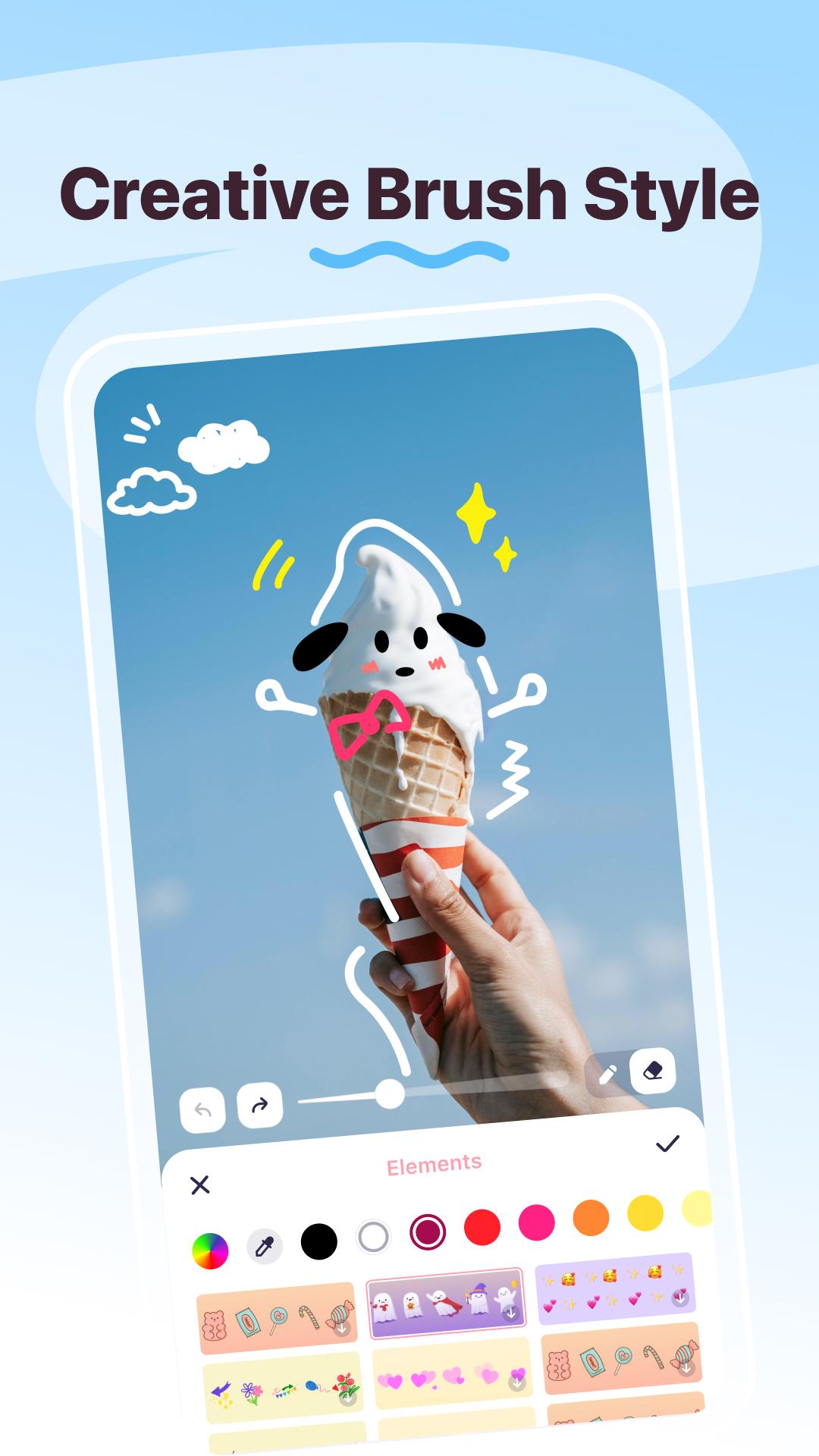
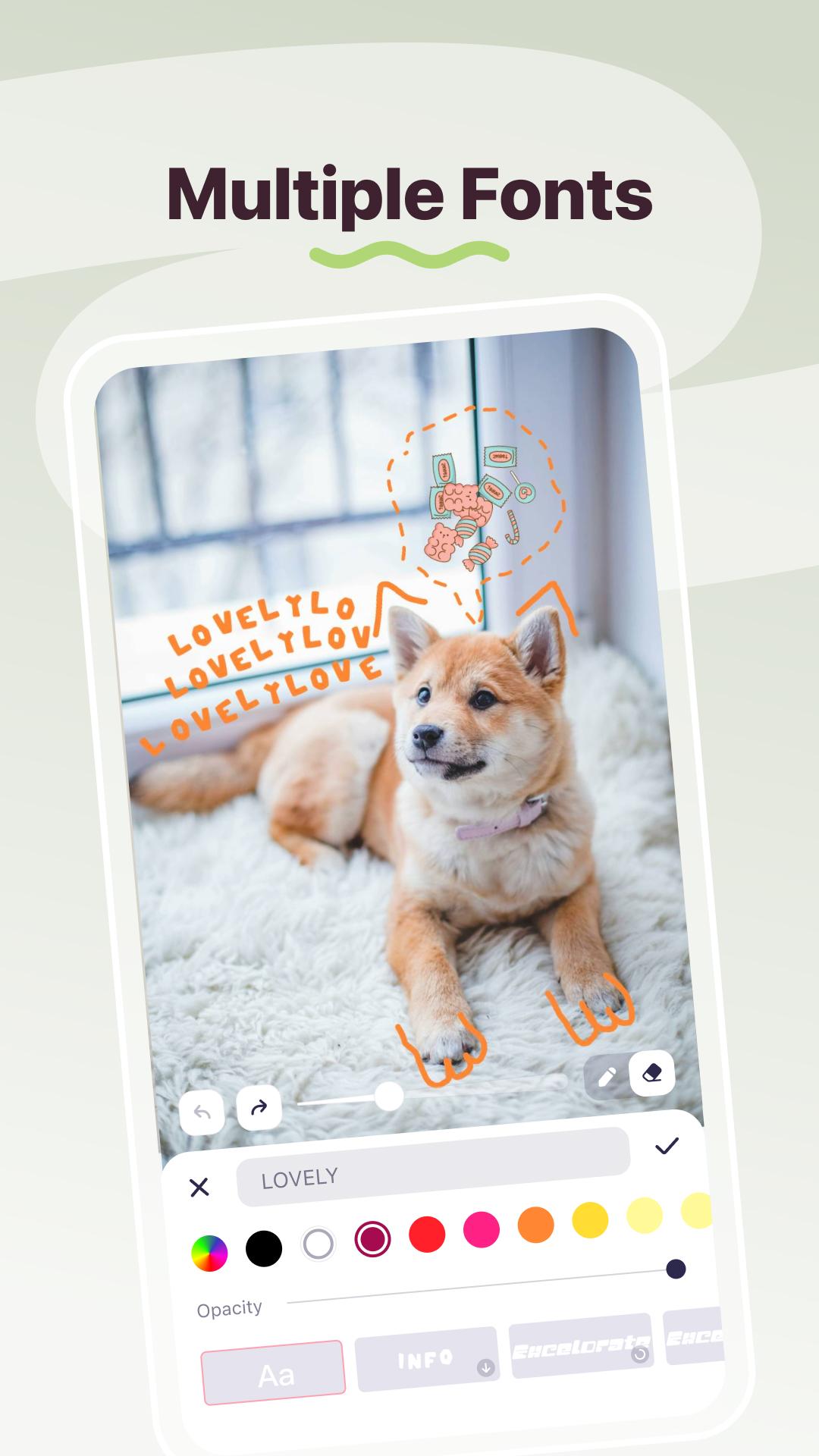
Draw freely on your photos with various brush styles, sizes, and colors. Whether it’s detailed illustrations or bold strokes, your creativity has no limits.
🖌️ Text Brush
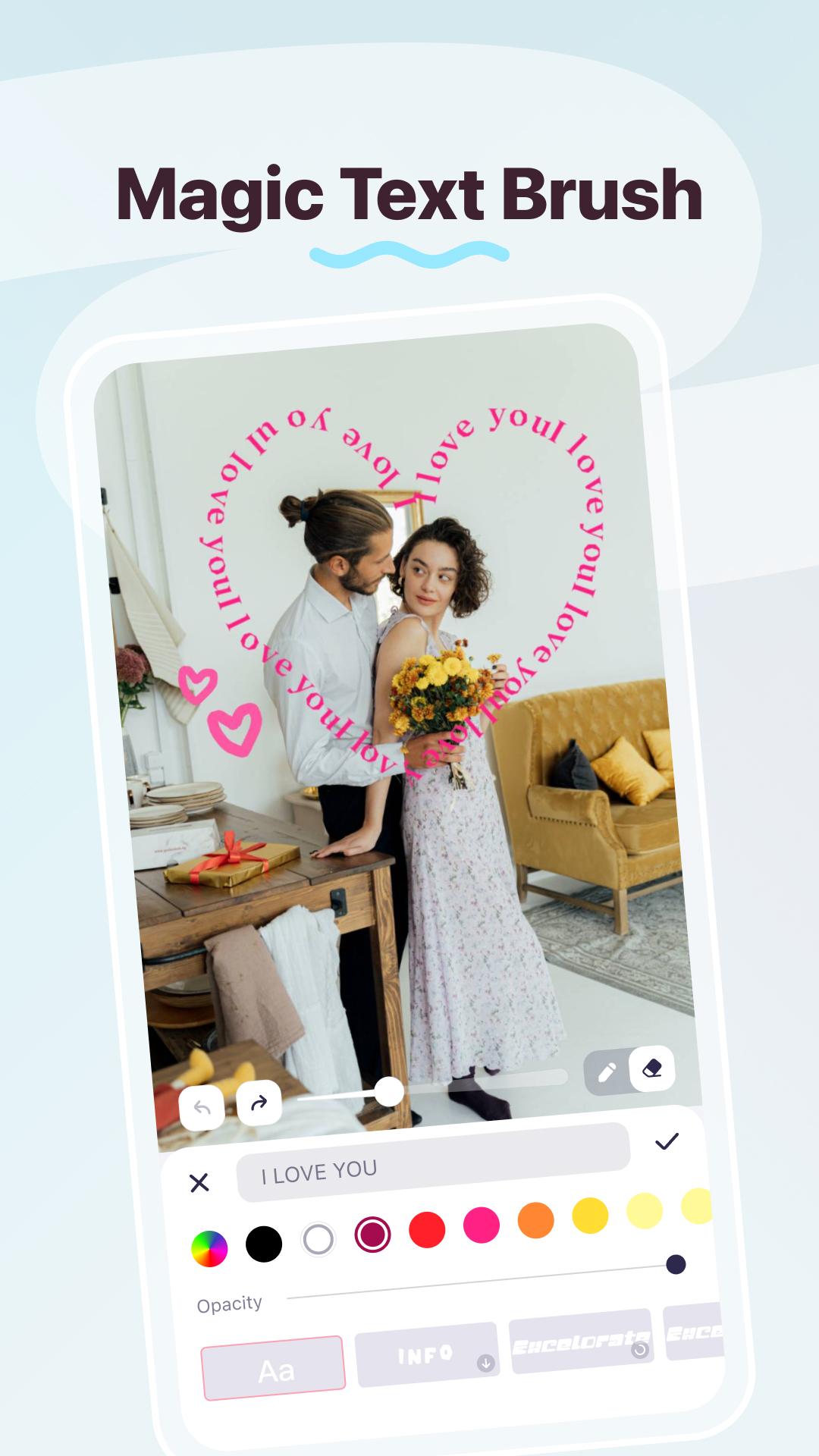
Text Brush makes your words part of the artwork! Add custom text with a wide range of beautiful fonts, styles, and colors. Adjust the curve, size, and spacing to create captions, inspirational quotes, or fun memes that fit your image perfectly. Perfect for sharing your text brush doodles on Instagram, TikTok, or Snapchat!
🎀 Stickers, Stroke & AI Cutout
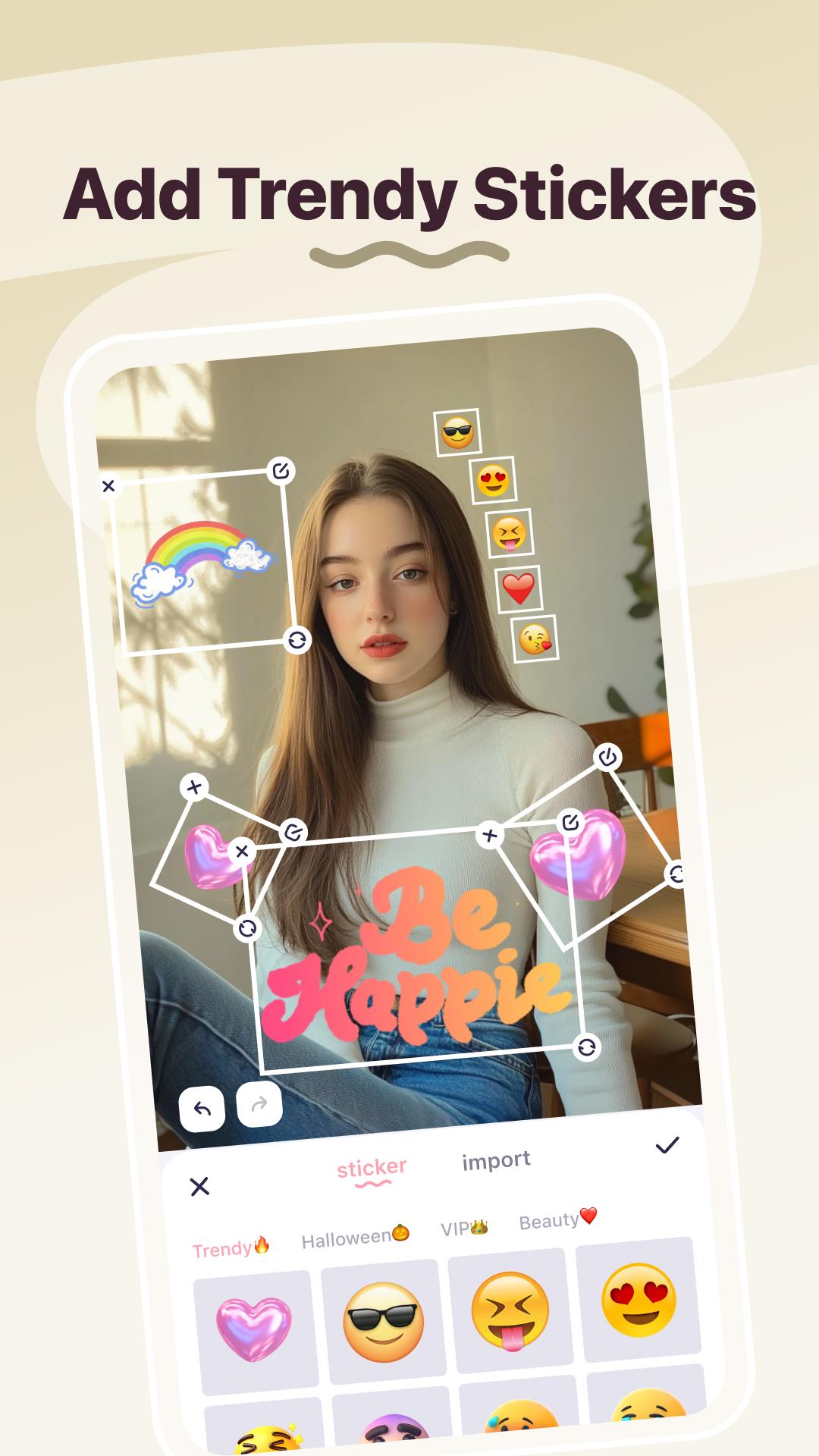
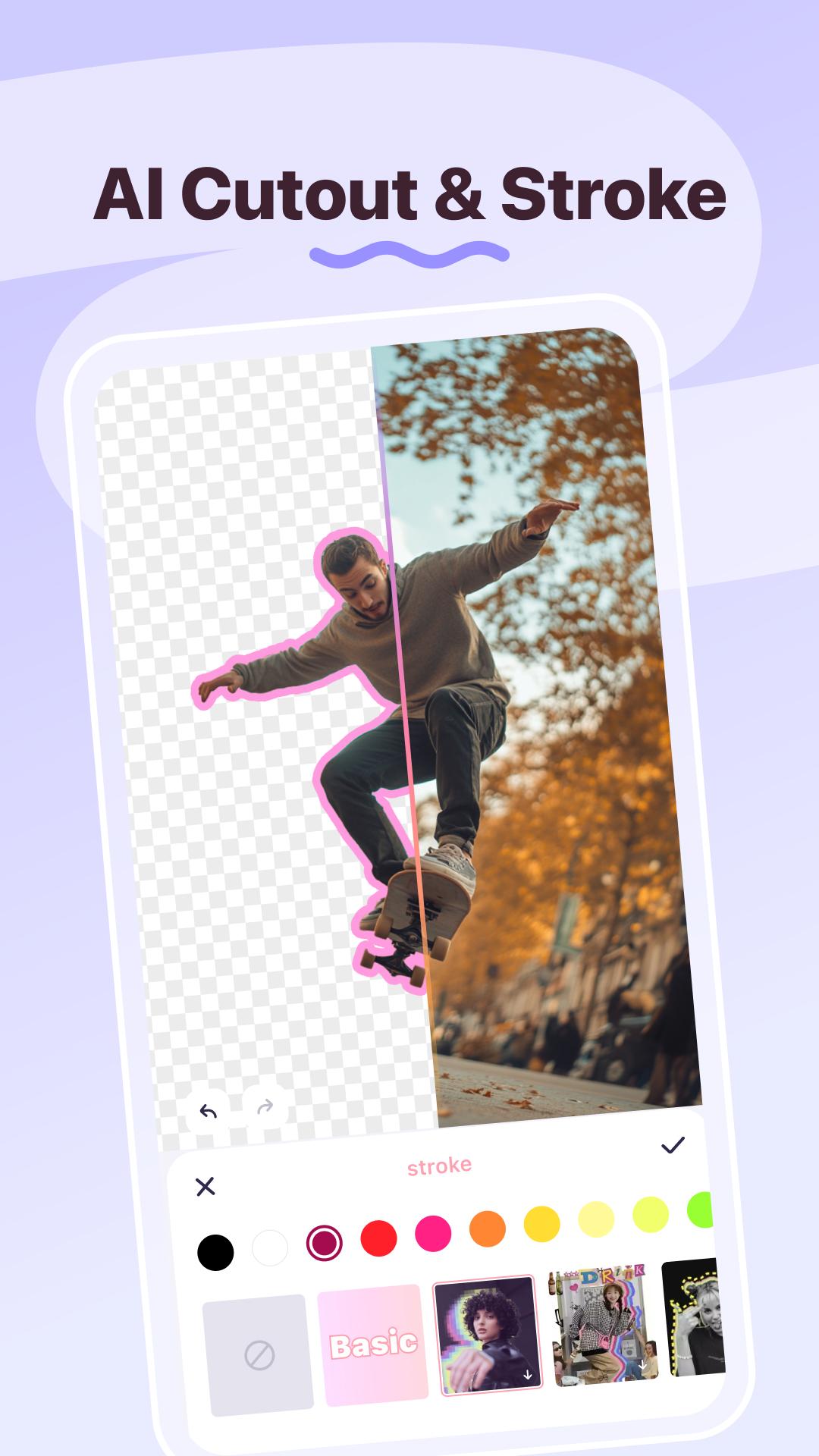
Explore our vast library of stickers, strokes, and AI auto cutout to add even more personality to your photos. Easily customize every element to match your unique style and mood.
Why Choose AI Photo Editor - DoodleArt?
💖 Ideal for Creatives & Social Media Enthusiasts
DoodleArt is perfect for artists, designers, and anyone looking to make a creative statement on social media. Whether you're enhancing your Instagram stories, designing promotional posts, or simply adding fun to your day-to-day snapshots, DoodleArt makes it easy to produce stunning content.
🥳 Share & Shine
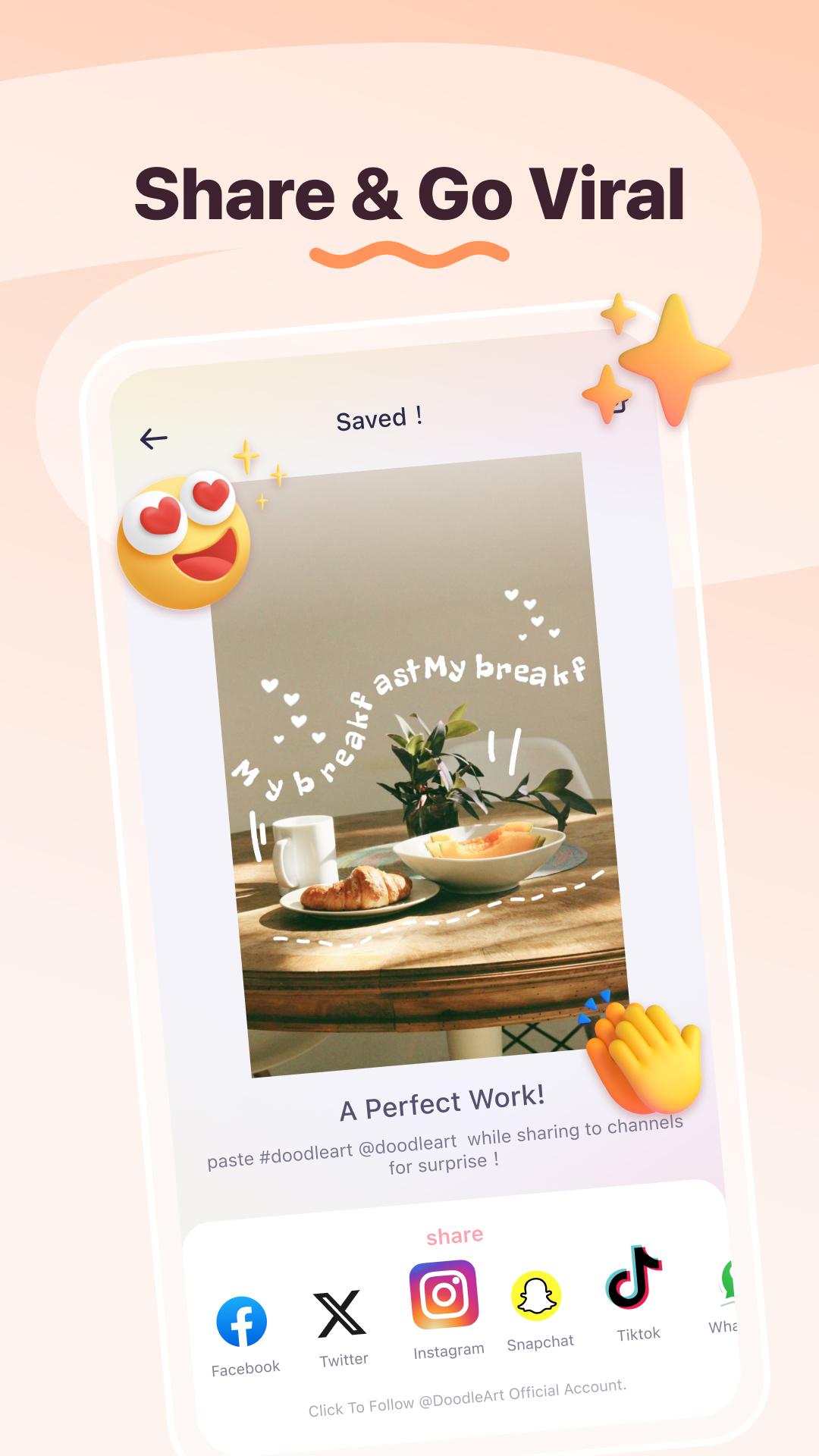
AI Photo Editor - DoodleArt lets you effortlessly share your creations across all your favorite social media platforms. Whether it’s Instagram, Facebook, Twitter, or WhatsApp, your doodle artworks will grab attention and inspire your followers.
🚀 Fast & Easy to Use
The intuitive interface and powerful AI tools make editing a breeze. From first-time users to experienced designers, DoodleArt brings your vision to life in just a few taps.
Perfect for All Your Projects:
🌟 Personalize your Instagram stories, reels, and posts with text brush doodles and creative captions.
🌟 Create captivating content for your blog, YouTube channel, or online store.
🌟 Design unique posters, greeting cards, or social media advertisements.
🌟 Turn everyday moments into memorable pieces of art and share them with friends and followers.
AI Photo Editor - DoodleArt is made for everyone—from professional designers to casual users who want to have fun with their photos. Start creating, sharing, and shining today with AI Photo Editor - DoodleArt. Download now and watch your social media posts take on a whole new level of creativity!
Latest Version
1.1.1Uploaded by
Oo Oo Hein Lay
Requires Android
Android 7.0+
Category
Free Tools AppContent Rating
Everyone
Security Report
Report
Flag as inappropriateLast updated on Dec 19, 2024
Minor bug fixes and improvements. Install or update to the newest version to check it out!


APKPure - A multi-platform app store primarily focused on Android, providing extensive app-related content. Discover the app you want easier, faster, and safer, with quick and efficient downloads and installations.