Package Name:com.ai.cleaner.storagecleaner
SHA-256:b7de19b1952293cdc78ce2fd9e0b674821d22081e6b422d1c66fc19005ee0e0e
Show More

AI Cleaner - Phone Cleaner & Storage Manager
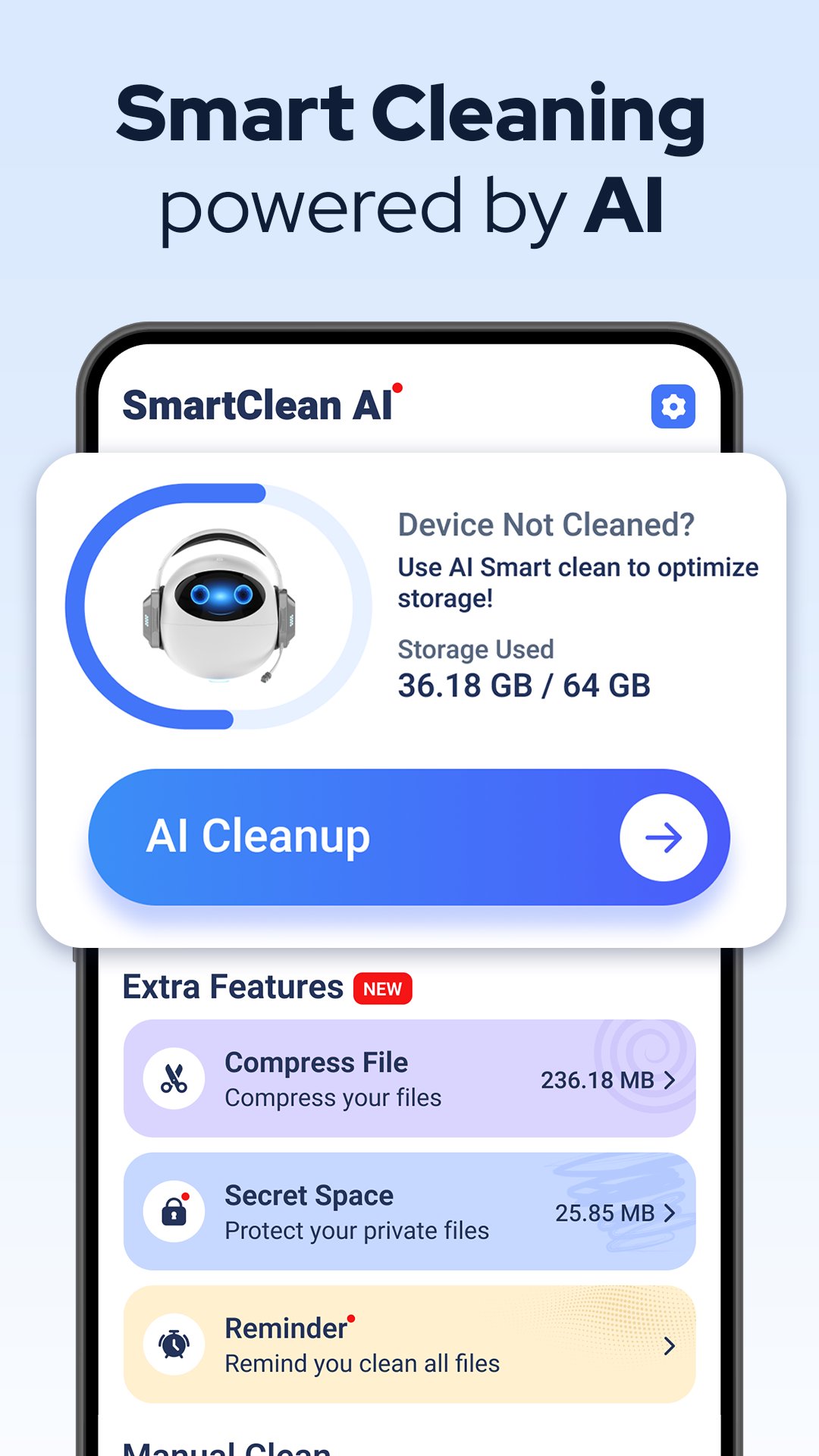
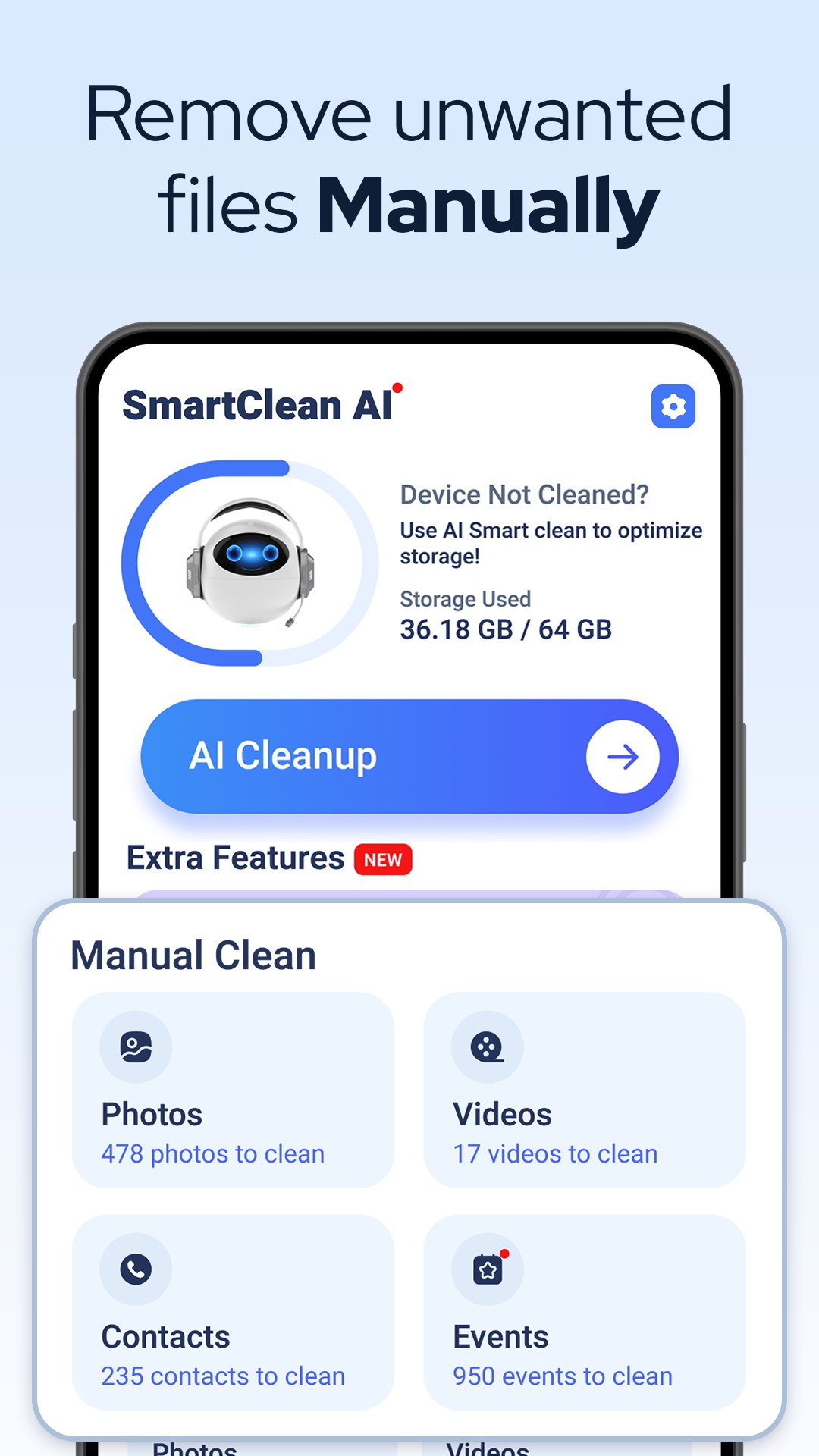
Free up valuable storage space and optimize your Android device with AI Cleaner. This powerful phone cleaner app uses intelligent AI technology to scan, identify, and remove unnecessary files, blurry photos, and duplicate contacts, giving you a faster, more organized phone.
Reclaim your storage effortlessly with our smart cleaning features, designed to manage everything from your photo gallery to your contact list.
✨ Key Features & Functionality
Smart AI Cleaning
Our intelligent scanner identifies clutter you no longer need:
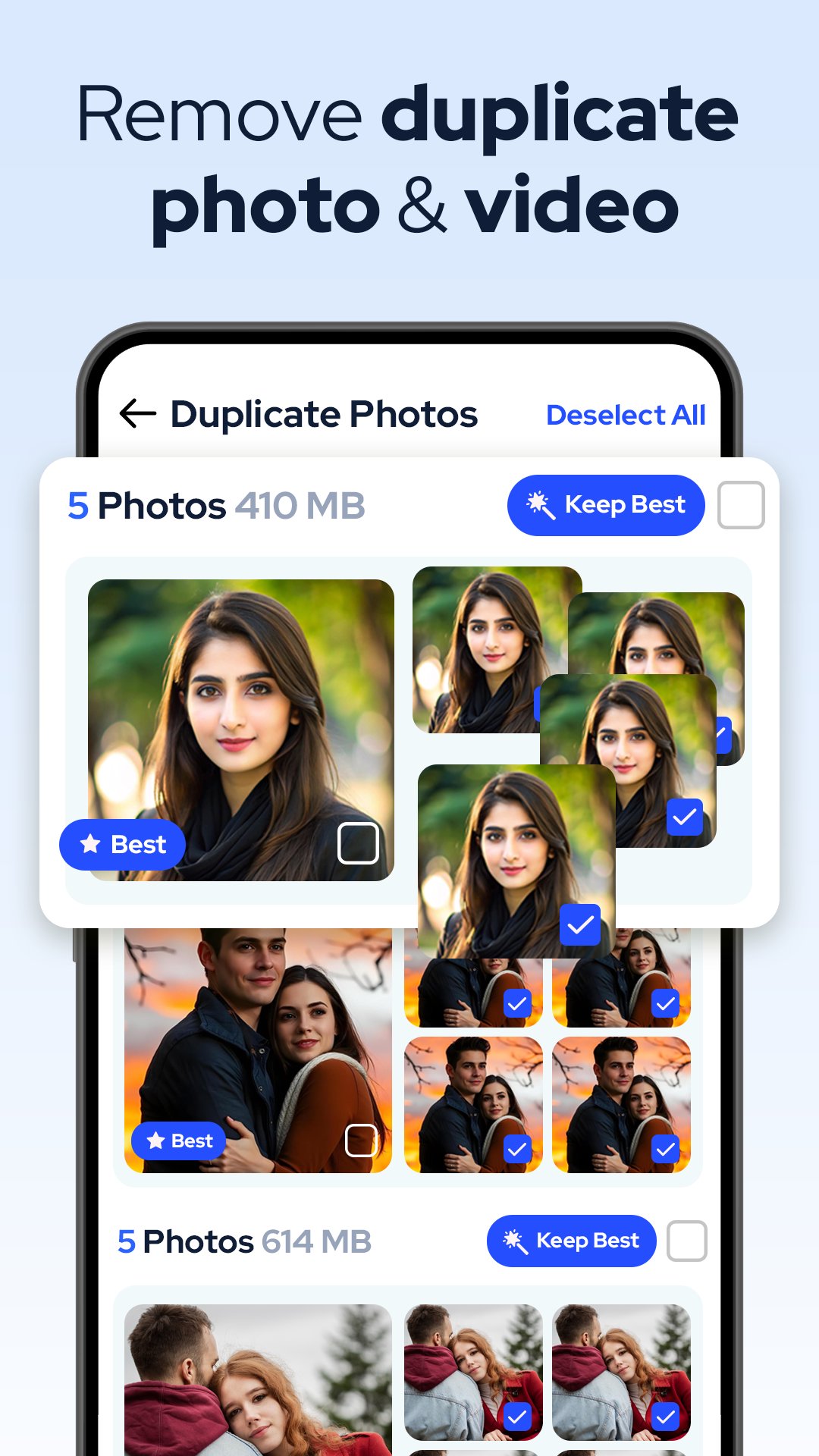
- Duplicate Photo Cleaner: Automatically finds and removes duplicate photos, screenshots, and blurry images.
- Video Cleaner: Identify and delete duplicate videos, WhatsApp videos, and low-quality files to free up massive space.
- Contact Organizer: Merge duplicate contacts and delete incomplete entries with one tap.
Media & Storage Management
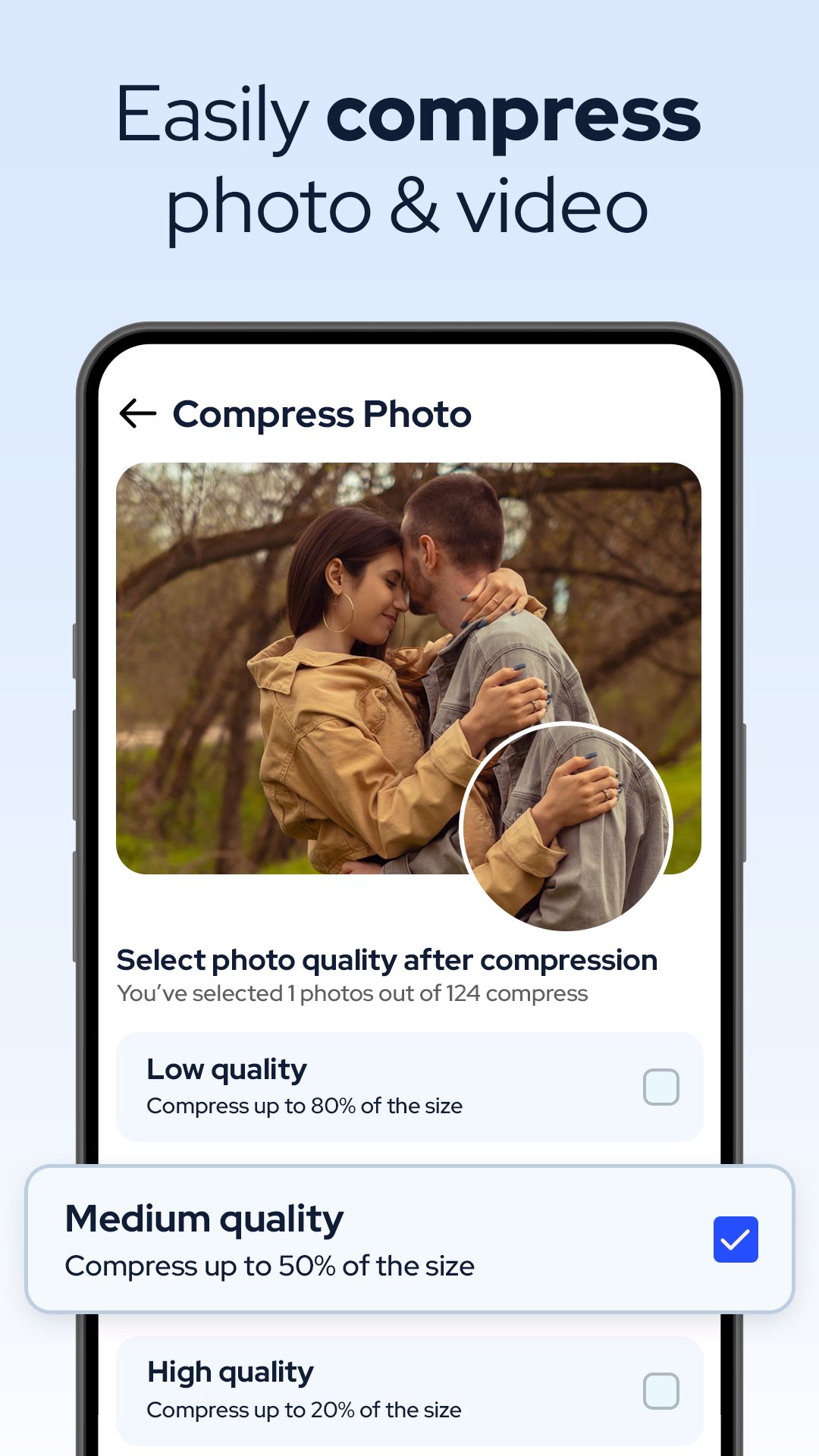
- Photo & Video Compressor: Optimize large media files to save space without losing quality.
- Mass Delete: Quickly delete all photos, videos, or contacts in a column/category for a fresh start.
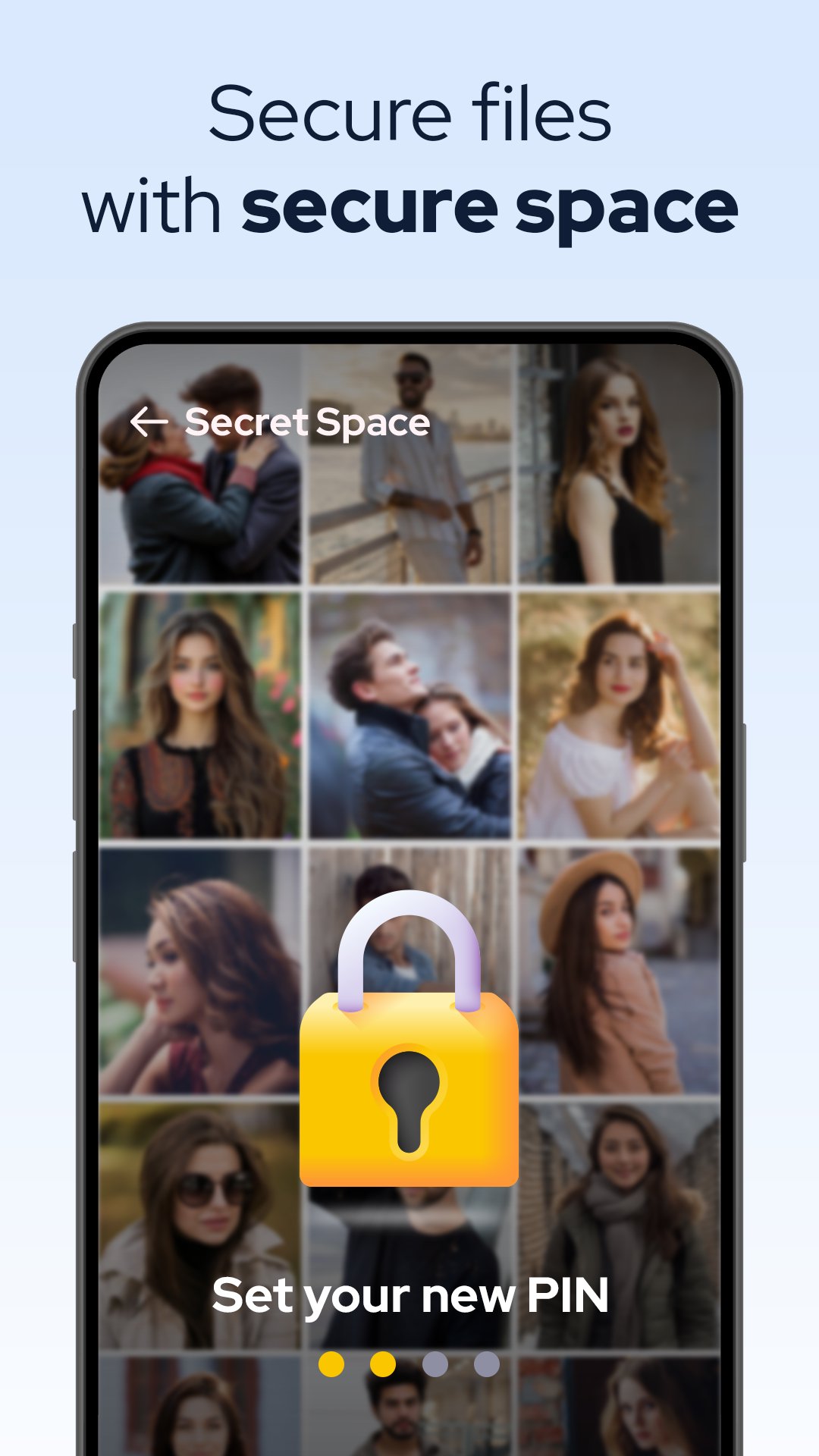
Security & Privacy (Secret Space - Photo Vault)
Keep sensitive information private and secure:
- Hide Photos & Videos: Move personal media to a secure, hidden space.
- Hide Contacts: Keep private contacts protected within the app's secret vault.
Organization & Utility
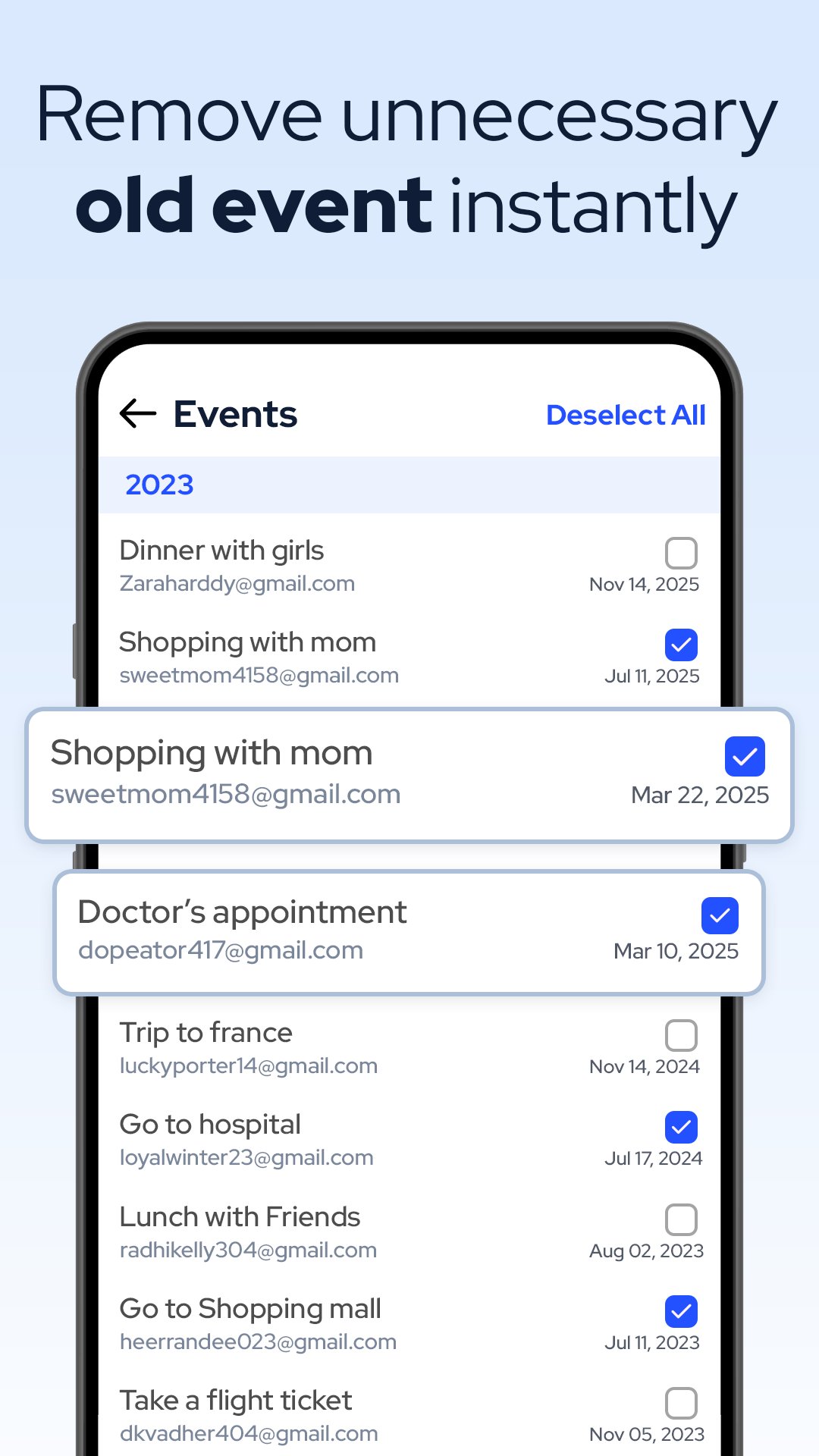
- Event Cleanup: Delete all past calendar events easily.
- Quick Clean Reminder: Set alerts to remind you when it’s time for a quick clean-up.
- Custom Themes: Choose between Dark, Light, or System Default modes.
🛡️ Adhering to Google Play Privacy & Data Safety
We are committed to user privacy and strictly adhere to Google Play Console policies. AI Cleaner requires specific permissions (e.g., access to storage, contacts) only to perform the cleaning and organizational functions expected by the user.
Permissions Justification:
- Storage Access: Required to scan for duplicate photos/videos, compress media, and manage hidden spaces.
- Contacts Access: Required to identify and merge duplicate contacts or delete incomplete entries.
Privacy Policy - https://sites.google.com/view/aicleaner-whiztool-privacy
📱 Download AI Cleaner today and optimize your phone's performance and storage instantly!
Latest Version
1.0.3Uploaded by
范亦
Requires Android
Android 11.0+
Category
Free Tools AppContent Rating
Everyone
Security Report
Check Now
Report
Flag as inappropriateLast updated on Apr 14, 2026
Minor bug fixes and improvements. Install or update to the newest version to check it out!



APKPure - A multi-platform app store primarily focused on Android, providing extensive app-related content. Discover the app you want easier, faster, and safer, with quick and efficient downloads and installations.