Scan Date:May 19, 2026
Show More

AGAMA Car Launcher helps drivers who want a clean dashboard and quick access during trips. It runs on Android head units, audio systems, phones, and tablets used in a car. The interface stays simple, and you can tailor it to match your vehicle interior. Moreover, core driving controls and info sit on one screen to cut app switching. Before you download AGAMA Car Launcher, check that your device has GPS and network access if you plan to use navigation, music, and weather.
Adjustable layout and quick launch
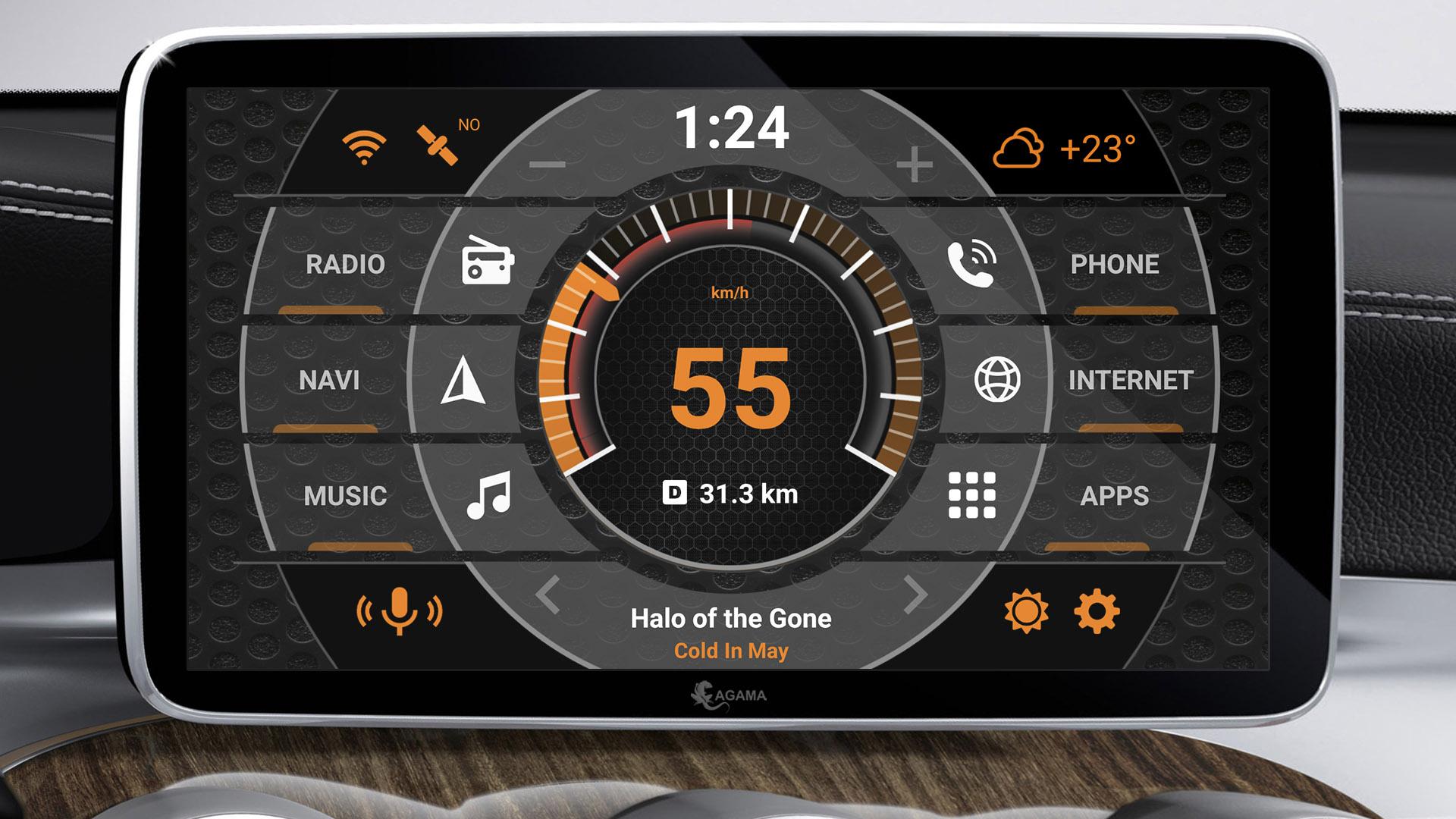
AGAMA Car Launcher offers a concise layout you can adapt to your car’s style. Flexible design settings let you choose colors and accents. You can assign 24 customizable buttons for one tap access to your most used apps, which helps reduce distractions while driving.
Driving widgets on one screen
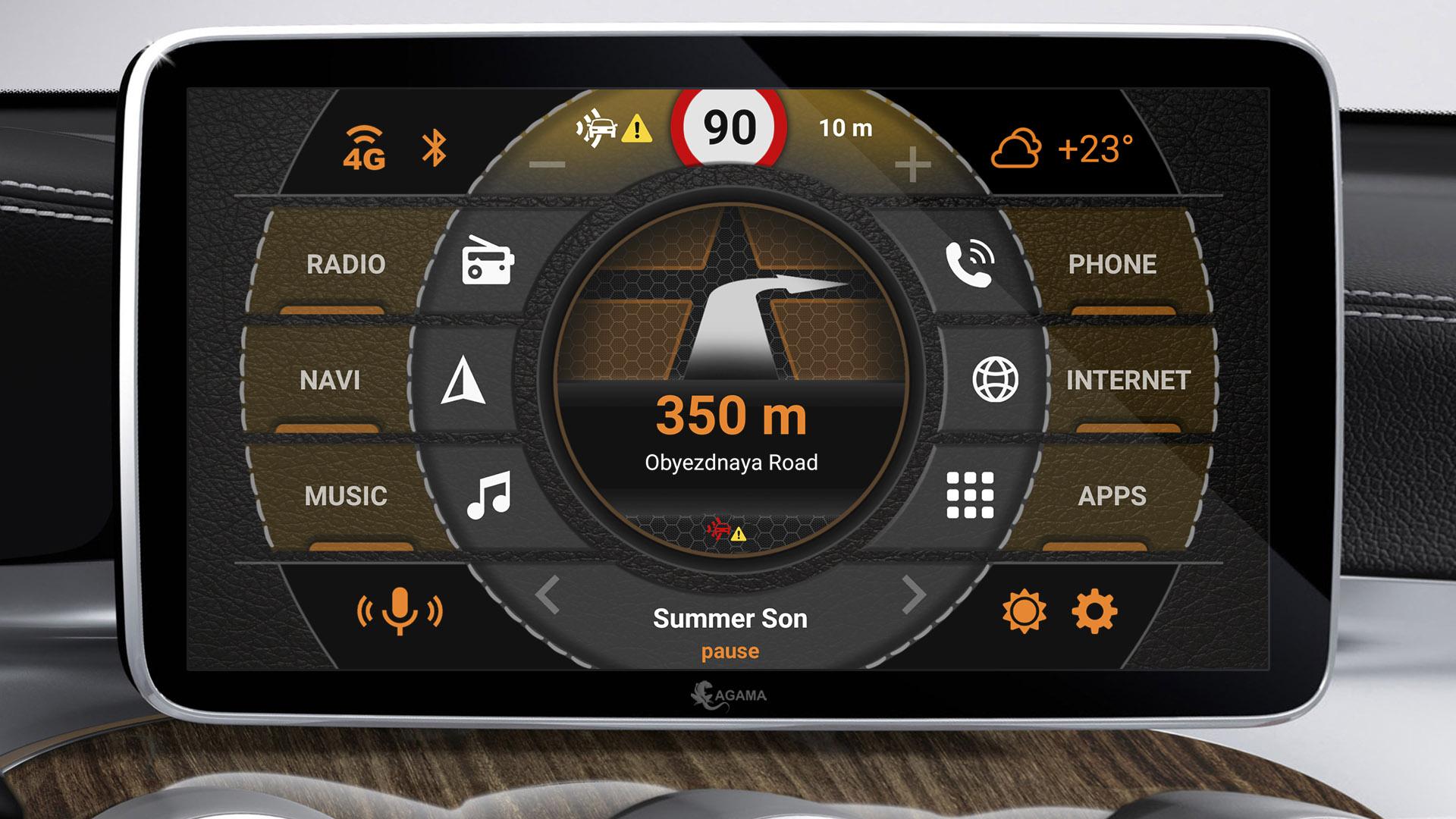
Next, the built in widgets keep key functions visible while you drive. A GPS based speedometer shows your current speed. The music player widget supports many popular audio apps. The navigator widget works with route guidance, and a compass helps when exploring unfamiliar areas.
Status, weather, and visibility
Trial and activation
The application includes a free 30 day trial period. After the trial, you need to purchase the full version to activate continued use. Review the terms before installing to plan your setup and access.
AGAMA focuses your driving essentials on a single, adjustable screen for easier control in the car. Install the AGAMA Car Launcher latest version, review the trial details, then configure your shortcuts and widgets before your next trip.
Latest Version
5.0.5Uploaded by
Farhad Sian
Requires Android
Android 5.0+
Category
Free Auto & Vehicles AppContent Rating
Everyone
Security Report
Report
Flag as inappropriateLast updated on May 19, 2026
- New Hotspot icon
- Improvements and bug fixes





APKPure - A multi-platform app store primarily focused on Android, providing extensive app-related content. Discover the app you want easier, faster, and safer, with quick and efficient downloads and installations.