After Motion suits users who want to build motion graphics, short videos, or photo composites directly on a phone or tablet. It focuses on a simple timeline workflow so you can organize scenes, manage layers, and preview changes as you edit. The app is free to use with no paid membership, which helps new editors start quickly. Projects fit social posts and longer clips, and exports are available for common formats. For installation on Android, consider the After Motion APK during setup.
Precision keyframe animation
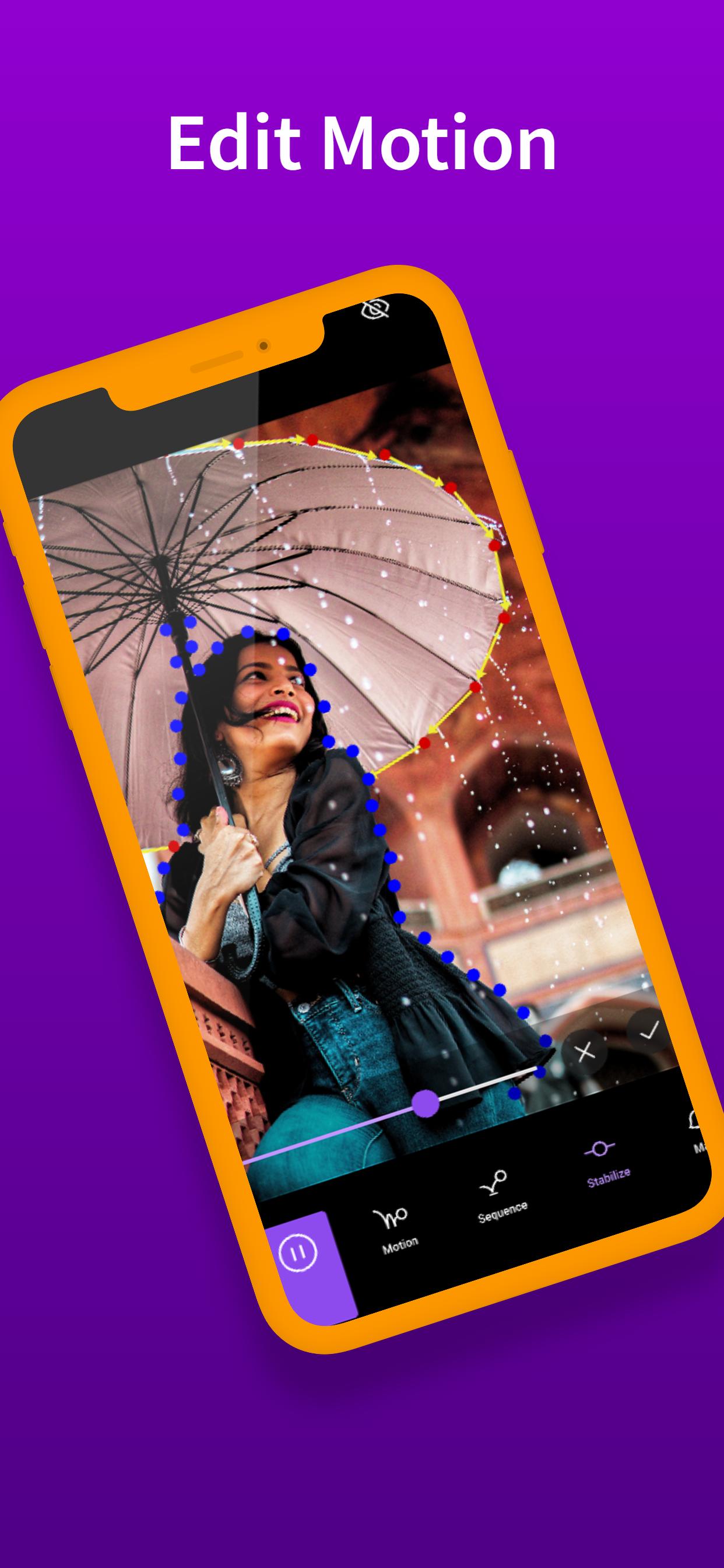
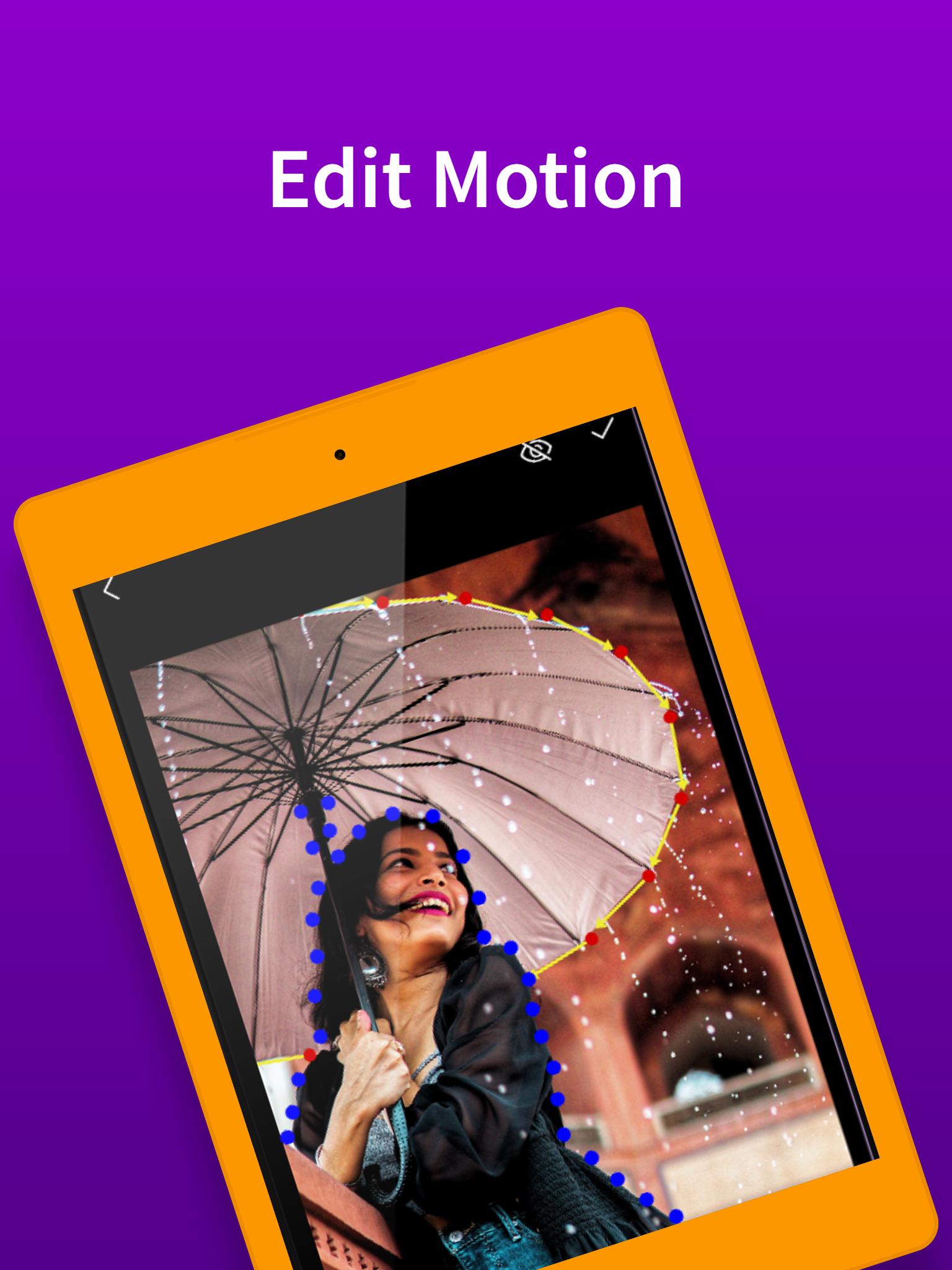
After Motion lets you keyframe nearly any property for precise control. You can apply easing curves to refine timing and use speed based movement when animating position or rotations. Bookmarks help mark important points so edits stay organized while you adjust motion.
Multi layer compositing and rigging
You can build complex scenes with groups and masks that define how layers reveal or hide content. Parent and child layer linking supports character joint rigging for articulated movement in platform style or character driven animations. This structure makes layered edits easier to manage as projects grow.
Camera tools and visual effects
After Motion adds depth with camera zoom and focus blur, plus fog that simulates distance in a scene. Effects include blur, glow, borders, shadows, and contour outlines, along with solid or gradient fills. You can adjust colors to match a brand or correct footage before export.
Audio editing on the timeline
You can trim audio clips, adjust volume, and add fades without leaving the project. Background music or sound effects can be synced to visuals by aligning waveforms with keyframes for consistent timing.
Flexible export and live preview
After Motion offers fast export to MP4 and MOV videos, animated GIFs, PNG sequences, and single still images. A live preview helps you fine tune scenes before final output so you can catch timing issues early. These export options support social media posts, presentations, and production handoffs.
After Motion is free to use and does not require a paid membership. You can install and begin editing without subscriptions or unlock codes. If you plan regular updates, check version details to keep projects compatible with the After Motion latest version. This approach helps avoid missing tools or format mismatches when you return to older work.
Some searches may mention After Motion Z or After Motion ZR. The core app uses the package name com.alightcreative.motion and is developed by Alight Creative. In some places the app is known as Alight Motion, but the project files and features remain aligned with the same package. When comparing variants, confirm the version number so you know which build you install.
If an After Motion app download is not working, start by checking your internet connection and available storage. Then clear your browser or downloader cache and retry the file transfer. If installation is blocked, enable installs from unknown apps for your browser or file manager, and reopen the APK. When an update fails, remove any partial install, confirm the file extension ends with .apk, and try again. If you see references to After Motion Z APK in search results, verify that the file matches the version you expect before updating.
Use this quick guide to set up the app and begin a first project on Android. It covers APK installation and basic steps to place your first keyframes. For clarity, follow these steps for After Motion APK.
After Motion focuses on keyframes, layered compositing, camera controls, audio tools, and flexible export for mobile motion work. It suits quick social edits and more detailed sequences, and it is free to use. To begin, download After Motion and follow the setup guide above.
Latest Version
1.1Uploaded by
TiTy En
Requires Android
Android 7.0+
Category
Free Art & Design AppContent Rating
Everyone
Report
Flag as inappropriateLast updated on Mar 3, 2022
Minor bug fixes and improvements. Install or update to the newest version to check it out!





APKPure - A multi-platform app store primarily focused on Android, providing extensive app-related content. Discover the app you want easier, faster, and safer, with quick and efficient downloads and installations.