
NetherSX2 suits users who want a simple way to enjoy PS2 titles on Android without distractions. It focuses on practical setup and clear navigation so you can get from files to gameplay with fewer steps. In addition, it follows community standards that help the app behave predictably across many phones. If you tried a similar emulator before, the layout will feel familiar, and the NetherSX2 APK keeps the experience clean.
Ad free interface and library management
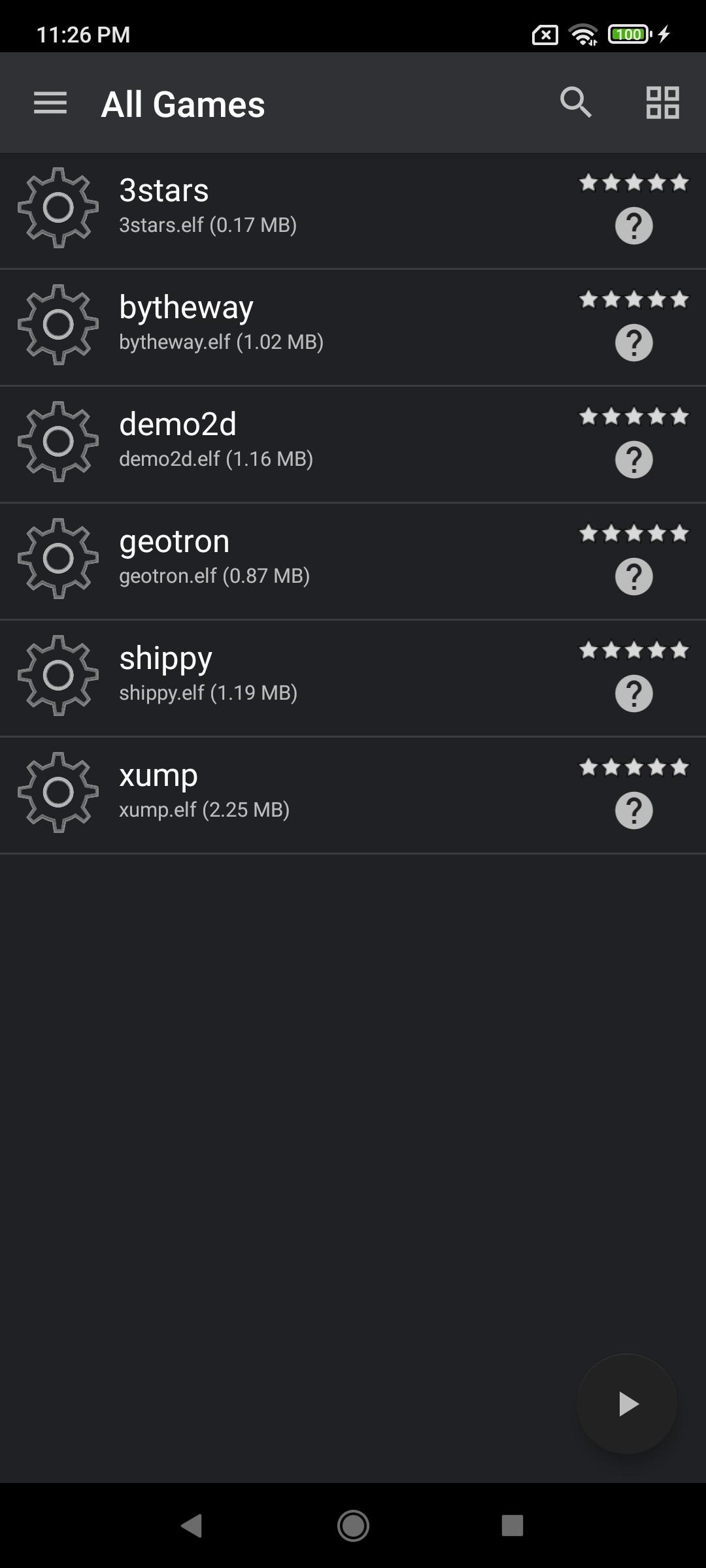
NetherSX2 keeps navigation straightforward so you can see recent titles, browse folders, and launch games quickly. Per game profiles let you save settings for individual titles, which makes returning to demanding games easier. The layout avoids clutter while giving you the tools needed to stay organized.
Enhanced visuals and renderer options
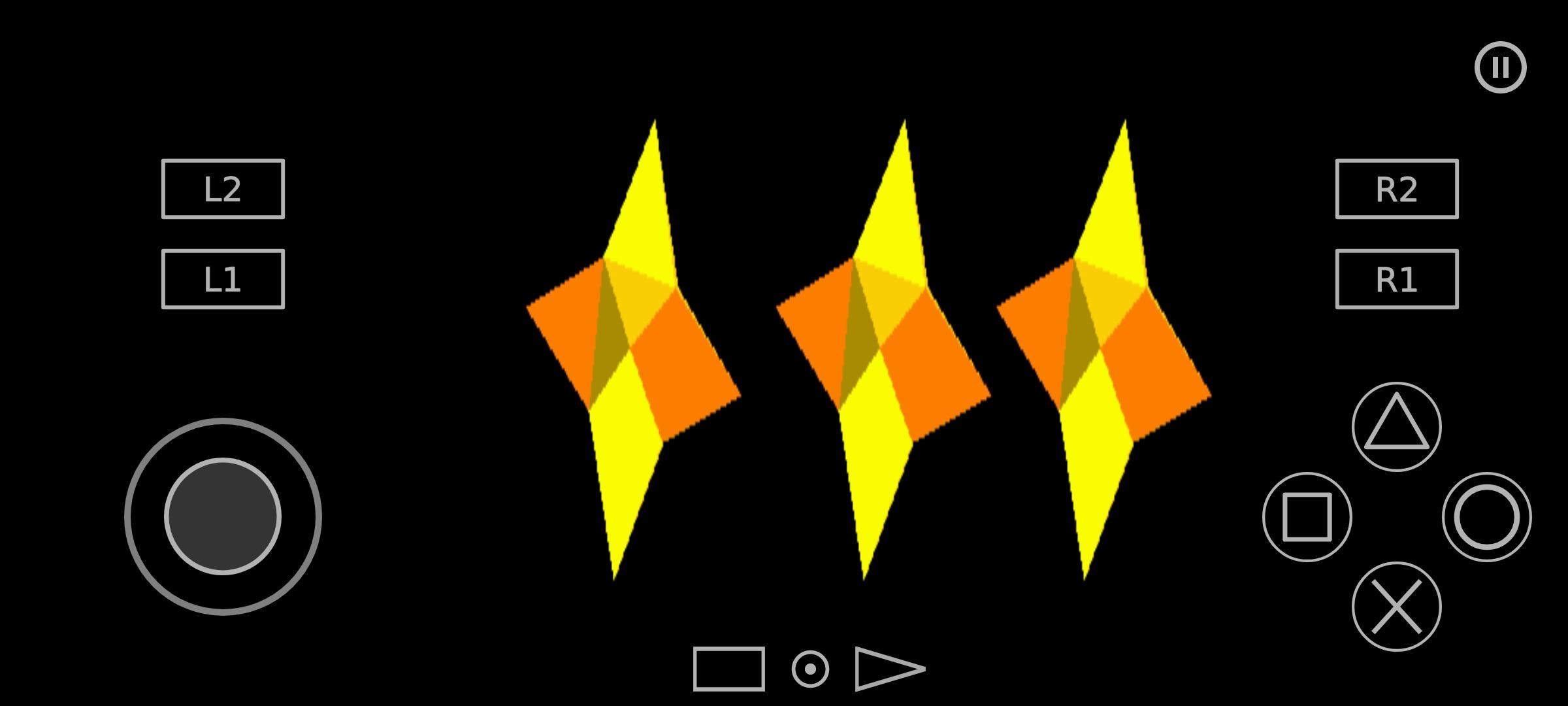
You can raise internal resolution to sharpen PS2 graphics on modern displays and apply widescreen patches for games without native support. NetherSX2 lets you choose between OpenGL, Vulkan, or software rendering based on what runs best on your device. This flexibility helps you balance image quality and performance as you prefer.
Save states and quick resume
Save states allow you to pause progress anywhere and come back right away. Quick resume shortens the path back into gameplay after a break. With per game settings stored, the app keeps each title tuned without extra steps every time you play.
Flexible touchscreen and controller support
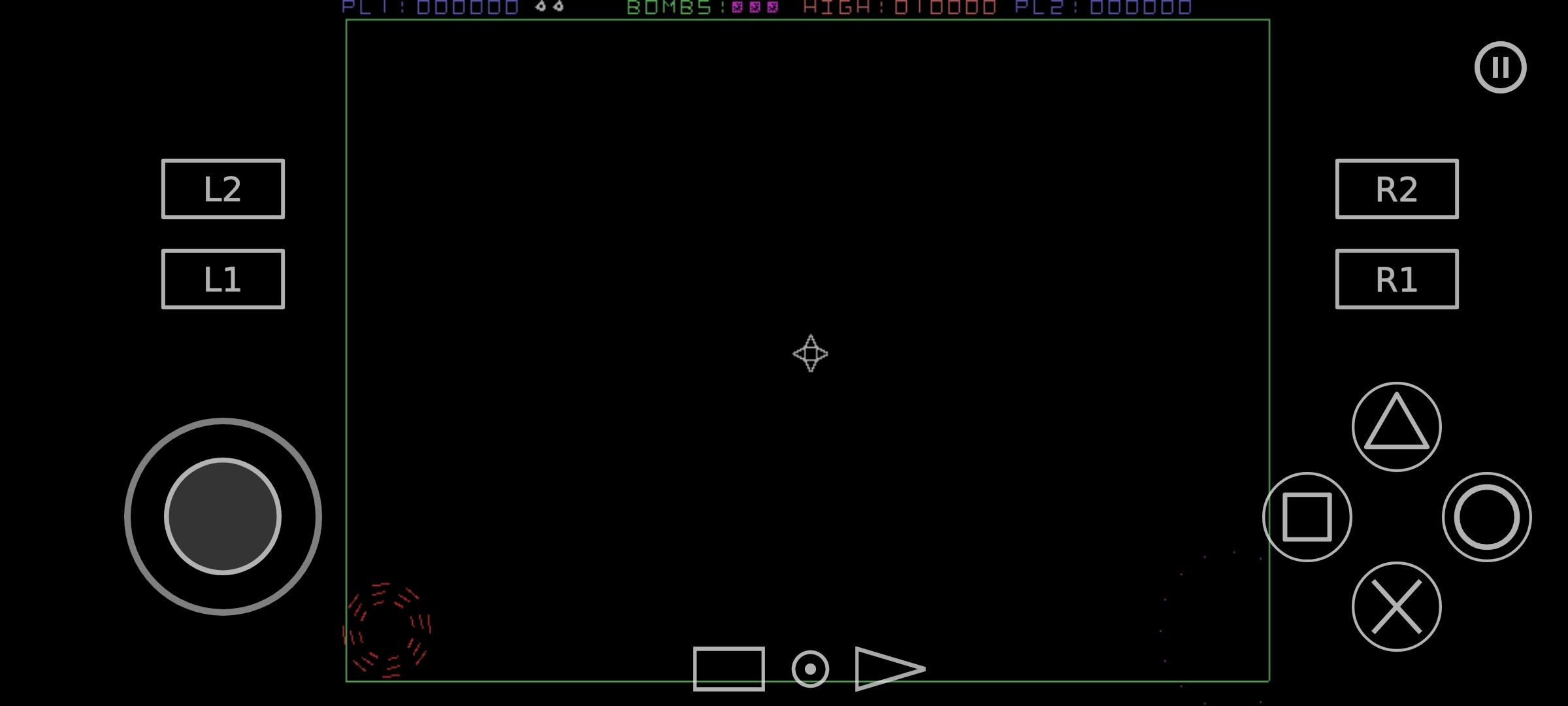
You can rearrange the touchscreen layout to match your grip and visibility needs. External controllers connect over Bluetooth or USB, and inputs can be mapped for consistent controls across different games. This gives you a predictable setup whether you prefer touch or physical buttons.
Compatibility and launcher integration
NetherSX2 reads common PS2 image formats including ISO, CHD, and CSO, and it requires a valid BIOS from your own console. The app is built around widely shared community knowledge to help many devices reach stable performance. If you manage a larger collection, optional integration with Launchbox and DaiSho can scan libraries and launch games from a unified front end.
This quick guide covers the basics of getting started on a phone. Install the NetherSX2 latest version, confirm your files, and prepare controls so gameplay starts smoothly.
Install the APK on your device, open NetherSX2, and allow storage access if prompted.
Select the folder that holds your PS2 BIOS dumped from your own console so the app can detect it.
Choose the folder where your game images are stored in ISO, CHD, or CSO formats to scan your library.
Open a game’s settings and choose a renderer, then set resolution scaling that fits your device performance.
Map a Bluetooth or USB controller, or adjust the touchscreen layout, then start the game and use save states as needed.
NetherSX2 provides a focused PS2 emulator experience on Android with clear tools for setup and play. To begin, download NetherSX2 and use your own BIOS and game backups for reliable results.
Latest Version
v2.2n-4248Uploaded by
AetherSX2
Requires Android
Android 8.0+
Category
Free Arcade GameContent Rating
Everyone
Report
Flag as inappropriateLast updated on Jun 23, 2026
This release includes minor bug fixes and general improvements. Update to the latest version for the best experience.

APKPure - A multi-platform app store primarily focused on Android, providing extensive app-related content. Discover the app you want easier, faster, and safer, with quick and efficient downloads and installations.