Scan Date:Feb 7, 2025
Show More

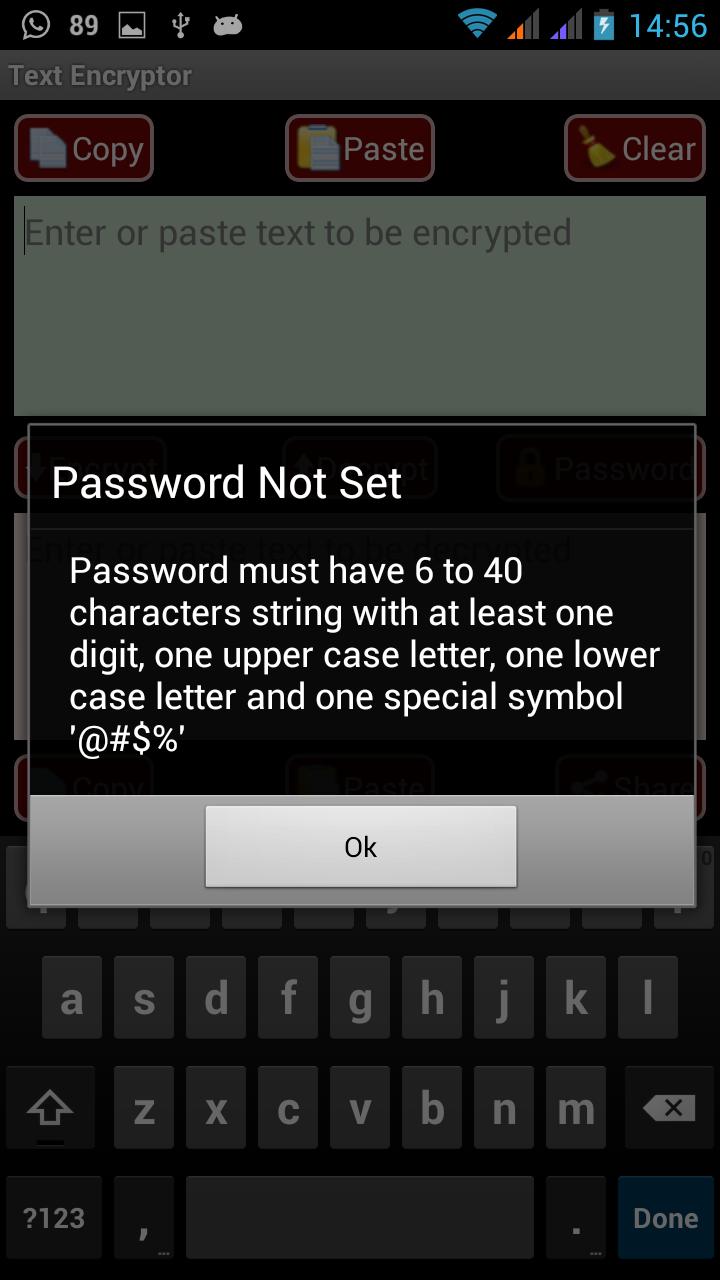
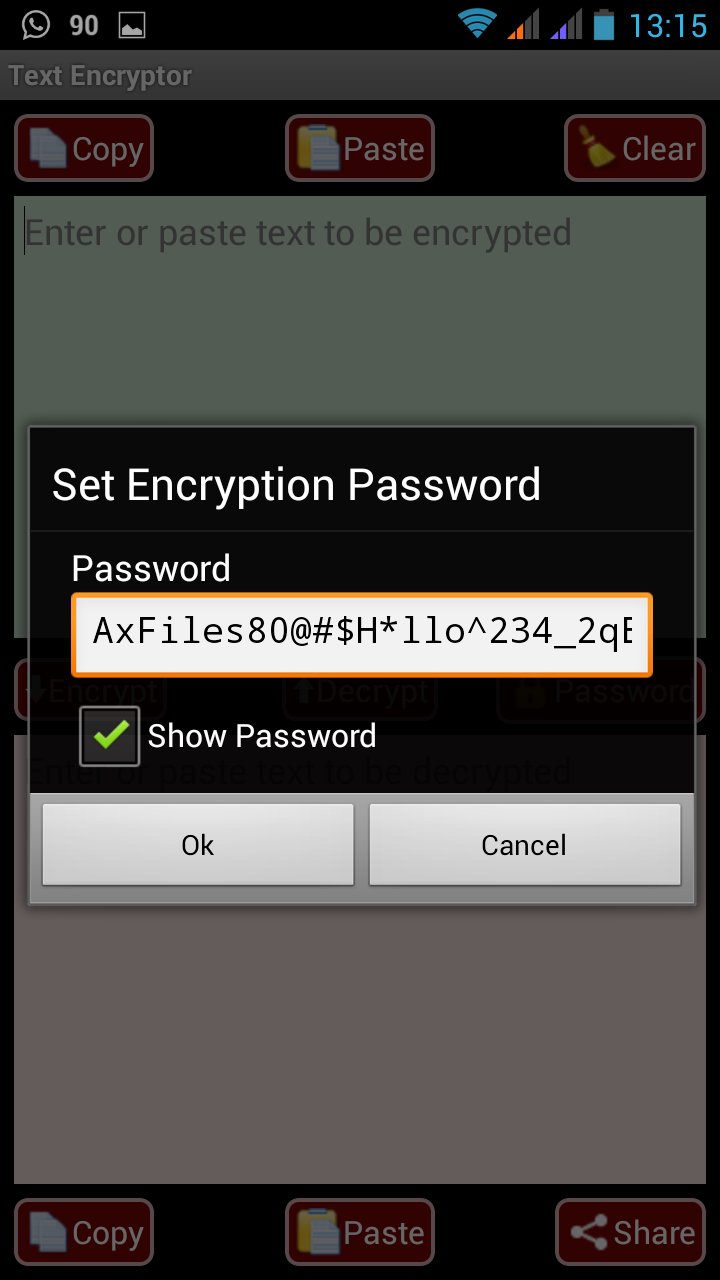
This app can be used for encrypting your message text , SMS or email content using Advanced Encryption Standard (AES) with 256 bit key. It can encrypt/ decrypt messages using AES. This app DOES NOT REQUIRE ANY PERMISSIONS and is COMPLETELY FREE OF ADVERTISEMENTS. You can be sure that the app does what it promises . The crack resistitvity of an AES depends on the password length and complexity. The app warns if the user does not selects a password with min 6 characters having atleast one uppercase letter, one lower case, one special character and one digit.
Text Encryptor is a Text Encryption application that allows you to protect your privacy while communicating with friends. It allows you to encrypt/decrypt text messages using Advance Encryption Standard(AES) with a 256 bit (key length).
The system computes the 256 bit key from the password string using SHA-256. The system uses Cipher Block Chaining method (CBC) to encrypt the message in blocks of 128 bits. Block cipher modes for symmetric-key encryption algorithms require plain text input that is a multiple of the block size (ie 128 bits for AES), so messages may have to be padded to bring them to this length. The padding being used is PKCS5Padding. In CBC Explicit Initialization Vectors technique is being used wherein we prepend a single random block to the plaintext. Encryption is done as normal, except the IV does not need to be communicated to the decryption routine. Whatever IV decryption uses, only the random block is "corrupted". This block is discarded and the rest of the decryption is the original plaintext.
Electronic Codebook(ECB) block cipher method option has also been given. In ECB the message is divided into blocks, and each block is encrypted separately.The disadvantage of this method is that identical plaintext blocks are encrypted into identical ciphertext blocks; thus, it must not be used with a non-random and repetitive data. The ECB mode is deterministic. ECB option is only for academic purpose.
Test Mode. AES test values (taken from FIPS-197) are:
Key: 000102030405060708090a0b0c0d0e0f101112131415161718191a1b1c1d1e1f
Plaintext: 00112233445566778899aabbccddeeff
Ciphertext: 8ea2b7ca516745bfeafc49904b496089
Encrypting the plaintext with the key should give the ciphertext, decrypting the ciphertext with the key should give the plaintext.
You can test the encryption online by using the test values at
http://extranet.cryptomathic.com/aescalc/index
To test select the mode as ECB on the website and use the above test values. To test for anyother value of Key and data , ensure that the data is exactly 16 Hex (16x8=128 bits) characters long. The key should be 32 Hex characters (32x8=256 bits) long. The mode selected in the android application should be "Testing with No Padding". You would observe that the result matches exactly.
You can check SHA-256 conversion of the password online at
http://www.xorbin.com/tools/sha256-hash-calculator
Incase of any issues, feel free to write to me at
manindersinghgill@gmail.com
PS
Some good links to learn cryptography process being used in the app are as under
AES
https://www.youtube.com/watch?v=nL1ApwEXrz0
https://www.youtube.com/watch?v=ayiOhApI6SM
Block Ciphers, Why not use ECB?
https://www.youtube.com/watch?v=t0pREiDO7_g
https://en.wikipedia.org/wiki/Block_cipher
UTF-8
https://www.youtube.com/watch?v=vLBtrd9Ar28
Latest Version
1.0.14Uploaded by
محمد البعبدلة
Requires Android
Android 3.2+
Category
Free Tools AppContent Rating
Everyone
Security Report
Report
Flag as inappropriateLast updated on Aug 12, 2024
To comply with requirements upgraded target SDK to API level 34






APKPure - A multi-platform app store primarily focused on Android, providing extensive app-related content. Discover the app you want easier, faster, and safer, with quick and efficient downloads and installations.