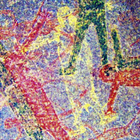

aDStretch helps field teams make nearly invisible pictographs and stencils easier to see in ordinary shots. It applies decorrelation stretch to photos you take on site or already have, so you do not need special lights or filters. You can adapt results to changing rock surfaces and lighting using in app adjustments. Because it runs on a phone, you can review work right at the panel and save outputs for reports. Users can get aDStretch APK when mobile access is needed.
Pigment targeted presets
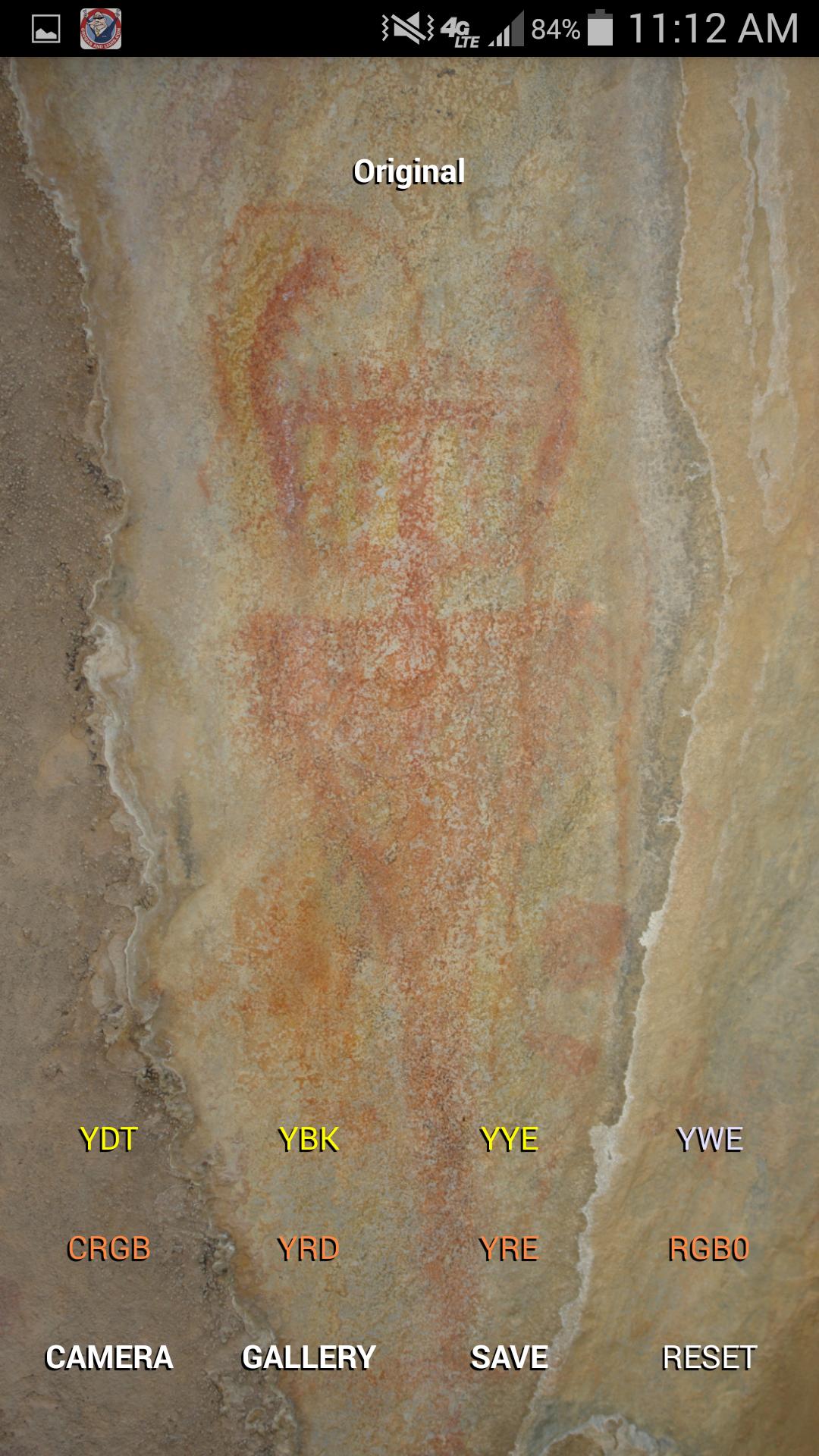
aDStretch provides enhancements optimized for red pigments such as CRGB, YRD, YRE and RGB0. There are also settings for general scenes like YDT and YWE, and for yellow pigments like YBK and YYE. These options help you make faded art stand out under mixed conditions. Start with CRGB for a dependable first pass on red ochre.
Scale and saturation controls
You can adjust Scale to change enhancement strength and increase or reduce the effect as needed. Saturation can move from grayscale at zero to normal color at one point zero. This lets you balance visibility and false color appearance for different panels. Small changes often make a clear difference.
Set a default enhancement
aDStretch can auto apply your preferred enhancement whenever an image loads. Setting CRGB as the default speeds up first checks on red pigments. This saves time when processing many shots during a survey.
Work with camera and gallery
You can enhance a new photo shot on site or select one from your gallery. aDStretch then saves the result to your chosen output folder. This keeps originals untouched while your processed images go to a clear location.
MPixel limit for stability
Large photos can strain memory on some devices. Use the MPixel Limit to reduce processing size if you see slow performance or crashes. Raise the limit again when you need higher resolution outputs. This control helps maintain stable field use.
Decorrelation stretch produces false color views that highlight faint pigment differences. It does not restore the original paint color, and results depend on pigment type, weathering, and surface texture. Red ochre and yellow pigments often respond strongly, while other materials may vary. Expect some images to show clear new detail and others to show limited change, which is normal for this technique. Before and after comparisons can guide documentation choices without extra lighting or special filters.
aDStretch is suited to archaeologists, rock art researchers, conservators, and heritage documentation teams who need quick field assessments. It helps verify faint lines, hand stencils, and layered markings while standing at the panel, so decisions about recording and follow up imaging can be made on site. The app is the Android version of DStretch, which is widely known in rock art research for this type of enhancement.
The steps below outline a quick start on Android. Before you download aDStretch, plan to work with steady framing and clear focus for each shot. Good inputs make the enhancements more reliable in changing light.
First, open aDStretch and go to settings to choose a default enhancement, then set it to CRGB for an initial pass on red pigments.
Next, check the MPixel Limit and lower it if you notice slow processing, or raise it when you need maximum detail in the output.
Then load a photo by taking a new picture of the panel or selecting one from your gallery, keeping the camera as square to the surface as possible.
After the image loads, apply the default enhancement and review visibility. If needed, switch to another preset and adjust Scale and Saturation until markings become clear enough to document.
Finally, save the processed image to your chosen folder and note your settings in field records for consistent follow up work.
aDStretch uses decorrelation stretch to reveal faint pictographs and stencils in ordinary photos. It supports field documentation by producing processed images while keeping your originals intact. Install the aDStretch latest version to maintain a dependable workflow during surveys and site visits.
For official resources or assistance, refer to the links below.
Official website: https://www.dstretch.com/
Support email: DStretch@prodigy.net
Latest Version
1.36Requires Android
Category
Photography AppContent Rating
Everyone
Report
Flag as inappropriateLast updated on Apr 16, 2026
This release includes minor bug fixes and general improvements. Update to the latest version for the best experience.



APKPure - A multi-platform app store primarily focused on Android, providing extensive app-related content. Discover the app you want easier, faster, and safer, with quick and efficient downloads and installations.