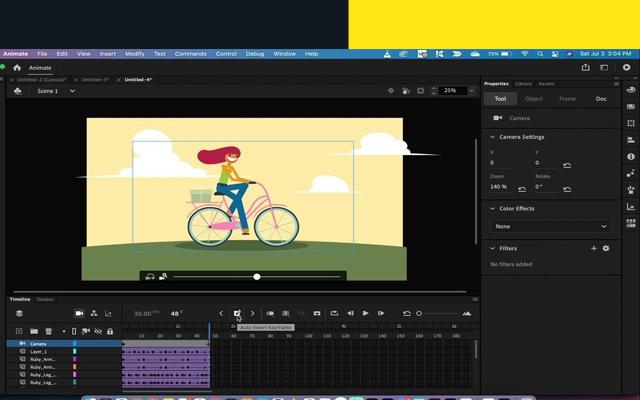
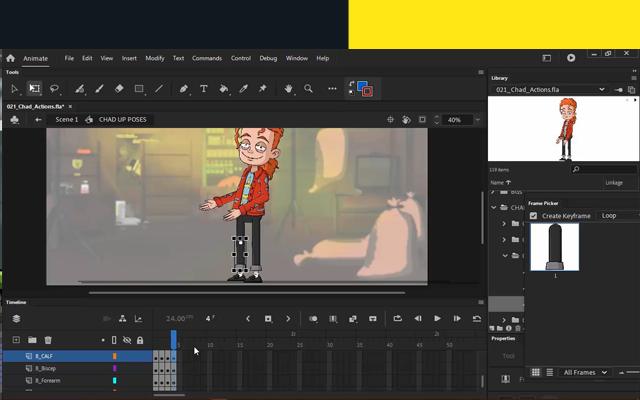
Learn how to use Animate's vector based tools to design, fill and polish your own character while applying proper layer hierarchy. This character design can then be taken further for rigging and animation, if you desire. The following topics we will cover include.
Adobe Animate CC: Animated Editing in Adobe Animate Pro - The Highest Rated App in Video animation
Using the various vector tools in Animate
Working with beziers, points and bendable lines
Inking a full character from an existing sketch
Filling in objects using the Paint Bucket's various features
Shading and Highlighting with the Brush
Masking eyes and mouth
Proper layer organization for easier rigging
Other tips and tricks for designing cartoon characters
Disclaimer:
* This application is just an informal guide to learn Adobe Animate Basics Animation editing people understand everything about adobe animate, as well as read tips and tricks.
Latest Version
1Uploaded by
Vladislav Aleksiev
Requires Android
Android 6.0+
Category
Free Entertainment AppContent Rating
Everyone
Report
Flag as inappropriateLast updated on Jun 22, 2023
This release includes minor bug fixes and general improvements. Update to the latest version for the best experience.



APKPure - A multi-platform app store primarily focused on Android, providing extensive app-related content. Discover the app you want easier, faster, and safer, with quick and efficient downloads and installations.