Package Name:in.minitick.adb.toolkit
SHA-256:ecd81a2551ede88efdf3b0f95c144e7cb19bb0fba408a0a88a3487163a231bd2
Show More
ADB Toolkit – Run ADB Commands on Android
Android includes a powerful developer interface called ADB (Android Debug Bridge). Normally it requires a computer to execute commands. ADB Toolkit brings that power directly to your Android device.
Run ADB shell commands, explore useful command examples, bookmark frequently used commands, and track command history — all from a simple and fast interface.
ADB Toolkit turns your phone into a portable Android debugging console, useful for developers, testers, and Android power users.
Run ADB Shell Commands
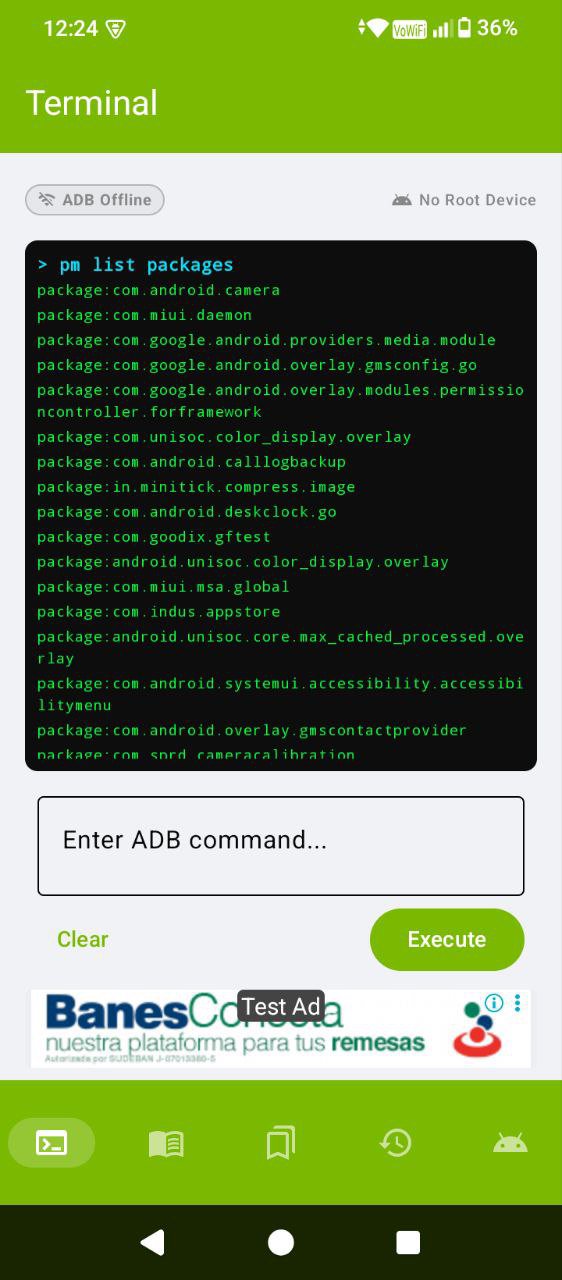
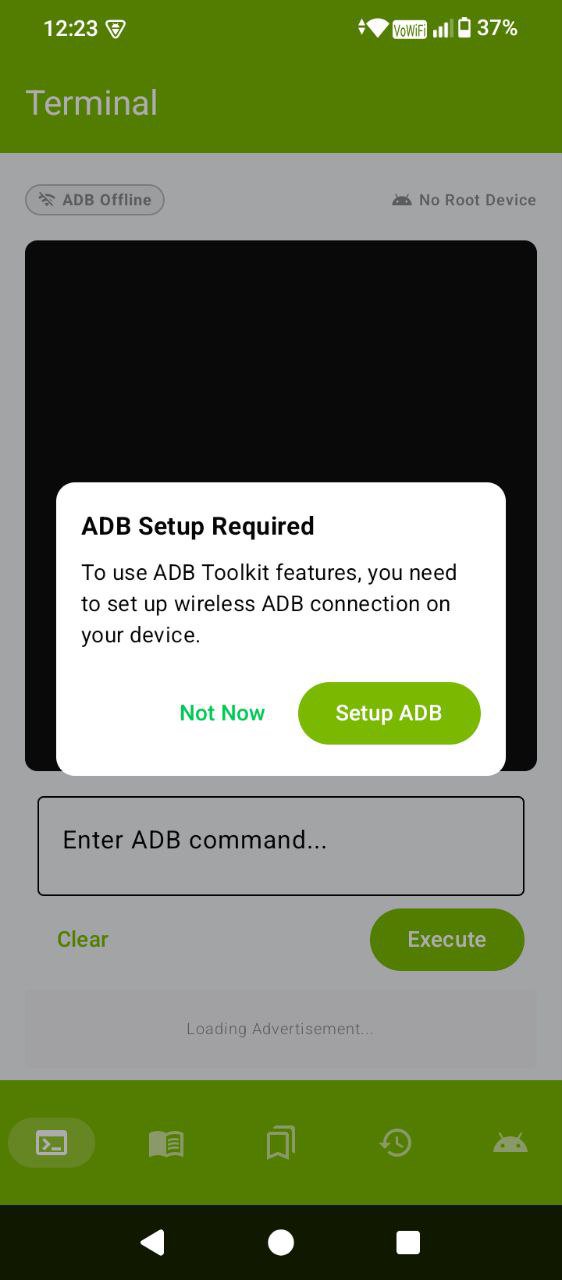
Execute Android shell commands directly from your device without connecting to a computer.
The built-in command executor allows you to run debugging commands, inspect system properties, manage packages, and perform system operations quickly.
This makes it useful for:
• Android developers testing apps
• QA testers debugging devices
• Power users exploring Android internals
• Students learning ADB commands
Command output is captured and displayed in a terminal-style interface.
Built-in Command Library
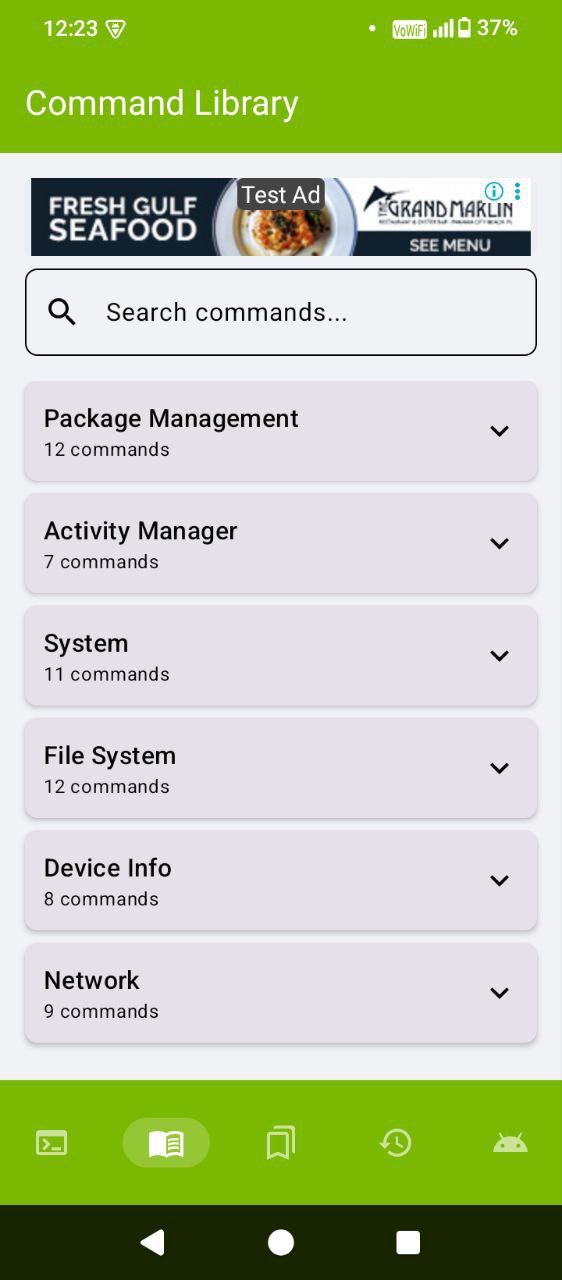
ADB Toolkit includes a library of commonly used Android commands to help you work faster.
Commands are organized into categories such as:
• Package manager commands
• Application management
• Device debugging tools
• Activity and service controls
• Storage and file operations
• System property inspection
Each command can be previewed and edited before execution, making it easy to customize commands.
Bookmark Frequently Used Commands
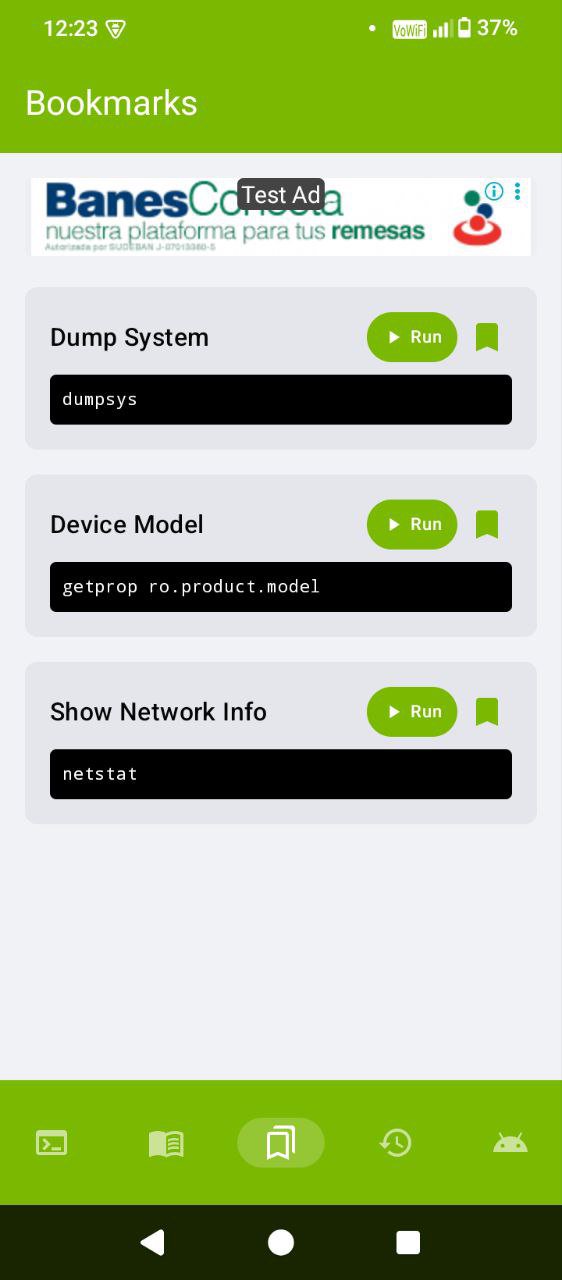
Save your most-used commands for quick access.
Features include:
• Custom bookmark names
• Organized command categories
• One-tap command execution
• Easy editing and management
Bookmarks help developers run repetitive debugging commands faster.
Command History Tracking
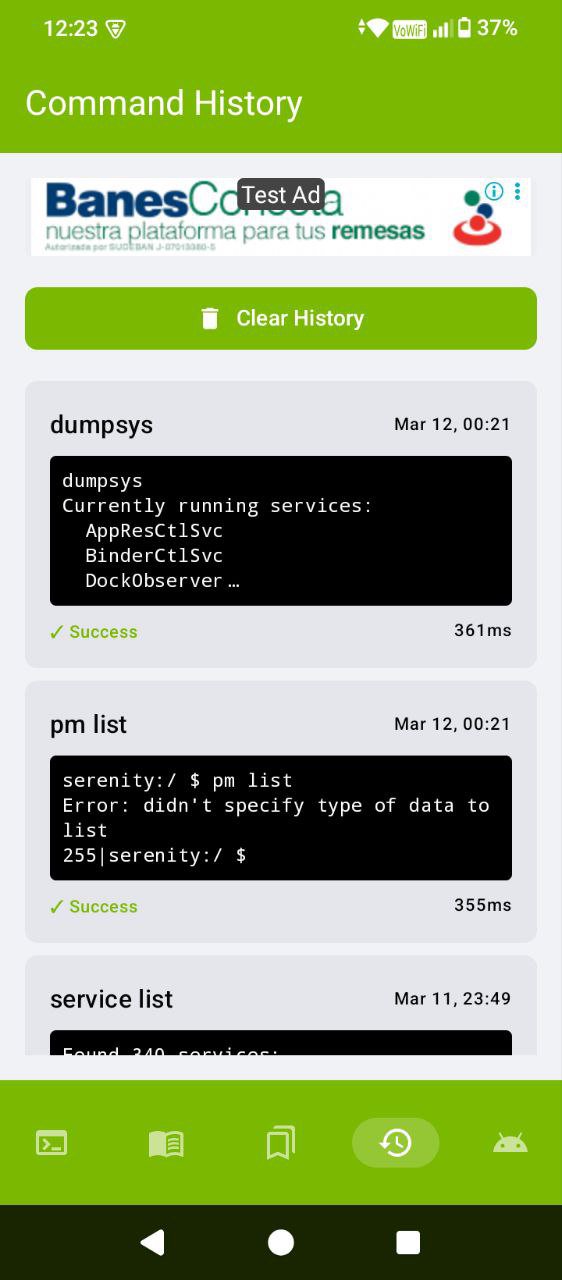
ADB Toolkit automatically stores previously executed commands.
History records include:
• Command text
• Execution output
• Execution status
• Execution timestamp
You can quickly revisit past commands and run them again when needed.
Root Detection Support
The app automatically detects whether your device has root access.
On rooted devices, advanced commands can run with elevated permissions. On non-rooted devices, commands are limited to safe operations supported by Android security restrictions.
ADB Toolkit works on both rooted and non-rooted devices.
Users familiar with tools like Termux or Shizuku will find ADB Toolkit a simple alternative focused on running ADB commands quickly.
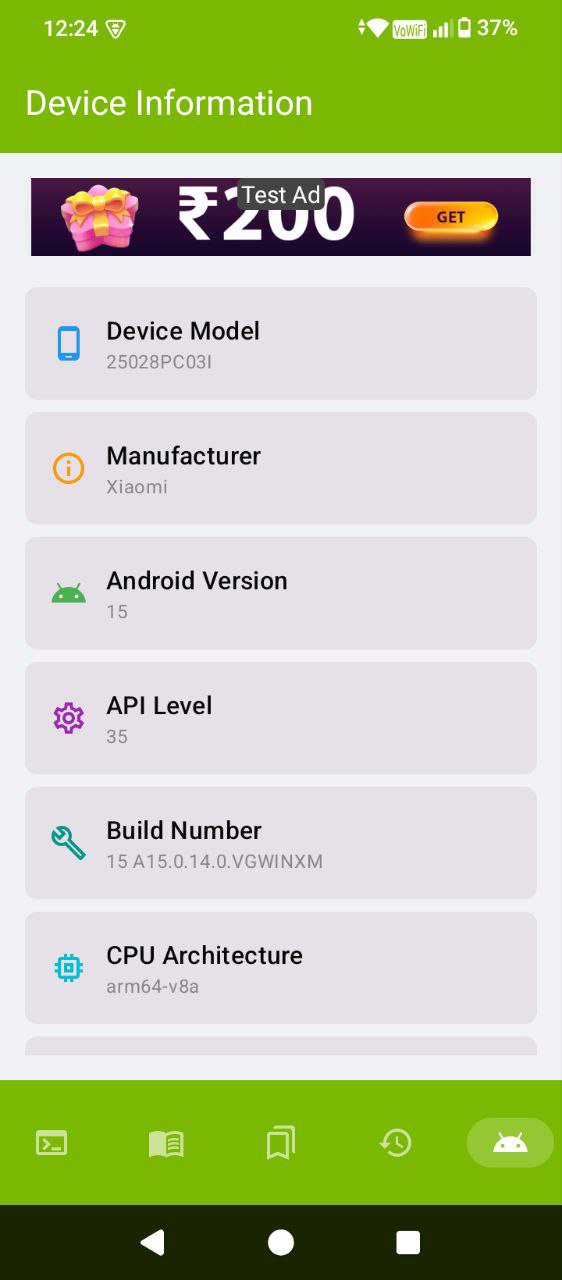
Device Information
The device info section provides useful debugging details including:
• Android version and SDK level
• Device model and architecture
• Debugging status
• Installed apps overview
This helps developers quickly understand the device environment.
Lightweight and Fast
ADB Toolkit is built using modern Android technologies for reliability and performance.
• Kotlin-based architecture
• Local database for command history
• Material Design interface
• Fast command execution
The app is lightweight and optimized for smooth performance.
Important
Some commands may require:
• Developer Options enabled
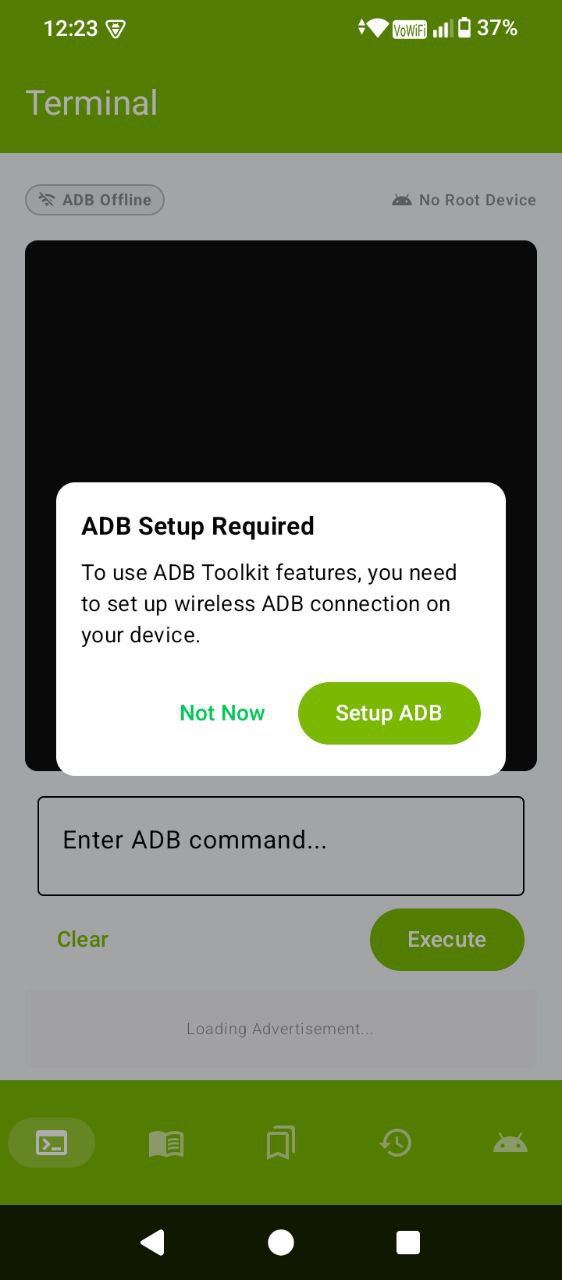
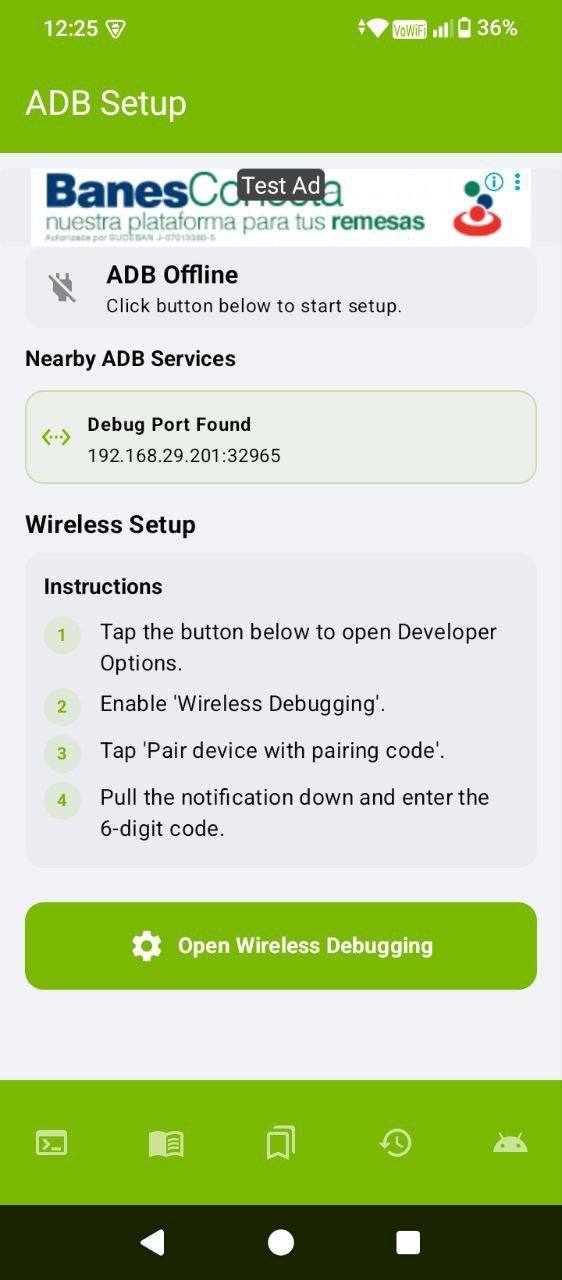
• Wireless debugging enabled
• Root access for advanced commands
Only run commands you understand. Incorrect commands may affect device behavior.
ADB Toolkit turns your Android device into a portable command center for debugging, learning, and exploring Android system commands.
Latest Version
1.0.12Uploaded by
Lesther Alberto Sanchez
Requires Android
Category
Free Tools AppContent Rating
Everyone
Security Report
Check Now
Report
Flag as inappropriateLast updated on Jul 28, 2026
This release includes minor bug fixes and general improvements. Update to the latest version for the best experience.


APKPure - A multi-platform app store primarily focused on Android, providing extensive app-related content. Discover the app you want easier, faster, and safer, with quick and efficient downloads and installations.



![ADB Shell [Tasker Plugin] APK](https://image.winudf.com/v2/image1/Y29tLkFEQlBsdWdpbl9pY29uXzE1NDE1NDE3ODRfMDQ1/icon.png?w=102&fakeurl=1)