Package Name:in.minitick.adb.commandlibrary
SHA-256:a3e46eea4f3ff85c81e7f7f1e80790750636caf0fb533711a60a4f54f7dd1859
Show More
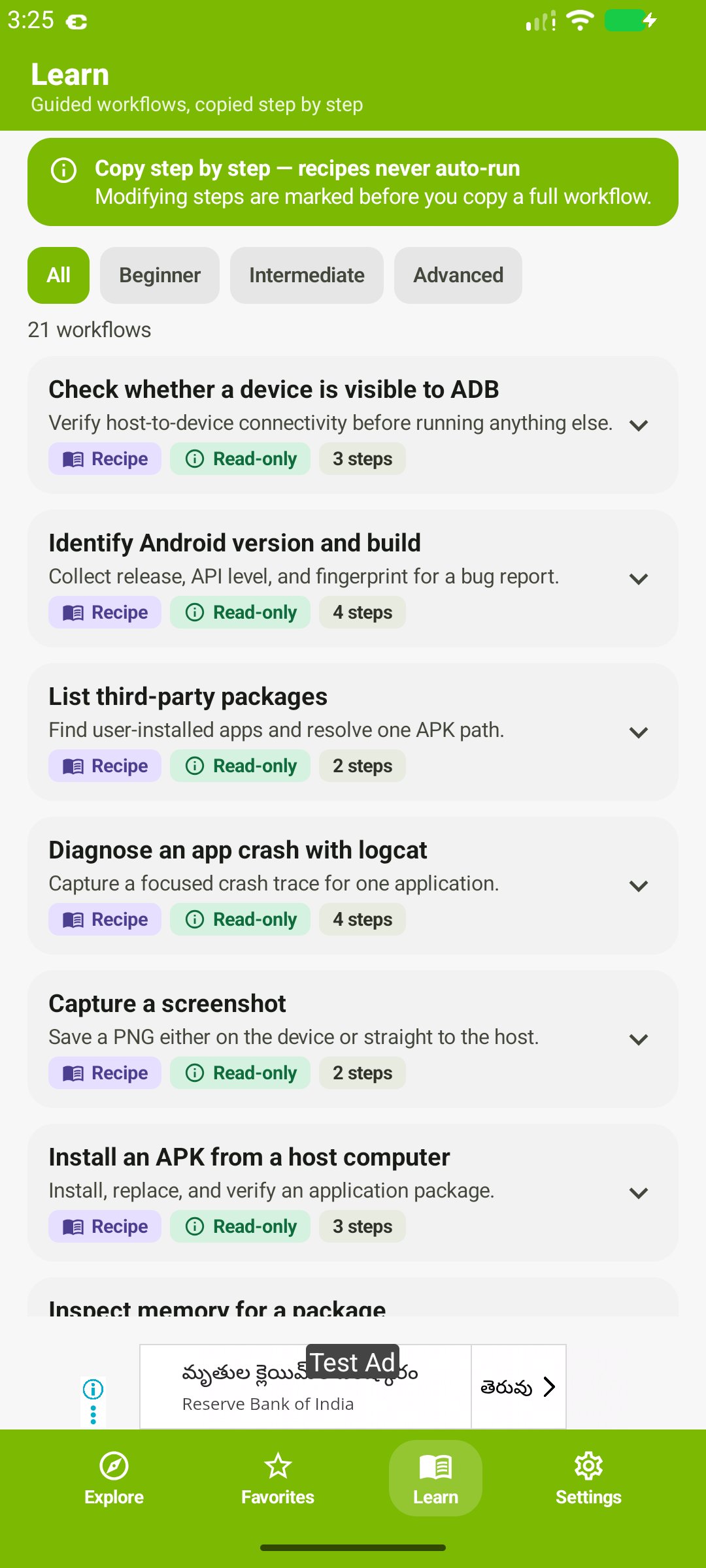
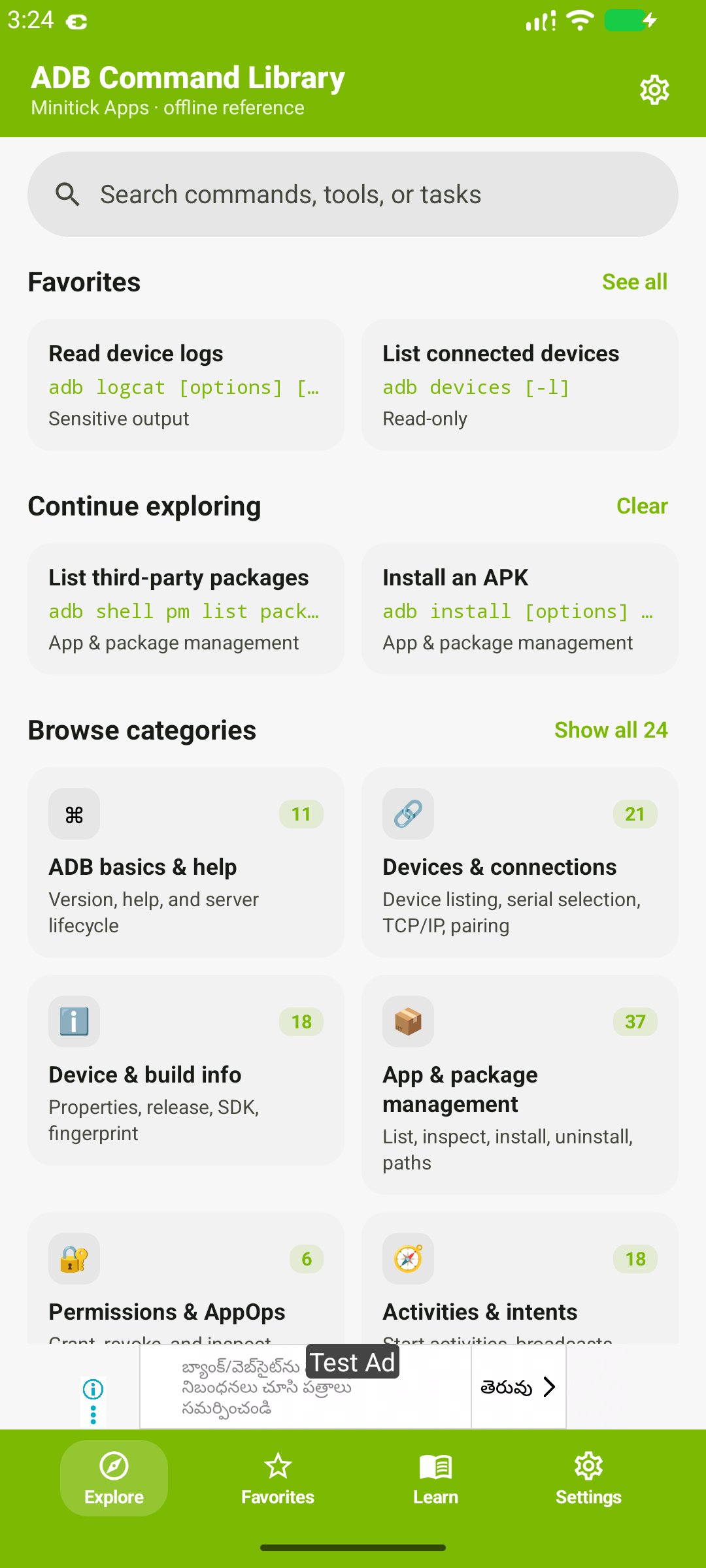
ADB commands with syntax, examples, and risk notes. A practical Android debugging reference for developers, testers, and students. Read the command before you run it on a device.
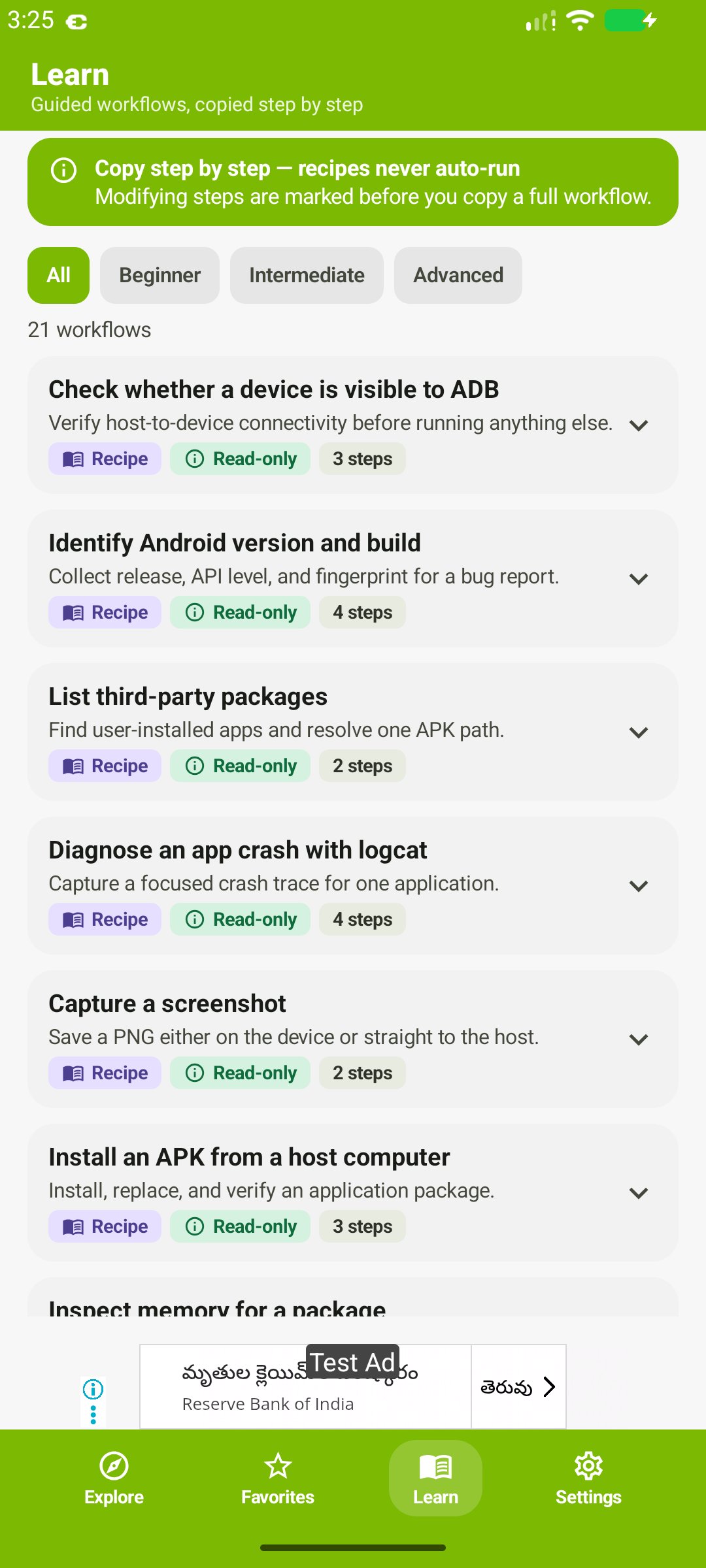
ADB Command Library explains what each command does, how the options work, and when a command can change settings or data. It is a reference. It does not run ADB for you. Most commands still need a computer with Android SDK Platform Tools.
Browse ADB commands by task:
• ADB basics: help, version, and device selection
• Install, packages, and app management
• Push, pull, and file transfer
• Android shell, system info, and device properties
• Activity Manager (am) and Package Manager (pm)
• Logcat, diagnostics, and troubleshooting
• Screenshots, screen recording, and input
• Port forwarding, reverse forwarding, and network connections
• Permissions, AppOps, and settings
• Reboot and recovery references
Each entry is there so you can check syntax and examples before you type them on a real device. Behavior still depends on Android version, the manufacturer, and whether the device is authorized.
Use it with care. Back up data before commands that change settings or files. Confirm the selected device. Skip anything you do not understand. This is an independent guide, not an official Google or Android app.
Download ADB Command Library when you want a clear command list beside your debugging session.
Looking for an ADB commands list, shell syntax, logcat examples, or pm and am references? Compare the options here, then run only what you have checked.
Latest Version
1.0.2Uploaded by
Subhajit Bose
Requires Android
Category
Free Tools AppContent Rating
Everyone
Security Report
Check Now
Report
Flag as inappropriateLast updated on Nov 5, 2026
Dex optimized
SDK Update






APKPure - A multi-platform app store primarily focused on Android, providing extensive app-related content. Discover the app you want easier, faster, and safer, with quick and efficient downloads and installations.