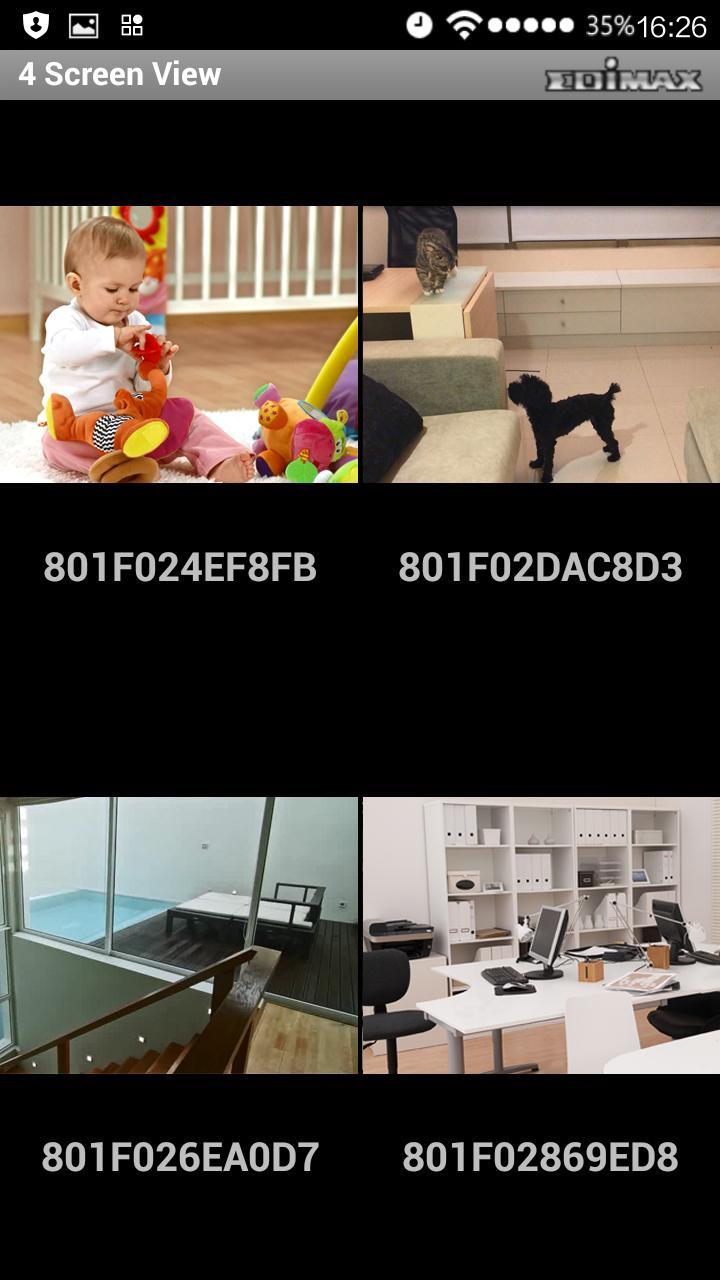
The AceLinkView is an easy-to-use and handy network camera app, ideal for monitoring your home or office from any 3G or Wi-FI connection. With AceLink innovative Plug-n-View technology, you can say goodbye to inconvenient and complicated setting procedures. It’s extremely easy to connect your AceLink network camera to the cloud in just a few simple steps and access it remotely with a smartphone, tablet, or computer no matter where you are.
Features of the AceLinkView Android app:
1. Easy, intuitive setup and network management
2. Live viewing from any 3G or Wi-Fi connection
3. Remote pan and tilt control*
4. Motion activated snapshots
5. Adjust brightness, saturation, sharpness, video quality and pan & tilt speed* settings remotely
6. Remotely control up to 12 AceLink network cameras
* For pan/tilt supported models only
Supported AceLink Plug-n-View (Cloud/IP mode) network cameras:
1. IC-3015WN
2. IC-3040IWT
3. IC-3016W
4. IC-5040IWT
5. IC-5040IPT
6. IC-5006IWT
7. IC-5016IWT
Latest Version
1.0.0Uploaded by
Nicol Robledo Portilla
Requires Android
Android 2.3.2+
Category
Free Tools AppContent Rating
Everyone
Report
Flag as inappropriateLast updated on Feb 9, 2016
This release includes minor bug fixes and general improvements. Update to the latest version for the best experience.




APKPure - A multi-platform app store primarily focused on Android, providing extensive app-related content. Discover the app you want easier, faster, and safer, with quick and efficient downloads and installations.