
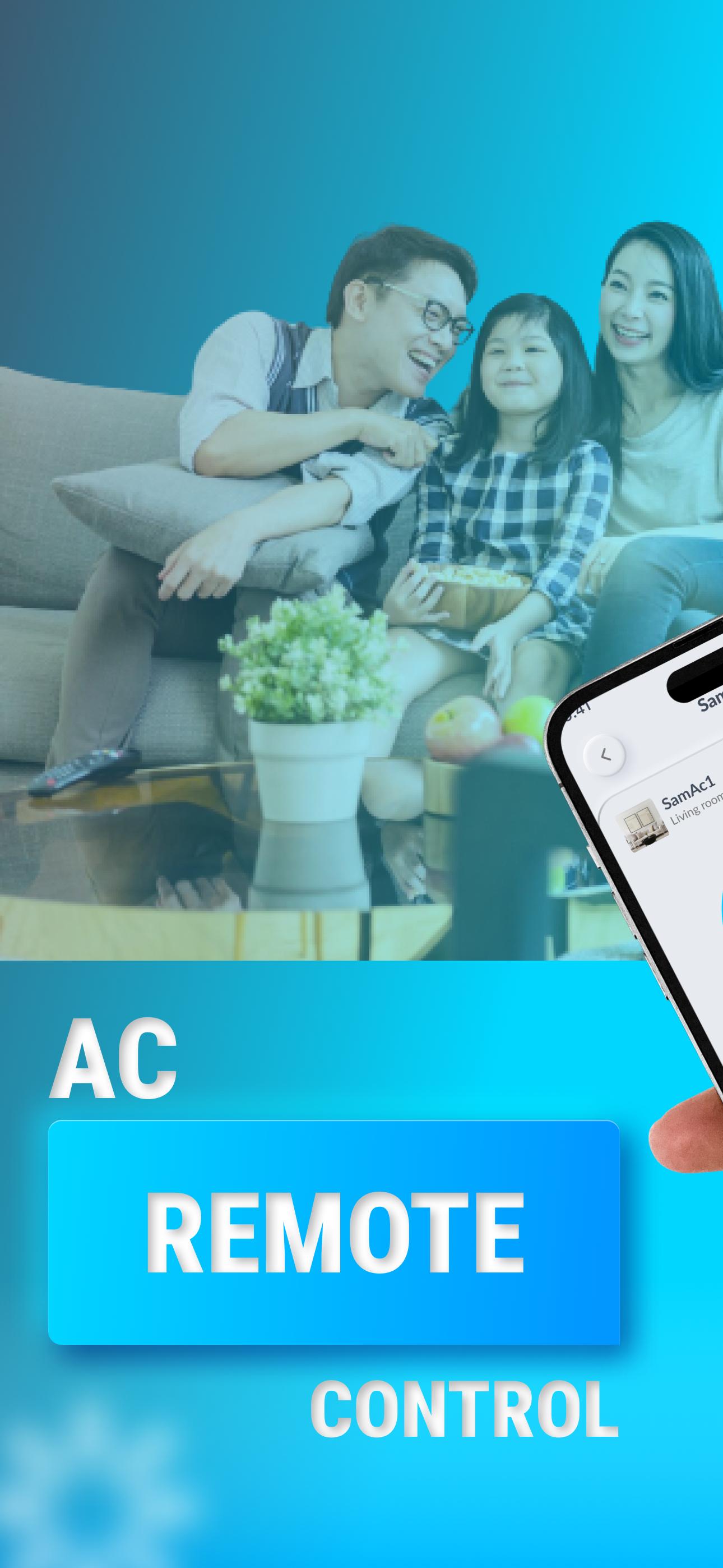
Install Our AC Remote - Air Conditioner APP Now, You Can Remote Control Your Air Conditioner-AC Anywhere. Please Do Not Hesitate To Throw Away Your Physical Remote Control. AC Remote - Air Conditioner APP to Make Everything Controllable.
Download the Air Conditioner APP, Not Only Can Adjust Temperature Freely, But Also Can Use Other Functions Easily: Switch Mode, Timer, Turn On/Off and so on. What's More, Our AC Universal Remote Control APP is in a Users-friendly Interface Design, Which Make Your Air Conditioners To Be Controlled Easily By Your All Family Members. Especially for the Elderly.
Features:
🔥IR Blaster Supported, A Smart IR Remote
🔥Remote Air Anywhere, An Remote Control AC Remote Helper
🔥Massive Brands or Models Supported:
-Samsung Remote AC Universal, LG AC Remote Control, Haier AC Remote Control, TCL Universal Remote For AC, Sharp AC Remote Control, Casper AC Remote Control, Kenwood AC Remote Control, Hitachi AC Remote Control, Daikin AC Remote Control, Panasonic AC Remote Control, WhirlPool AC Remote Control, Toshiba AC Remote Control, Frigidaire Remote Control For AC, AUX AC Remote Control, Sanyo AC Remote Control
-Kenmore Universal Remote AC, Paxton Air Condition Control, Altus AC Remote Control, LLOYD AC Remote Control, Springer Aircon Remote Control, Honshu AC Remote Control Air Conditioner, Dekker AC Remote Control, Beko AC Remote Controller, Koppel Smart Remote Control, Tadiran AC Remote Control, Lennox Remote Air Conditioner, CHIGO AC Remote Control, Electrolux Remote For Air Conditioner, Hisense AC Remote Control, Midea Air Conditioner Remote Control
etc…
How:
Step 1: Add Your AC Remote Brands or Models
Step 2: Tap the Test Buttons to Check the Universal AC Remote Control
Step 3: Setting Your AC Remote - Air Conditioner
Step 4: Use Your AC Controller to Control Air Conditioner
TIPs:
-Make Sure Your Phone Supports Infrared (IR) Emitter, the APP is Suitable for IR Blaster Remote for AC.
-When You Need to Download a Resource Pack for Your Air Conditioner(AC), Check to See If Your Phone is Connected to the Internet.
Disclaimer:
-The AC Remote - Air Conditioner APP is Not an Official Air Conditioner Brands Universal AC Remote Product, and is Not Affiliated with the Brands Above in Anyway.
-The Remote Control For Air Conditioner Control Requires IR Blaster, Make Sure Your Phone Supports Infrared (IR) Emitter.
Latest Version
8.9Uploaded by
ကုိကုိ ႀကီး
Requires Android
Android 7.0+
Category
Free House & Home AppContent Rating
Everyone
Report
Flag as inappropriateLast updated on Jun 13, 2025
Minor bug fixes and improvements. Install or update to the newest version to check it out!



APKPure - A multi-platform app store primarily focused on Android, providing extensive app-related content. Discover the app you want easier, faster, and safer, with quick and efficient downloads and installations.










