Scan Date:Apr 28, 2026
Show More


Wink helps when clips look blurry, lighting is uneven, or quick social edits need a cleaner finish. Vloggers, gamers, and anyone sorting old memories can stabilize quality, add subtitles, and prepare content for sharing without a steep learning curve. Because tools are organized by task, you can move from basic fixes to creative touches in a natural flow. Built by Meitu, the app focuses on speed and consistency during heavy edits, while still keeping control in your hands. It supports practical workflows for everyday posts and longer projects, and also works well for batch processing in the cloud. Wink APK is suitable for users who want fast results with clear controls.
AI Repair and 4K Upscaler
Wink restores soft or low resolution videos and photos to higher clarity. You can repair noise, sharpen details, and upscale to HD, Ultra HD, or 4K while keeping natural textures. This is useful for portraits, scenery, concert footage, and game highlights where fine detail matters. A quick preview helps confirm results before you commit.
Face and Body Retouch
Wink provides tools to smooth skin, whiten teeth, apply natural makeup, and reshape body lines. Per face and per clip controls help keep looks consistent across a full project. You can adjust intensity with sliders, then compare before and after to avoid over edits. The interface guides you step by step, so changes stay precise and realistic.
Object, Watermark, and Background Removal
You can erase unwanted objects and watermarks to clean up a frame in seconds. Background removal and replacement helps build product shots or profile visuals without a studio. After removal, edges can be refined for a neater cutout. This reduces distractions and keeps the focus on your subject.
Auto Captions and Translation
Generate subtitles aligned with speech for clearer viewing without sound.
Translate captions into multiple languages to broaden access on social platforms.
Edit timing and text before export to match your style guide.
Pro Enhancement Suite with Cloud Support
Wink includes denoise, color correction and match, frame interpolation, and night enhancement for footage shot in tough conditions. Batch tools shorten repetitive work across many clips. Cloud processing handles heavy tasks to reduce strain on your device and keep editing responsive. This helps maintain quality while you continue other edits.
To avoid confusion with similarly named products, the full name is Wink: Video Enhancer and Editor by Meitu. The app combines one tap convenience with pro grade controls so you can refine as needed. This identity helps you find the correct Wink app when searching for tutorials and materials.
For frequent creators, VIP and SVIP memberships unlock higher cloud processing quotas and larger batch limits. Members also receive extra materials and coins that support template use and effect trials. These options are practical if you export often, work across many clips, or rely on cloud runs during busy schedules. You can start with the free toolkit, then consider membership only if your workload requires it.
Wink supports common video and photo formats for import and export to reduce friction between devices and apps. Projects can be saved at up to 4K when source quality and edits allow. Cloud processing keeps work synced so you can resume on another Android device using the same account. For timely builds, APKPure provides quick access to the Wink latest version and routine Wink APK download updates for users who prefer direct installs on Android.
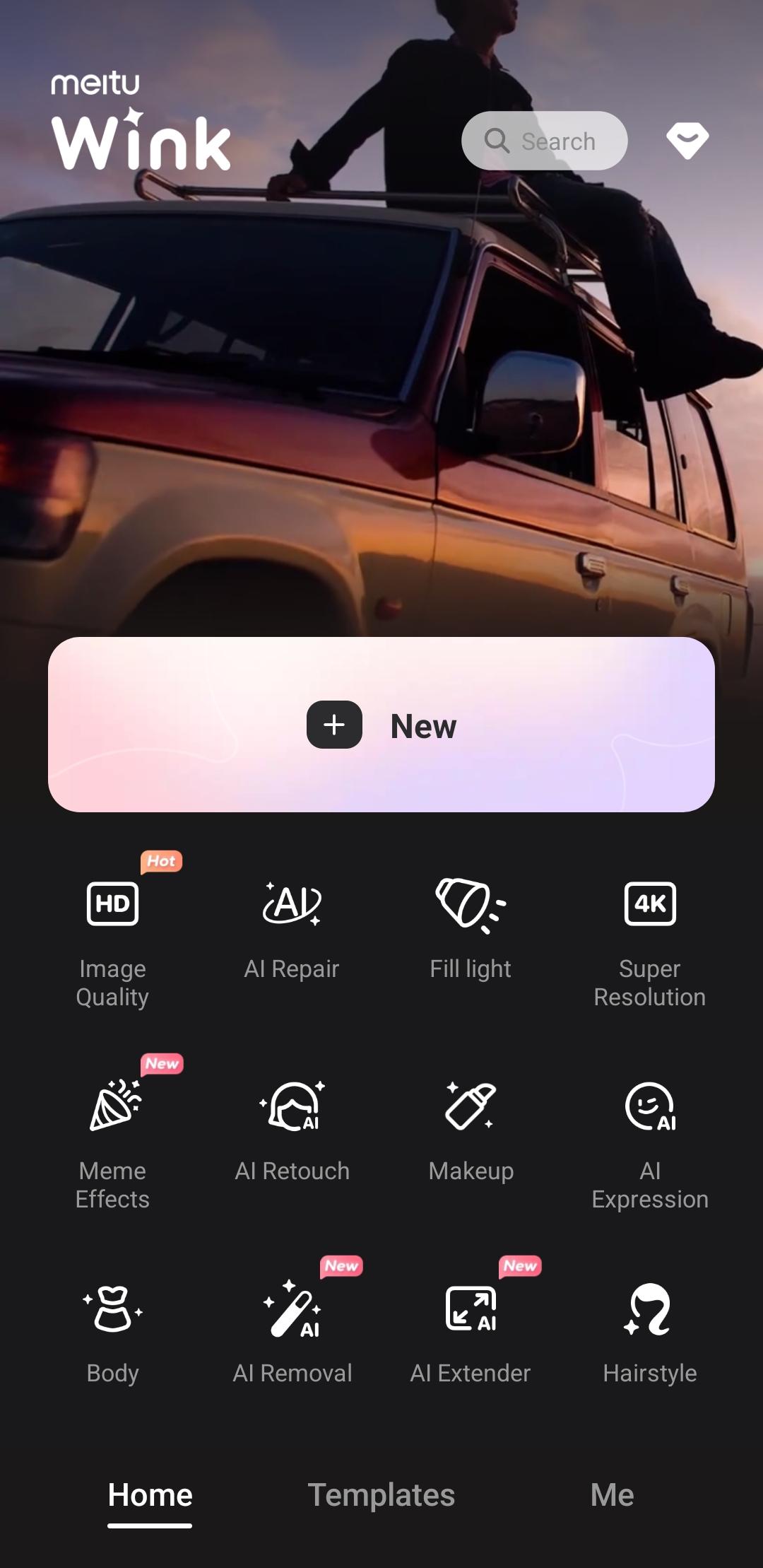
Getting started is straightforward, and the workspace is organized by common tasks like repair, retouch, captions, and export. The steps below outline a basic flow you can build on as your projects grow. If you plan to share the result, ensure you keep an eye on quality settings in the final export from the Wink app.
Open Wink after installation, grant media permissions, and sign in if you want cloud processing and sync. From the home screen, tap to start a new project.
Import videos or photos from your gallery, or capture directly inside the app. Then choose an aspect ratio or a template that matches your target platform.
For quality fixes, select AI Repair and pick a target resolution such as HD, Ultra HD, or 4K. Preview the change, then apply it to the clip or to multiple items as needed.
Move to retouch and removal tools to clean faces, bodies, objects, and backgrounds. Adjust per face and per clip settings, use compare to check results, and keep edits subtle for a natural look.
Add auto captions, review the text, and use translation if you need multiple languages. Finally, set export resolution and format, then save to your device or share to your preferred destination.
Wink helps you repair, retouch, caption, and export videos and photos with a clear set of tools. If you are ready to create on your phone, download Wink and test a short clip to see how the workflow fits your routine.
Official information for support and reference is available here:
Website: https://wink.ai/
Latest Version
3.5.5Uploaded by
Aj Andy Regpala
Requires Android
Android 8.0+
Category
Free Video Players & Editors AppContent Rating
Teen · Mild Violence
Security Report
Report
Flag as inappropriateLast updated on Apr 28, 2026
【Facial Refine】 Upgraded facial algorithm for natural results.
【Live Editor】 Edit Live Photo cover frames independently.




APKPure - A multi-platform app store primarily focused on Android, providing extensive app-related content. Discover the app you want easier, faster, and safer, with quick and efficient downloads and installations.