Package Name:com.zhiliaoapp.musically.go
SHA-256:391014953f6185f315ce8c904c01a14b450411294754b582ea9598fe8acea265
Show More


TikTok Lite focuses on keeping the short video experience smooth when your phone has less storage, modest RAM, or unstable coverage. It keeps the basics simple, so you can watch, create, and share without long waits. The app loads quickly and trims data use, which helps if your plan has tight limits. As a result, scrolling and recording remain responsive in everyday conditions. For users who prefer manual installs or updates, TikTok Lite APK is available to help keep the app current in a straightforward way.
Lightweight install and quick performance
TikTok Lite is built to start fast and stay responsive on entry level and older Android phones. The install size is small, and launch time is short, so you can get to your feed with fewer delays. Playback is tuned for smooth scrolling even when your device has limited memory.
Data saver with cached viewing
When connections slow down, you can enable Data Saver to reduce mobile data usage by up to 20 percent. Videos you have already started may cache automatically, so you can keep watching later when the network is weak or offline. This helps control monthly data while keeping your feed accessible in more places.
Creation tools for short videos
You can record clips up to three minutes or upload longer videos for posting. TikTok Lite lets you add music, filters, effects, voiceovers, and green screen to shape your story. Duet and Photo Mode are available for side by side takes and simple image posts. These tools are designed to work smoothly on devices with basic hardware.
Personalized discovery and cleaner viewing
The For You feed adapts to your viewing behavior so new clips match your interests over time. You can search by hashtag, turn on Auto Scroll for hands free viewing, or switch to Clean View to reduce distractions on screen. Favorites and downloads help you save videos to rewatch later or view when you are offline.
Sharing and controls that fit your needs
Sharing takes one tap to send videos to apps like Instagram, Facebook, WhatsApp, or Snapchat, including posting to Stories or Status. Comments and direct messages work between TikTok and TikTok Lite so you can keep conversations moving. Privacy settings let you manage who can view, comment, duet, or download your videos with adjustable controls per post or account.
TikTok Lite focuses on core viewing and creation, so a few interface gestures and some stickers from the full app may not appear. For example, press and hold speed up and certain effect packs can be unavailable to keep the app compact. If a specific tool is missing, check again after updating since availability can change by region and version.
If videos freeze or the app feels slow, enable Data Saver and try closing other background apps to free memory. Clearing cache can also help when storage is tight, especially if you watch many cached videos. Keeping TikTok Lite latest version installed can resolve issues with playback, effects, or messages. If problems continue, try logging out and back in or restarting your device.
Data exchanged by the app is encrypted in transit, and you can request deletion of your account and related content from within settings. Use the in app report options to flag clips, comments, or messages that seem unsafe or misleading. Some regions label certain content or limit rewards programs to match local rules, and the TikTok Lite Rewards program has been withdrawn in the EU. If you rely on offline viewing, open settings to manage cached files so storage and playback stay balanced.
After you download TikTok Lite APK from APKPure, setup is straightforward and optimized for smaller devices. The interface keeps the focus on your feed and essential tools, so you can start watching or recording right away. If you prefer manual updates, installing the TikTok Lite APK can help keep features current.
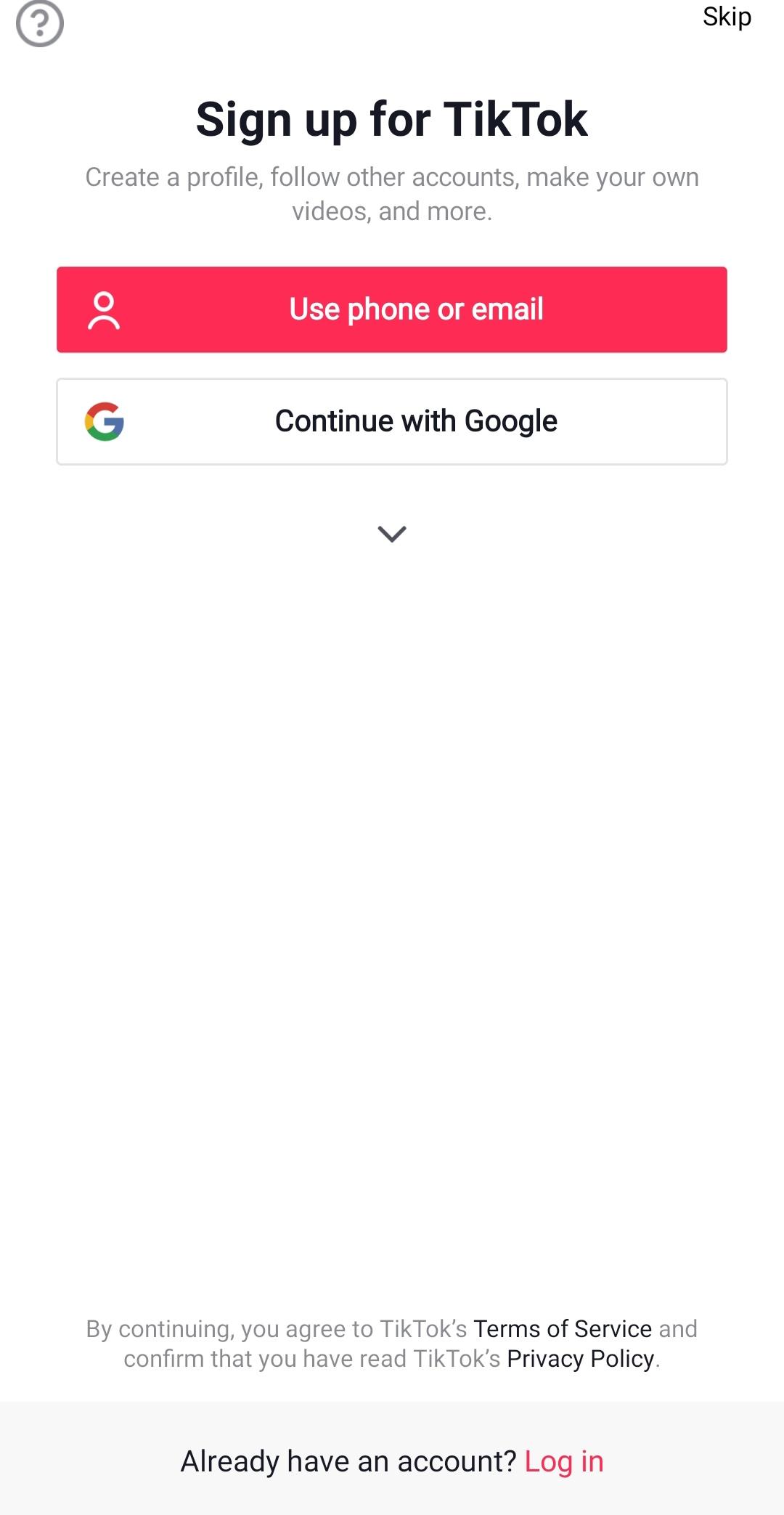
Open TikTok Lite, sign in with your account, or create a new one, then follow a few interests to shape your feed.
Go to settings and turn on Data Saver if your plan is limited, then choose your video quality preference to match your connection.
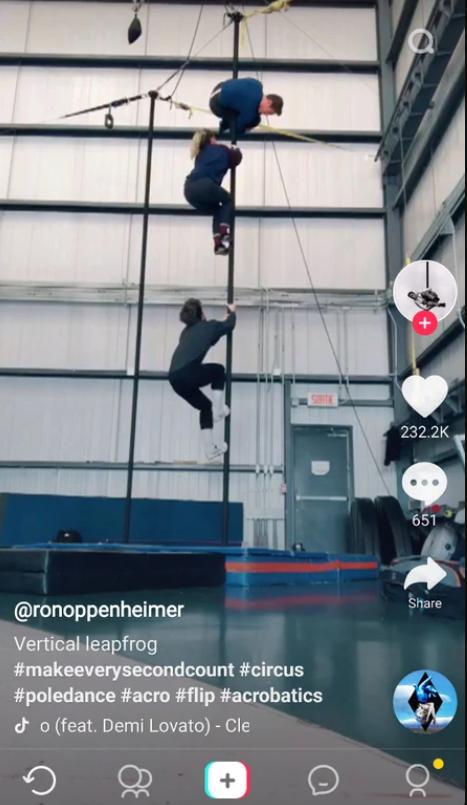
Swipe through For You, tap Search to explore hashtags, and use Favorites or download options to save videos for later viewing.
Tap the plus button to record, trim your clip, add music or effects, and set who can view, comment, or duet before posting.
Share your video to other apps if needed, then visit settings to clear cache when storage runs low to keep playback smooth.
TikTok Lite keeps short videos fast to watch and simple to create on phones with limited data and storage. To stay current and stable, you can download TikTok Lite latest version APK from APKPure when updates are available. This compact build focuses on the essentials so you can scroll, post, and share with less wait time.
For official support and more information, use the links below.
Official Website: https://www.tiktok.com/
Support Email: feedback@tiktok.com
Developer Email: ies-google-play@tiktok.com
Latest Version
43.7.4Uploaded by
Andres Herrera
Requires Android
Android 5.0+
Category
Free Social AppContent Rating
Teen
Security Report
Check Now
Report
Flag as inappropriateLast updated on May 11, 2026
Minor bug fixes and improvements. Install or update to the newest version to check it out!





APKPure - A multi-platform app store primarily focused on Android, providing extensive app-related content. Discover the app you want easier, faster, and safer, with quick and efficient downloads and installations.