Package Name:com.netvor.settings.database.editor
SHA-256:d4b9410df416ca7152db321443a60ffa0297199f144d9c43c072c32cf3cd183f
Show More


SetEdit: Settings Editor helps advanced users who need to adjust hidden options, test device fixes, or fine tune interface behavior. It focuses on the Android settings database, so you work directly with keys and values instead of surface toggles. This approach suits tasks that OEM menus do not expose, yet it also requires care and understanding. For clarity, many users look for SetEdit: Settings Editor APK when they plan device specific tweaks, and the app presents a structured way to make those changes responsibly.
Direct access to settings tables
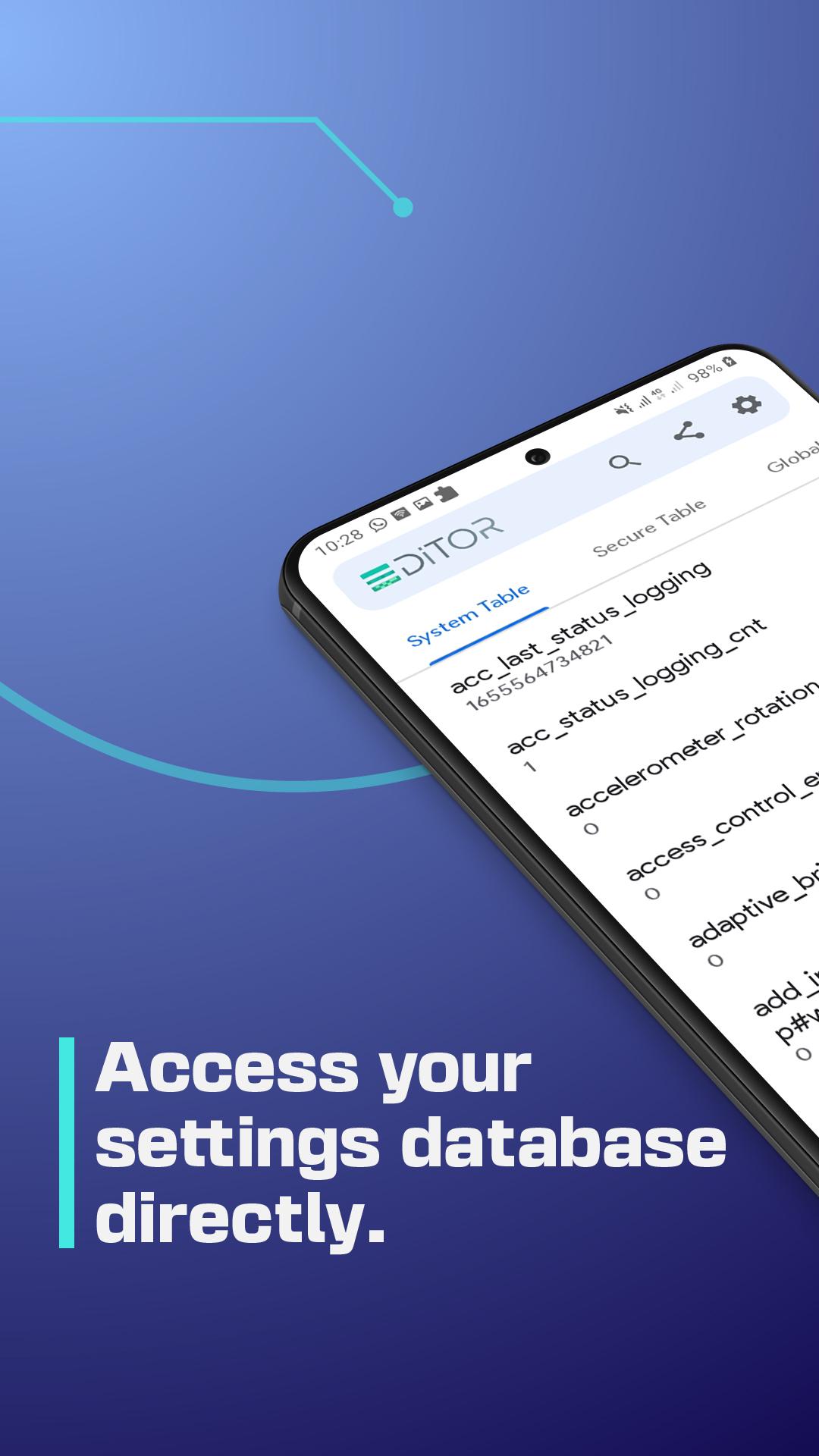
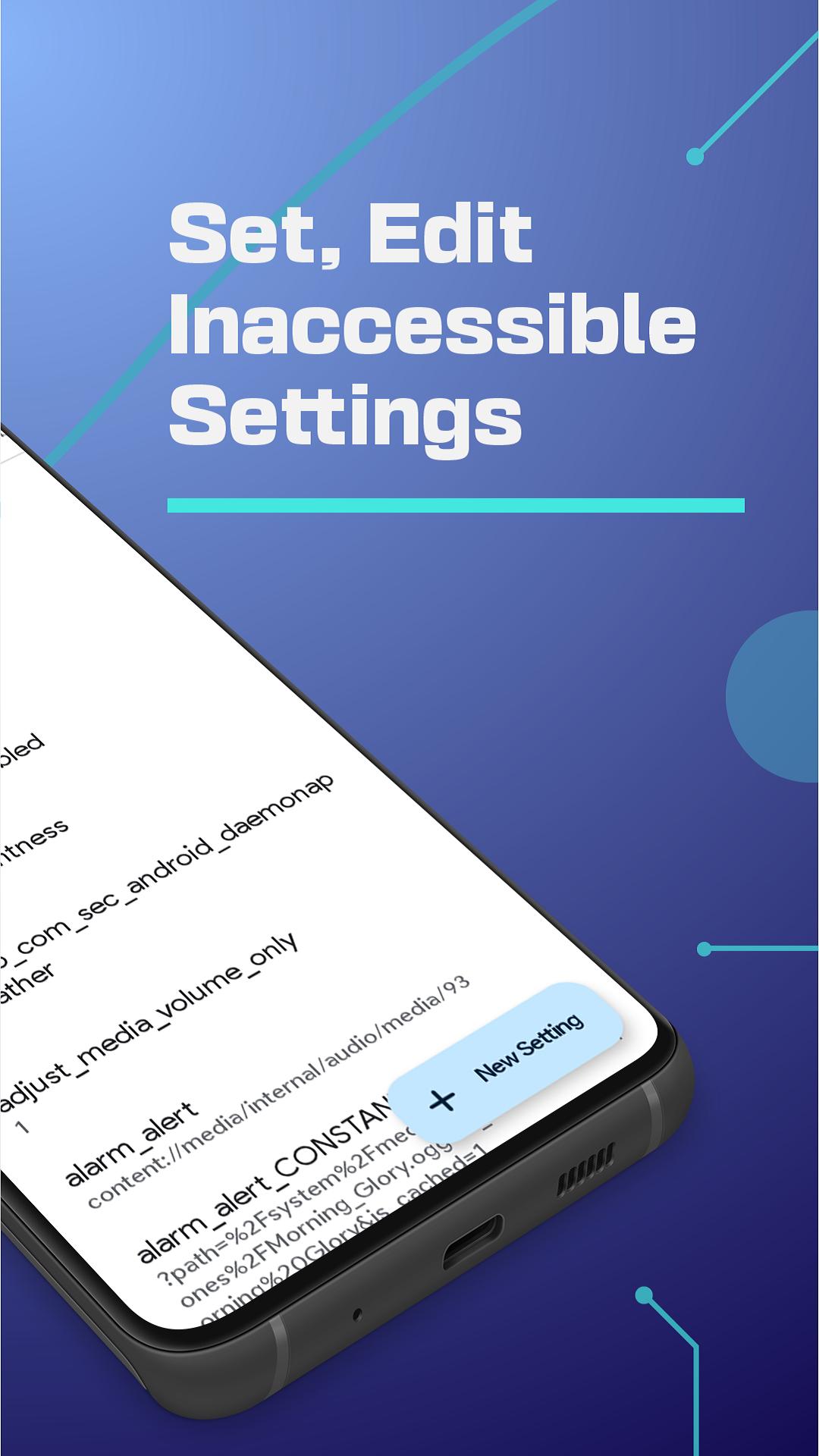
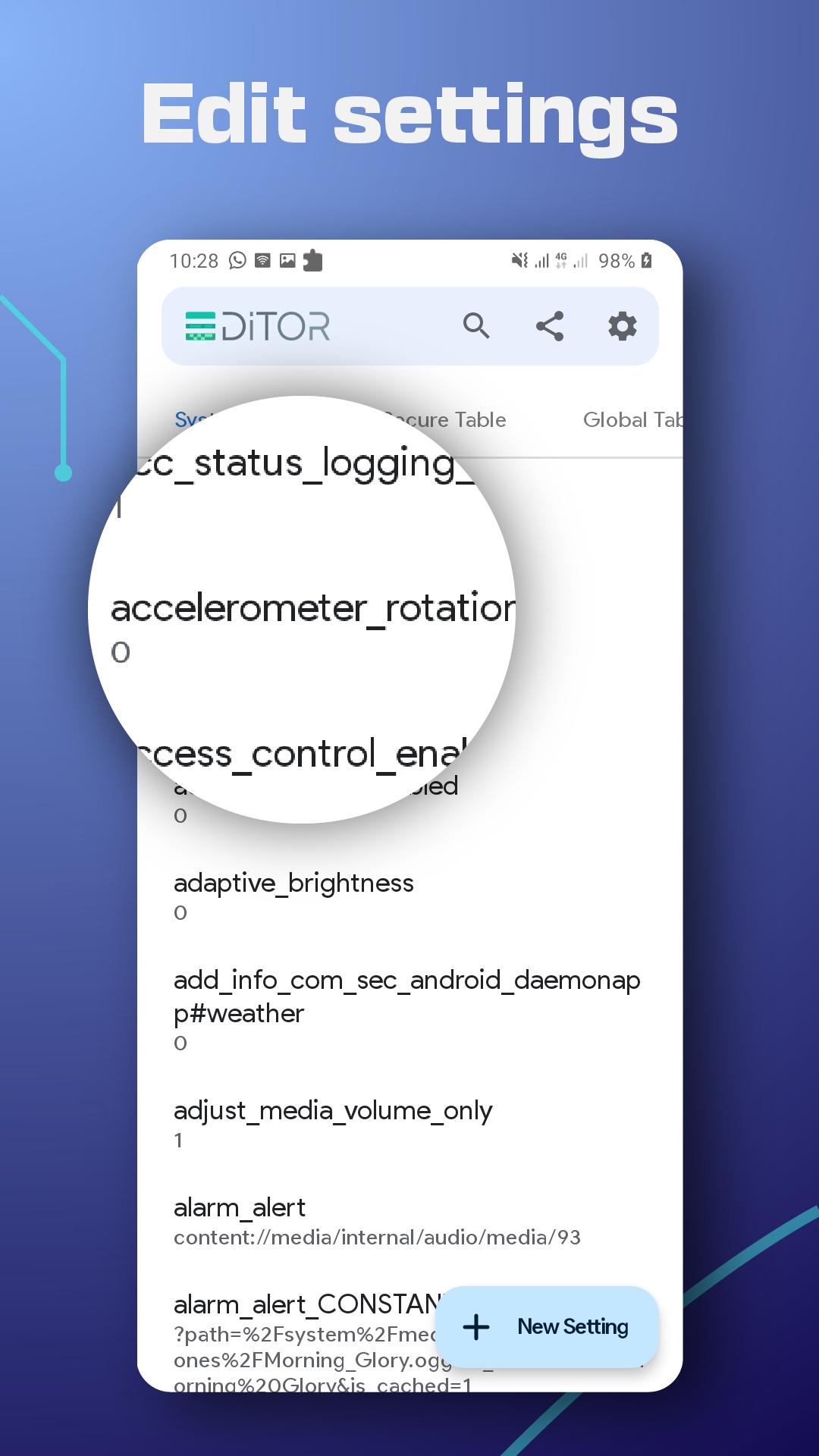
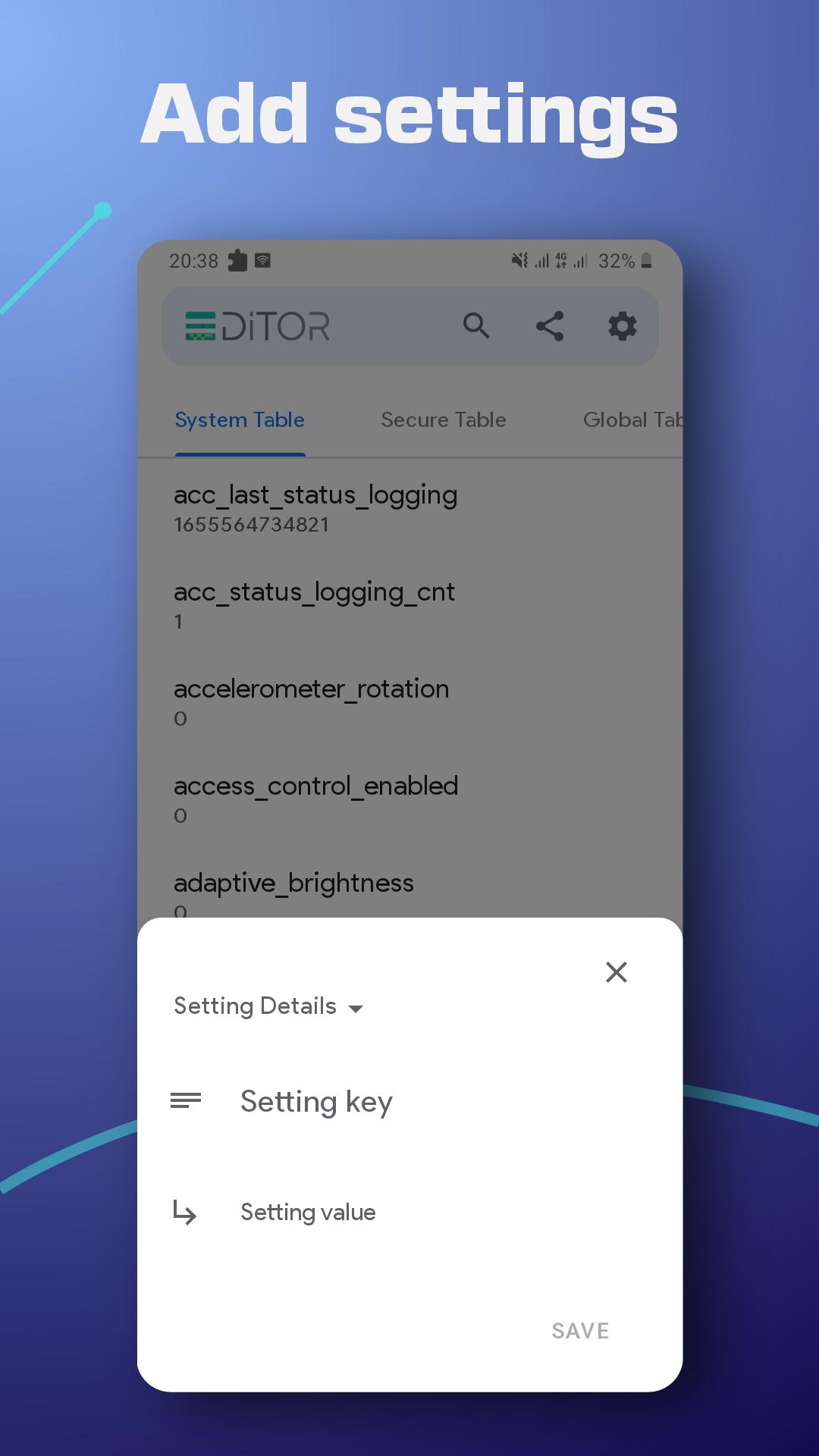
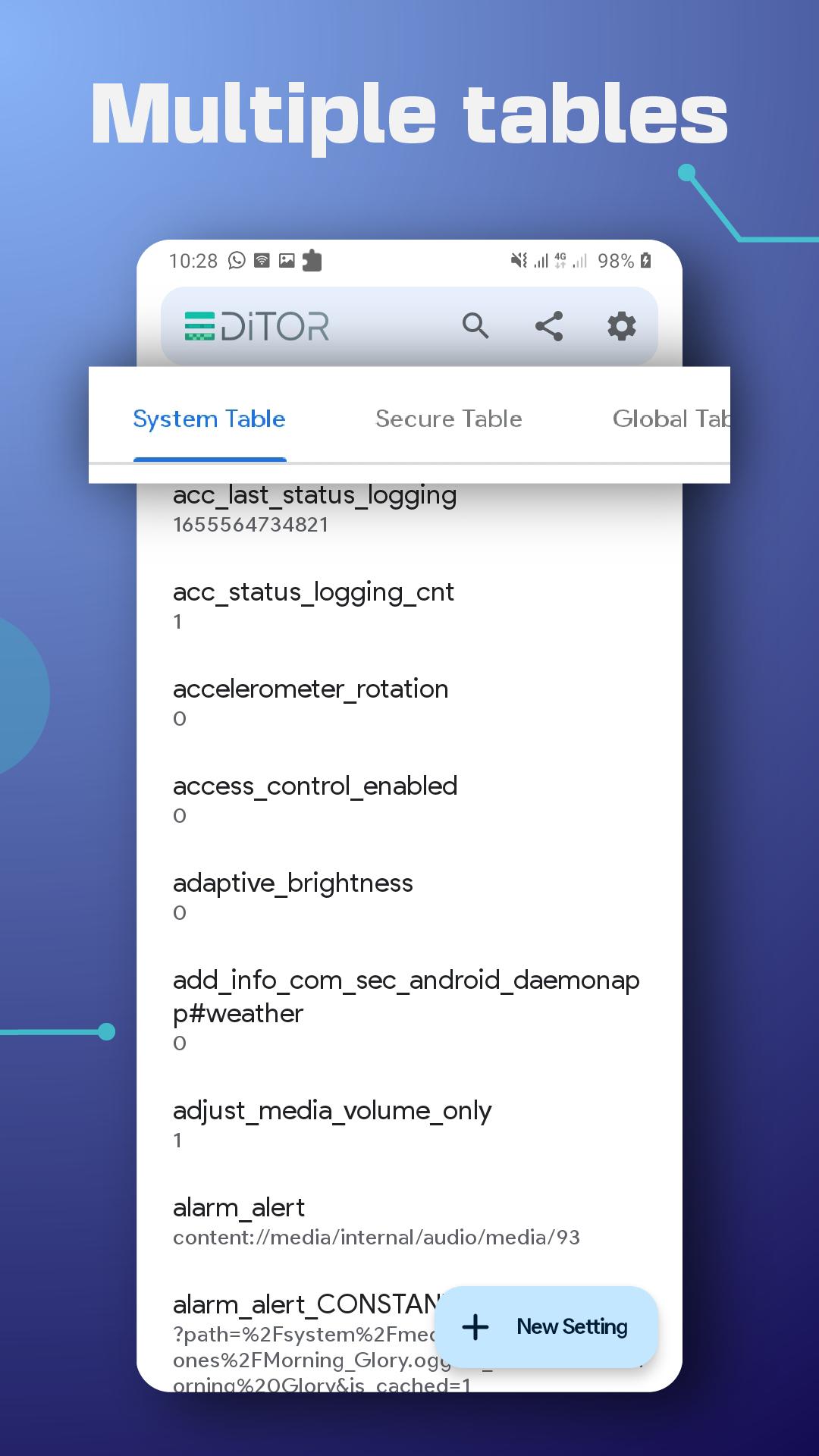
SetEdit: Settings Editor shows SYSTEM, GLOBAL, SECURE and ANDROID tables as readable key and value pairs. You can browse entries, inspect values, and then add, edit, or delete items when appropriate. This structure helps you see exactly what a change will touch before you commit it.
No root required for many tweaks
For a large set of edits, no root access is needed. When a specific action requires the Write Secure Settings permission, SetEdit: Settings Editor offers in app guidance to grant it using ADB on a computer. This allows targeted access for protected keys while keeping full device rooting out of scope.
Focused UI customization
You can adjust interface behavior on devices that expose the right keys. Typical edits include control center or toolbar buttons, color or blur preferences, navigation buttons, notch visibility, and gesture options. Results vary by OEM and Android version because keys are device specific, so review each change carefully.
Performance and behavior tuning
SetEdit: Settings Editor lets you modify values that influence refresh rate, battery saver thresholds, vibration or brightness warnings, display size, and camera shutter sound where supported. Users also report network related entries such as LTE band lock on some devices, which can help stabilize coverage in certain areas. Make small changes and test after each save to confirm the effect.
Enable hidden or carrier blocked features
Some firmware versions hide tethering or hotspot, themes and fonts, screen pinning, a Blackberry KeyOne mouse pad, or the Smart Assistance Floating Dock. When corresponding keys are present, you can turn such options on through the database. Availability fully depends on the device and software build.
This listing covers the app built by NetVor with the package name com.netvor.settings.database.editor. The focus is the official build identified here to avoid confusion with similarly named variants. Keys differ widely by device model and Android version, and certain edits may require Write Secure Settings via ADB before they take effect. Some changes can revert after uninstalling, especially when a device resets related defaults during removal.
CAUTION: Editing system settings can affect stability or functionality. Change values only if you understand the key, record the original value before editing, and review the in app guide on permissions and safe rollback steps. Proceed at your own risk and test results after every change.
According to the developer, the app may collect personal information and app activity for functionality or diagnostics. Data is encrypted in transit to reduce exposure during network communication. Some categories of data may not be deletable on request. For details about what is collected and how it is used, check the privacy information shown in the app or on the official site before proceeding.
Before you download SetEdit: Settings Editor, learn the basic flow so each change is controlled and reversible. The steps below describe a simple approach for testing edits and restoring values if needed.
SetEdit: Settings Editor provides structured access to Android settings for targeted adjustments and device specific fixes. Use it with caution, document your steps, and verify each change before moving to the next. To stay up to date, get the SetEdit: Settings Editor latest version when ready.
For official resources and support, use the links below.
Latest Version
1.3.3Uploaded by
Daniel Kavanagh
Requires Android
Android 6.0+
Category
Free Tools AppContent Rating
Everyone
Security Report
Check Now
Report
Flag as inappropriateLast updated on Feb 23, 2026
📱 Android 15, 16 Ready: We’ve updated the app support for the latest Android version.
🎨 Polished UI: Fixed the edit popup glitch, the keyboard scrolling issue and ironed out a glitch in the search animation.
🛠 Stability Fixes: Squashed multiple bugs and crashes to improve overall app reliability.



APKPure - A multi-platform app store primarily focused on Android, providing extensive app-related content. Discover the app you want easier, faster, and safer, with quick and efficient downloads and installations.