Scan Date:May 16, 2026
Show More


PPSSPP runs PSP titles on your phone or tablet with a focus on clarity, control, and stability. It is free and open source, and it is maintained by an active community across Android, Windows, Linux, macOS, and iOS. No games are included, and you should use your own PSP discs converted to ISO or CSO, or legal homebrew, then place them in the PSP folder structure. You can download the PPSSPP APK latest version on APKPure, and you can continue progress by transferring saves from a real PSP for a consistent experience.
High definition rendering and upscaling
PPSSPP raises internal resolution so PSP games look sharper on modern screens. You can select rendering scales to match your device and display size. As a result, 3D models and textures appear cleaner than on original hardware.
Advanced graphics controls
Moreover, PPSSPP includes options like texture scaling, anisotropic filtering, and post-processing shaders. You can tune color, brightness, and visual effects to match each title. These adjustments help balance image quality and speed.
Save and resume anywhere
In addition, PPSSPP lets you create save states at any moment and restore them in seconds. You can quickly retry difficult sections or pause long sessions. Regular in-game saves also work as expected.
Flexible input and layout
Also, PPSSPP offers a customizable touch interface with adjustable size, opacity, and placement. You can connect Bluetooth controllers or a keyboard for physical buttons. The app maps common PSP controls while allowing per-game tweaks.
Broad game compatibility
It runs a large portion of the PSP catalog, and performance depends on your device's power. Many titles are playable at full speed with the right settings. You can adjust frameskipping, resolution, and buffering to find a smooth setup.
Open source and active development
Finally, the app is open source under the GPL and benefits from ongoing community testing. Fixes and improvements continue to raise compatibility and stability. You can download PPSSPP updates to keep pace with the latest changes.
PPSSPP does not include games, and it does not download copyrighted content. Convert your own PSP discs to ISO or CSO on a computer and copy them to your device. Place games inside /PSP/GAME so the PPSSPP app can find them during the first scan.
PPSSPP and PPSSPP Gold offer the same emulator features. Free and gold versions differ in that PPSSPP Gold is a supporter version that helps the project, but the free version offers all the same functions.
PPSSPP runs on Android and also on desktop systems for flexibility across devices. You can move save data between your PSP and PPSSPP to keep progress. Copy the PSP save folders to the correct directory on your phone to resume without starting over.
This quick guide shows how to set up the emulator and start playing. It covers how to download the PPSSPP APK, prepare your game files, and choose basic settings.
Download PPSSPP APK latest version from APKPure and install it on your device. Open PPSSPP once the installation is complete.
Prepare your games by converting your own PSP discs to ISO or CSO. Copy the files to your device and place them inside /PSP/GAME so PPSSPP can detect them.
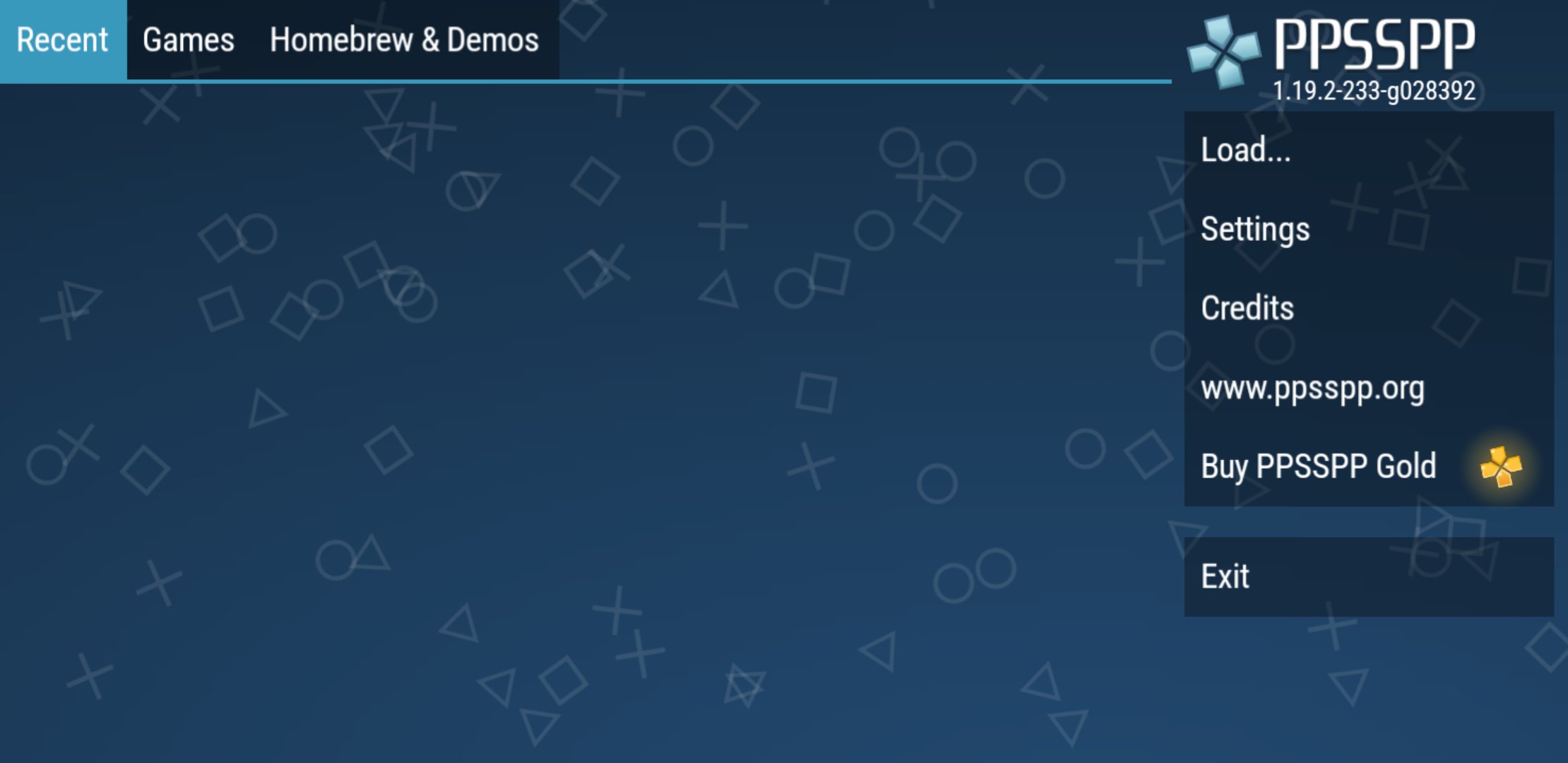
After that, launch PPSSPP and grant storage permission if prompted. Tap Games, browse to the folder that holds your ISOs or CSOs, and let the app list your titles.
Then open Settings to adjust Graphics and Controls. Pick a rendering resolution that runs well on your device and edit the touch layout or pair a controller.
So you can now select a game from the library and start playing. Use the pause menu to create a save state, and resume from the same point whenever needed.
PPSSPP brings your PSP collection to Android with clear visuals, flexible controls, and dependable saves. Download the PPSSPP APK on APKPure and start playing your PSP library right away.
For more official information and documentation, visit the website below.
Official website: https://www.ppsspp.org/
Does PPSSPP include PSP games?
No, PPSSPP does not include any games. It only emulates the PSP system. Use your own PSP discs converted to ISO or CSO, or legal homebrew, and place them in /PSP/GAME.
Where do I put PSP ISO or CSO files for PPSSPP on Android?
Place your game folders and ISOs inside /PSP/GAME on your device storage. PPSSPP will scan that location and display the games in the library screen.
How do I use my real PSP save files with PPSSPP?
Copy the save data from your PSP Memory Stick, usually inside /PSP/SAVEDATA, to the same path on your phone. PPSSPP will read those saves so you can continue where you left off.
Can PPSSPP run every PSP game at full speed?
PPSSPP runs many PSP titles, but performance depends on game complexity and device power. Lower the rendering resolution, enable frame-skipping, or reduce texture scaling if you need higher frame rates.
Latest Version
v1.20.4Uploaded by
Shine Linn Khant
Requires Android
Android 5.0+
Category
Free Action GameContent Rating
Everyone
Security Report
Report
Flag as inappropriateLast updated on May 16, 2026
Lots of performance and compatibility fixes! See the website for details.






APKPure - A multi-platform app store primarily focused on Android, providing extensive app-related content. Discover the app you want easier, faster, and safer, with quick and efficient downloads and installations.