Scan Date:May 9, 2026
Show More


Opera Mini: Fast Web Browser focuses on speed, low data use, and privacy. It processes webpages through compression, so pages open fast even on weak or congested networks. The layout is simple, and you can tailor feeds and modes to match your browsing style. You can also follow local news and football updates without heavy data use. In select markets, free data offers apply when you open the app each day. The Opera Mini APK is lightweight, and the experience stays stable when your connection changes.
Save more data with compression and Extreme mode
Opera Mini reduces page size so images and text use far less data. You can turn on Extreme mode when you need the lightest pages. This helps your plan last longer during travel or limited coverage.
Fast browsing on any connection
Opera Mini loads pages and files quickly and keeps navigation smooth on slow or busy networks. Tabs and scrolling remain responsive as you move between sites. Therefore, you can browse more with fewer delays.
Cleaner pages with the built-in Ad Blocker
It blocks many ads to reduce clutter and tracking. Pages feel simpler and load faster with fewer interruptions. In addition, this can lower data use further across your daily browsing.
Simple privacy with Private mode and Locked Mode
The Opera Mini app also lets you open private tabs that do not save history. You can also enable Locked Mode to protect tabs and history with a unique PIN. Moreover, quick controls make it easy to clear data at any time.
Football Mode and local news updates
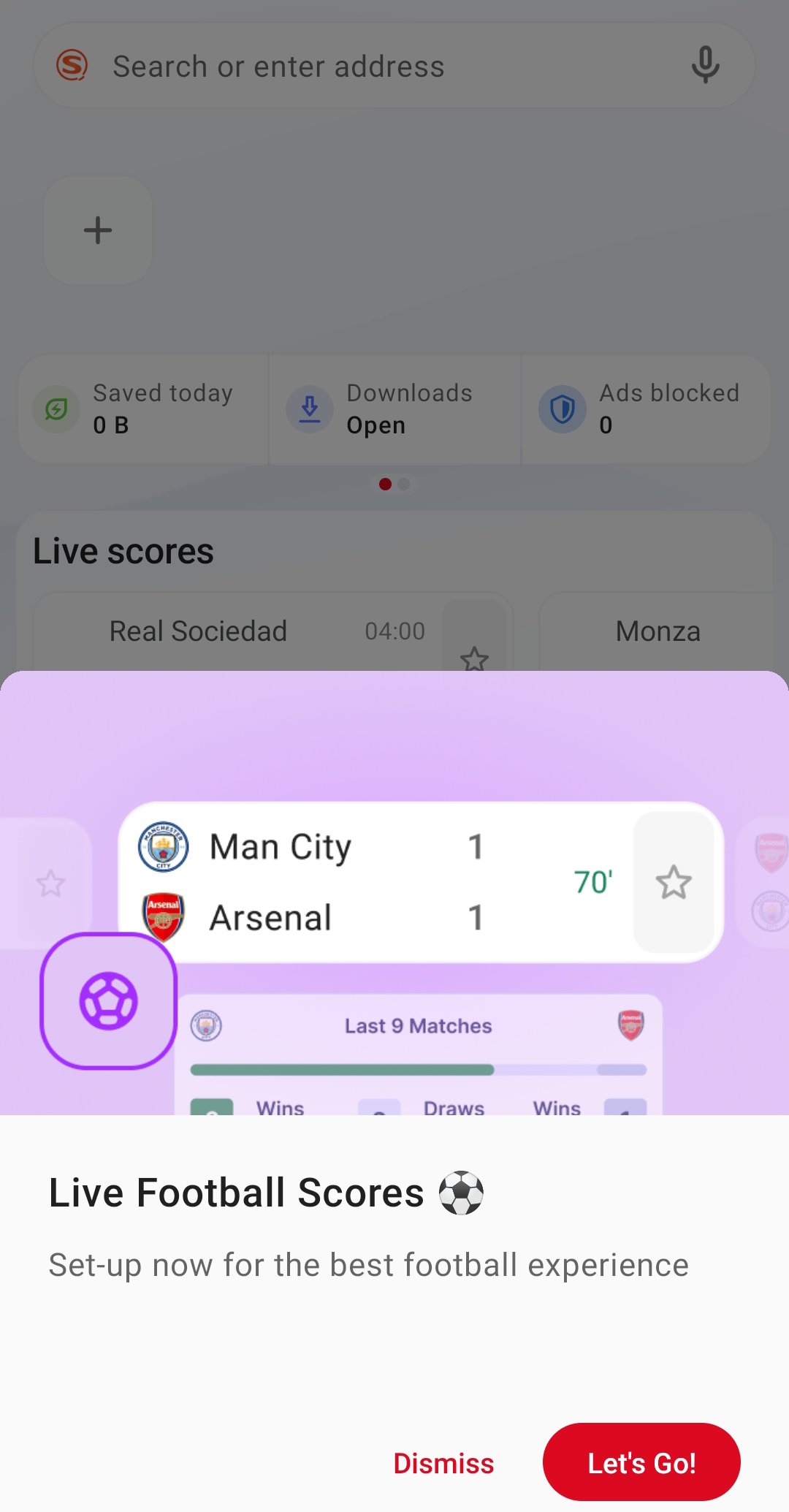
There's a Football Mode for real-time scores, news, and stats for major leagues such as the Premier League and the Champions League. When you turn the Football Mode on, you can follow teams and see timely updates in one place. Also, the news feed of Opera Mini adapts to your location and interests.
Extra benefits and tools
Opera Mini includes Speed Dial, offline page saving, and themes with light or dark mode. Free data offers are available in select countries, and the MiniPay wallet lets you send and receive money using a phone number. This creates a simple hub for browsing and everyday tasks.
Opera Mini provides free data offers in select markets. Countries include Nigeria with MTN and Airtel, South Africa with MTN, Kenya with Airtel, Ghana with MTN, and Ethiopia with Safaricom. The free data offer applies automatically when you open Opera Mini each day and switches back to your own plan once your free allocation is used.
MiniPay is available in Opera Mini to send and receive money using a phone number. It supports transfers across 53 countries, and funds are secured in stablecoins. Availability can vary by region, so features may appear gradually.
Follow these steps to start your Opera Mini: Fast Web Browser browsing efficiently. The flow covers setup, data saving, privacy, and football updates.
Download Opera Mini APK latest version on APKPure, install it, then open the app and accept permissions.
Tap the Opera logo, open Data Savings, and choose Standard or Extreme to control compression.
Then open Settings, select Ad Blocking, and turn it on to reduce ads and page noise.
Open the tab switcher, add a Private tab for sensitive browsing, and enable Locked Mode to set a PIN for extra protection.
So to follow football, tap Football or check the news feed, pick your leagues and teams, and choose the alerts you want to see.
Opera Mini: Fast Web Browser helps you browse faster, use less data, and keep control of your privacy on Android. Download Opera Mini: Fast Web Browser APK latest version from APKPure for a quick setup, and download Opera Mini to start saving data today.
For official resources, visit:
Website: https://www.opera.com/mini
Help Center: https://help.opera.com/en/mini/
Where is Free Data available in Opera Mini and how does it work?
Free Data is available in Nigeria with MTN and Airtel, South Africa with MTN, Kenya with Airtel, Ghana with MTN, and Ethiopia with Safaricom. Opera Mini applies the offer automatically when you open the app each day, and it switches back to your plan once your free data is used.
What is Locked Mode in Opera Mini?
Locked Mode protects tabs and history behind a unique PIN. When you enable it, Opera Mini asks for your PIN before showing protected content, which adds an extra layer to your private browsing.
How does Extreme mode save more data?
Extreme mode applies stronger compression to pages and images. Opera Mini processes content to reduce size further than Standard mode, which helps you save up to 90 percent of data when needed.
Latest Version
99.2.2254.731Uploaded by
Nisel Hutt
Requires Android
Android 6.0+
Category
Free Communication AppContent Rating
Everyone
Security Report
Report
Flag as inappropriateLast updated on May 9, 2026
- Fixed performance issues
- Night Mode: Reduce blue light feature returned
- Re-styled Football module



APKPure - A multi-platform app store primarily focused on Android, providing extensive app-related content. Discover the app you want easier, faster, and safer, with quick and efficient downloads and installations.