Package Name:ru.iptvremote.android.iptv
SHA-256:0db01bd6ffa4d71b7a4247893ca83bfa3c7c316a0059ac5ee1b5a592ae555548
Show More


IPTV suits users who receive TV channels from an ISP or from web playlists and want a simple way to watch on Android devices. The app loads your own channel lists and optional program data so you can browse and tune live streams with a familiar TV layout. It is made for phones, tablets, and living room screens, and it focuses on straightforward playback and navigation. For users looking for an easy setup, IPTV APK keeps things light while leaving content choice entirely up to you.
IPTV accepts M3U, M3U8 including M3U Plus, and XSPF playlists, so you can bring in channels from many sources. You can add multiple playlists without limits, save favorites for quick access, and review playlist history when you switch between lists. IPTV does not include any channels, and all playback depends on the playlists you provide.
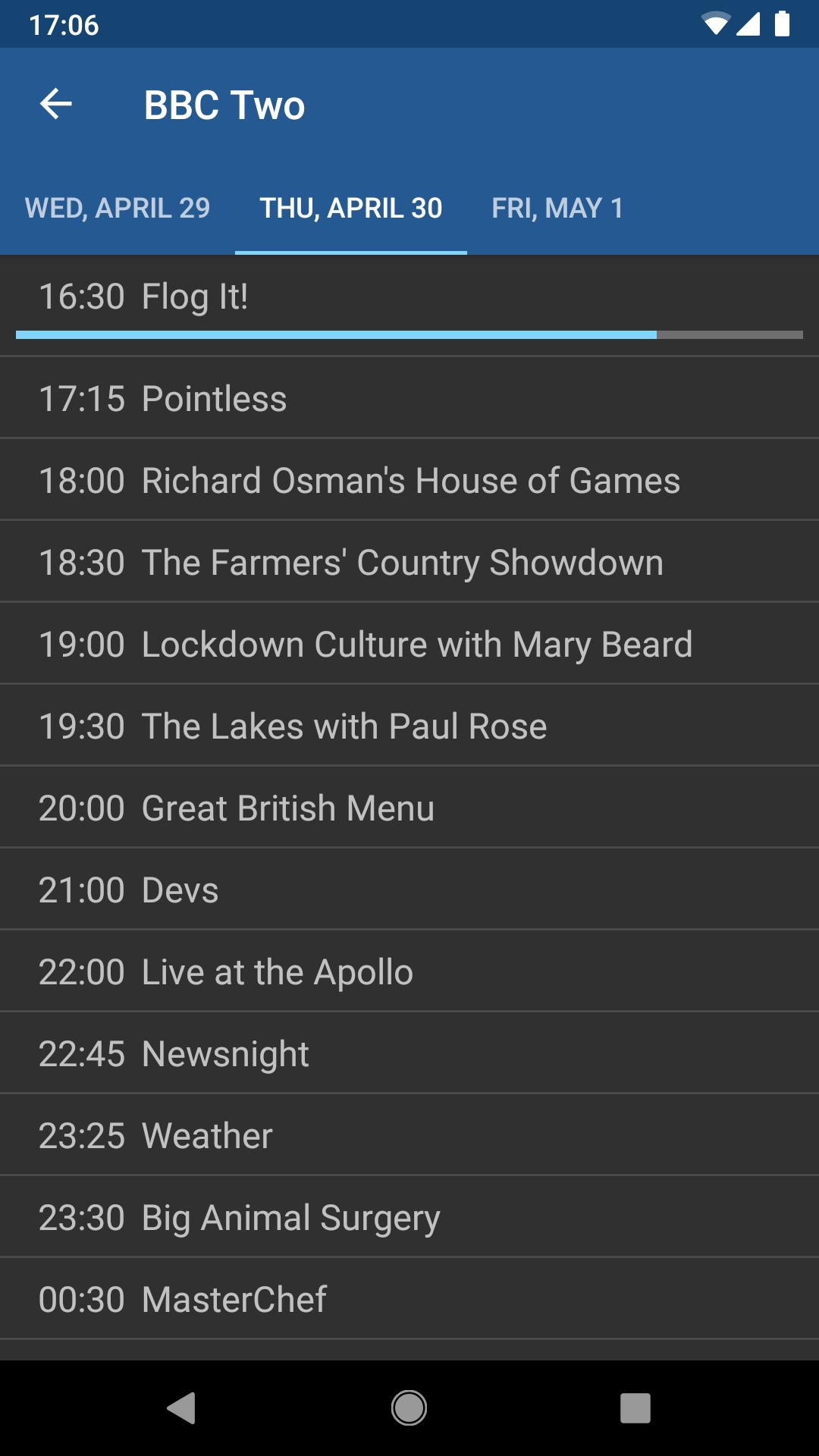
Guide ready viewing with EPGIPTV supports EPG files in XMLTV and JTV formats to show schedules and channel information. Once you add an EPG, the app can display program names and time slots alongside your channels, which helps you find what to watch. You can keep the guide updated by replacing the EPG file or link when needed.
Flexible playback and quick searchIPTV includes a fast internal player designed for steady viewing, and it also lets you use an external player if you prefer. A quick channel search helps you jump to a name or number without scrolling. Playback quality such as SD, HD, or 4K depends on the stream source, and the app focuses on stability to reduce freezes.
Network friendly streaming for home setupsIPTV can handle multicast streams through a UDP proxy, which is useful on many home networks. Setting a proxy on a router or a PC often improves LAN playback and can reduce buffering for multicast sources. This approach helps the app work with the way some ISPs deliver channels on local networks.
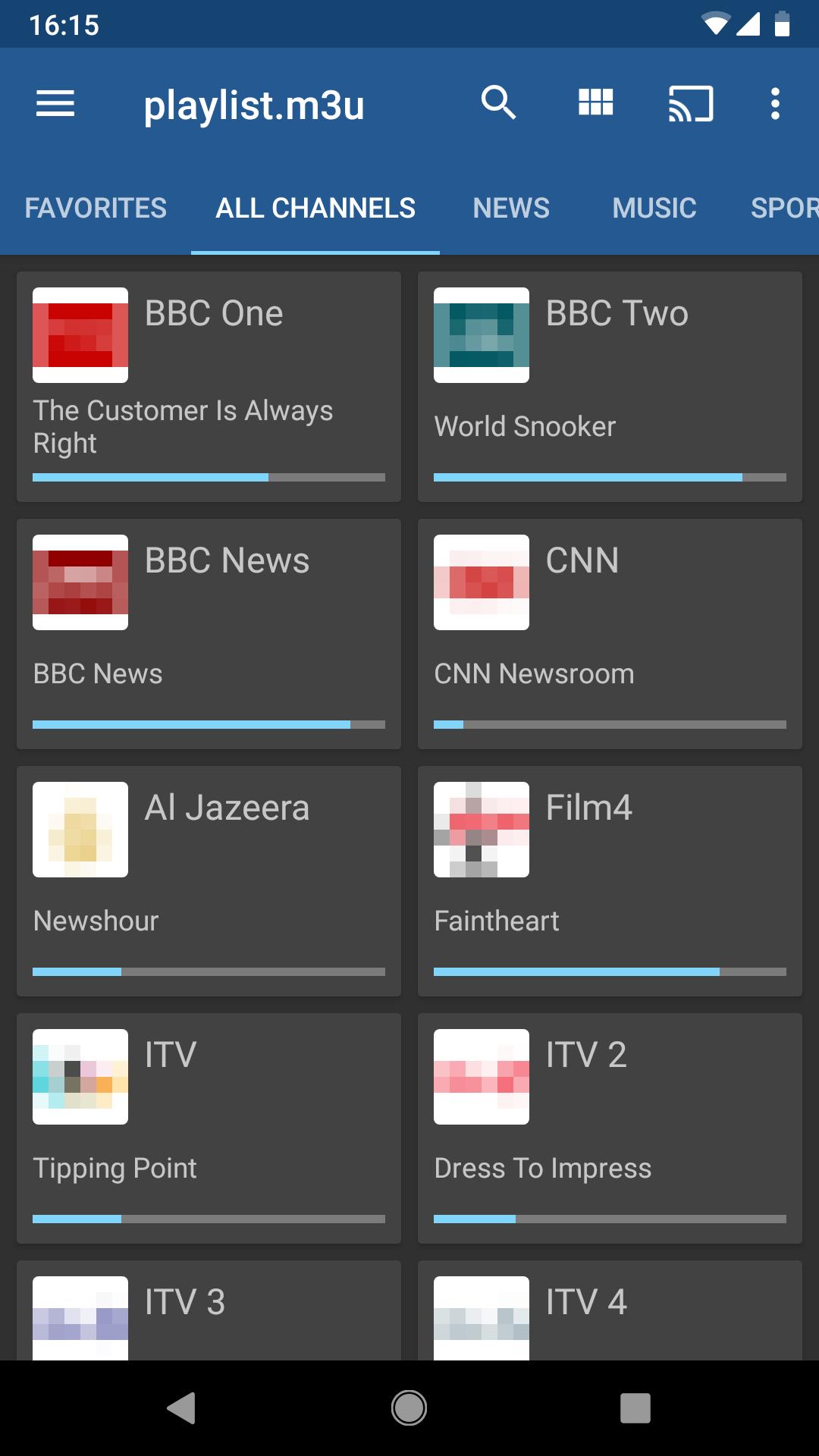
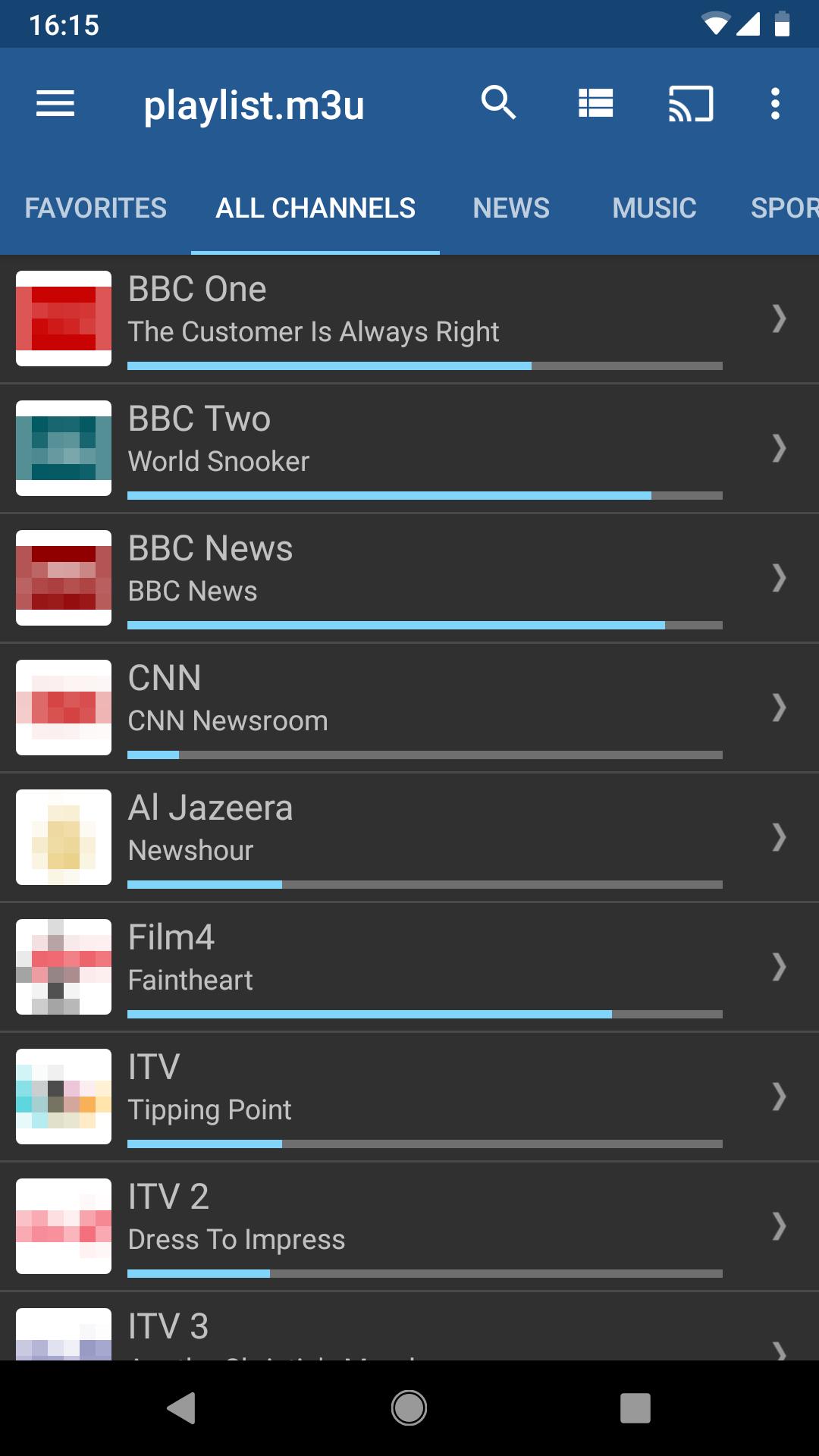
TV friendly navigation and family optionsIPTV offers grid, list, and tile views so you can choose the layout that fits your screen and distance. A recall option returns you to the last channel, and Pro adds auto play of the last channel at launch for a quick start on TVs. Parental control is available for households that want to limit access, and the Pro upgrade removes ads, adds start on boot for set top boxes, and extends history.
No channels are included in IPTV. You must supply your own playlist links or files and, if desired, an EPG. If your ISP provides a channel list, use those details. For other sources, ensure you have the right to access and view the content.
IPTV is a player only and is not affiliated with any third party content providers. The app does not host or distribute content. Users should avoid copyright infringement and only use playlists and guides that they are legally allowed to access in their region.
If your channels are delivered as multicast and you notice buffering, consider using a UDP proxy on your router or a PC on the same network. This setup often improves performance for LAN streaming and can help stabilize playback on compatible routers and home networks.
To get started, download IPTV and prepare your playlist link or file and optional EPG. The process is simple and works on phones and tablets, with the same basics applying to living room devices.
IPTV provides a focused player for your own channel playlists and guides, with tools for phones, tablets, and Android TV. For users who want a reliable setup that respects their content choices, the IPTV latest version keeps controls clear and navigation simple.
For official information or support, use the details below.
Latest Version
8.2.4Uploaded by
Alexander Sofronov
Requires Android
Android 5.0+
Category
Free Video Players & Editors AppContent Rating
Everyone
Security Report
Check Now
Report
Flag as inappropriateLast updated on Dec 10, 2024
Now you can add Xtream Codes Series to favorites
Bug fixes



APKPure - A multi-platform app store primarily focused on Android, providing extensive app-related content. Discover the app you want easier, faster, and safer, with quick and efficient downloads and installations.