Scan Date:May 1, 2026
Show More


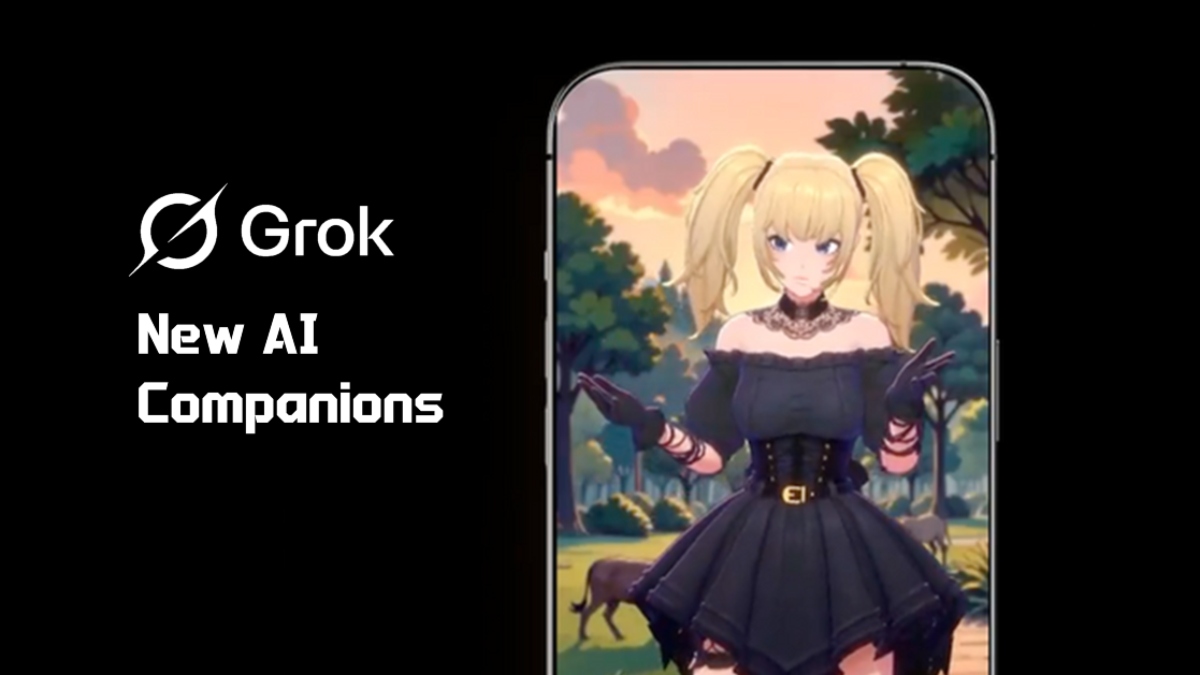
Built by xAI, Grok brings live information, creative tools, and technical help together in a single place. It uses data from X, formerly Twitter, to provide timely context and updates. You can chat in natural language, explore research, and move from quick questions to deeper tasks without switching apps. The interface supports text, voice, and images, so it fits different workflows on mobile and the web. Grok is designed to help with everyday queries and more advanced work, and it adapts its tone for casual conversations or direct, concise replies.
Live answers from X
Grok pulls current topics and context from X so you can check breaking news, trend drivers, and public conversations as they evolve. This helps you move from a headline to a deeper understanding without leaving your chat.
Create images and videos
You can generate images and Imagine videos inside Grok. The media tools support built-in audio, lifelike motion, and consistent characters, which makes it useful for concepts, storyboards, and social posts.
Talk and see with voice and vision
Grok lets you speak naturally in voice mode and upload pictures for explanations or descriptions. This is handy for quick summaries, scene descriptions, or step-by-step guidance based on what you show.
Deep work and coding help
With Grok, you can write code, review snippets, and reason through STEM problems. It also drafts structured documents and analyzes text, so you can move from outline to output in fewer steps.
Adjustable personality and tone
Grok offers a cheeky, witty style and also supports straightforward replies when you need direct answers. You can set the tone that fits the conversation and switch styles as your task changes.
Use Grok across devices
Access Grok on Android, iOS, and the web at grok.com. There are free usage limited tiers, and Grok access is also available through select X Premium plans for expanded use.
Grok offers limited free use for its global users. You can use Grok 3 Fast for everyday queries, and Grok 4 Expert is available for more advanced reasoning when included in your plan. Access through X Premium tiers may expand usage limits and features. Availability can vary by region and account type.
xAI has announced safety updates that limit sexualized image generation of real people on X. This aims to reduce harmful or unwanted content in media outputs. If you encounter content that needs review, you can use in app report or flag tools to send feedback to the team.
Moreover, you can manage privacy and content settings to match your preferences. Review your account controls and adjust who can contact you, what data is used, and how your content is stored.
This quick guide shows how to start chatting, use voice and vision, and create media. It also covers switching to coding or document tasks without leaving the same chat.
Download Grok APK latest version on APKPure.
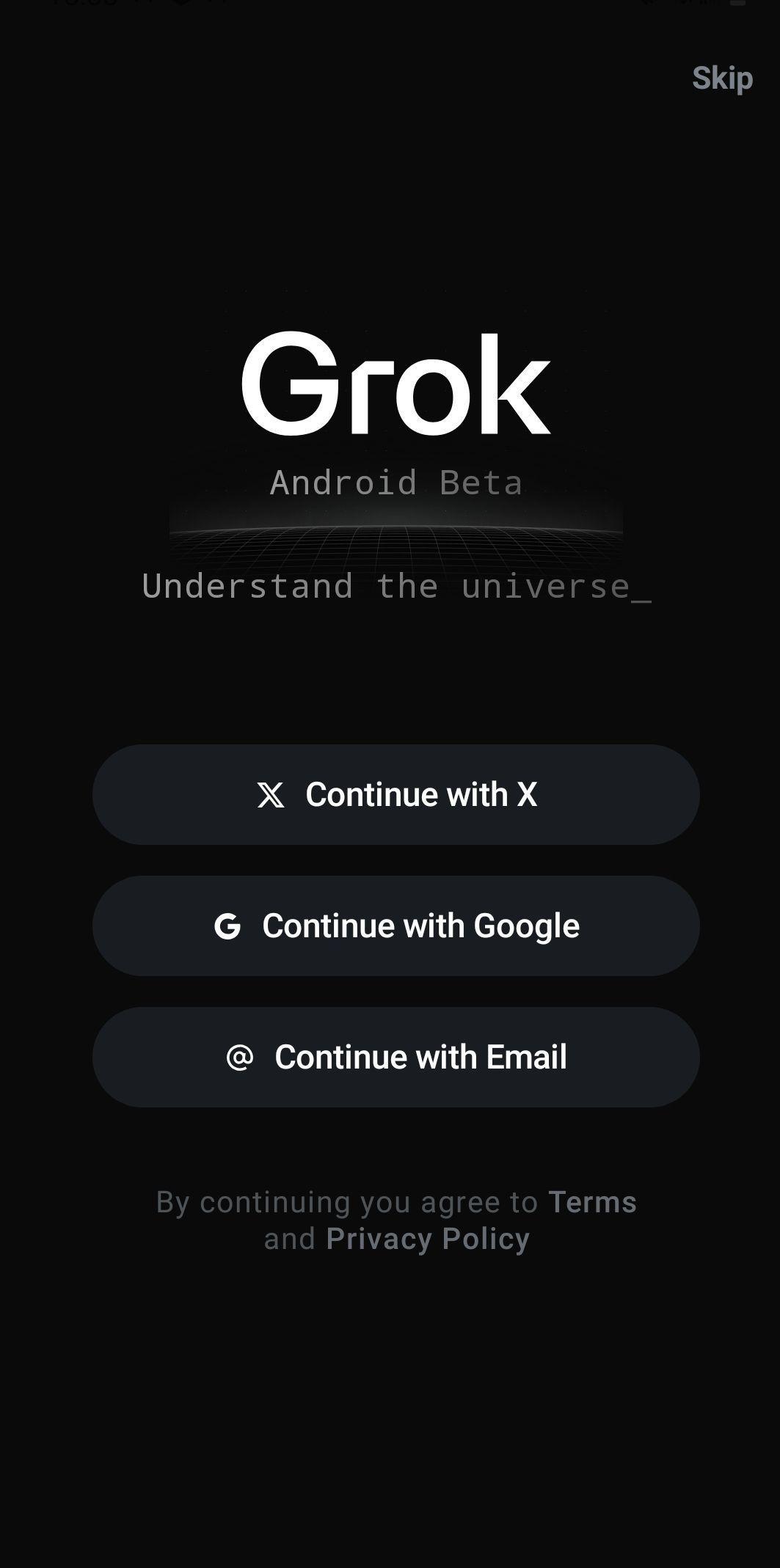
Install Grok APK and open the app. Sign in to your account, then complete any basic setup prompts.
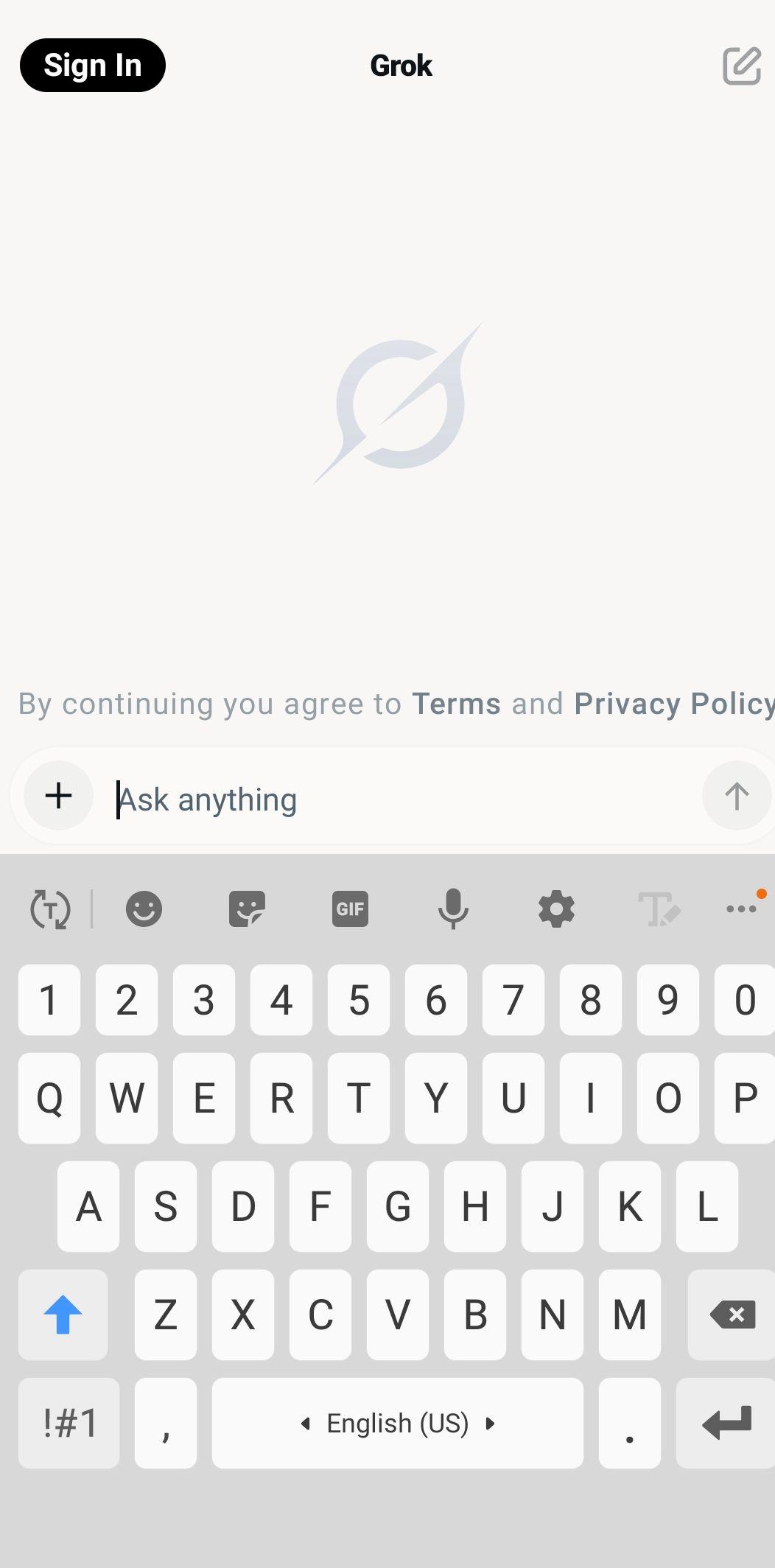
Start a new chat and ask a direct question. If your query involves current events, tell Grok to include live context from X.
After that, tap the microphone to speak your prompt, or upload a picture to get an explanation or description of what is shown.
Then open the create tools to generate an image or an Imagine video. Provide a clear prompt and iterate by refining details you care about.
For coding or documents, ask Grok to write, review, or analyze text. So you can copy results, save them, or share the output wherever you work.
Grok brings live X data, creative tools, and technical reasoning into one app. Download Grok APK latest version on APKPure to chat, code, and create across text, voice, images, and video.
Official resources for more details:
Website: https://grok.com
Website: https://x.ai/grok
Is Grok AI better than ChatGPT?
Grok is better for live topics and trend context from X, while ChatGPT is often chosen for long-form writing polish. Grok also emphasizes STEM and coding, which help with reasoning through complex steps. The right choice depends on whether you need fresh, real-time context or refined narrative output.
Is Grok AI available for free?
Yes, Grok offers free, limited use so you can try core chat and creation features. Expanded access may be included with select X Premium plans, and availability can vary by region.
Is Grok safe to use?
Grok is built with safety systems and has recently limited sexualized image generation of real people on X. You can report or flag content for review and adjust privacy and content settings in your account. This helps keep your Grok AI experience aligned with your preferences.
Latest Version
1.1.62-release.00Uploaded by
Evano Goubault
Requires Android
Android 9.0+
Category
Free Productivity AppContent Rating
Teen · Diverse Content: Discretion Advised
Security Report
Report
Flag as inappropriateLast updated on May 5, 2026
Minor bug fixes and improvements. Install or update to the newest version to check it out!


APKPure - A multi-platform app store primarily focused on Android, providing extensive app-related content. Discover the app you want easier, faster, and safer, with quick and efficient downloads and installations.