Scan Date:May 9, 2026
Show More


Google Chrome brings Google search, translation, and account sync together in one browser that works across devices. It is designed for fast everyday browsing and stays up to date with security protections from Google. When you sign in, your bookmarks, passwords, and tabs can move with you from phone to computer. The interface is simple to navigate, and setup takes only a moment. You can also personalize the look and manage your information with clear settings that are easy to find. Download Google Chrome APK latest version on APKPure to start browsing with familiar Google tools.
Search with Google built in
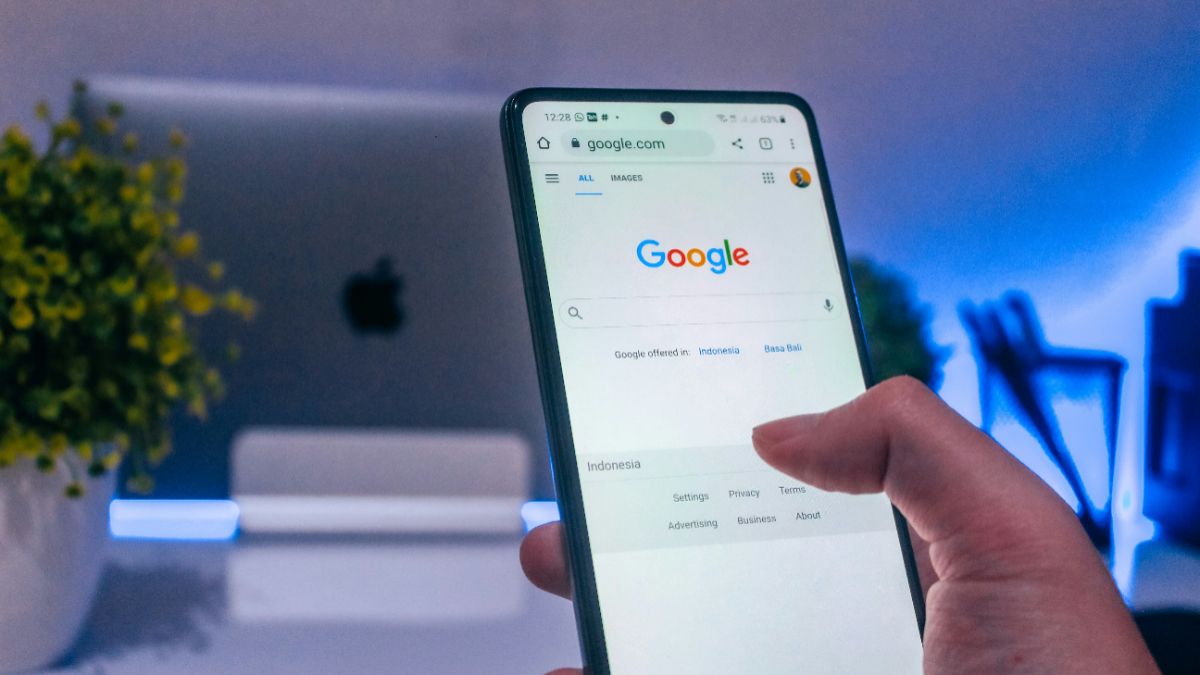
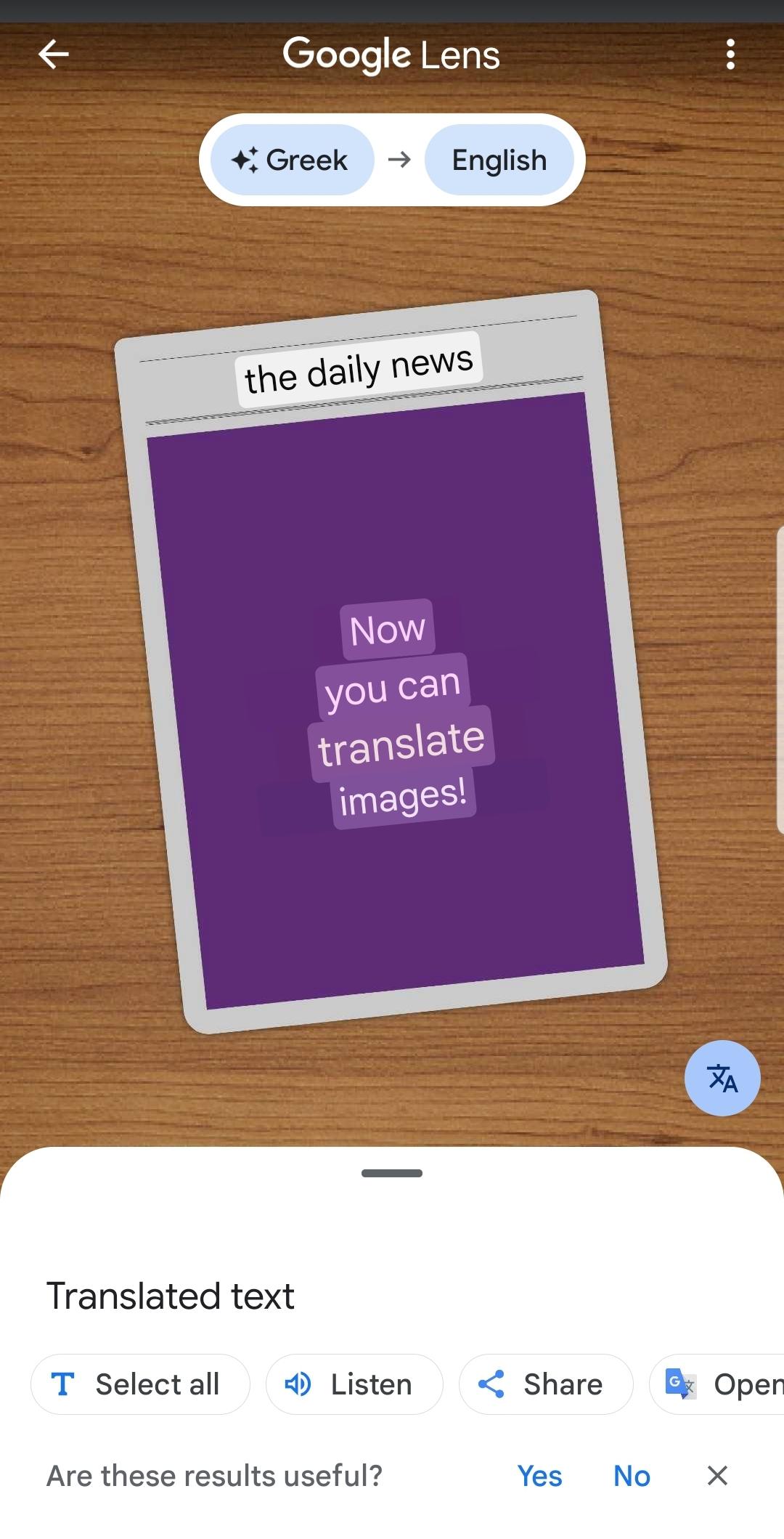
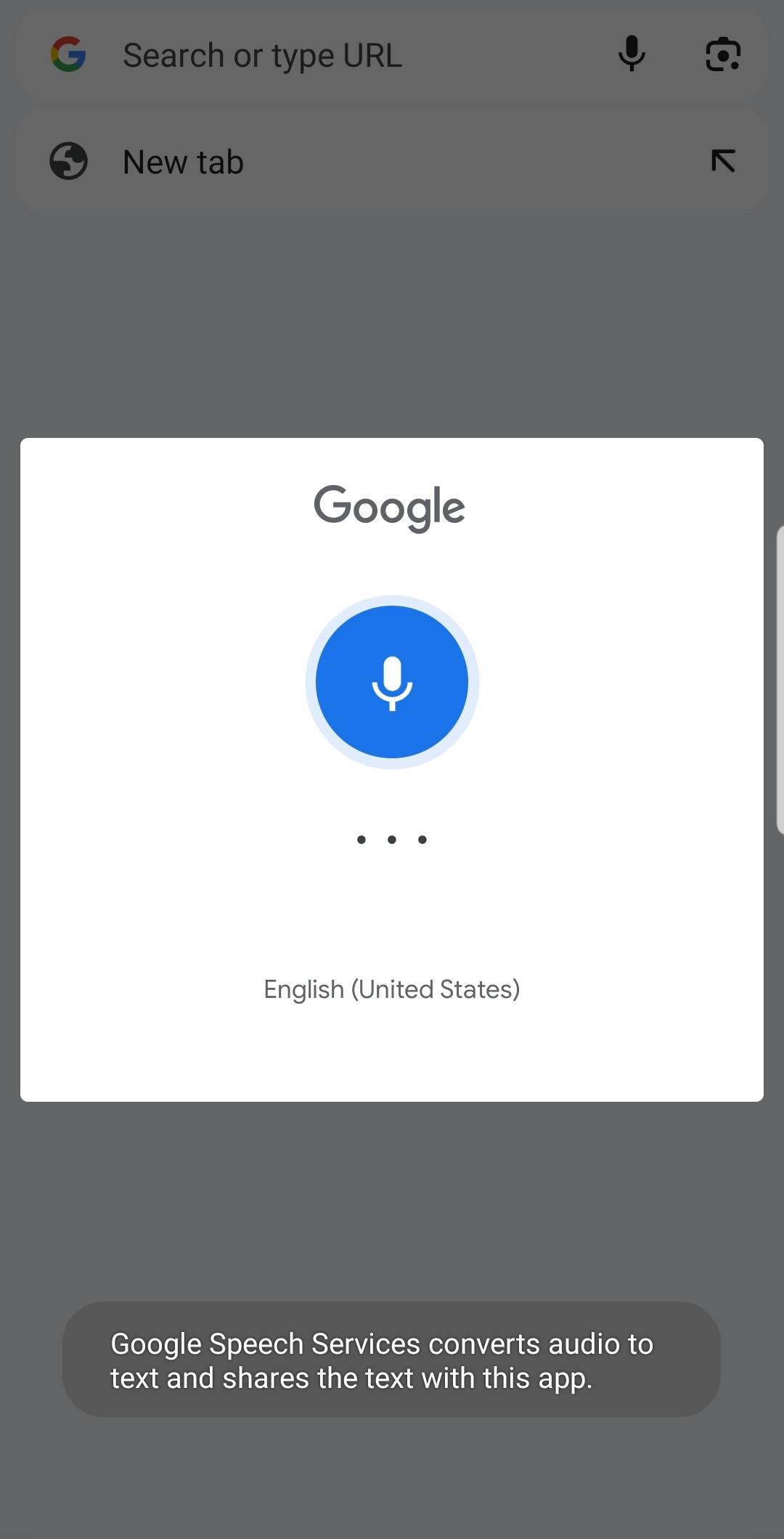
Google Chrome helps you find what you need from the address bar with smart suggestions and quick answers. You can use voice search for hands-free queries, and Google Lens to search with your camera. This makes it simple to move from typing to speaking or scanning when it fits your task.
Translate pages and languages
You can use the Google Translator extension to translate entire sites on Google Chrome with one tap. It supports more than one hundred and thirty languages, so you can read pages beyond your primary language. Moreover, translation controls appear when a page is not in your default language, which keeps the process straightforward.
Protection for your browsing
Google Chrome includes Enhanced Safe Browsing options to help block threats before they reach your device. You also get Safety Check alerts for potential risks and password breaches. In addition, Google Password Manager can create strong passwords and notify you if a saved password might be exposed.
Sync and organize across devices
When you sign in, Google Chrome keeps your bookmarks, passwords, history, and open tabs available on phone, tablet, and computer. You can group tabs to keep related pages together, which helps when you research or switch tasks. Next, you can pick up where you left off on another device without sending links to yourself.
Autofill for forms and payments
Google Chrome speeds up sign-in and checkout by saving addresses, payment details, and passwords securely to your account. Autofill places the right information into forms with a tap. Also, you can manage or remove stored details at any time in settings.
Customize look and tools
On Google Chrome, you can also set themes and dark mode to match your preference. You can reorder home shortcuts and adjust the toolbar for quicker access to actions you use often. Finally, extensions are available through the Chrome Web Store on desktop if you want to add extra capabilities there.
Google Chrome is free to download and use with no subscription. You can download Google Chrome directly on this page. The Google Chrome APK latest version is available for secure download below, and you can install updates from APKPure whenever a new release arrives.
Google Chrome offers optional data collection to help improve performance and reliability. You can choose to send usage statistics and crash reports, and you can change this choice at any time in settings. Downloading and using Chrome is subject to the Google Terms of Service and the Chrome and ChromeOS Additional Terms.
Google Chrome provides clear controls for history, cookies, and site permissions. You can review and delete data from the browser at any time. In addition, you can manage sync settings by data type if you prefer to keep certain items only on your device.
After you install the Google Chrome APK, you can begin browsing in a few steps. This quick guide explains the basics so you can get results fast without digging through menus.
Open Google Chrome from your home screen or app drawer. If prompted, set it as your default browser or choose to keep your current default.
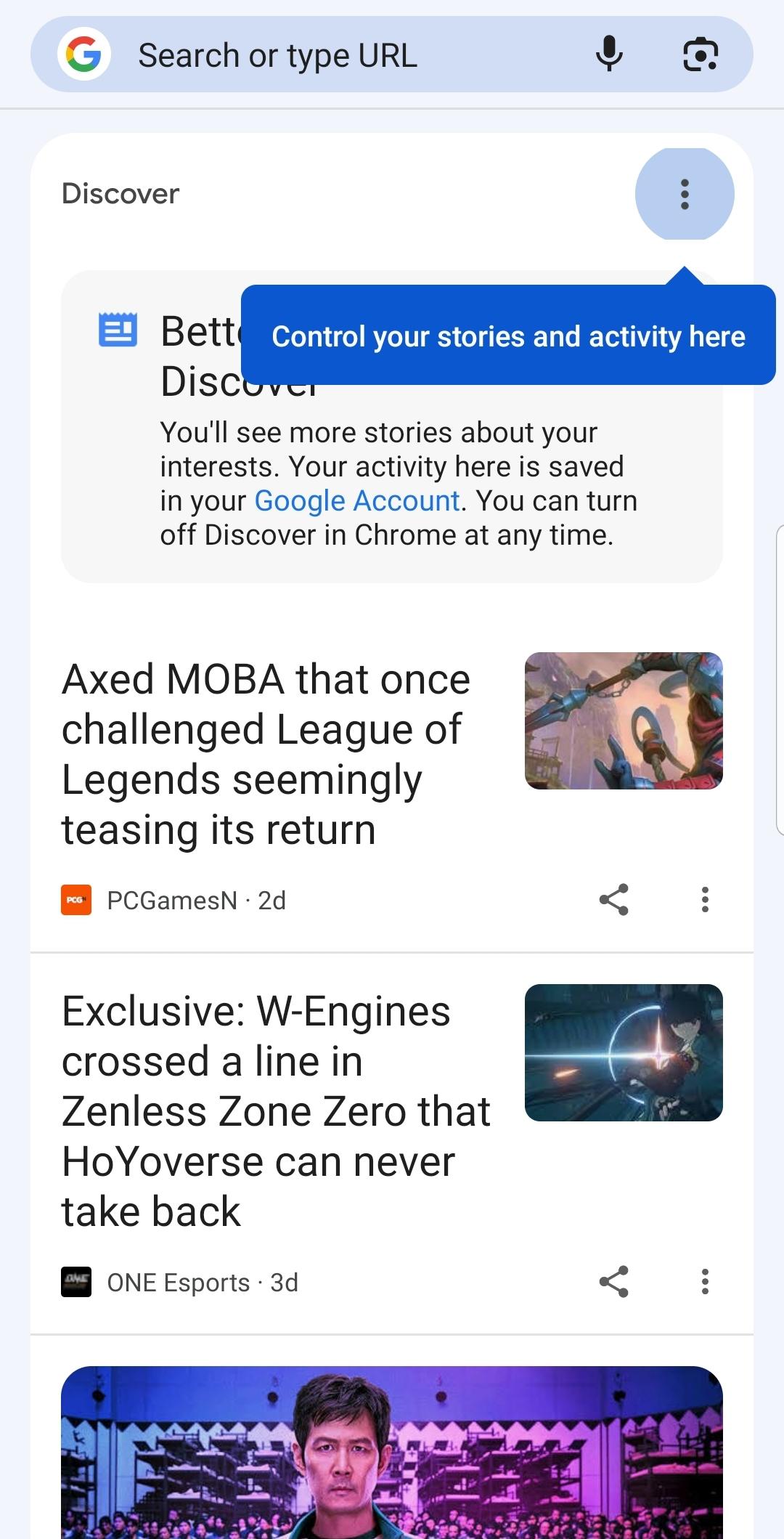
Tap the address bar to search with Google or enter a website address. Use the suggestions that appear to get to pages faster.
After that, sign in to your Google Account if you want to sync bookmarks, passwords, and tabs. Choose which items to sync in the on-screen options.
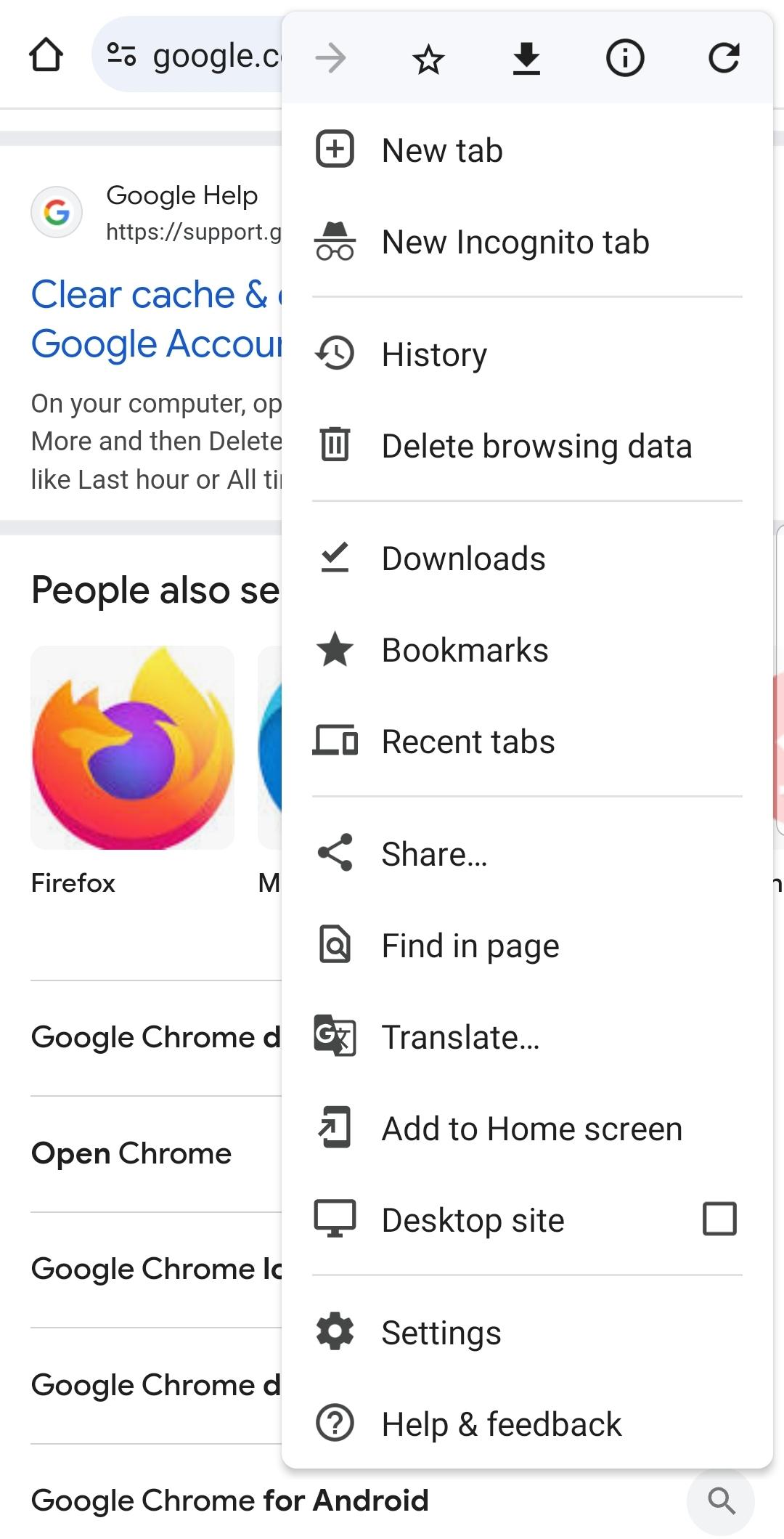
Use the three-dot menu to open a new tab, an Incognito tab, your history, or your downloads. You can also create tab groups to organize related pages.
So, when you visit a page in another language, tap the translate prompt to read it in your language. Manage site permissions and privacy controls in Settings.
Google Chrome focuses on speed, security, and helpful Google tools in a familiar browser. Download Google Chrome APK latest version on APKPure and start browsing with features that work well across your devices.
Official information
Latest Version
147.0.7727.138Uploaded by
А' К'
Requires Android
Android 10.0+
Category
Free Communication AppContent Rating
Everyone
Security Report
Report
Flag as inappropriateLast updated on May 9, 2026
Thanks for choosing Chrome! This release includes stability and performance improvements.




APKPure - A multi-platform app store primarily focused on Android, providing extensive app-related content. Discover the app you want easier, faster, and safer, with quick and efficient downloads and installations.