
This is simple 3d model viewer application.
You'd be able to see an 3D object rotated at the direction of the device.
"obj file" and "mtl file" and textures are needed.
("obj file" and "mtl file" and textures has to be located in same folder.)
"obj file" and "mtl file" can be made from famous 3D Software or "Blender", "Metasequoia", "xps" and so on,
or you can get "obj" and "mtl" files from internet.
** Instructions **
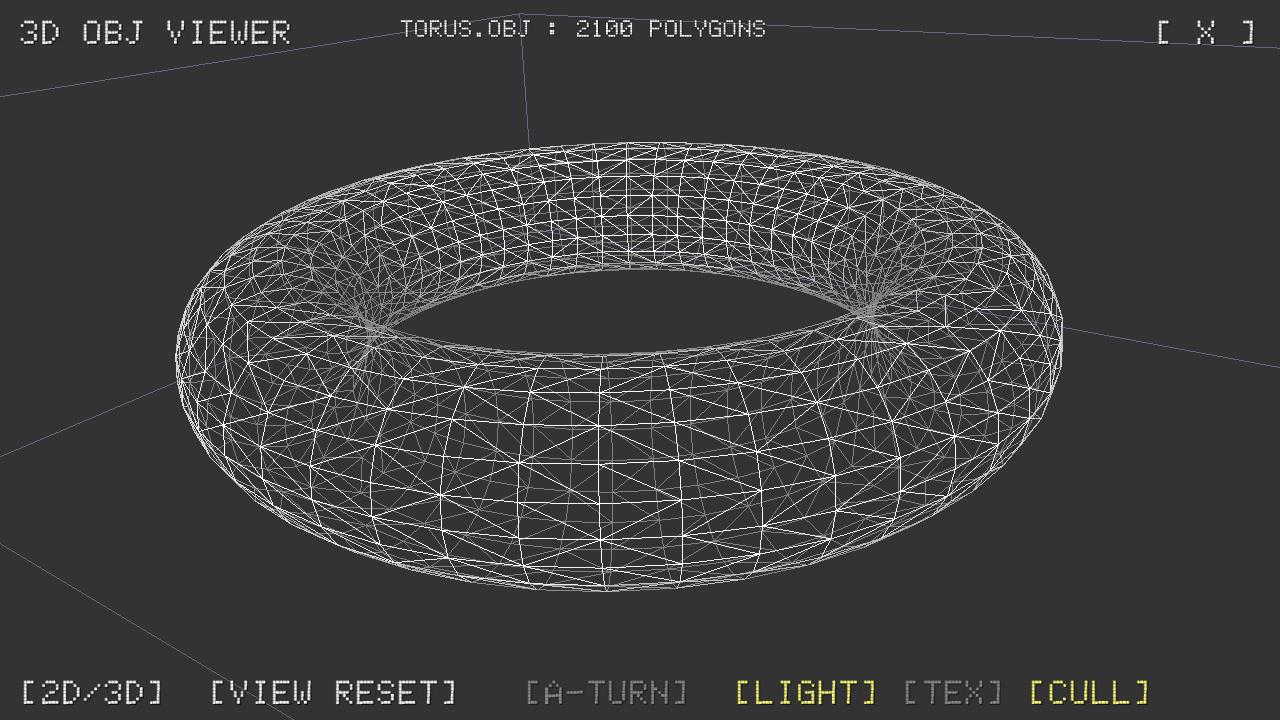
[ X ] : Close file.
[2D/3D] : Change to Stereoscopic mode.
[VIEW RESET] : Reset camera paramters.(Toggled [Object Mode] / [Scene Mode])
[A-TURN] : Automatically turn by y-axis.
[LIGHT] : on / off
[TEX] : Change drawing mode ( Normal, No-Texture, WireFrame )
[CULL] : Change back face culling mode ( on / off )
[TOUCH]
SINGLE FINGER : Rotate and Up/Down control.
TWO FINGERS : Go/Back/Left/Right control.
/**
* TGAReader.java
*
* Copyright (c) 2014 Kenji Sasaki
* Released under the MIT license.
* https://github.com/npedotnet/TGAReader/blob/master/LICENSE
*
* English document
* https://github.com/npedotnet/TGAReader/blob/master/README.md
*
* Japanese document
* http://3dtech.jp/wiki/index.php?TGAReader
*
*/
/**
* DDSReader.java
*
* Copyright (c) 2015 Kenji Sasaki
* Released under the MIT license.
* https://github.com/npedotnet/DDSReader/blob/master/LICENSE
*
* English document
* https://github.com/npedotnet/DDSReader/blob/master/README.md
*
* Japanese document
* http://3dtech.jp/wiki/index.php?DDSReader
*
*/
Latest Version
1.22Uploaded by
Sawsan Khaled
Requires Android
Android 4.4+
Category
Free Tools AppContent Rating
Everyone
Report
Flag as inappropriateLast updated on Sep 21, 2016
3D View parameter was adjusted.
Font was fixed.




APKPure - A multi-platform app store primarily focused on Android, providing extensive app-related content. Discover the app you want easier, faster, and safer, with quick and efficient downloads and installations.
















