Scan Date:Jun 26, 2025
Show More

■book-in-the-box is an e-book application provided by Sharp Corporation.
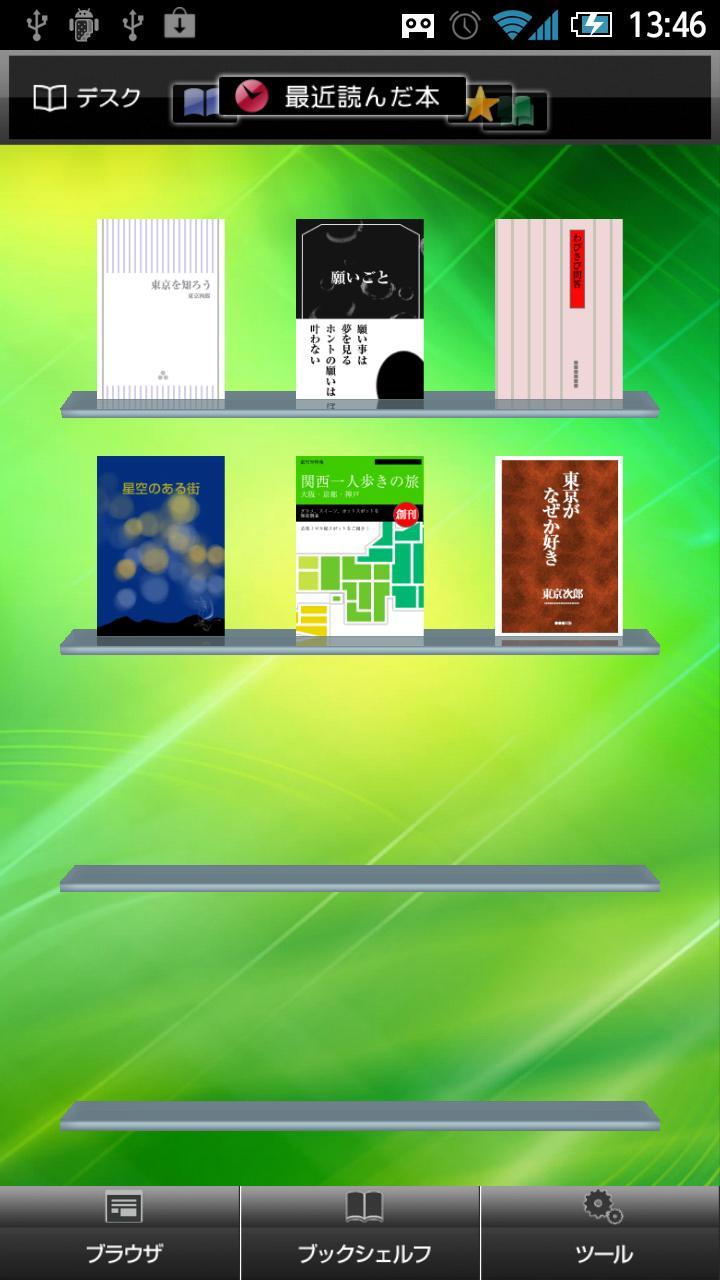
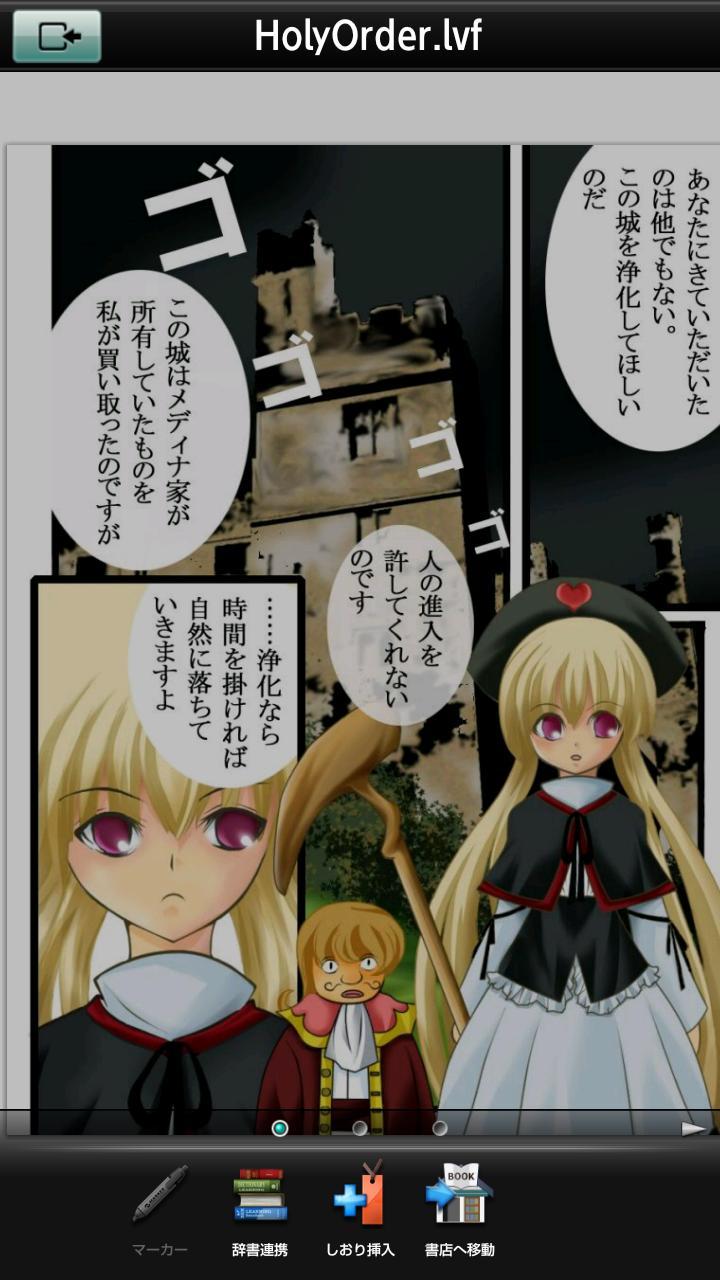
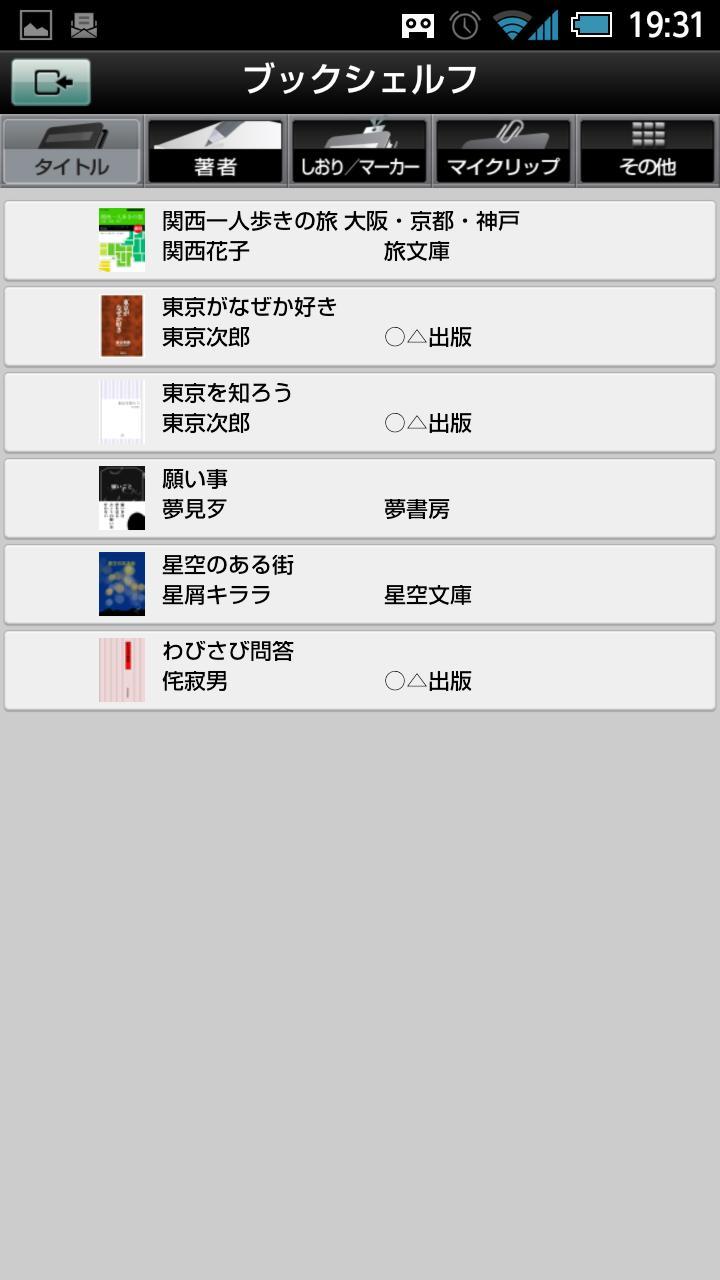
■You can use the bookshelf function for the e-book content you have purchased and the viewer function for viewing the purchased e-book content.
■ E-book content (*1) purchased at an e-book store that supports book-in-the-box can be organized and viewed with this app regardless of the e-book store.
*1 Please download the book in a book-in-the-box compatible format at each e-book store. E-book contents compatible with book-in-the-box include XMDF2.0, XMDF3.0, dot book (.book), EPUB (Open Manga Format), and EPUB3.
■When you start the app for the first time, you must agree to the application license agreement and register as a user.
The contents to be registered are as follows.
·email address
·Date of birth
·post code
·gender male Female)
·password
■When using this application, please do so in a location with good communication conditions. If you do it in a place with poor communication, authentication may fail.
■ Application operating conditions
・Android™: 7.0 or higher
・Display resolution: 800 x 480 or higher
・Devices with external or internal storage
* Operation is not guaranteed for all models. (If the application operating environment is not met, launch restrictions may be applied.)
*Please note that some functions may not work properly depending on the model you are using, or if the memory for running the application is insufficient. (Please check the contents of each bookstore's "reading" and "trial reading" before purchasing.)
*Depending on the bookstore, there may be restrictions on the terminals that can be used, so please check the usage conditions of each bookstore before using.
*In order to maintain usability and quality, we will guarantee the operation of devices with Android 7.0 or higher from ver.1.5.0. We apologize for any inconvenience this may cause.
■ Operation confirmation environment
Please check here.
http://galapagosstore.com/solution/book-in-the-box/models/
■ Precautions when using
*E-book content is designed to be stored in internal storage or external memory. However, some models that do not have an external memory store data in internal storage depending on the terminal specifications (GALAXY S/GALAXY S2/GALAXY NEXUS/GALAXY Tab, etc.). These models cannot move e-book content to external memory such as microSD.
* E-book content saved in external memory such as microSD can only be viewed on the terminal that has the external memory such as microSD inserted at the time of saving. Even if you insert the external memory such as microSD into other terminals, you cannot use it.
* Since this application automatically communicates with the server to deliver notifications, etc., communication charges will be incurred. We recommend subscribing to a flat-rate communication service. In addition, use overseas may not be covered by flat-rate communication charges, so when using this application overseas, we recommend using it in a Wi-Fi environment.
*This application is provided in Japanese. In addition, all or part of the service may not be available outside of Japan depending on the usage environment.
*When using Sharp Corporation's e-book store "COCORO BOOKS", we recommend using the dedicated viewer app "COCORO BOOKS".
■ Inquiries
We welcome inquiries regarding the following:
・How to use this application
・ How to view purchased e-book content with this application
Contact: Sharp Corporation Support Desk
Email address bbx_support@sharp.co.jp
10:00-17:00
Monday through Friday (excluding public holidays, year-end and New Year holidays, GW holidays, summer holidays, and company-designated holidays)
*We will endeavor to respond quickly, but depending on the content and situation, it may take some time to contact you.
■ Latest update information
v1.5.0
・Compatible with Target SDK 30
・Fixed minor bugs
Latest Version
1.5.1Uploaded by
Rogger Mansilla Nuñez
Requires Android
Android 5.0+
Category
Free Books & Reference AppContent Rating
Everyone
Security Report
Report
Flag as inappropriateLast updated on Oct 29, 2022
・Android 13 / Target SDK 33に対応しました
・書棚画面で書影やタイトル表示の仕様を一部変更しました
・ビューアを閉じた時に元の書棚に戻れないことがある不具合を修正しました
・その他軽微な不具合を修正しました


APKPure - A multi-platform app store primarily focused on Android, providing extensive app-related content. Discover the app you want easier, faster, and safer, with quick and efficient downloads and installations.