
Wireless File Share is an application that will enable super fast data sharing between two devices.
It utilizes Wi-Fi technology to its full capacity ensuring fast and smooth file sharing.
]
How to use it
1. Install the App on both devices
2. Make sure there is a WiFi connection between the devices (on the same WiFi router or hotspot. You can also start the portable hotspot feature on one device and connect the other)
3. Click on the pink "upload" button.
4. Select the file(s) you wish to transfer.
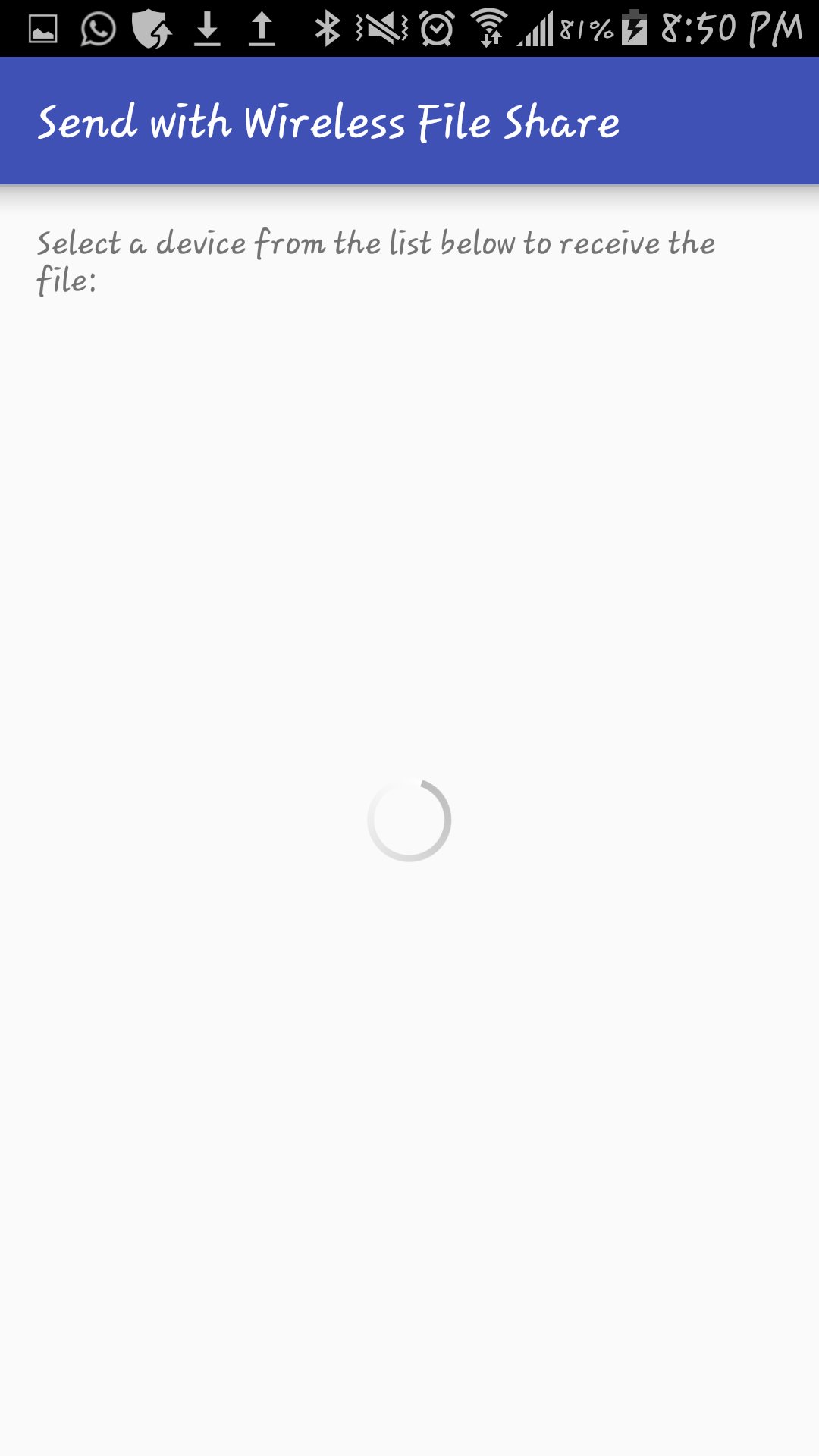
5. Select the device which you want to transfer the files to.
6. See the magic!
Our app is free. Get it now!
11034dd48b
Phiên bản mới nhất
2Được tải lên bởi
Ahmad Omed
Yêu cầu Android
Android 4.1+
Danh mục
Miễn phí Công cụ ỨNG DỤNGXếp hạng nội dung
Everyone
Báo cáo
Gắn cờ là không phù hợpLast updated on Aug 18, 2017
Minor bug fixes and improvements. Install or update to the newest version to check it out!



APKPure - Kho ứng dụng đa nền tảng chủ yếu tập trung vào Android, cung cấp nội dung phong phú về ứng dụng. Khám phá ứng dụng bạn muốn dễ dàng, nhanh chóng và an toàn hơn, với tính năng tải xuống và cài đặt nhanh chóng và hiệu quả.