
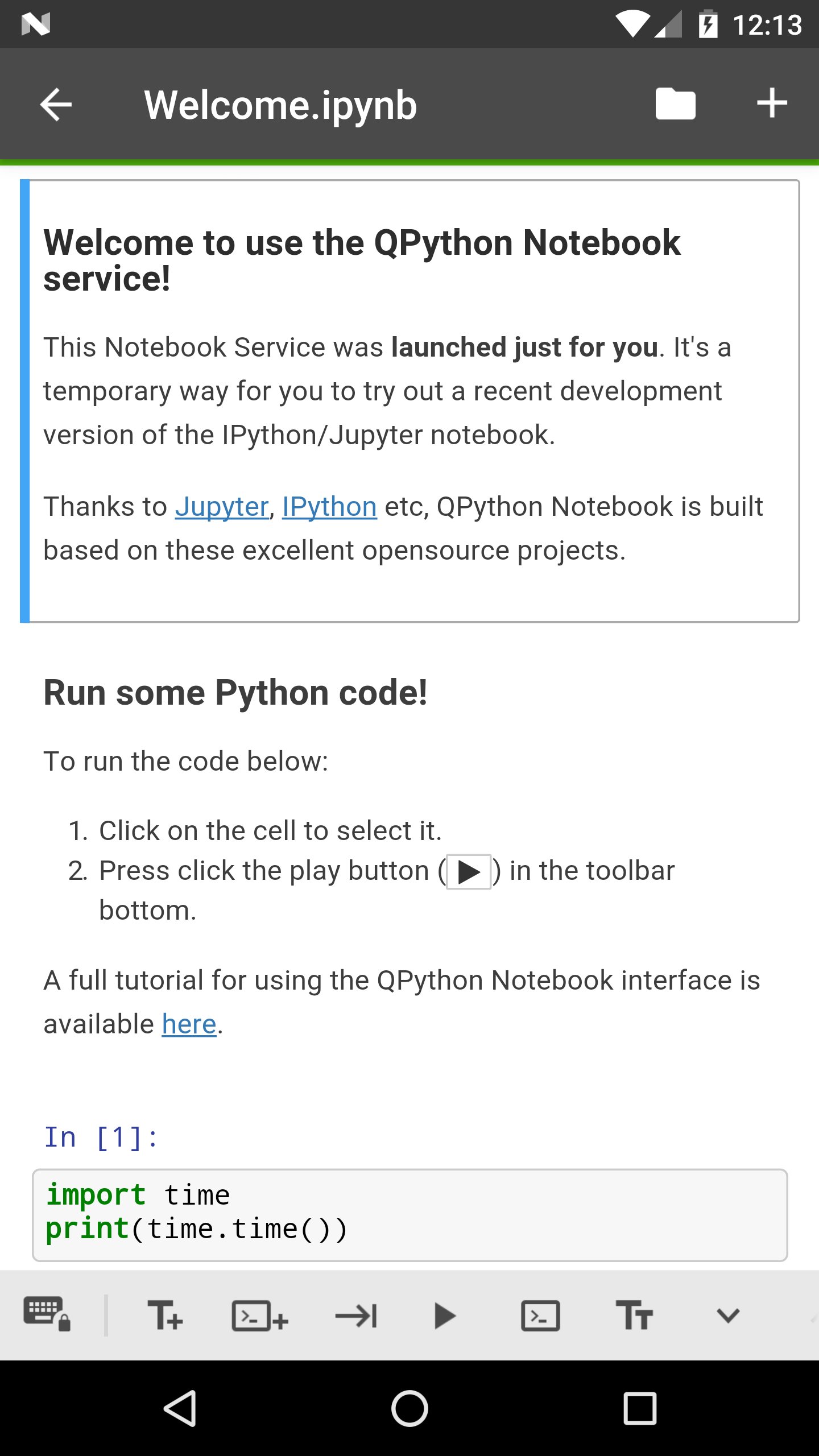
QPyNotebook let you read/write/practise Python step by step.
After installing this app, you need follow these steps to enable QPyNotebook with your QPython.
1 Make sure you have installed the newest QPython (>=2.2.0)
2 Check "Install QPyNotebook" from QPython's setting, then it will guide you to install some necessary resources.
3 Start the Explorer from QPython dashboard, find some *.ipynb files (For example notebooks/Welcome.ipynb) to open it, then you will start it with QPyNotebook.
Thanks to Jupyter, IPython etc, QPython Notebook is built based on these excelent opensource projects.
Phiên bản mới nhất
1.0.1Được tải lên bởi
Dato Bibichadze
Yêu cầu Android
Android 4.0+
Danh mục
Miễn phí Giáo dục ỨNG DỤNGXếp hạng nội dung
Everyone
Báo cáo
Gắn cờ là không phù hợpLast updated on Feb 28, 2018
v1.0.1
You could goto QPython notebook page from QPyNotebook now
Bug fix
v1.0.0
First release, you need to install QPython>=2.2.0



APKPure - Kho ứng dụng đa nền tảng chủ yếu tập trung vào Android, cung cấp nội dung phong phú về ứng dụng. Khám phá ứng dụng bạn muốn dễ dàng, nhanh chóng và an toàn hơn, với tính năng tải xuống và cài đặt nhanh chóng và hiệu quả.