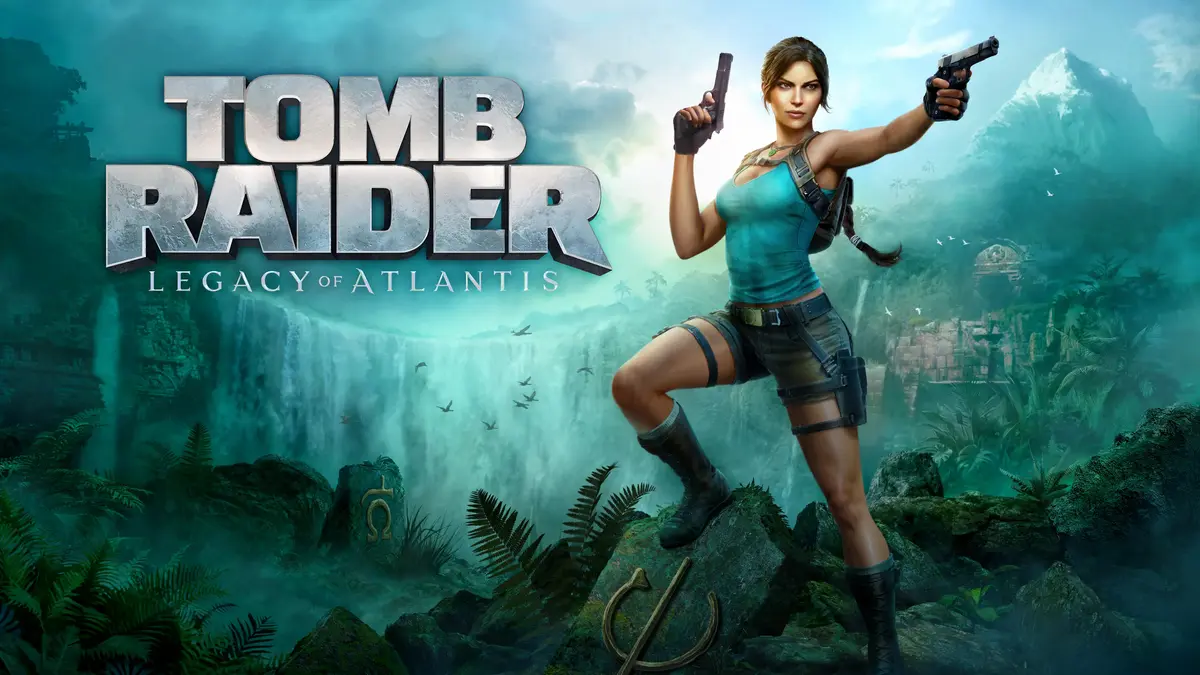
Tomb Raider brings a complete console campaign to your phone for play anywhere. You guide Lara from a shipwreck toward survival while exploring, fighting, and solving puzzles across the island of Yamatai. The experience preserves cinematic storytelling and progression depth, yet control and performance options are tuned for Android devices. Additionally, the mobile adaptation focuses on smooth interaction so sessions feel natural on touchscreens or with controllers. Many readers also refer to the installer as the Tomb Raider APK when searching for this title.
Complete 2013 adventure with all DLCs
Tomb Raider delivers the full 2013 origin story, adapted for mobile without cuts to content. The package includes twelve DLC add‑ons, covering skills, weapon upgrades, skins, and a bonus Challenge Tomb. A single premium purchase grants access to the entire campaign and extras, with a presentation tailored for handheld play. Developed by Feral Interactive, the port maintains console structure and pacing while fitting shorter mobile sessions.
Flexible input options suited to your setup
Alongside that completeness, control options are designed to fit different play styles. You can use intuitive touch controls with context prompts, or connect a compatible gamepad for traditional inputs. On supported devices, a mouse and keyboard are available, and gyroscopic motion‑aim helps with fine adjustments. Control sensitivity and layout settings help you tune actions for aiming, climbing, and traversal.
Exploration, combat, and Challenge Tombs on Yamatai
With controls set, you move across varied locations that mix platforming, puzzles, and firefights. Areas include optional Challenge Tombs that reward careful observation and offer self‑contained riddles. The island also hides collectibles and secrets that feed back into progression. Encounters emphasize cover, timing, and positioning, while environmental hazards encourage planning before moving ahead.
Progression through skills, salvage, and gear upgrades
As you advance, progression systems open and grow alongside story beats. You collect salvage and materials, then visit camps to unlock skills that enhance combat, survival, and traversal. Equipment can be crafted and upgraded to improve handling and damage or unlock new interactions in the world. These systems build gradually, so new options are introduced as you meet new challenges.
Mobile optimization presets for device balance
To keep gameplay stable and responsive on different hardware, Tomb Raider™ includes visual and performance presets. You can pick settings that prioritize frame rate or higher image quality to suit your device. This flexibility helps the game run smoothly during busy scenes and set pieces. It also assists with battery planning by letting you choose a balance that fits your session length.
Tomb Raider is the 2013 console adventure adapted for mobile, not Tomb Raider Reloaded, which is a separate roguelike. This title focuses on a cinematic campaign with exploration, combat, and puzzles. If you have seen different gameplay styles under the same brand, check that you are getting the story‑driven release.
This is a premium game with a one‑time purchase that includes all listed DLC content. There are no separate content packs to add later. If you often search for Tomb Raider™ APK expecting a free arcade experience, please note that this version follows a premium model.
Support for gamepads, mouse and keyboard, and gyroscopic aiming depends on your device and accessories. Controller layout and sensitivity can be adjusted in the in‑game settings for comfort. If you plan to play with an external controller, ensure it connects properly before starting a new session.
After installing the Tomb Raider APK latest version, the campaign begins with basic movement and survival. The early scenes introduce exploration, combat, and resource gathering in short segments. Use the settings menus to configure controls and visuals before continuing into open areas.
Launch the game, then adjust brightness, subtitles, and language in the options menu before starting a new game.
Choose your preferred control method. Use touch by default, or connect a compatible gamepad, or enable mouse and keyboard if supported.
Set aim sensitivity and look inversion if needed. Turn on gyroscopic aiming for fine control, then complete the opening tutorial prompts.
Explore story hubs and side paths to collect salvage and materials. Visit camps to spend points on skills and to upgrade gear.
Enter the optional Challenge Tombs when ready. Solve environmental puzzles for rewards, then return to the main path to continue the story.
Tomb Raider provides a full origin adventure with flexible controls and mobile optimization. For the complete campaign and included extras, download Tomb Raider APK latest version from APKPure.
For official information, visit:
Latest Version
1.4RC6Requires Android
Category
Action GameContent Rating
Mature 17+ · Intense Violence, Blood and Gore, Strong Language
Report
Flag as inappropriateLast updated on Apr 28, 2026
Minor bug fixes and improvements. Install or update to the newest version to check it out!




APKPure - A multi-platform app store primarily focused on Android, providing extensive app-related content. Discover the app you want easier, faster, and safer, with quick and efficient downloads and installations.