Package Name:com.allakore.swapnoroot
SHA-256:e14148b47615def05cbe3816a9cb75808c006d1886ac306fa380e01e76747fa7
Show More


SWAP - No ROOT addresses everyday multitasking on devices where background apps often close due to limited memory. The app creates a swap file to extend virtual memory using available storage, which can help keep more apps available when you switch tasks. It is designed for stock Android devices and aims to improve app retention without system modifications. With a straightforward setup, users can choose a swap size that fits their device. For those comparing options, SWAP - No ROOT APK provides a direct way to try these functions.
No root setup
SWAP - No ROOT lets you create and manage a swap file on stock devices. You do not need to modify system partitions to use it. This keeps setup simple for users who prefer a safe approach.
Storage used as virtual memory
SWAP - No ROOT uses available storage to act as extra virtual memory. As a result, background apps are less likely to close or reload when you switch tasks. This can help phones and tablets with limited RAM handle more apps at once.
Customizable swap size
You choose a swap size that matches your performance goals and free space. Start with a modest size, then increase if you multitask heavily or keep many apps open. The app offers control so changes align with your device and usage.
Realistic expectations
SWAP - No ROOT does not change your physical RAM or what the system reports. Its focus is on keeping more processes resident in the background. Apps that check for a minimum RAM value will still rely on your device’s actual hardware reading.
Privacy practices noted
According to the developer, data is encrypted in transit and deletion requests are supported. These notes provide transparency about how information is handled. Users who value privacy can factor this into their decision.
Swap adds virtual memory but does not increase physical RAM. Therefore, it will not bypass app requirements that demand a specific RAM amount, such as 4GB. Performance changes depend on your device, the speed of its storage, and how individual apps manage their background state. Expect improved app retention rather than a change in reported memory.
Some devices may show errors when creating a swap file on external storage. If this occurs, choose internal storage for the swap file and try again. Also, verify that you have enough free space for the selected swap size. If you experience instability, reduce the swap size and monitor results before making further adjustments.
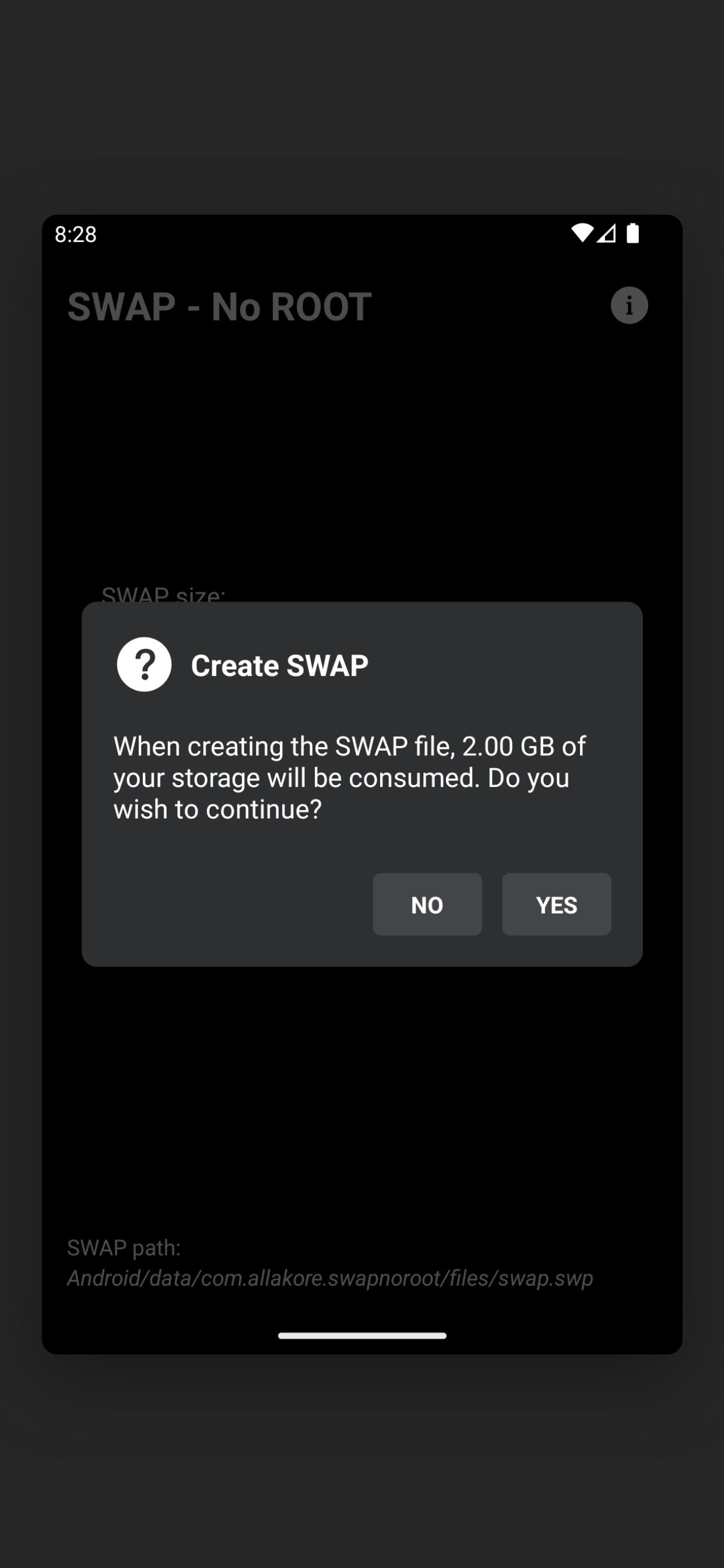
Setting up virtual memory takes a few quick steps on your Android device. After you download SWAP - No ROOT, the app guides you through creating a swap file safely so you can test multitasking improvements.
SWAP - No ROOT adds a configurable swap file to support background app retention on Android. It works on stock devices without root and focuses on multitasking stability. To begin, check the SWAP - No ROOT latest version and follow the usage steps above.
For official support and resources, use the following contacts.
Latest Version
v4.8.6Uploaded by
Alajmi Alajmi
Requires Android
Android 6.0+
Category
Free Tools AppContent Rating
Everyone
Security Report
Check Now
Report
Flag as inappropriateLast updated on Mar 1, 2026
- Improved user experience.
- Bug fixes.
- Internal enhancements.


APKPure - A multi-platform app store primarily focused on Android, providing extensive app-related content. Discover the app you want easier, faster, and safer, with quick and efficient downloads and installations.