#This is a Tool For Speak Your Text And Saving Your Text .Mp3 File in Your SD Card
#After Saving Text You Listen Your all Text/Chapter as a Mp3 Song.
#This App (Tool) is Create a mp3 file in your sd card.
*********How To Use This Text To Mp3 Convert *********
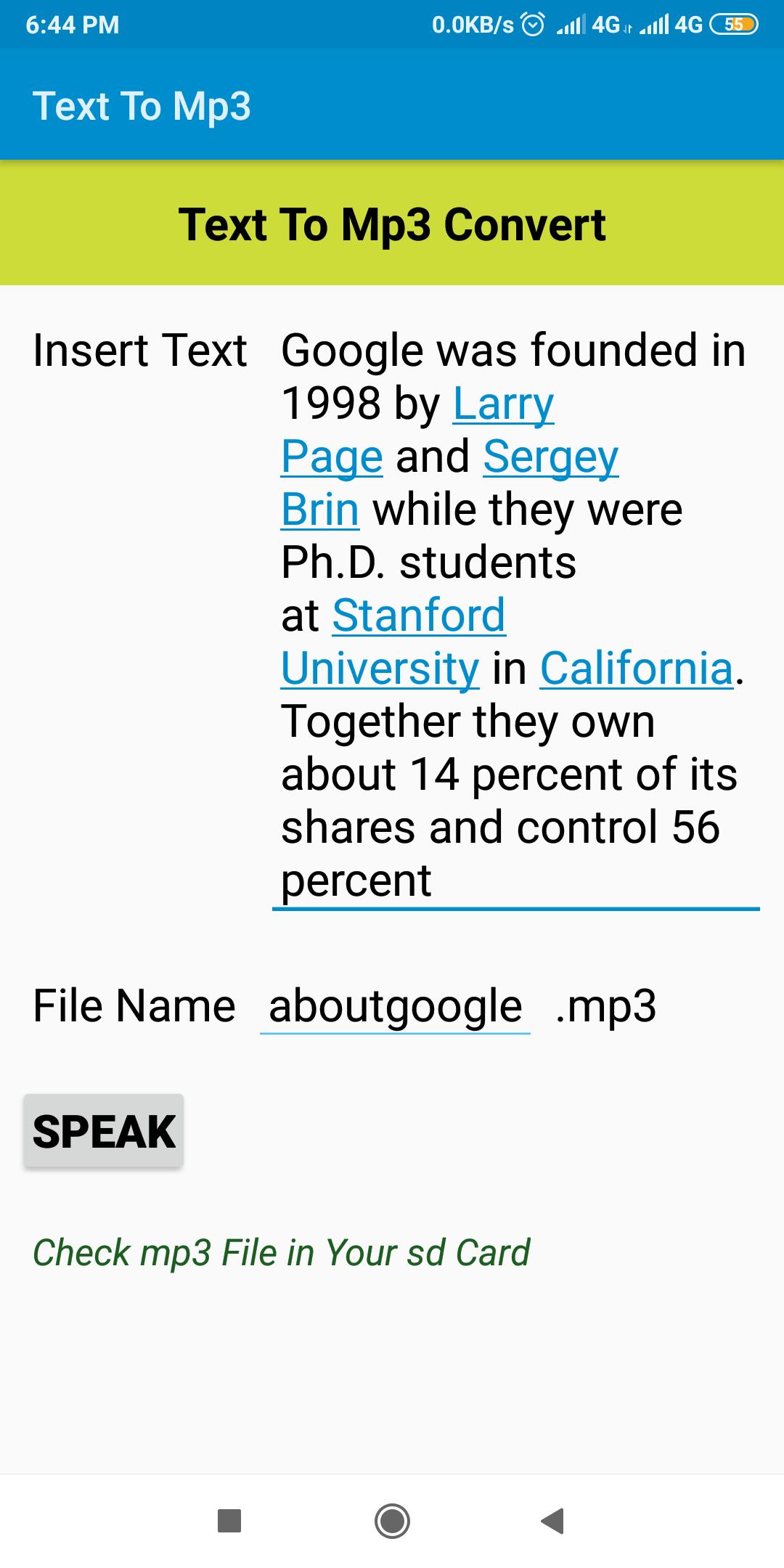
1. Copy/Type Any Text in Insert Text Box.
2. Then Press Speak Button For Speech Your Text.
3. If You Want To Save This Text in Your SD Card as Mp3 File
Then Give File Name And Press Speak Button.
4. Search File in Your SD Card.
*********How To Use Speech To Mp3 Converter
1. Click Speech Button Then Speak.
2. Give File Name.
3. Click on Convert In Mp3 Button
4. Check mp3 File In Your SD Card
Latest Version
1.1Uploaded by
Cat Hut
Requires Android
Android 5.0+
Category
Free Tools AppContent Rating
Everyone
Report
Flag as inappropriateLast updated on Feb 22, 2020
Long Text Error Removed, Convert Long Text.
All Error's Removed.




APKPure - A multi-platform app store primarily focused on Android, providing extensive app-related content. Discover the app you want easier, faster, and safer, with quick and efficient downloads and installations.