Scan Date:May 5, 2026
Show More
Keeping track of multiple jobs across multiple locations quickly turns into chaos — lost photos, missed updates, hours nobody can verify. SINC pulls every job into one workspace: the crew, the chat, the files, the photos, the dailies, the hours, and the location, all tied to the job itself.
Built for cleaning crews, construction teams, landscaping companies, mobile mechanics, home care agencies, and small trade businesses — whether you work on a job site, at a client's home, or in the workshop.
Every job has its own space
Each job in SINC gets a dedicated workspace — chat group, file and photo library, notes, dailies, and the crew assigned to it. When a question comes up next week about what happened at the Wilson house, the answer is where the job lives, not buried in someone's text history. New crew members coming onto a job see the full history. Covering a teammate's shift means walking in informed, not blind.
Hours and dailies tied to the job, automatically
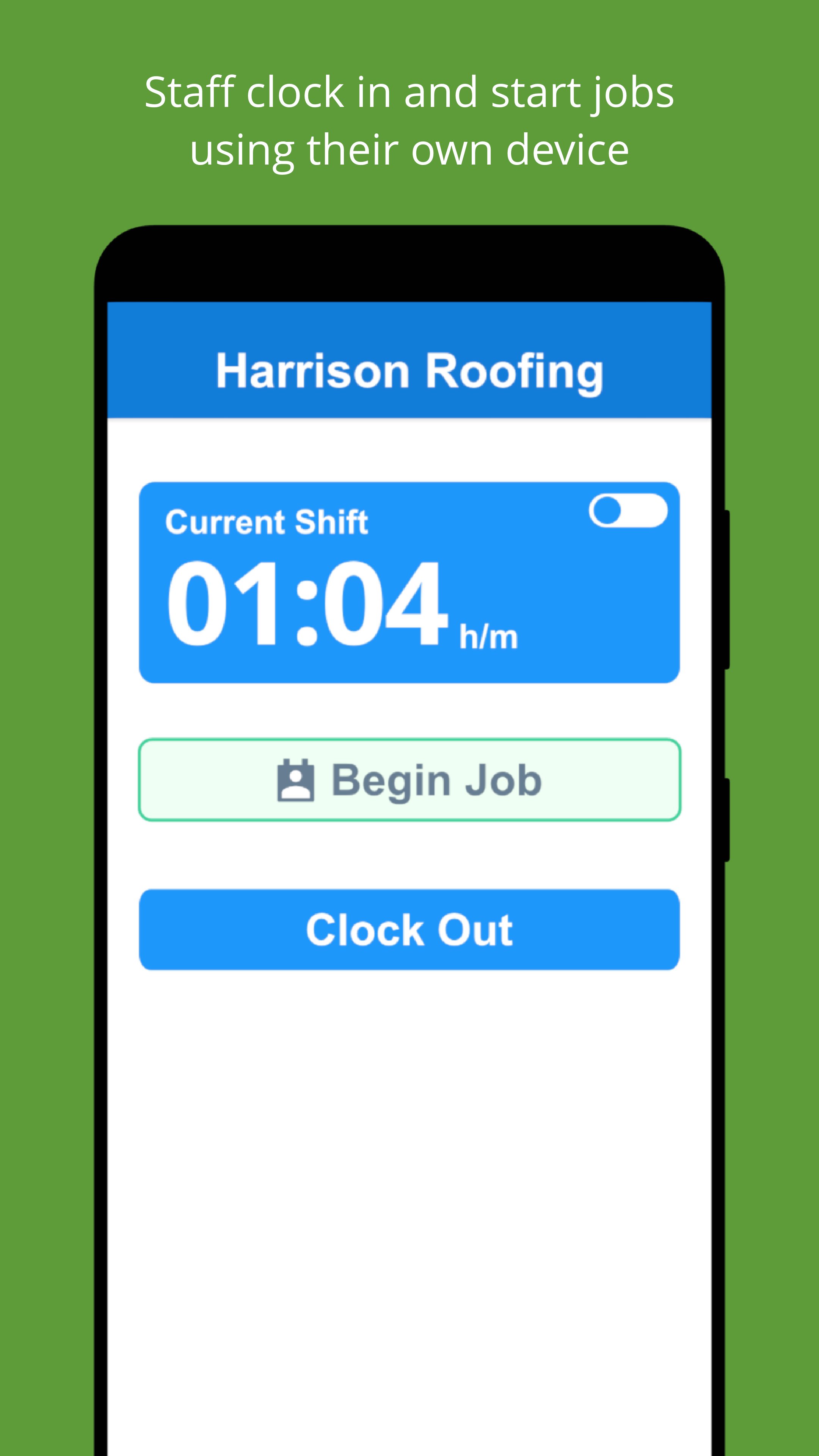
Crew tap a job to start, or let geofences handle clock in and out as they arrive at and leave the site. Hours roll up per job, visit, or cost code — so you know exactly what each job is costing you in labor, today, not at month-end. Automated daily reports are generated overnight and delivered to your inbox each morning — a clean record of what was done, by whom, and how long it took, without anyone writing or submitting a thing.
Know where your crew is and what they're working on
The live map view shows every crew member's location in real time, alongside the job they're currently on. Live locations update throughout the shift, so you can see who's at which site, who's between jobs, and whether anyone's running late — without a single phone call. Schedules publish to your team with automatic notifications when anything changes, and shift start, clock-out, and arrival reminders mean nothing slips. End-of-shift injury reporting is built into the clock-out flow — built for trades where safety records actually matter.
What SINC replaces
• The group chat that's lost three different versions of the job address
• The photo roll where last week's "after" shots are mixed in with vacation pictures
• The paper daily that gets handed in three days late, half-filled-out
• The phone calls asking "who's at the Wilson house right now?"
Built for job tracking, not just time tracking
SINC is built from the ground up to solve one complicated task: tracking jobs easily and accurately. Hours are easily tied to jobs, alongside the chat, files, and dailies that live in each job's workspace. The whole system is built around the job, not around clocking in.
Features
• Every job gets its own chat group, file library, and notes
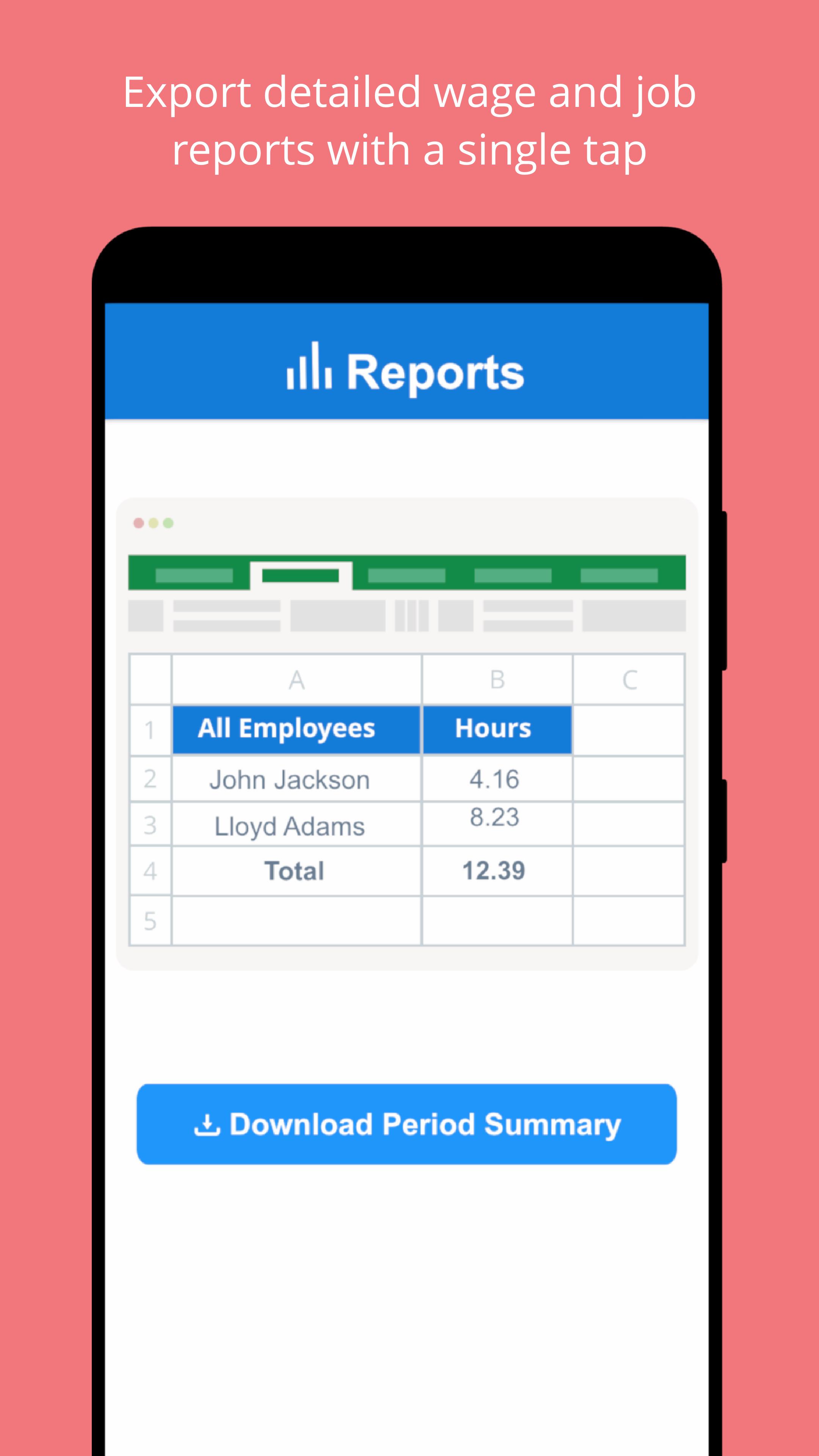
• Automated daily job reports delivered to your inbox each morning
• Hours tracked per job, grouped by cost codes
• Geofenced clock in and clock out, or tap-to-start on a job
• Live map view with real-time crew locations during their shift
• Schedules with automatic change notifications
• Shift start and clock-out reminders so nothing gets missed
• End-of-shift injury reporting built into the clock-out flow
• Document and photo library per job — no hunting through camera rolls
• Timesheets ready for payroll, not a spreadsheet rebuild
• Works offline and syncs when the crew gets back in range
Pricing
Free for up to 7 users for your first 6 months. Paid plans are flat rate, not per user: $24.99 to $69.99 per month total. Basics covers small teams just getting started, Essentials adds the features most teams grow into, and Growth is built for scaling businesses with the full toolkit. Three plans, predictable pricing, no hidden costs.
Set up your first job in under five minutes.
Support and web access anytime
Visit our help center at help.sinc.business or contact support from the app or at support@sinc.business. Access the web version anytime at users.sinc.business.
Latest Version
3.1.025Uploaded by
Simón Ramirez
Requires Android
Android 7.0+
Category
Free Business AppContent Rating
Teen
Security Report
Report
Flag as inappropriateLast updated on May 5, 2026
* New feature! Live Locations now show which Job a staff member is on, and allow quick navigation to that Job’s other info
* Chat Rooms are now available for specific Jobs, so important communication around each Job can be streamlined in one place
* Assets (images and documents) can be added to Jobs in the form of a library and shared amongst everyone on that Job
If you are enjoying SINC please consider leaving us a review, they really help us a lot!
Thanks - The SINC Team







APKPure - A multi-platform app store primarily focused on Android, providing extensive app-related content. Discover the app you want easier, faster, and safer, with quick and efficient downloads and installations.