Package Name:wangwei.contactmanager.contactbackup.developers
SHA-256:efcb9a606c8c4ce029320b5dbf58a064380246ee1c11f88a1d053e8ce249c996
Show More

An amazing application to manage your contacts in well manners.
Contacts 👤👤 application helps to keep your phone book updated on regular basis.
Clean and maintain your phonebook on daily basis with one application.😇
Show contact information in details with contact name, number, call to it keep up to date.✔️
Backup your important contact list to easy export and restore.😇
Now creates contacts backup to cloud storage.
Contacts backup, restore contacts have been made easy with the smart backup transfer to cloud storage.
You can create single or multiple contact backup with PDF, Excel, VCF, CSV formats.
Easy to transfer or share your backup on mail or others.✔️
Call History helps to find out calls like missed calls, recent calls and favorite calls.
One click to make phone calls directly here as well as show full details of every calls.
Phone Dialer is an all-in-one contacts, dialer, and call log app that offers powerful phone call features enabling you to run smart search.
Easy to dial contacts with smart dialer for outgoing calls.
🔹 Key Features :-
✅ Contact manager app 👤👤
✅ Phone Dialer
✅ Call logs history
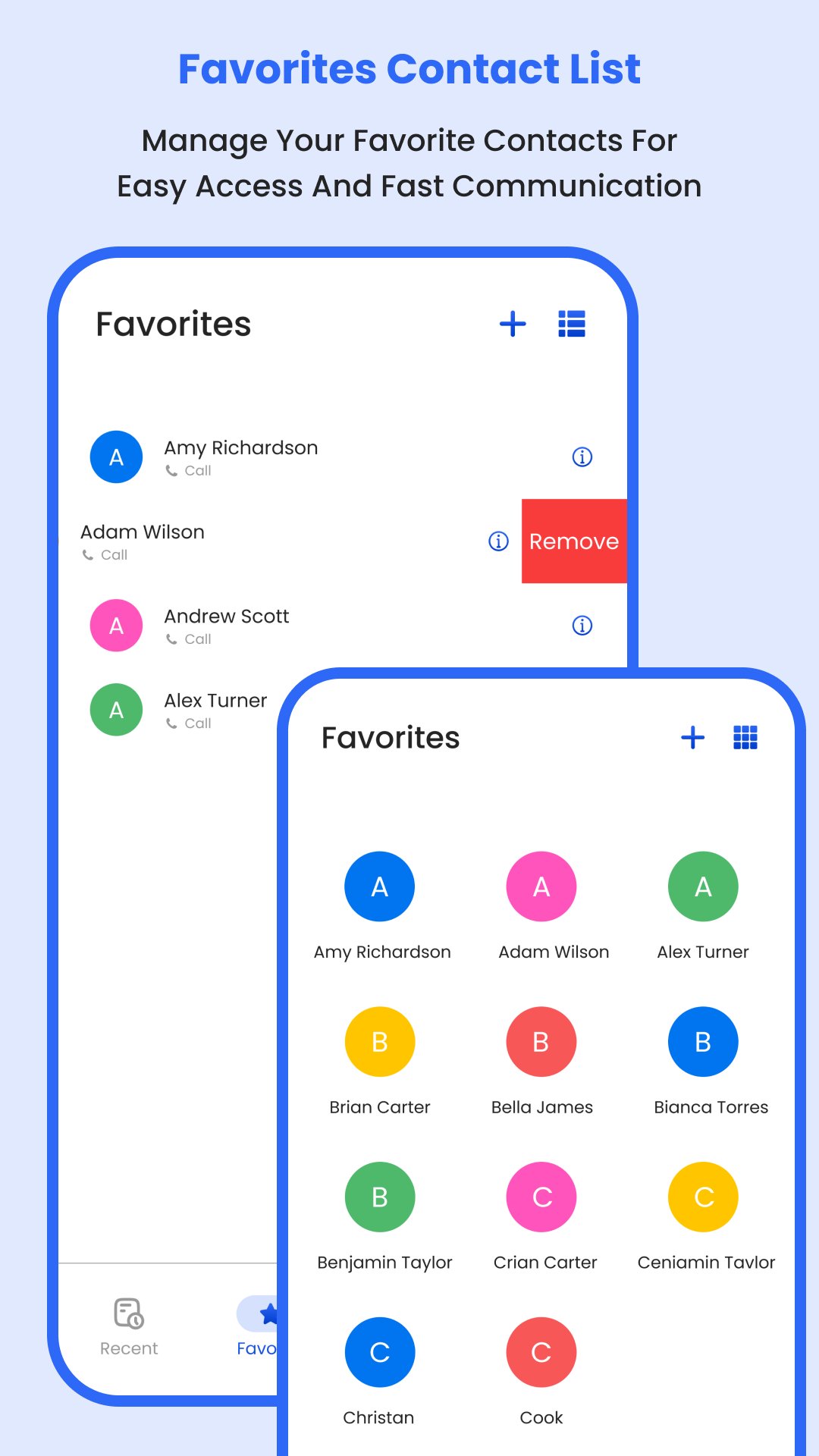
✅ Favorites contacts
✅ Contacts backup with cloud sync
✅ Backup in your phone storage
✅ Phone calling app
✅ Fully customizable phonebook
✅ Modern contact interface
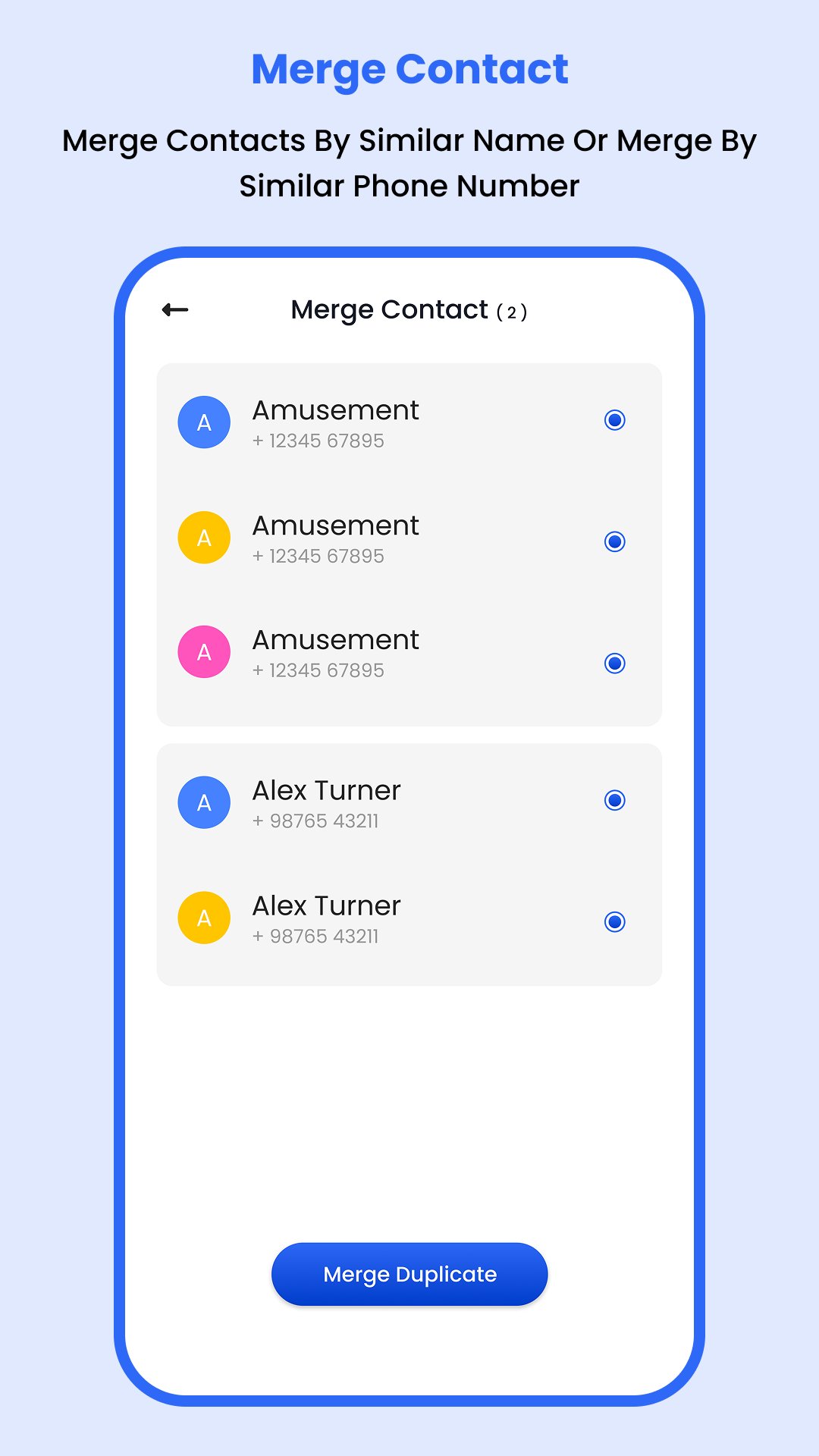
✅ Merge contacts app
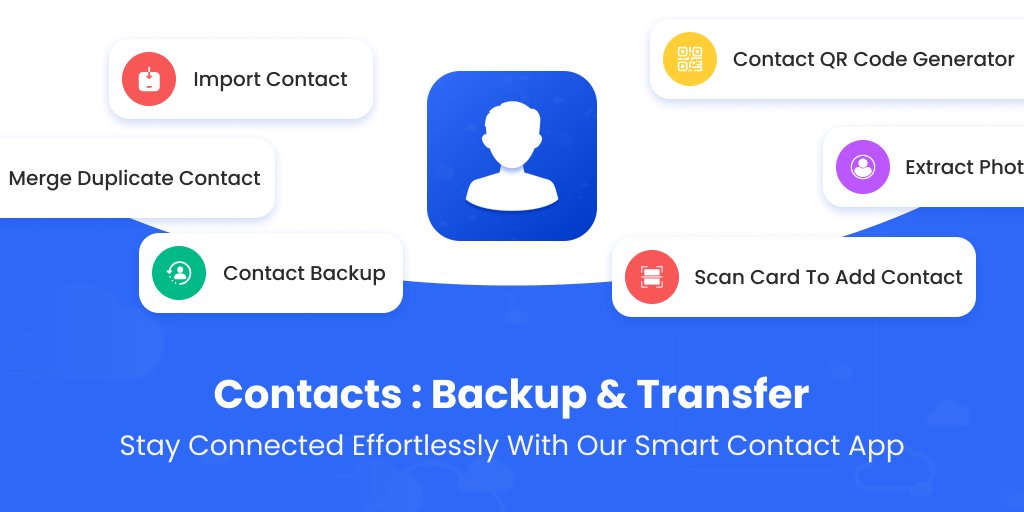
✅ Import export contacts
✅ Merge or remove duplicate contacts
✅ QR code scanner to add contacts.
🔸 Features :-
☑️ Easy to maintain your phonebook on daily basis.
☑️ Manage all your contacts include phone and sim card.
☑️ Dial a number with quick smart phone dialer.
☑️ Show contact list with sorting as you want.
☑️ Easy to add contacts details into phonebook.
☑️ Import Export contacts from phone, sim card and from google too.
☑️ Different formats available for export contacts like vcf, csv, excel and pdf file.
☑️ Show contact information such as call, share, messages, export, delete options.
☑️ You can edit any contact numbers details.
☑️ Remove duplicate contacts from phonebook.
☑️ Merge duplicate contacts easily.
☑️ Remove contacts from phonebook which have no numbers.
☑️ Scan business card to add contact details directly in phonebook.
☑️ Create QR code for your contact to share with anyone.
☑️ Extract photo from any contacts which contact have photo set.
☑️ Now maintain contact list, manage, view and call.
☑️ Easy dialing with a smooth and intuitive interface for hassle-free call management.
☑️ Organized call history to view, filter, and manage your call logs for better tracking.
☑️ Favorites helps to simplify calls to your favorite contacts for quickly dial your frequently used contacts.
☑️ Manage your contacts with this smart transfer to cloud storage.
☑️ Restore contacts and transfer your contacts safely, and securely to cloud storage at any time and anywhere.
☑️ Slide to answer experience the future of incoming icaller screen slide to answer with our sleek and intuitive interface.
☑️ Amazing phone dialer to dial phone quickly.
Always take a backup of your important contacts to save from lost.📱
This app provides a convenient way to quickly access your recent calls, contacts, favorites, and backups. You can also place your favorite contacts for easy access when you need to make an urgent call.
👤 Permission :-
🌟 Contacts Permission is requires to access and display your phone contacts.
🌟 Call Log Permission is requires to access and display your call history.
🌟 As this app functions as a default phone handler, it needs Call Log permissions.
🌟 To make and receive calls seamlessly, please set this app as your default phone handler.
🌟 These permissions are used only to provide core functionality. All data is processed locally on your device and is never collected, stored, or shared with anyone.
🌟 FOREGROUND_SERVICE_PHONE_CALL permission requires to show call after screen for incoming and outgoing calls.
🌟 The app is fully Google Play Policy compliant – with no tracking, no analytics, and no unauthorized data usage.
Latest Version
1.8Uploaded by
Egemen Kılıc
Requires Android
Android 7.0+
Category
Free Tools AppContent Rating
Everyone
Security Report
Check Now
Report
Flag as inappropriateLast updated on Apr 30, 2026
Thanks for using this app, new version includes;
💥 Contact Manager
💥 Phone Dialer
💥 Call Log History
💥 Favorites Contacts
💥 Cloud Contact Sync
💥 UI Update
💥 Fix Some Bugs
Update app once to get latest features.



APKPure - A multi-platform app store primarily focused on Android, providing extensive app-related content. Discover the app you want easier, faster, and safer, with quick and efficient downloads and installations.