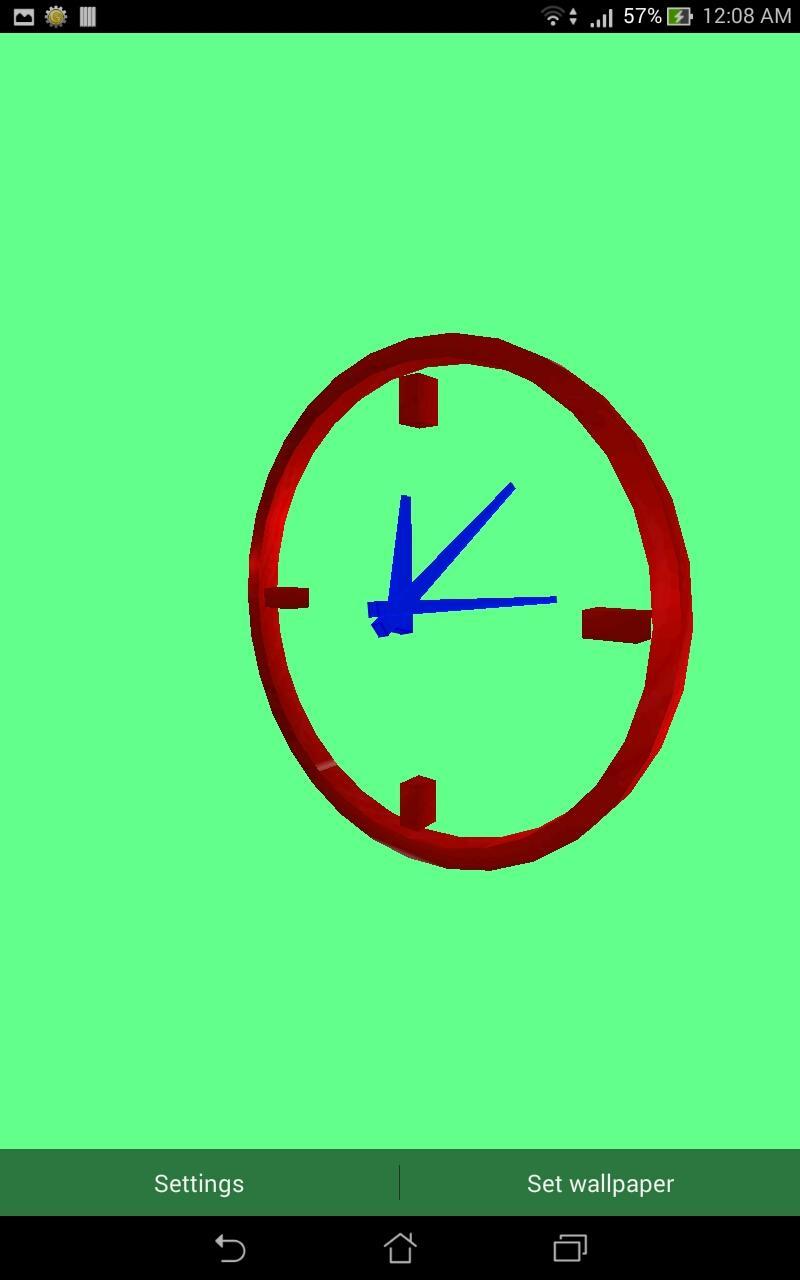
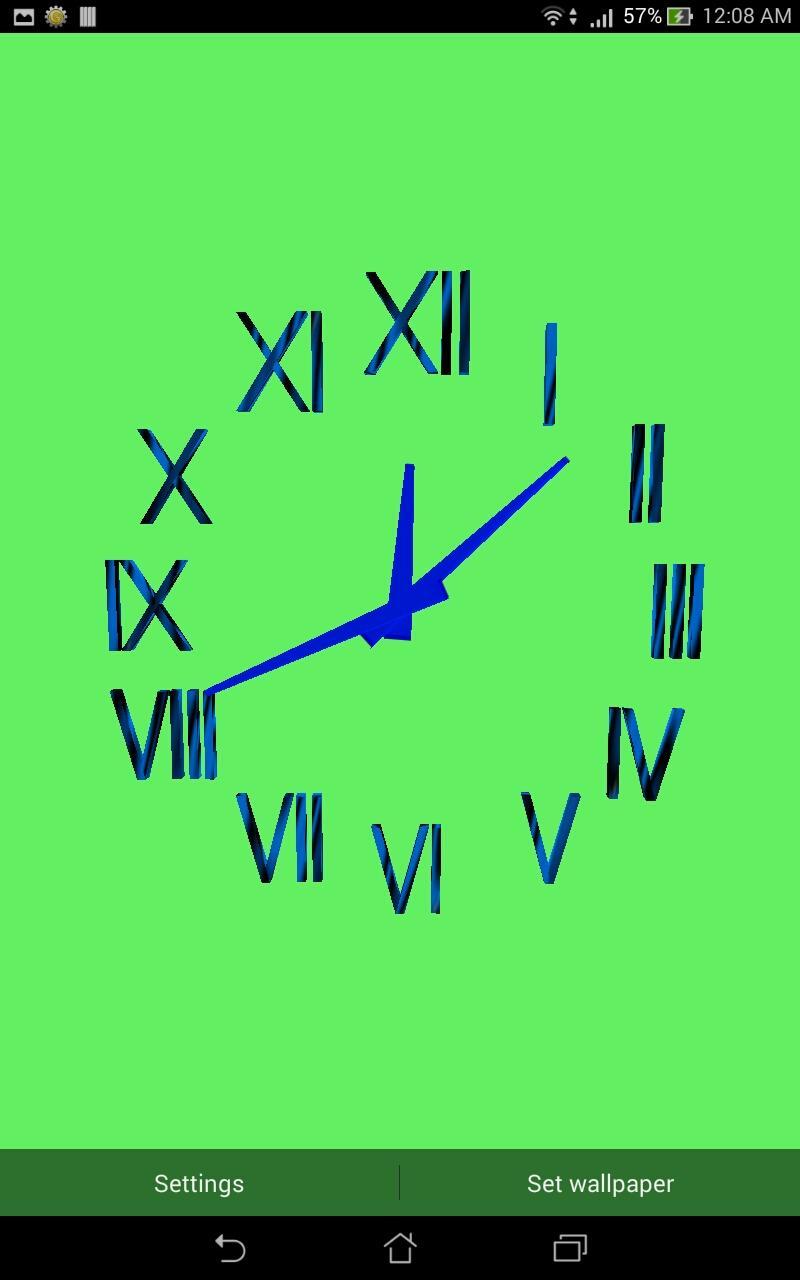
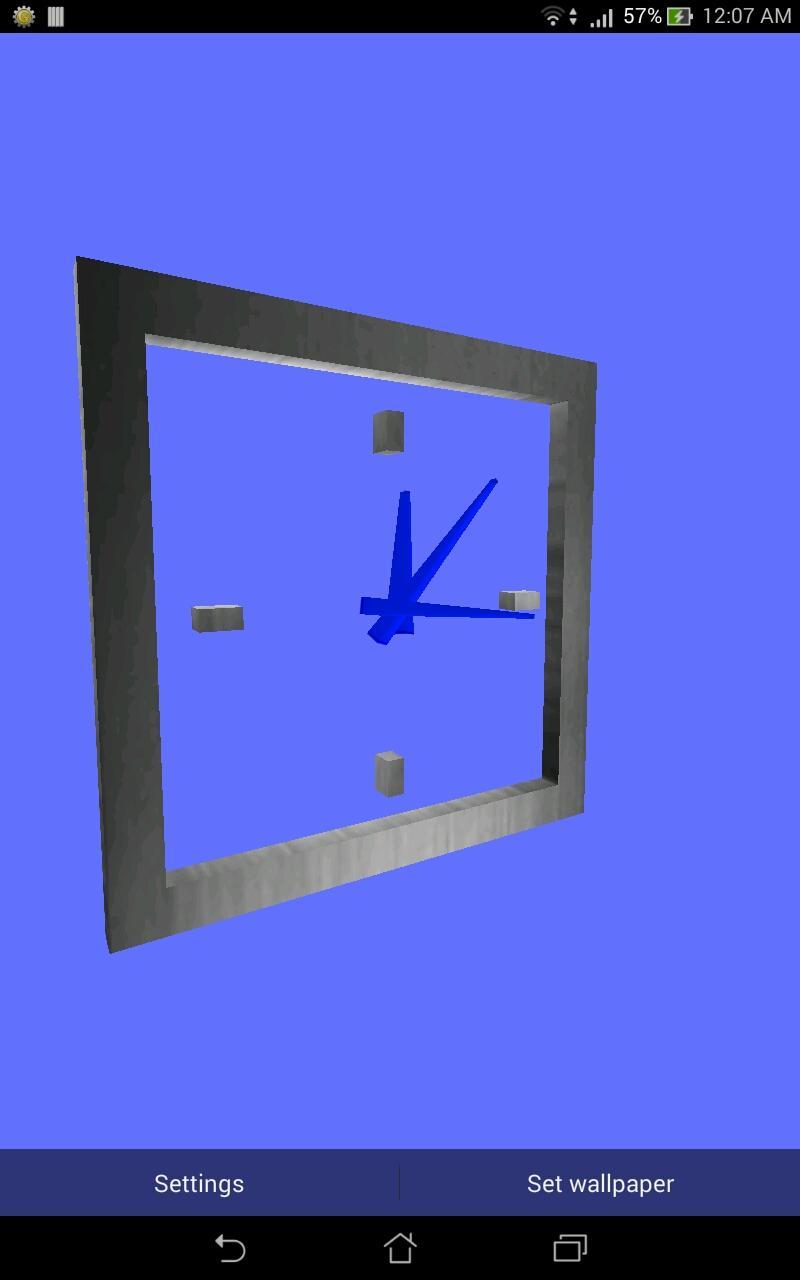
Decorate your home and lock screen with this beautiful fully 3D CLOCK LWP.
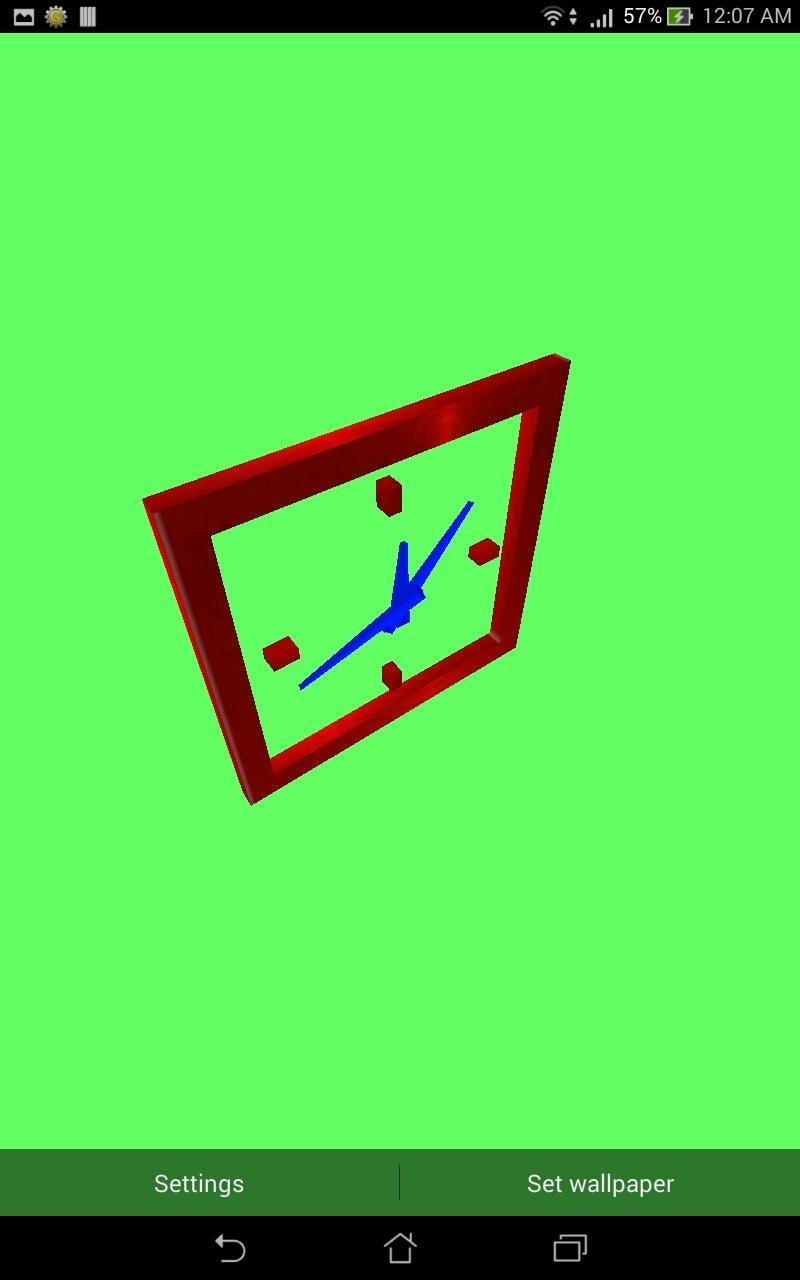
You can zoom it and rotate it in all three directions. This live wallpaper has many types of clocks and textures to choose. Try different clock styles and choose the best one you like. You can also give some beautiful metallic finishing to clock from available textures.
HOW TO USE...?
To set wallpaper, go to to wallpapers by long pressing home screen or through settings and choose 3D CLOCK LWP.
BACKGROUND LIGHTS...?
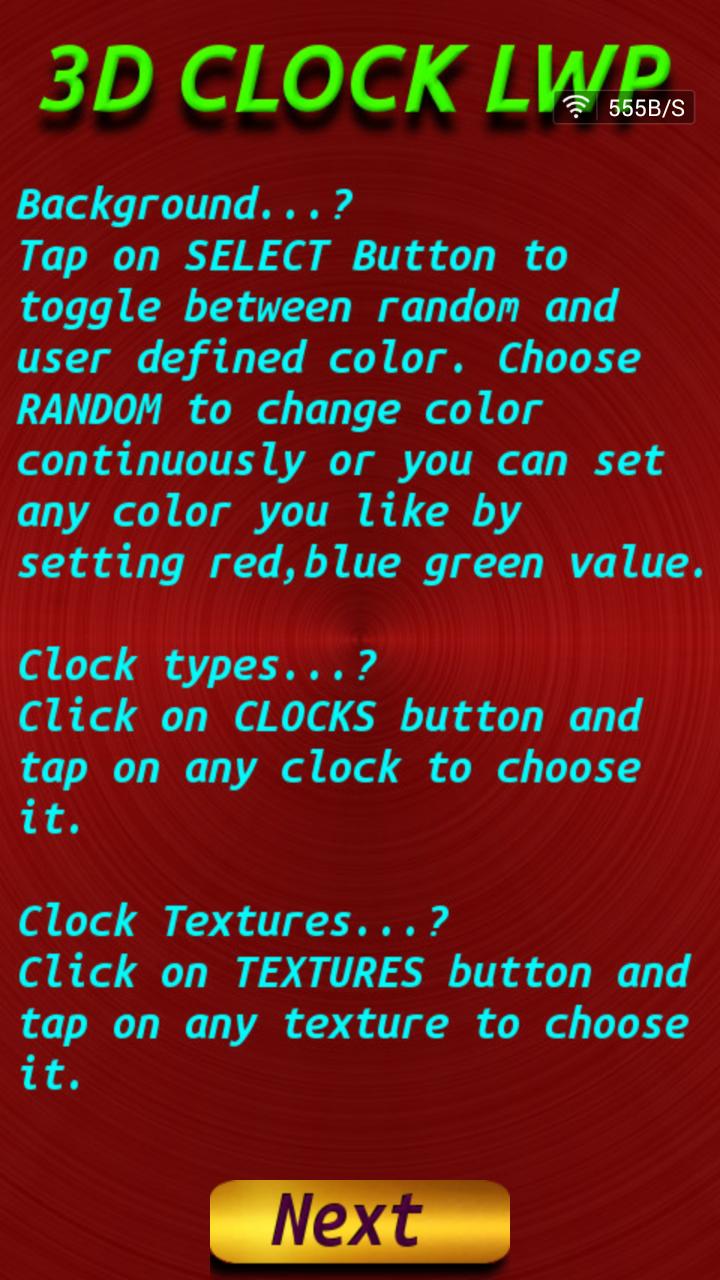
To change Background Lights, open Application -> press NEXT in about page -> press SETTINGS button -> press RANDOM/SELECT button. In RANDOM mode, background Light will continuously change. In SELECT mode, Dialog box appears and User can set Color by changing RED, GREEN, BLUE values.
PHOTO FRAME...?
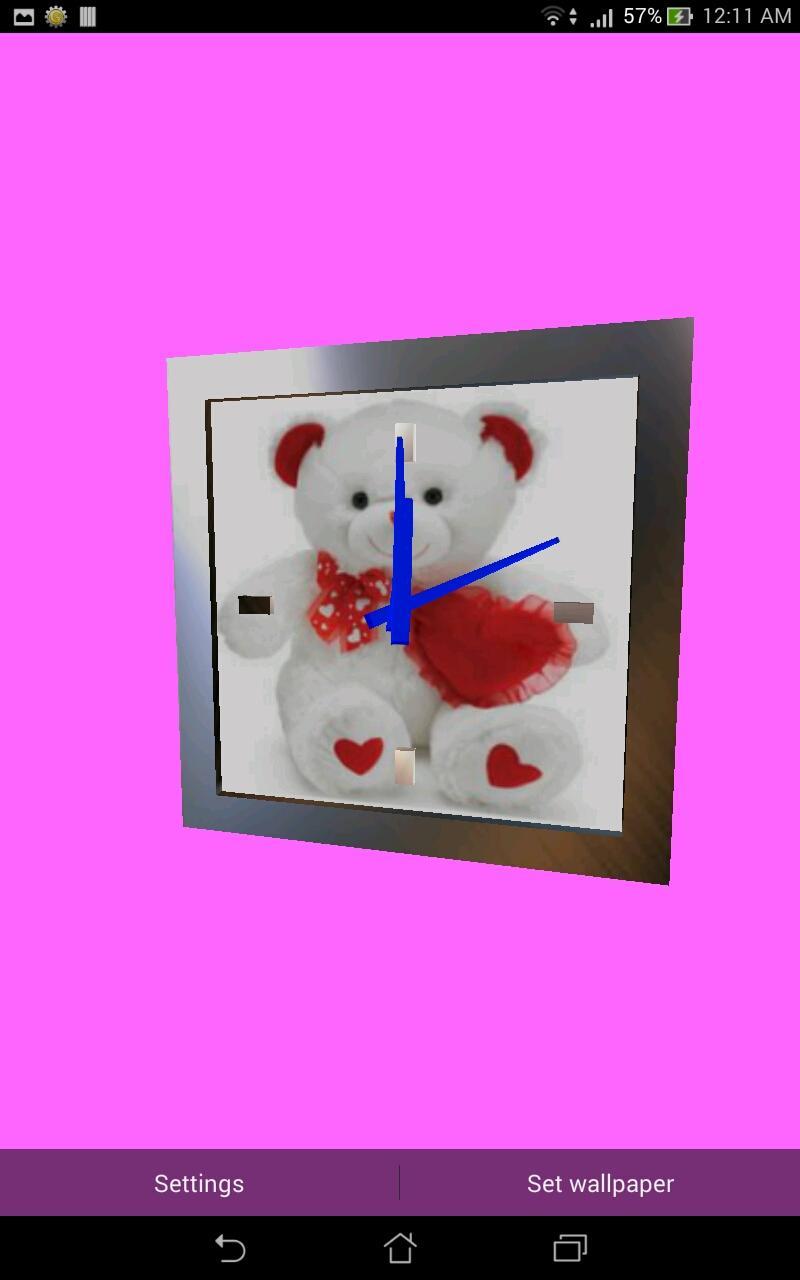
To set Photo Frame, open Application -> press NEXT button in about page ->
press SETTINGS button -> press HIDE/SHOW button. In HIDE mode, Photo Frame will
not be displayed with clock. In SHOW mode, Photo Frame will be displayed with clock.
CLOCK STYLE...?
To change clock style, open Application -> press NEXT in about page -> press SETTINGS button -> press CLOCKS button -> tap on clock to select it.
CLOCK TEXTURE...?
To change Clock Texture, open Application -> press NEXT in about page -> press SETTINGS button -> press TEXTURES button -> tap on Texture to select it.
PHOTO SELECTION...?
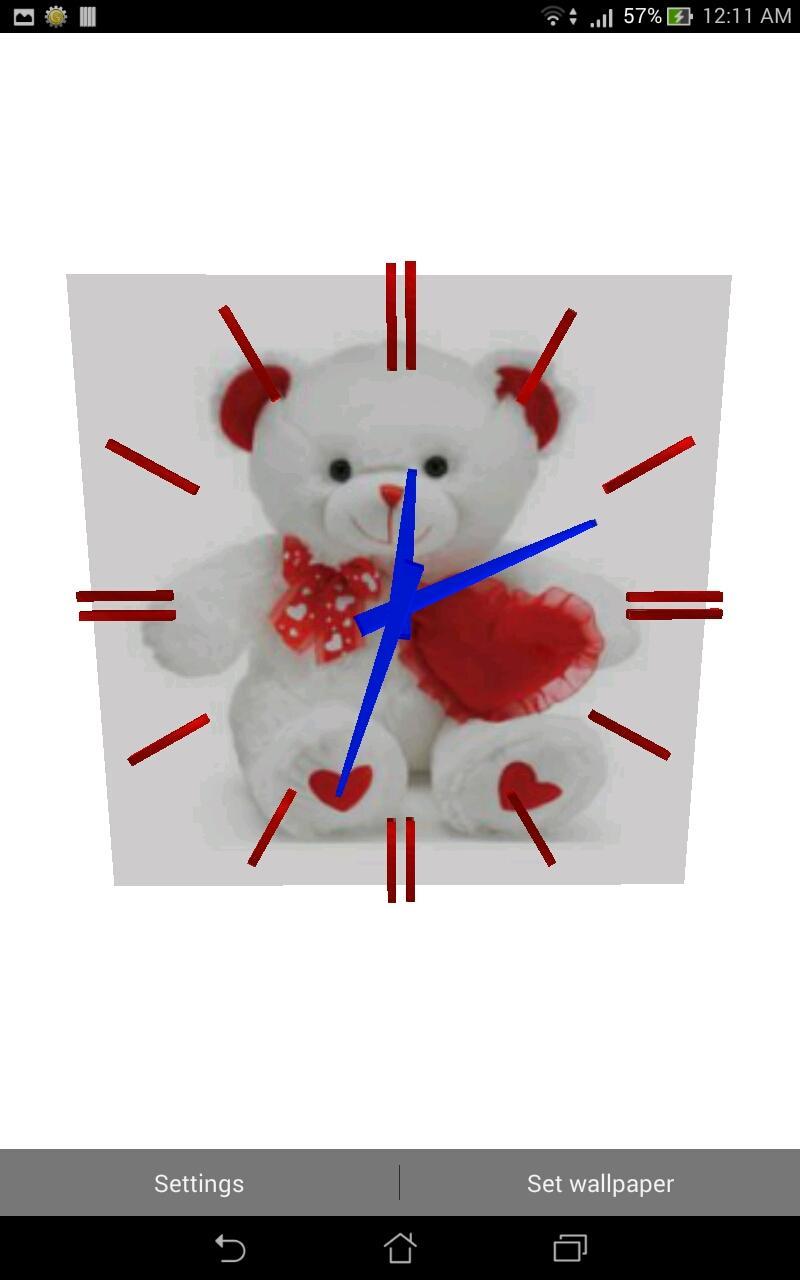
To Choose Photo for Clock Background, Open Application-> press NEXT in about page-> press PHOTO button-> Choose Photo which you want on Photo Frame.
Feel free to share this app...
Latest Version
1.2Uploaded by
ยายอร หลานฟ้า
Requires Android
Android 2.3.2+
Category
Free Personalization AppContent Rating
Everyone
Report
Flag as inappropriateLast updated on Jan 21, 2016
bugs removed

APKPure - A multi-platform app store primarily focused on Android, providing extensive app-related content. Discover the app you want easier, faster, and safer, with quick and efficient downloads and installations.