Scan Date:Apr 23, 2026
Show More


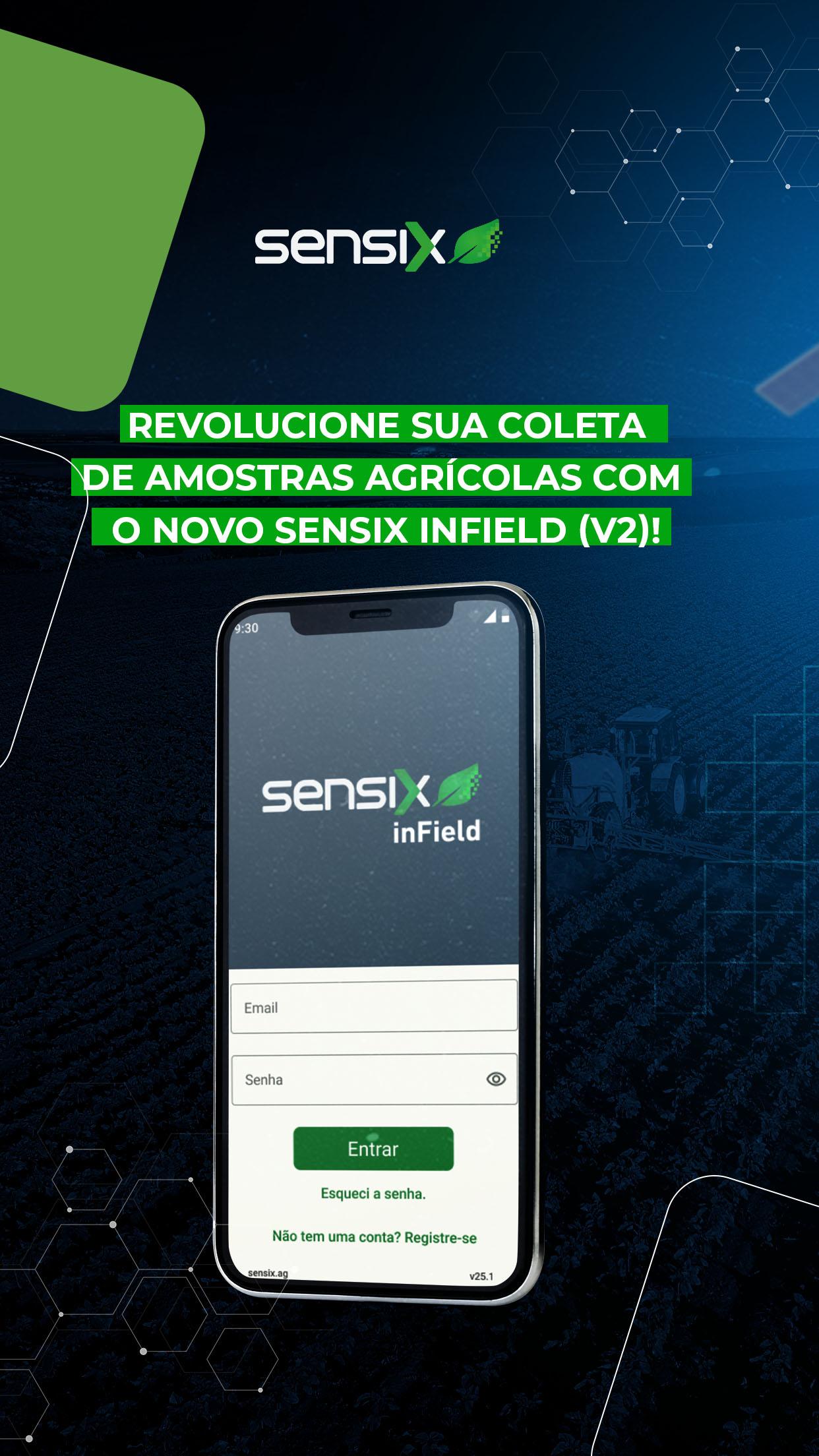
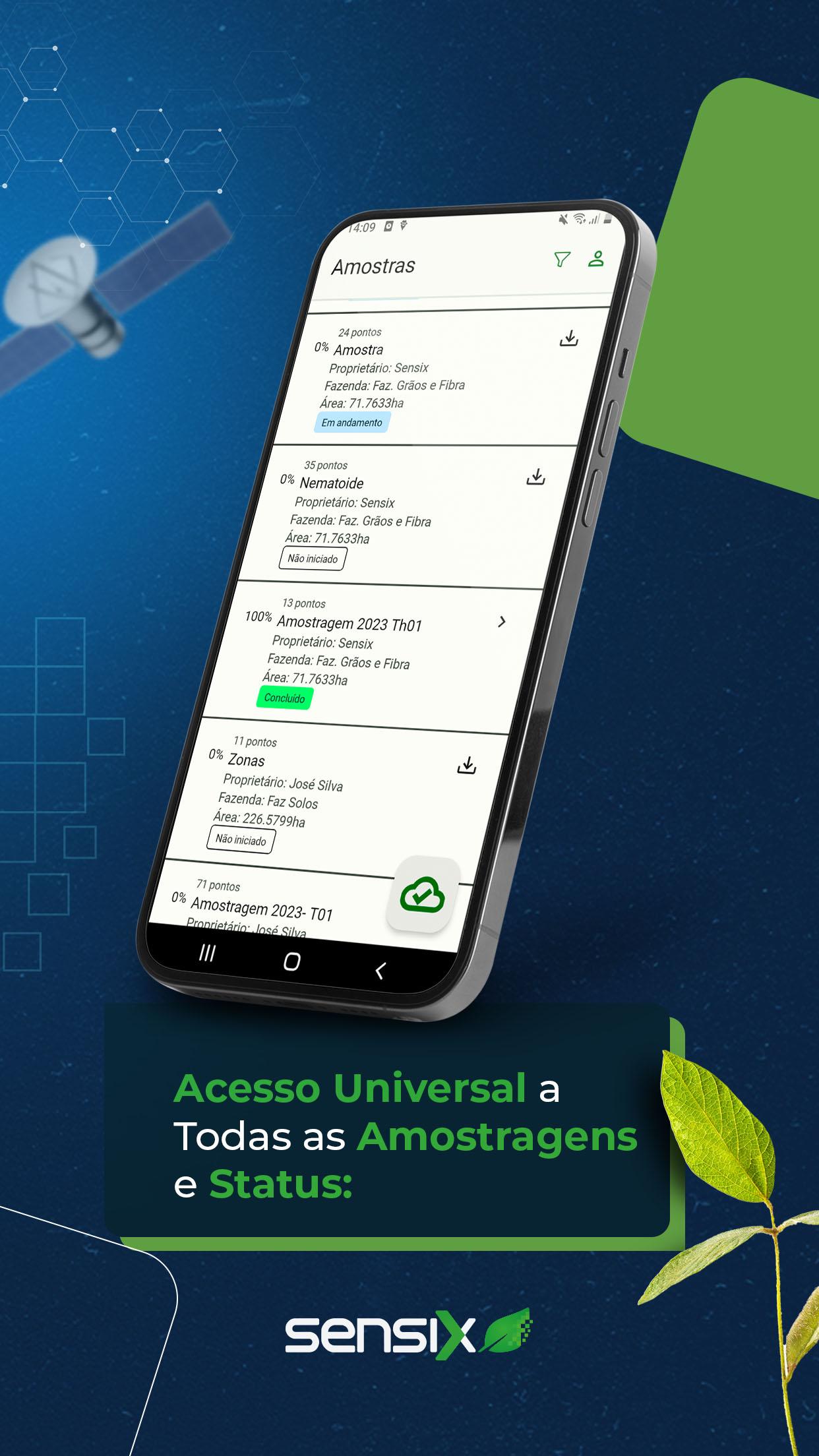
Sensix inField (v2) supports agronomists and field technicians who need to plan and execute consistent sampling across different types of fields. It focuses on day to day sampling workflows so you can prepare work, collect data in real conditions, and keep information aligned across your team. As projects move from planning to analysis, the app keeps sampling activity organized and traceable from start to finish. For users looking for a reliable Android package, Sensix inField (v2) APK provides an efficient way to get started on compatible devices.
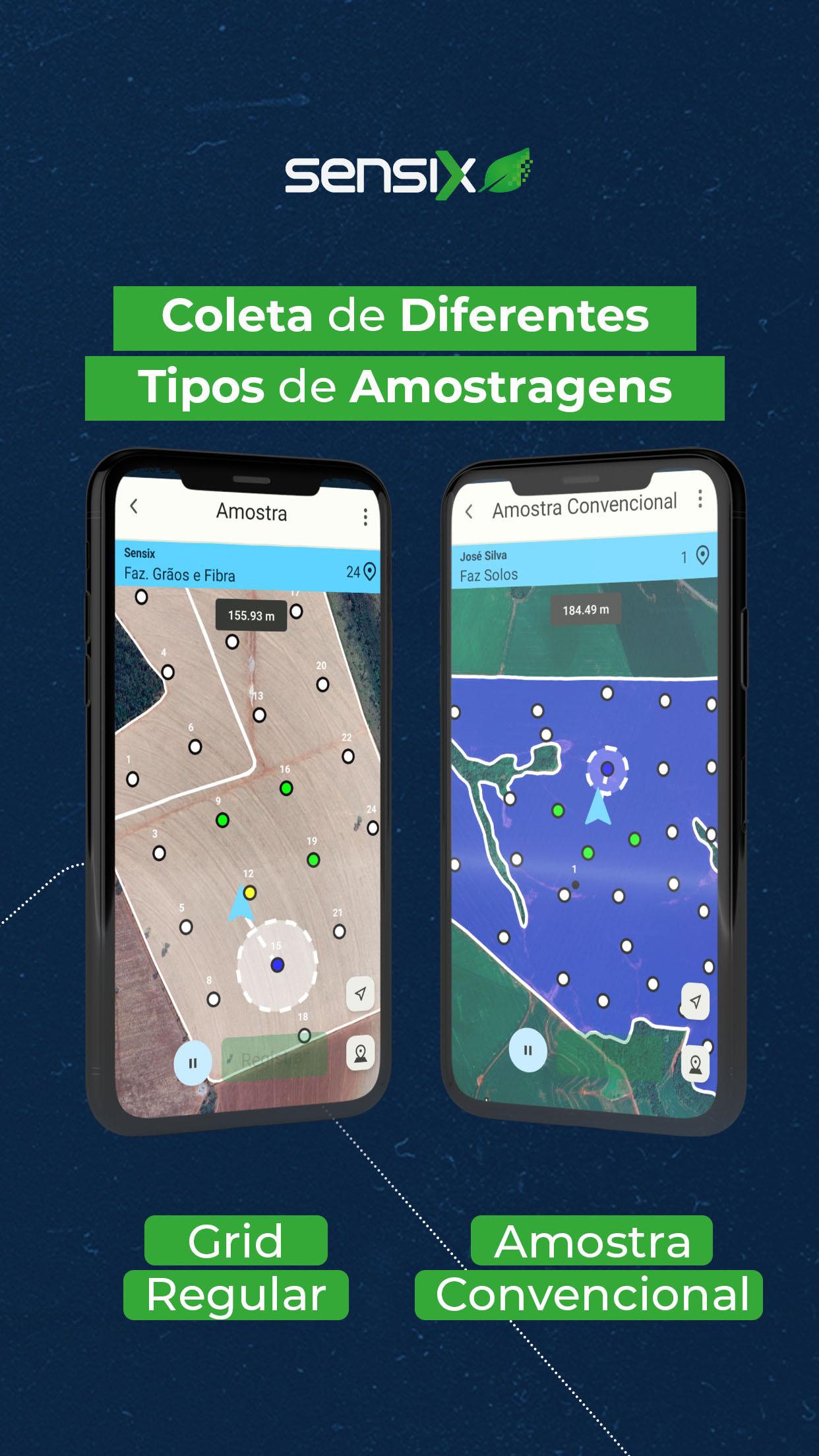
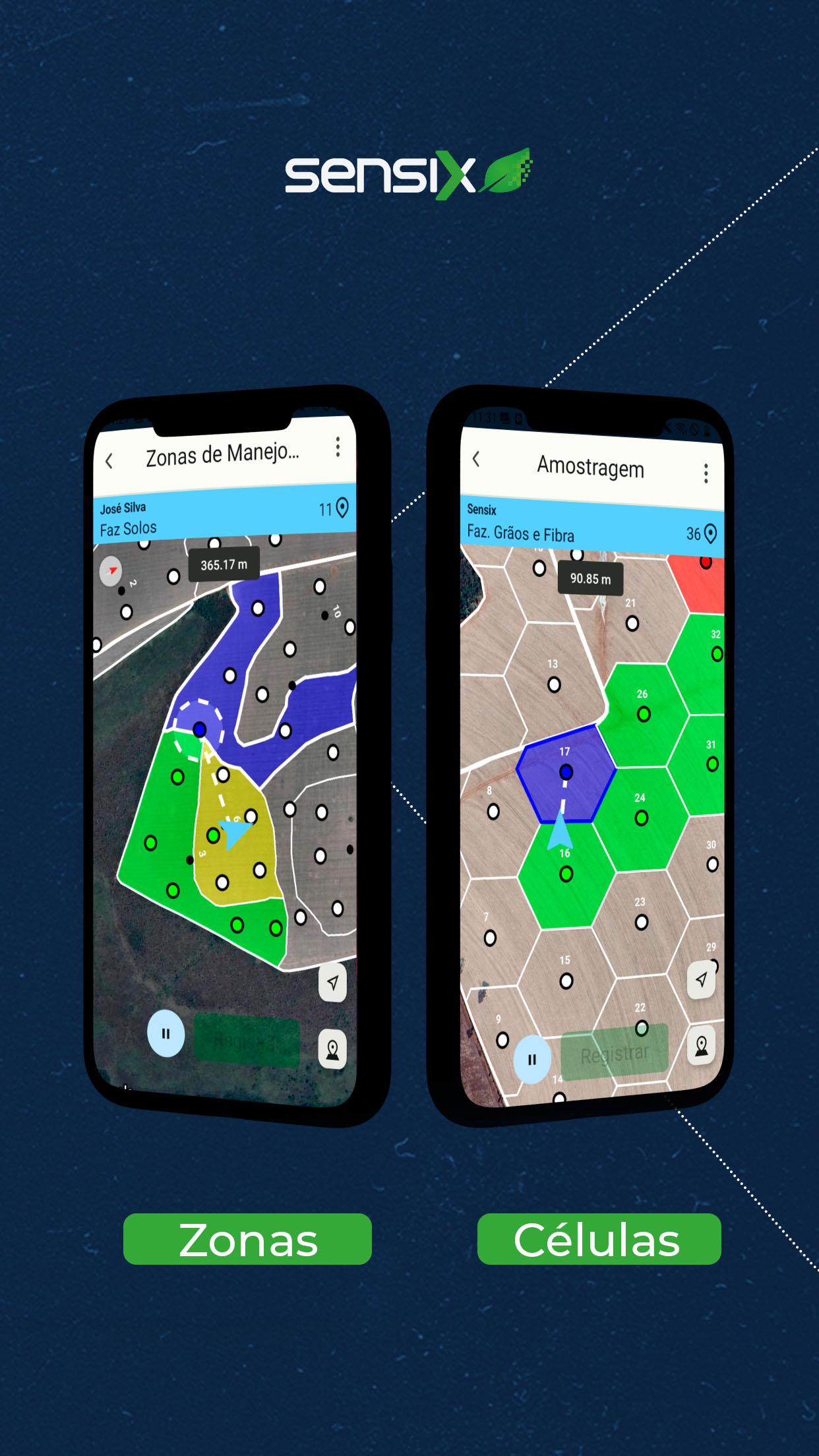
Sensix inField (v2) supports zone, cell, point, and whole field sampling within a single workspace. You can switch between modalities without changing apps or reshaping files. For example, set up zone based soil tests, capture grid cell samples for nutrient maps, and add targeted point checks on problem spots in the same session. This unified approach reduces context switching and helps keep projects organized across seasons.
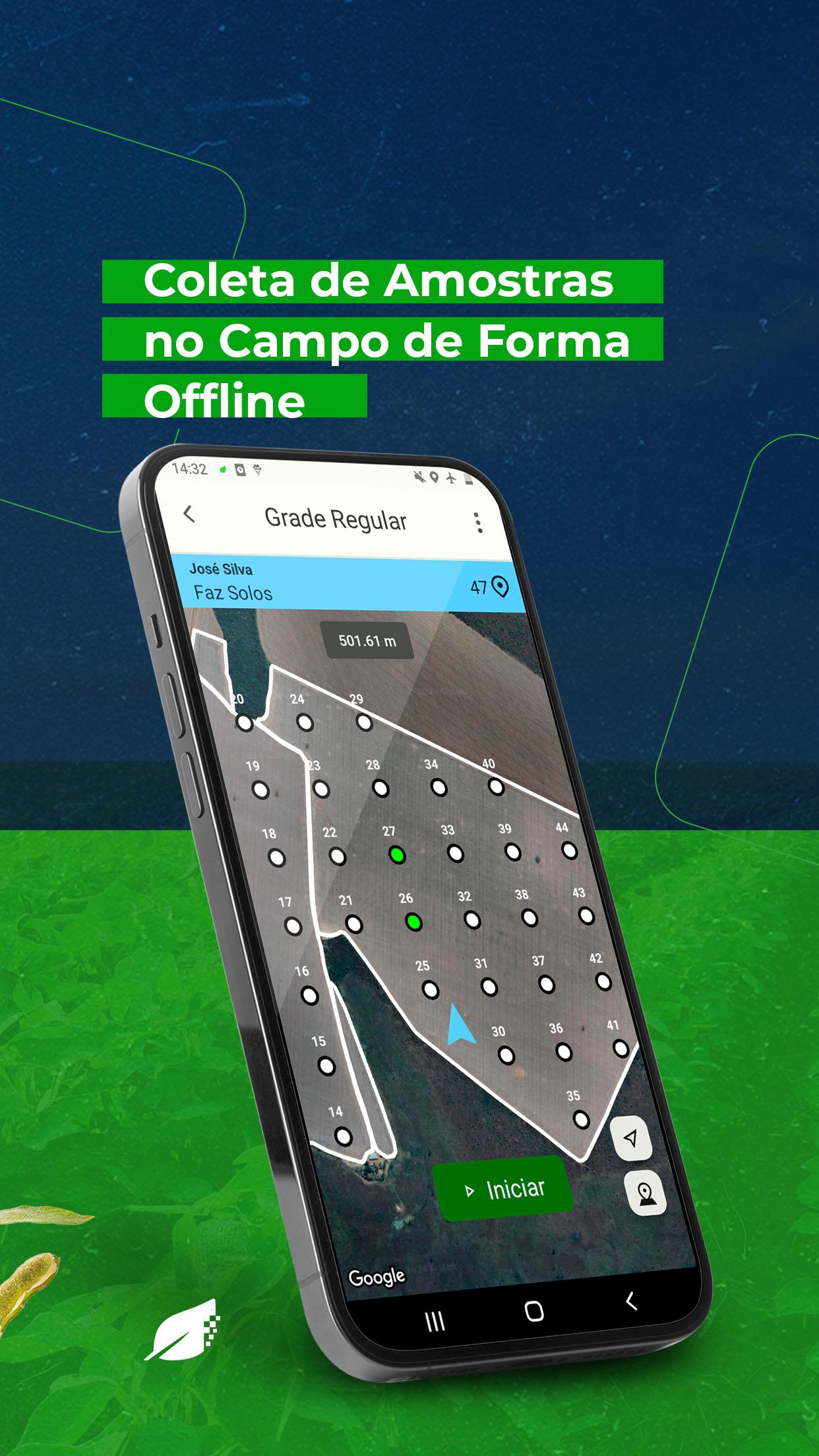
Work offline in remote areasYou can collect samples in rural or low connectivity locations and continue working without interruption. The app records entries offline and holds them safely until a connection becomes available. Once you are back online, your data can update to your workspace so information stays aligned across devices. This reduces delays in the field and supports consistent field days under challenging conditions.
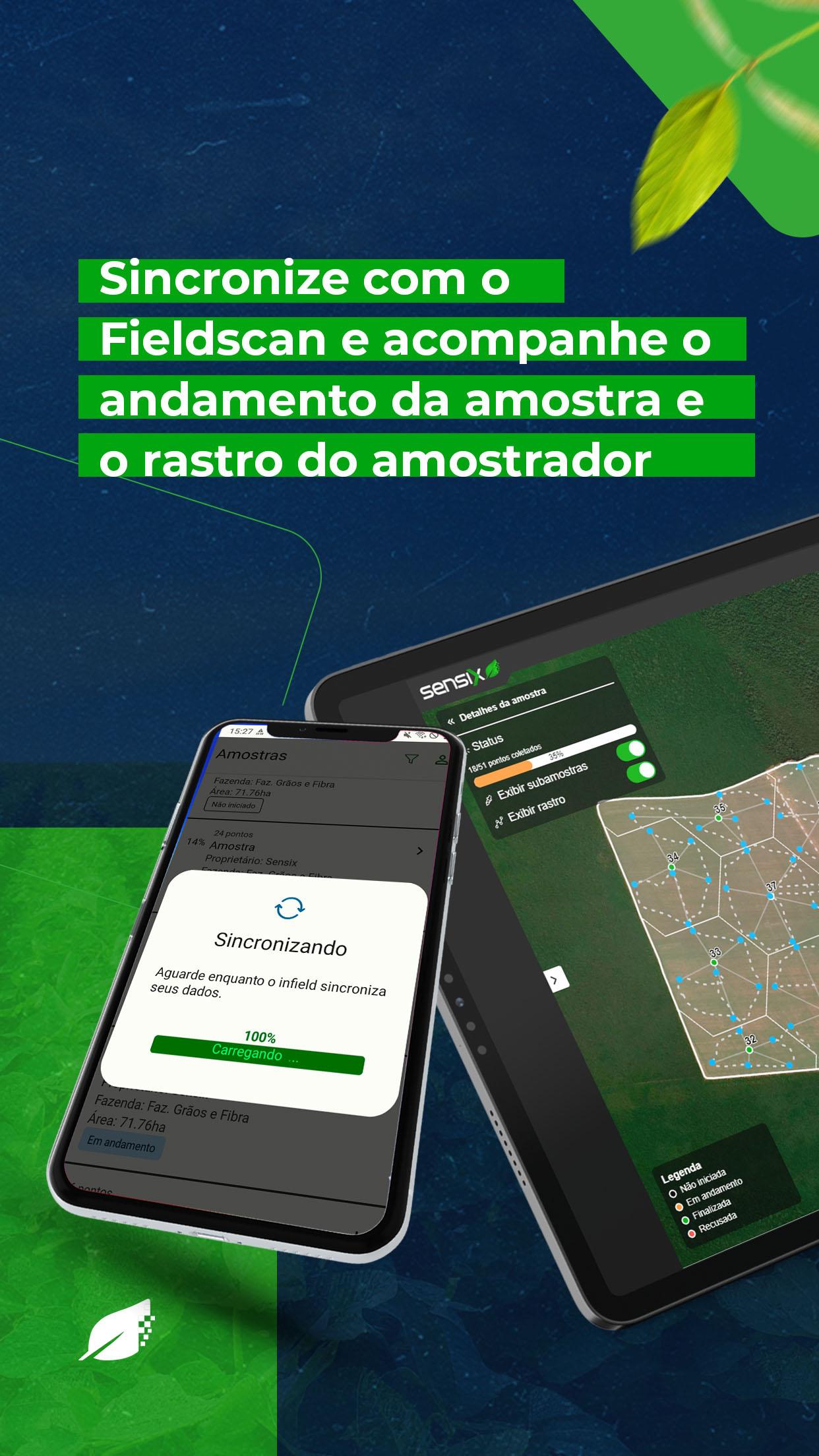
Automatic sync with FieldscanWhen connectivity allows, Sensix inField (v2) syncs collected data with Fieldscan to remove manual entry. This reduces copy paste errors and keeps naming, timestamps, and coordinates consistent between mobile and the office. Team members see the same records, which supports follow up work like lab submissions or agronomic recommendations. As a result, post field processing becomes more dependable and less repetitive.
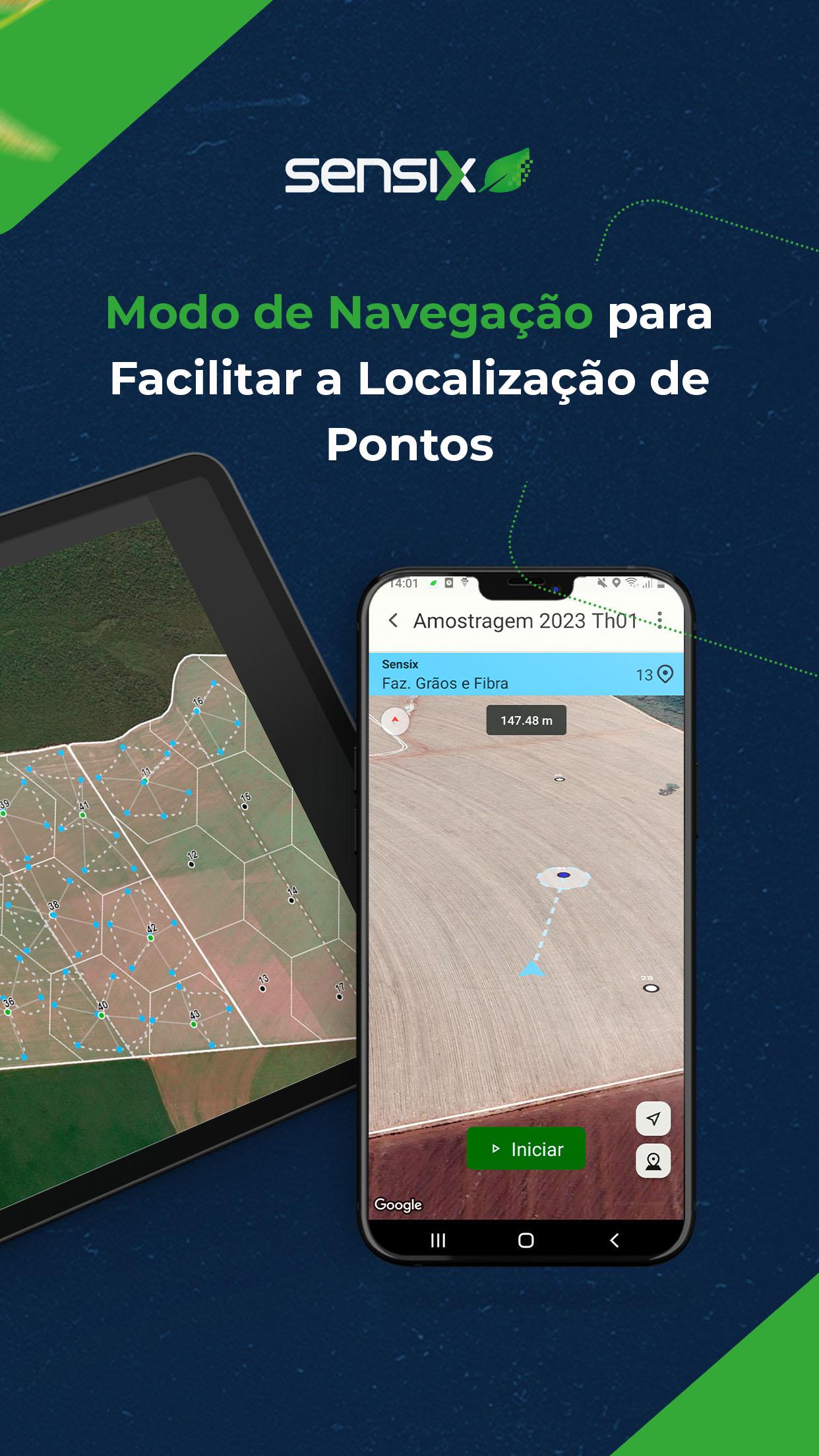
Guided Route Mode to sampling pointsRoute Mode provides step by step navigation to the next sampling location so you move through fields efficiently. You can follow guided routes across zones, grid cells, or predefined points to avoid missed stops and backtracking. This is useful when working on large blocks, complex boundaries, or tight schedules. The guidance helps maintain a clear sequence that matches your plan.
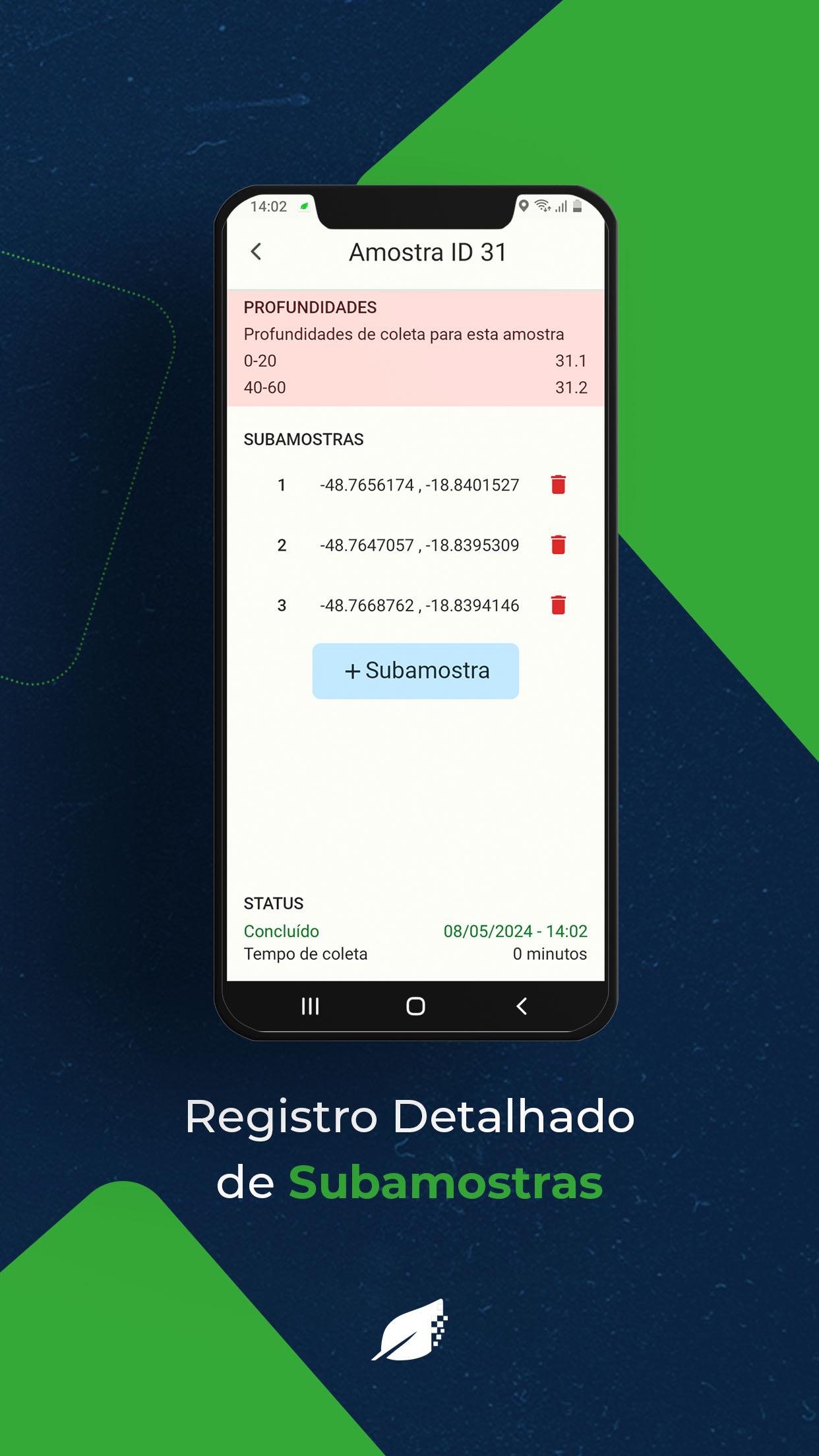
GPS position and route logs for traceabilityThe app logs GPS positions and tracks your path while sampling so each entry has a clear location record. These logs support traceability, auditing, and later analysis of coverage and routing. Supervisors can confirm that points were visited and that routes matched assignments. This visibility supports accountability and makes it easier to review results against actual field movement.
Multiple versions are available to help match different devices and deployment needs. If your device is current, installing the Sensix inField (v2) latest version provides the most up to date fixes and improvements. For older or enterprise locked devices, selecting an earlier Sensix inField (v2) APK may improve stability during large rollouts. Confirm the build you choose aligns with your team’s testing and device list before field work begins.
Before a season starts, align on sampling modalities, naming rules, and handoff steps to the office. Pilot the chosen build with a small group, validate sync behavior with your Fieldscan environment, and verify location logging on various phones. Once confirmed, brief the wider team on routes, data entry standards, and end of day sync expectations. This preparation helps reduce in field questions and keeps sampling output consistent across crews.
Use the app to move from plan to analysis with a simple workflow. After you download Sensix inField (v2), set up your fields and decide which sampling modalities apply. Then follow the guided steps in the app during your field day.
Sensix inField (v2) helps you plan, navigate, collect, and sync agricultural samples with clear records and location logs. To keep projects current, install the Sensix inField (v2) latest version that fits your device and rollout plan.
Latest Version
v5.2.12Uploaded by
Thomas Donelson
Requires Android
Android 7.0+
Category
Free Productivity AppContent Rating
Everyone
Security Report
Report
Flag as inappropriateLast updated on Apr 23, 2026
Release notes:
- Improvements to the data download feature


APKPure - A multi-platform app store primarily focused on Android, providing extensive app-related content. Discover the app you want easier, faster, and safer, with quick and efficient downloads and installations.