网易云游戏 helps when storage is limited, the device is older, or you want to start playing without waiting. It renders games on remote machines and streams the picture and controls to your screen, so your phone or laptop stays cooler and more responsive. You can access it on Android, iOS, web, Windows, and TV with one account managing your sessions. For users who prefer package installs, searching for 网易云游戏 APK is common, but the core experience is the same across platforms.
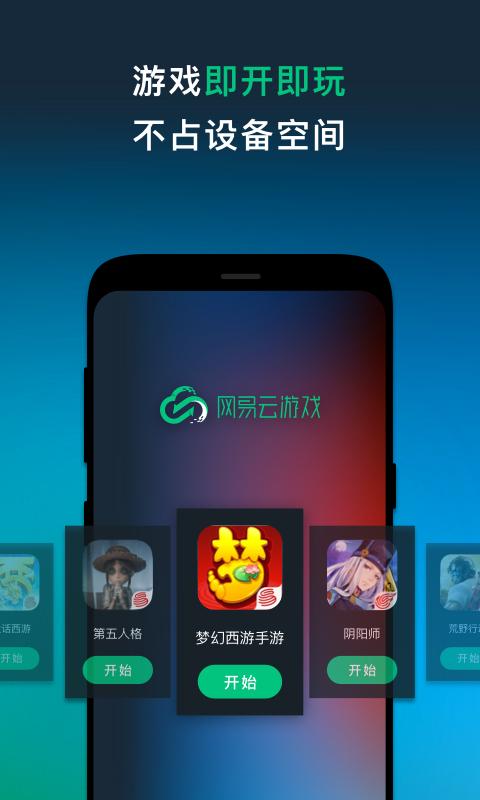
网易云游戏 launches supported titles directly from the cloud. You do not need to download large game packages or wait for updates, which helps when storage is tight. Because rendering runs remotely, your device uses less battery and generates less heat during long sessions.
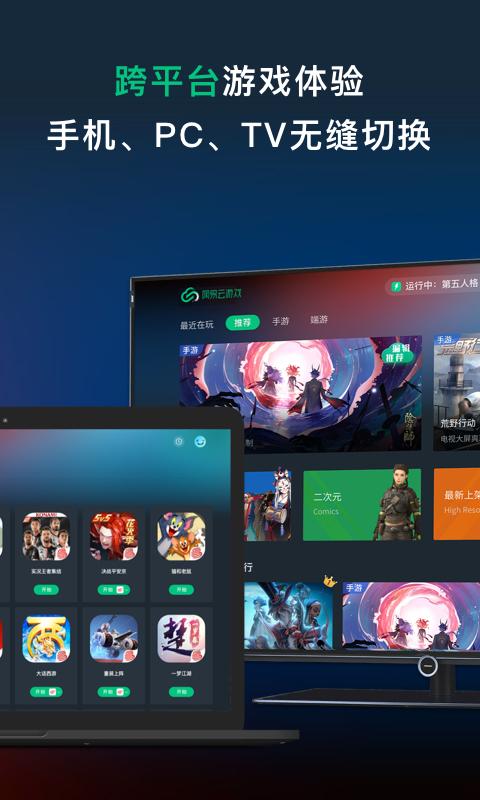
Multi device access and progress syncYou can play on phone, computer, web, or TV and continue from your last session. Switching devices uses the same account, so short breaks or commutes are easier to manage. This continuity reduces setup time and keeps your library consistent across screens.
Real device cloud with high compatibility网易云游戏 runs on real hardware rather than a simulated environment. This design improves compatibility with a wide range of games and with peripherals such as controllers and drivers. When available, you can select higher spec instances, including tiers like 4070 Ti or 5070 and zones that support 4K and 120 fps.
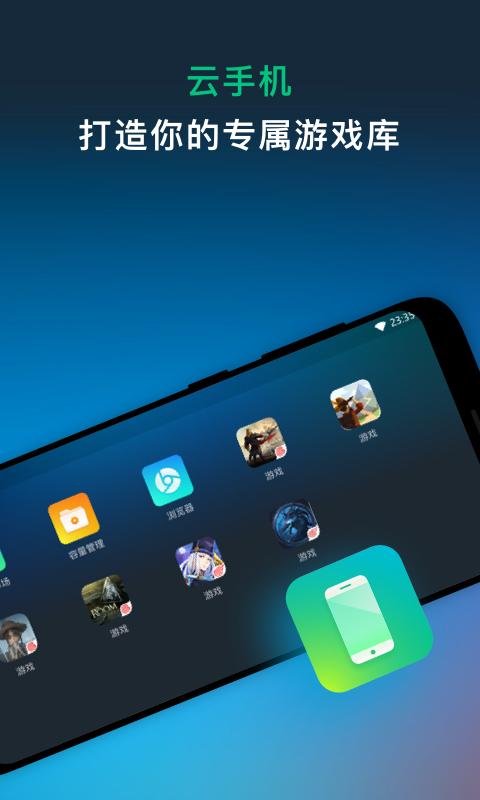
Cloud computer and cloud phone modesFor PC titles or custom setups, cloud computer provides a clean desktop in the cloud, while cloud phone focuses on mobile games. You can pick Fast Start mode for quick access or Standard mode for a fuller environment. If problems occur, a one click reset for the cloud C drive clears system data while installs on the D drive remain, which helps fix errors without losing large downloads.
Flexible time and membership benefits网易云游戏 provides daily free minutes and rotating limited time free sections so you can try popular games at no extra cost. Membership can be purchased by day, with prices advertised as low as ¥0.5 per day in some events. A benefits hub offers gift packs, coupons, and recharge lotteries so you can choose how to pay for playtime based on your schedule.
During peak hours you may enter a queue before a session starts. You can choose to play while waiting by joining quick activities or start a cloud party to share a room with friends. Some social features are available only inside the mobile app, which enables the full set of co play tools.
Cloud gaming depends on a stable connection. For fewer interruptions, use a wired connection on a computer or a 5G Wi Fi band on a router, and keep the device close to the access point. Restarting the router, closing background downloads, and avoiding busy shared networks can also help reduce stutter.
The platform provides a youth mode with time and spending controls for younger users. Account deletion and data cleaning options are available if you need to close an account or clear usage traces. These controls help you manage privacy and playtime within the service.
The steps below outline a basic session on Android. If you download 网易云游戏, the flow is similar across devices with small interface differences. Follow these steps to start your first cloud session.
网易云游戏 streams mobile and PC games to your device without local installs, with real device compatibility and multi screen access. To begin with the 网易云游戏 latest version, review the details, install the app, and follow the steps above to launch your first session.
Latest Version
2.8.19Uploaded by
广州博冠信息科技有限公司
Requires Android
Android 5.0+
Category
Free Productivity AppReport
Flag as inappropriateLast updated on Nov 26, 2025
1. 优化操作体验 2. 优化云电脑的键位功能 3. 优化端游和云电脑的画质帧率选项 4. 修复已知问题



APKPure - A multi-platform app store primarily focused on Android, providing extensive app-related content. Discover the app you want easier, faster, and safer, with quick and efficient downloads and installations.